
Amber apothecary set€78
 Product Slider BlockFree downloadMenu
A strip of small products in constant movement. It slows to a crawl under the pointer, so that the button can be hit, and it has real prices and buttons on it. Pro

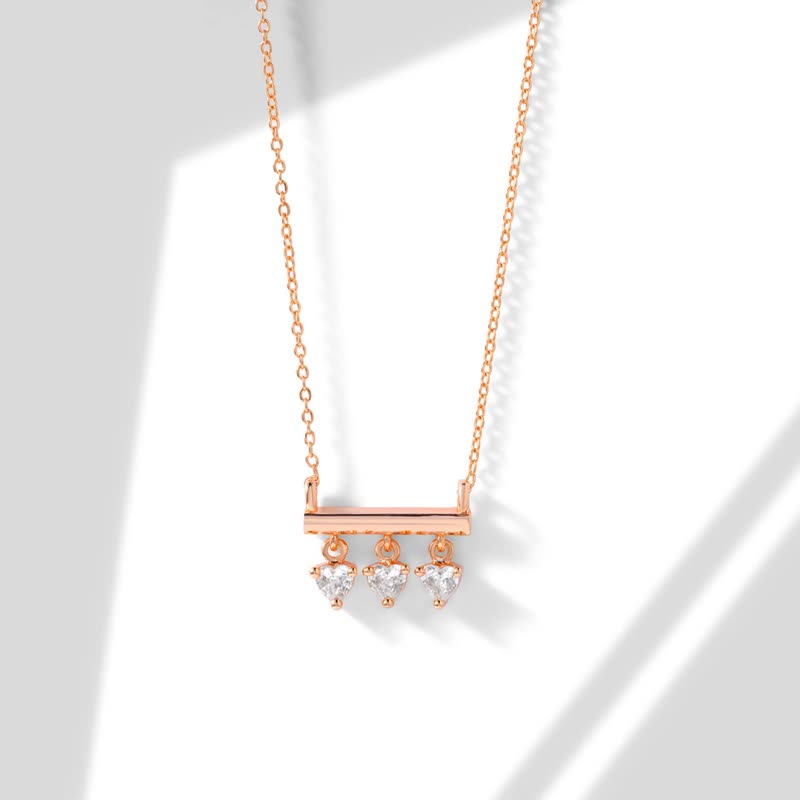





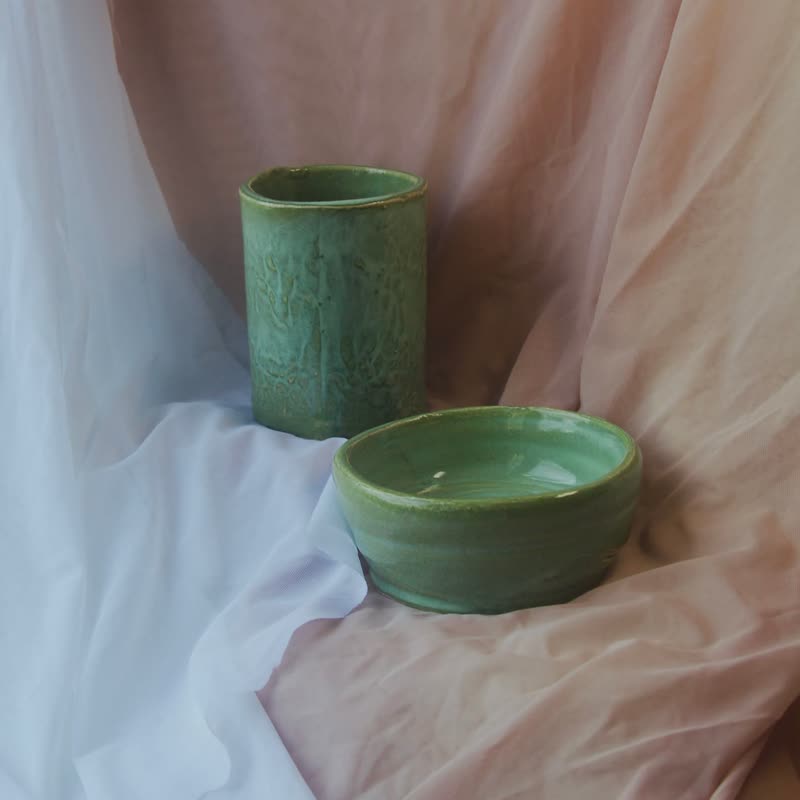


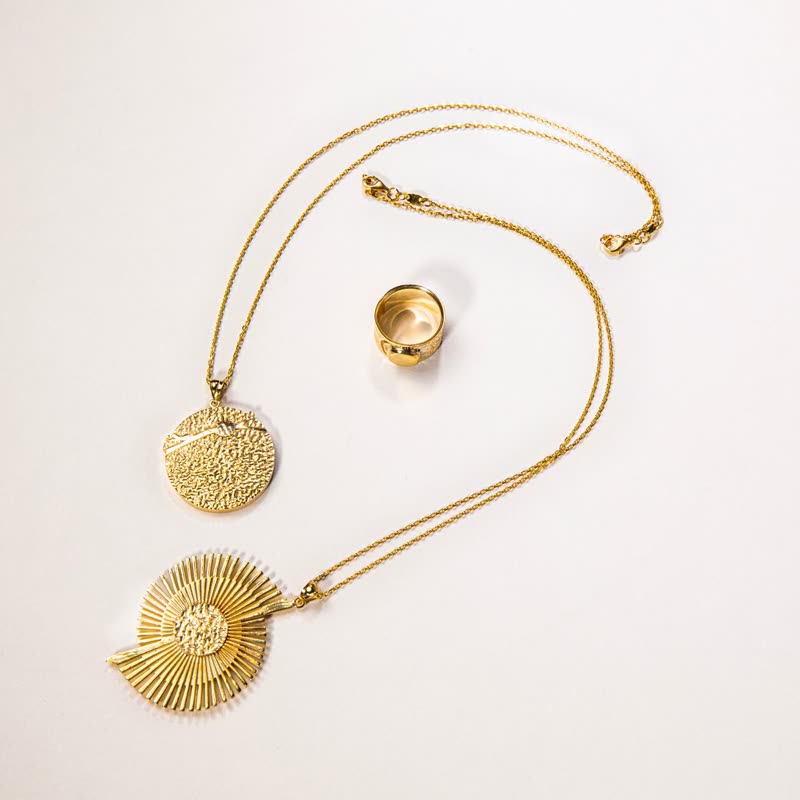
In a Product Slider, set Layout to Ticker: one row, in the same card styles as the rest of the block. The Ticker footer pattern starts you off. For more rows, or for rows that respond to the page's scrolling, use the Product Tape block. Tape gives you a full-width statement, while a ticker in a slider is a quiet strip.
Just above a footer, for new arrivals or small extras that are bought on impulse. It also works in a band between two sections to change the page's pace. It is a poor choice for the main way of browsing a range, because nothing stands still for comparison, and things go past before a visitor has finished reading.
Slow is better, around 30 to 50 pixels per second. Pointing at it slows it down, which keeps the buttons usable. Accessibility guidelines ask for a way to stop movement that lasts more than five seconds, so plan on giving the strip that: visitors who ask for less motion get a still row they can scroll by hand. A separate pause button comes from autoplay rather than from the ticker, so don't rely on the ticker alone for a section people must read.
Small and clear ones: a single object on a plain background reads well at a small size. It needs about twice as many products as fit on the screen, because the row loops, and repeats are easy to spot when there are few.
If you need only a moving strip with no buttons, a CSS animation of a few lines does it, with no plugin. Add the prices and buttons, and handle slowing under the pointer and direction of movement, and it's worth using something built.
No. Ticker and Product Tape are both Pro.
In the Product Tape, rows run in opposite directions, and scrolling up turns them round.
Sample products throughout. Pro starts at $19 a year.
Get the free plugin