 Product Slider BlockFree downloadMenu
Product Orbit, a row of products rolled into a cylinder
The canvas bends one row of products round a cylinder. Scrolling the page turns it, a drag throws it, and the product in front has its name, price and button under the room. Pro
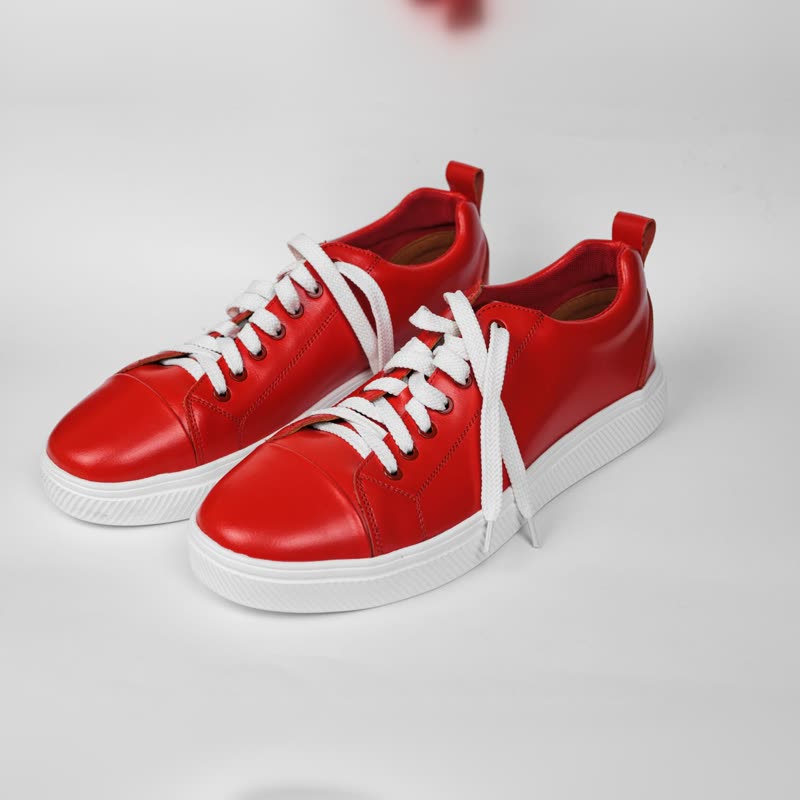









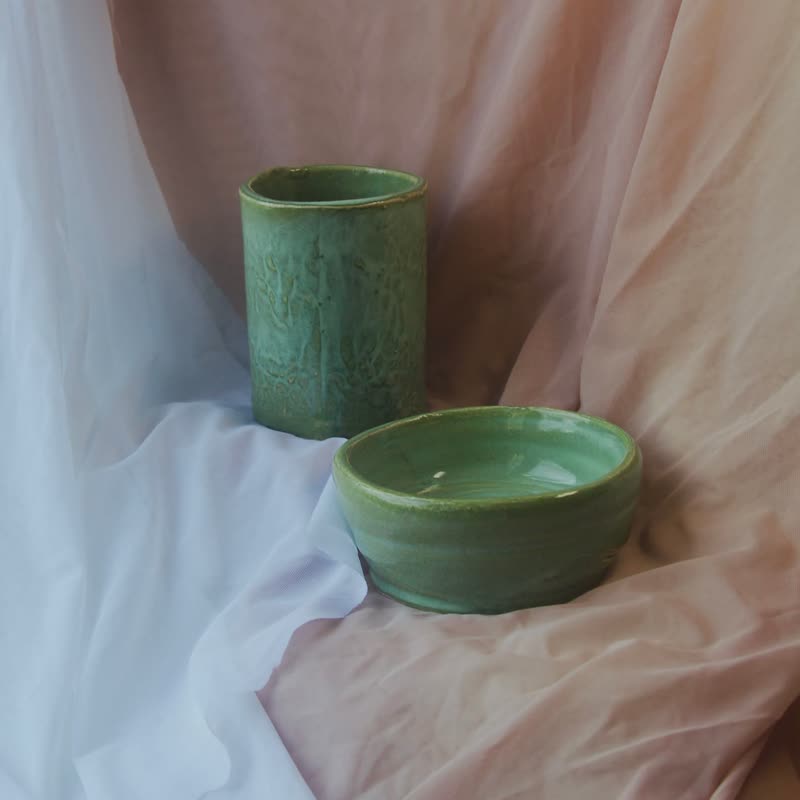

Red court low€129
Navy pebble low€149
Silver foil low€139
White chunk runner€135
Pebble trainer€155
Long-neck vase duo€88
Ember bowl€34
Dimple vase pair€96
Two-tone jug pair€74
Patterned mug pair€42
Moss glaze set€56
Orange dot cup and saucer€24
How the details work
Pictures on a curved surface cannot carry flat text, so the details are not on the cards. A single line under the cylinder always shows the product in front, with its button. Clicking a card in front opens that product. It means one thing to read at a time, as in a shop window.
What you can set
The source and the number of products (12 by default), the tilt of the cylinder, its lean, how fast it drifts on its own, and how strongly the page's scrolling turns it. With fewer than eight products the gaps on the cylinder grow; with more than twenty the cards become small.
Where to use it
As one strong moment on a home page or a campaign page, with a calm section above and below. Use it once per page at most, as it takes a full WebGL canvas and the visitor's attention. It is the wrong block for comparing products, as you see only a few from the front at a time, and for that the Product Slider is the answer.
What happens elsewhere
Where the browser has neither WebGL 2 nor WebGPU, the row stays a flat row that scrolls, with all its products. For visitors who asked for less motion it stops drifting, and turns only when moved. In all cases the products are part of the HTML of the page.
Questions
Is it free?
No, it is part of Pro.
Does it work with a keyboard?
The button of the product in front can be reached with the keyboard. For a keyboard-first experience a plain row is easier to use, so offer the same products in a list elsewhere on the page.
Sample products throughout. Pro starts at $19 a year.
Get the free plugin