
 Product Slider BlockFree downloadMenu
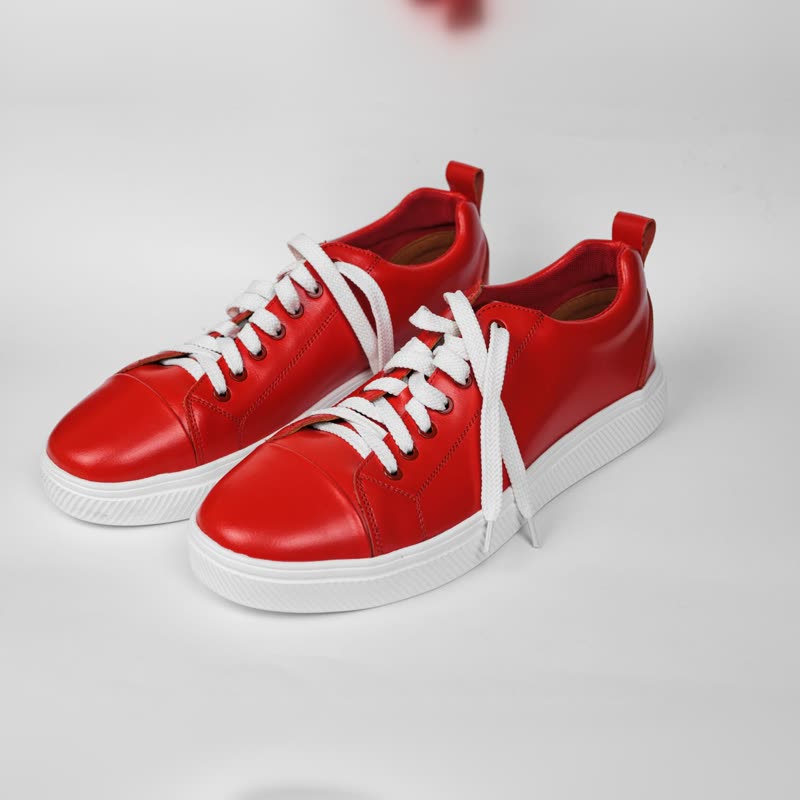
Each card in the Morph Grid has a Quick view button. It opens a dialog with the picture, price, a short description and add to cart. Close it and you are where you were. Pro
Sliders live on this grid right now: 0
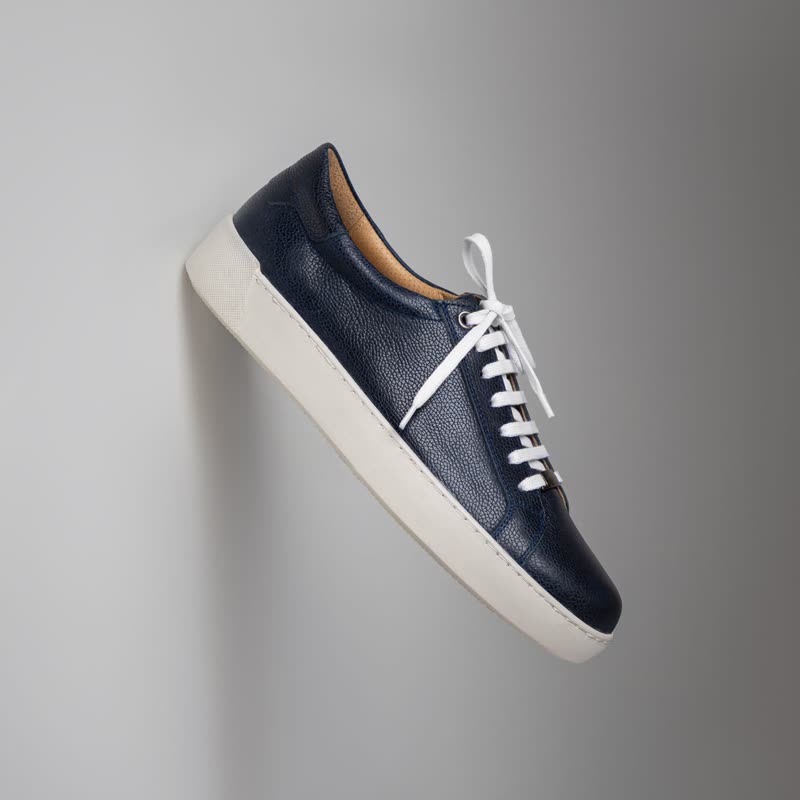
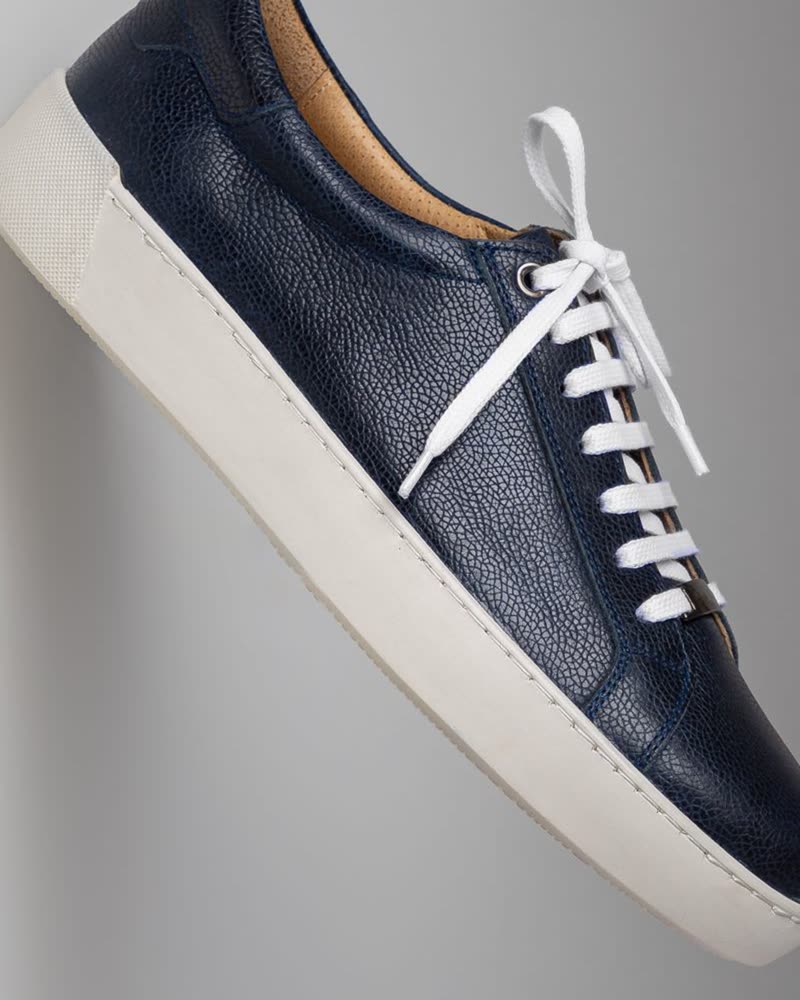


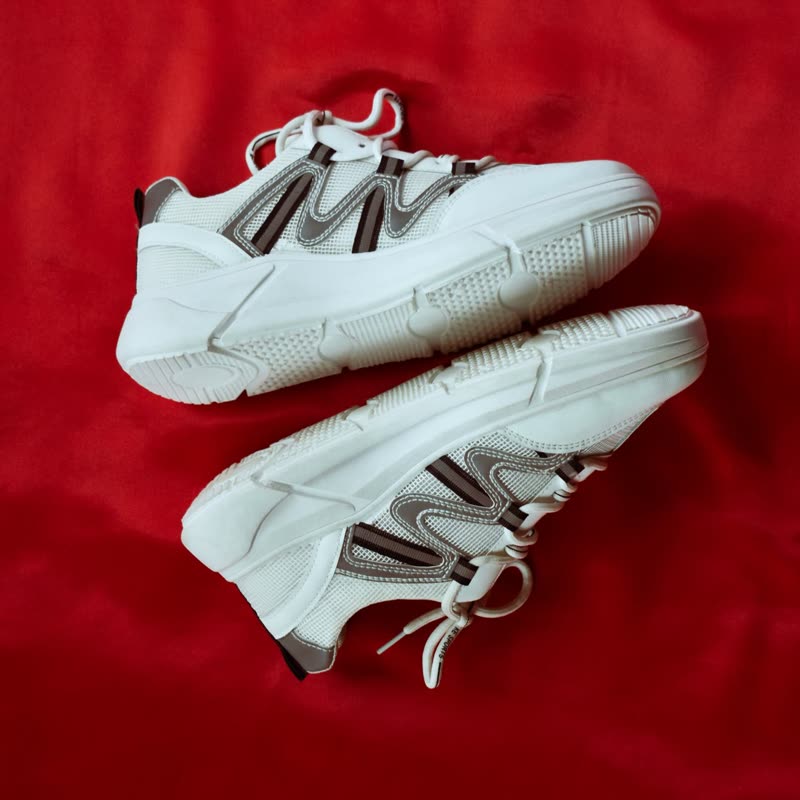









On a long list, opening each product and coming back costs time, and on some sites the visitor loses the scroll position. A quick view answers the questions that remain after the card: what the description says, or how the picture looks bigger. It is best for shops where people compare many similar items.
A product that needs a long read, a size guide or several choices belongs on its own page. A dialog is a small window with less room than the product page has. Quick view adds a second button to every card, and on a small grid with few products, that is more clutter than help. Try without first, and look at how your visitors use the shop before adding it.
It uses the browser's own dialog element, so the keyboard stays inside it while it is open, Escape closes it, and focus goes back to the button that opened it. Add to cart in the dialog goes through your shop and updates the mini cart, as everywhere else in the plugin.
A browser allows a limited number of WebGL canvases on a page, so the grid keeps only the one or two sliders it needs for the cards under the pointer, and returns the rest to plain pictures. So a grid of any length costs about the same as a small one. A counter on the demo here shows how many are live at a time.
At present, quick view belongs to the Morph Grid and Product Tape blocks, where in the tape it opens on clicking the picture. If you need it across your theme's shop page, other plugins do it, and some of those are named on our alternatives page.
No, it belongs to the Morph Grid and Product Tape blocks.
No, Morph Grid is part of Pro.
Sample products throughout. Pro starts at $19 a year.
Get the free plugin