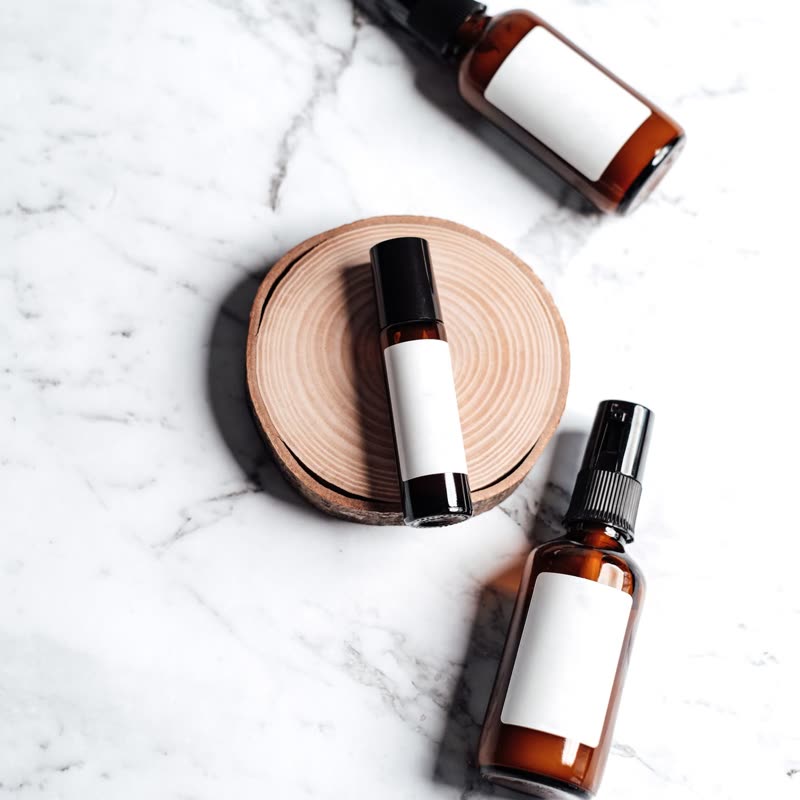
Travel serum trio€49
 Product Slider BlockFree downloadMenu
The places stay put. One after another, each turns into its next product through a transition, with the name, price and button changing along with it. It rests while someone points at it. Pro
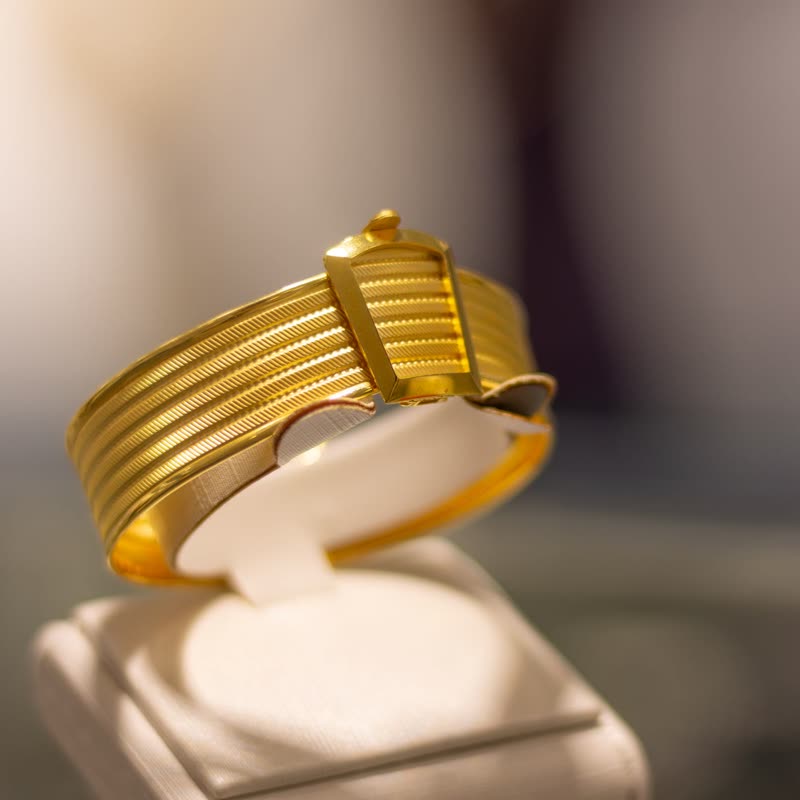
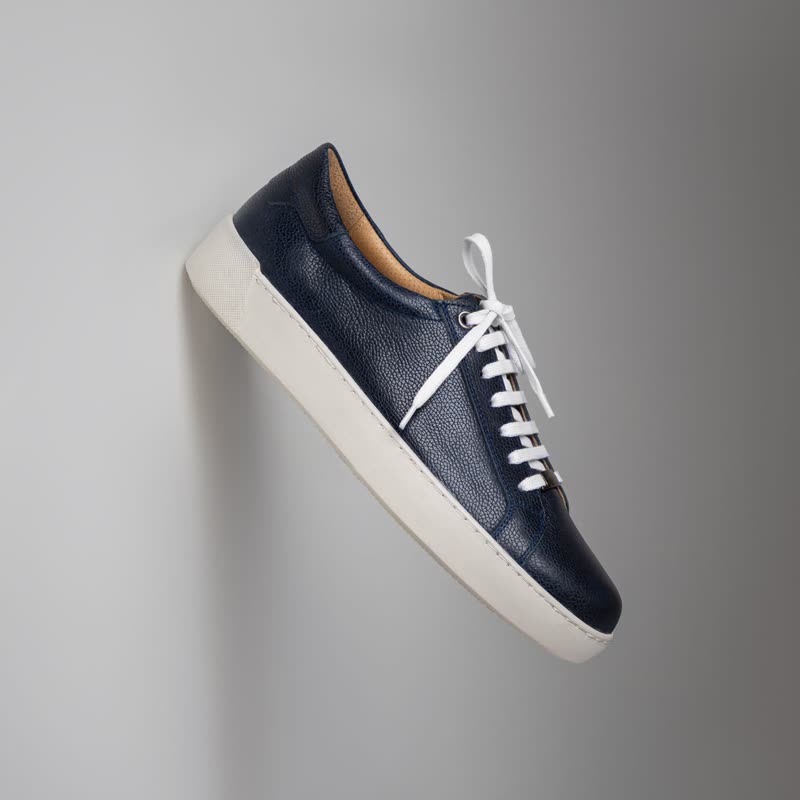
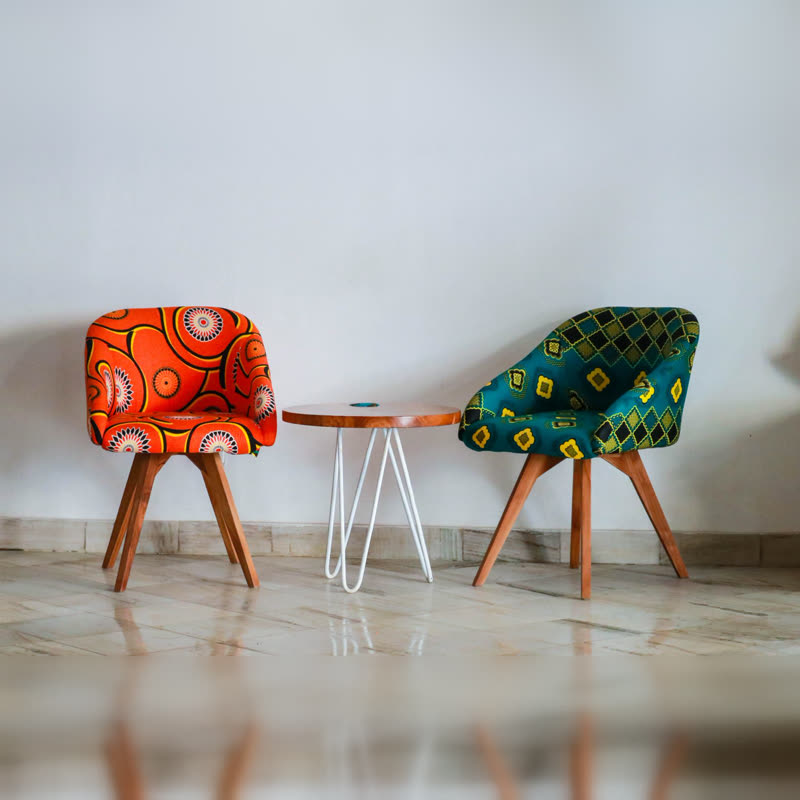
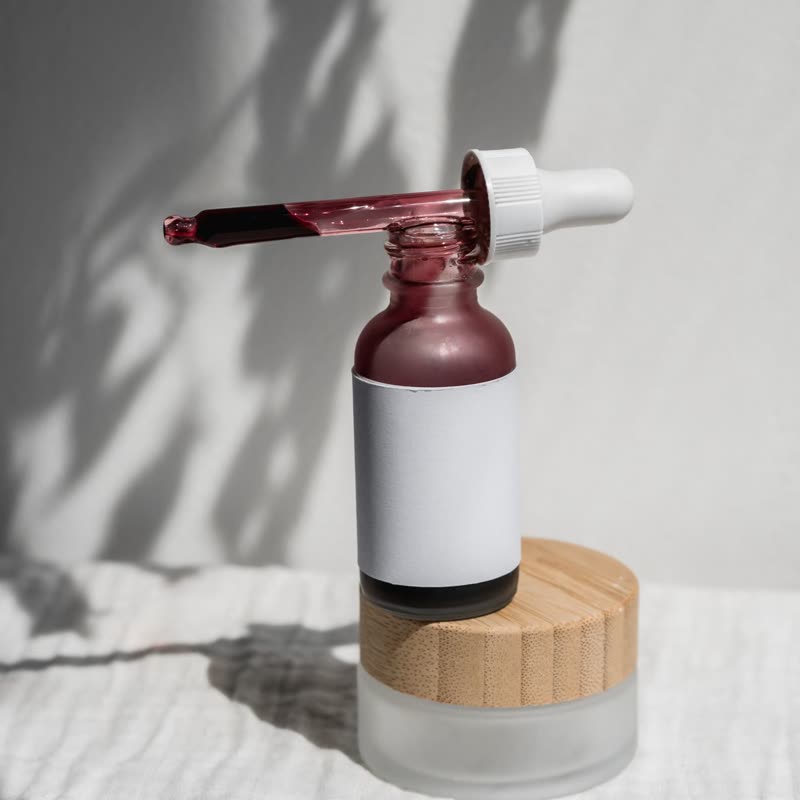
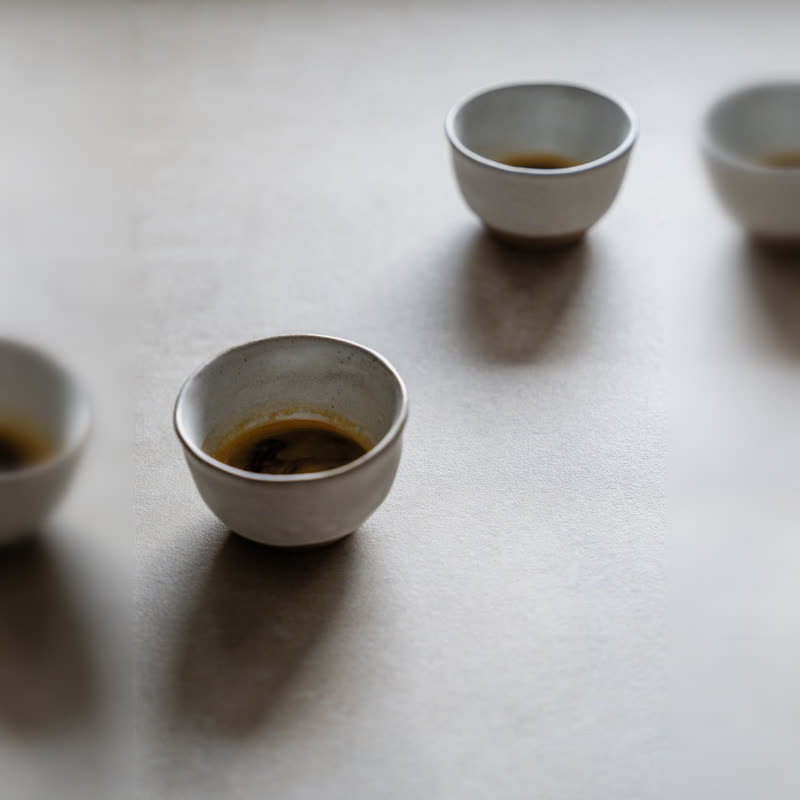
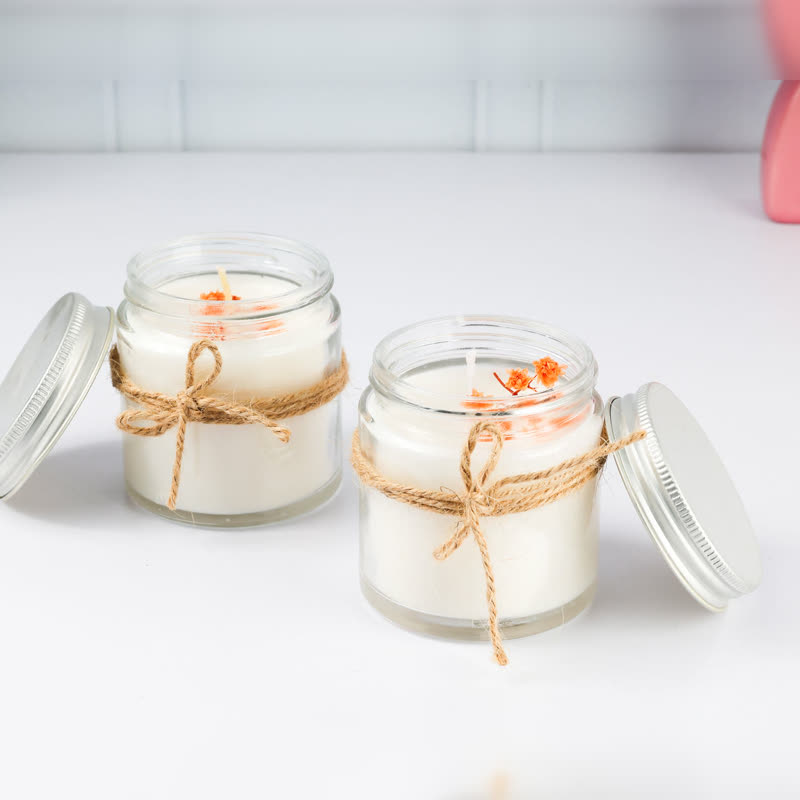
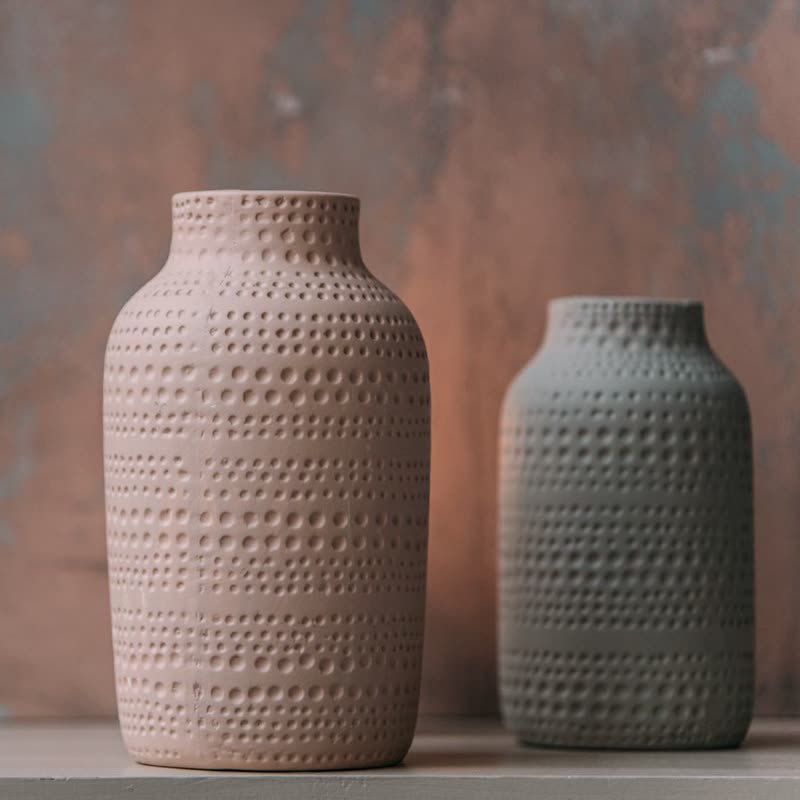
Nothing travels. A slider moves products sideways and asks for attention; a panes grid sits in a page like a wall of pictures and quietly changes one place at a time. More products get seen than there are places, without anyone having to do anything. People who are reading something else nearby are not disturbed by large movements.
Colour distance is our default here. It dissolves through the picture's own colours, which looks good on any pair of photos and needs no planning. Anything fast or glitchy gets tiresome on a grid that changes all the time. Duration around 1.5 seconds, with a few seconds between changes, keeps it calm.
Products that change on their own are bad for comparing, and people who are about to click need the place to hold still. So it holds still when pointed at, and the button belongs to the product shown. Do not make this your only list of products: use it as a section in a home page, with a link to the full category next to it.
Twice the number of places is a good start: 8 products in 4 places, for instance. Any fewer and people soon see them all again. The source is a normal product source, so "on sale" works and keeps itself up to date.
Yes. Set Layout to the grid whose places change.
It rests under the pointer, and visitors who asked for less motion see no automatic changes at all.
Sample products throughout. Pro starts at $19 a year.
Get the free plugin