 Product Slider BlockFree downloadMenu
Colour distance transition for WooCommerce product sliders
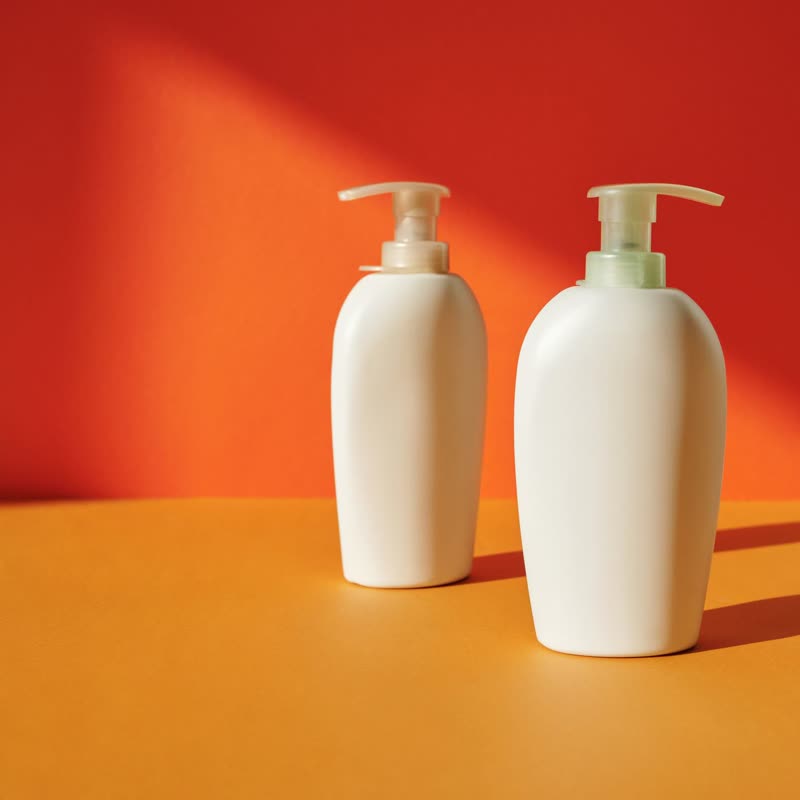
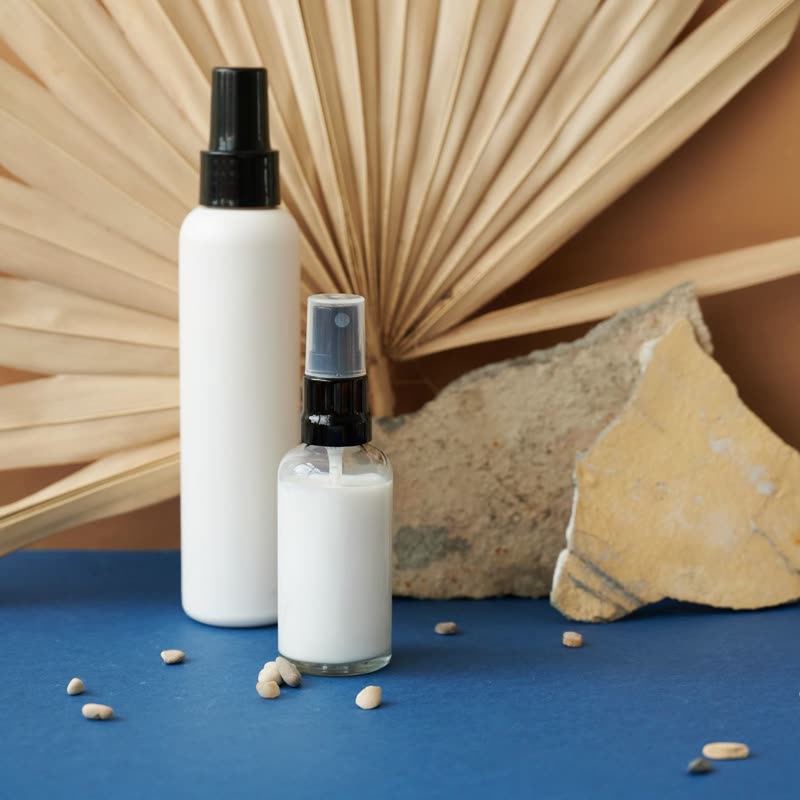
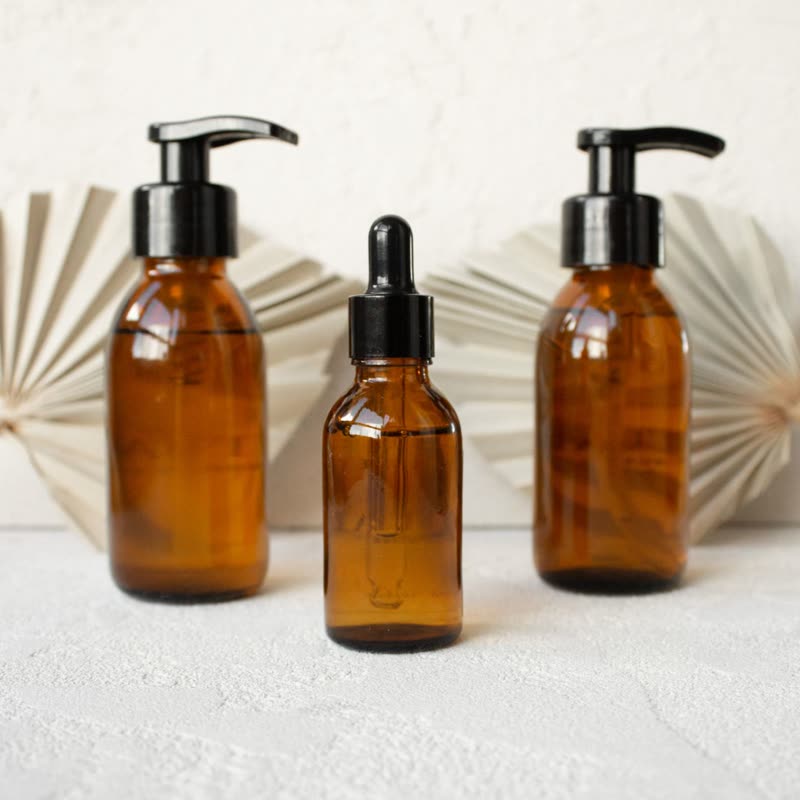
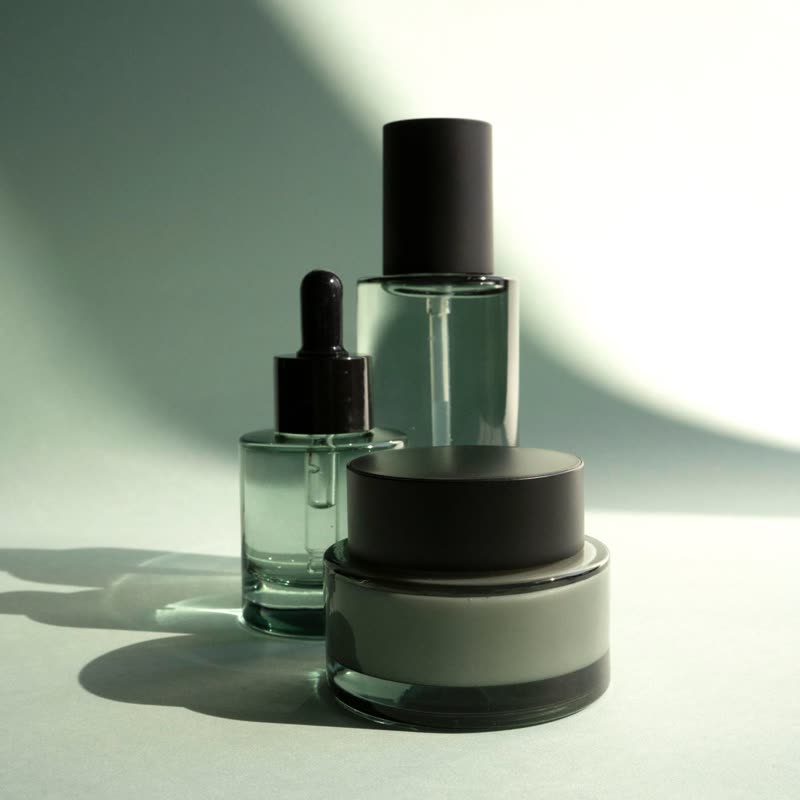
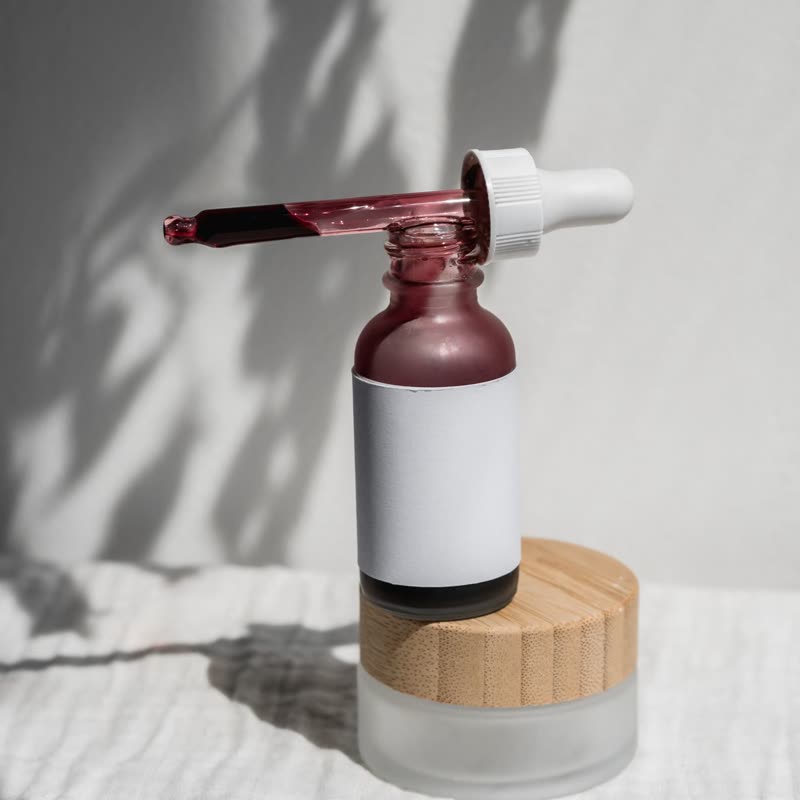
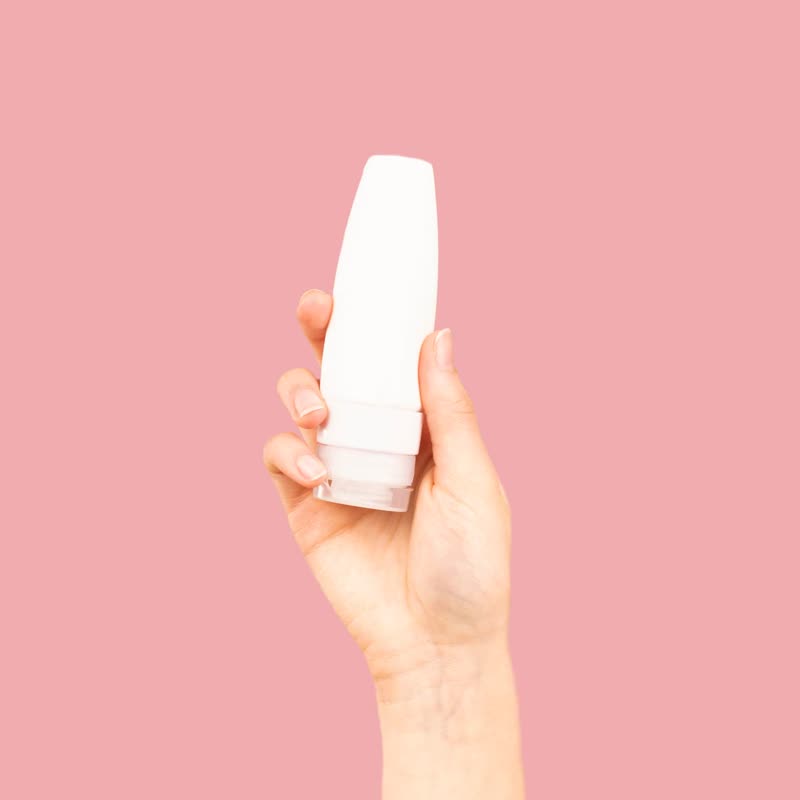
Daily lotion duo
€34
Drag the picture sideways and hold: you can stop in the middle of the move.
Where the two pictures are alike, the next one is there first. Where they differ most, it arrives last, and at the end the rest fades over. The shape of the move comes from your photos and from nothing else.
With consistent photography this is uncanny: the background seems to stay put and only the product changes. It is a smarter fade, and it looks expensive without looking like an effect.
Comes with Pro. Pro starts at $19 a year.
Put it on
- Catalogues shot on one backdrop
- The shared background changes first, which makes the product seem to swap in place.
- Skincare ranges in matching packaging
- Bottle to bottle, only the differences move.
- Colour variants
- A jacket in navy to a jacket in olive. The folds stay and only the colour goes.
Keep it off
- Mixed photo sets
- Nothing is alike, so the whole frame moves at once and you get a plain fade with extra steps.
- Anything needing a statement
- It is too quiet to be the feature of a page.
Settings
In the block the time of a move is a setting on every transition. Everything else on this list comes from gpu slider, which draws it.
Daily lotion duo €34
In the block, in three steps
- Add the Product Slider block to your page, and under Products choose one category.
- Set Layout to One at a time, then pick Colour distance under Transition. It comes with Pro.
- Pick two photos with the same backdrop and watch the backdrop. It should hardly seem to do anything.
Close relatives
In a sample shop
Blocks that can use it
Where it goes in a shop: on a hover image swap, in a related products row or in a slider on autoplay. Questions about browsers and motion are in the FAQ.
Colour distance is part of Pro, and the free plugin has fade, distance, ripple, zoom, stretch and parallax to start with. Pro starts at $19 a year.
Get the free plugin