 Product Slider BlockFree downloadMenu
Chroma transition for WooCommerce product sliders
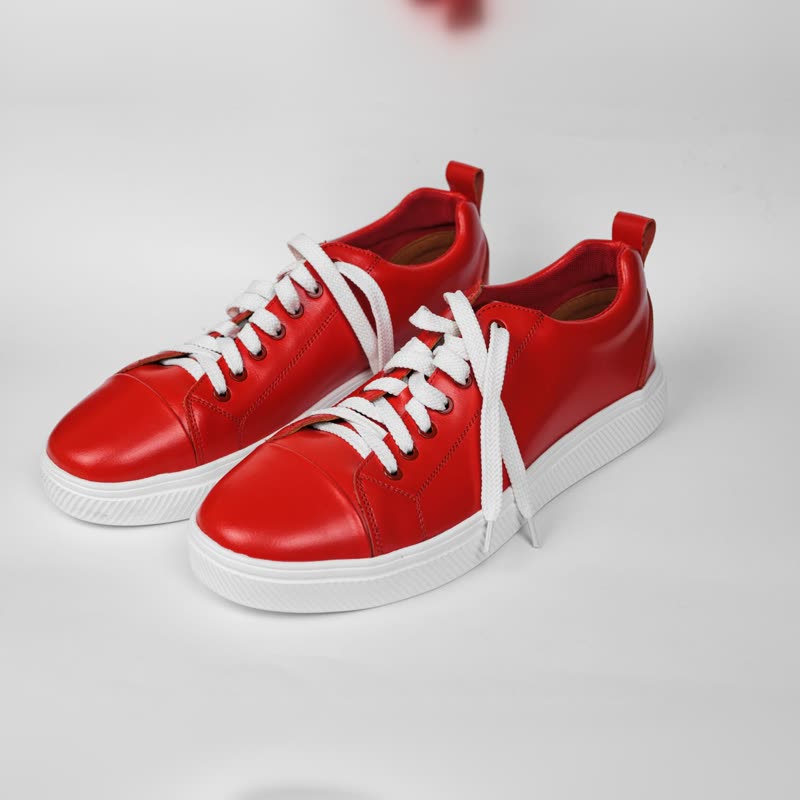
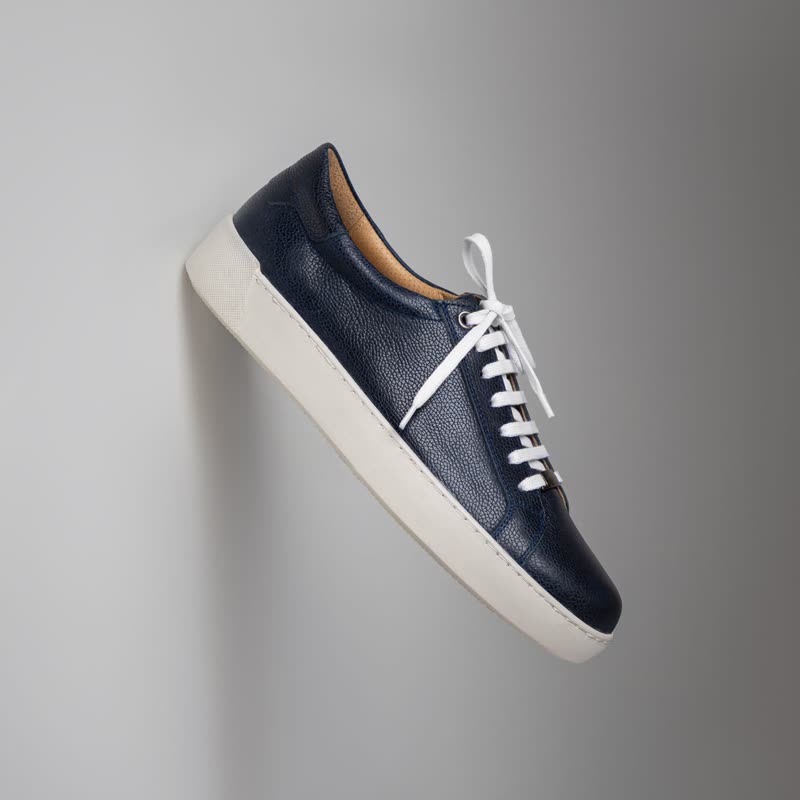

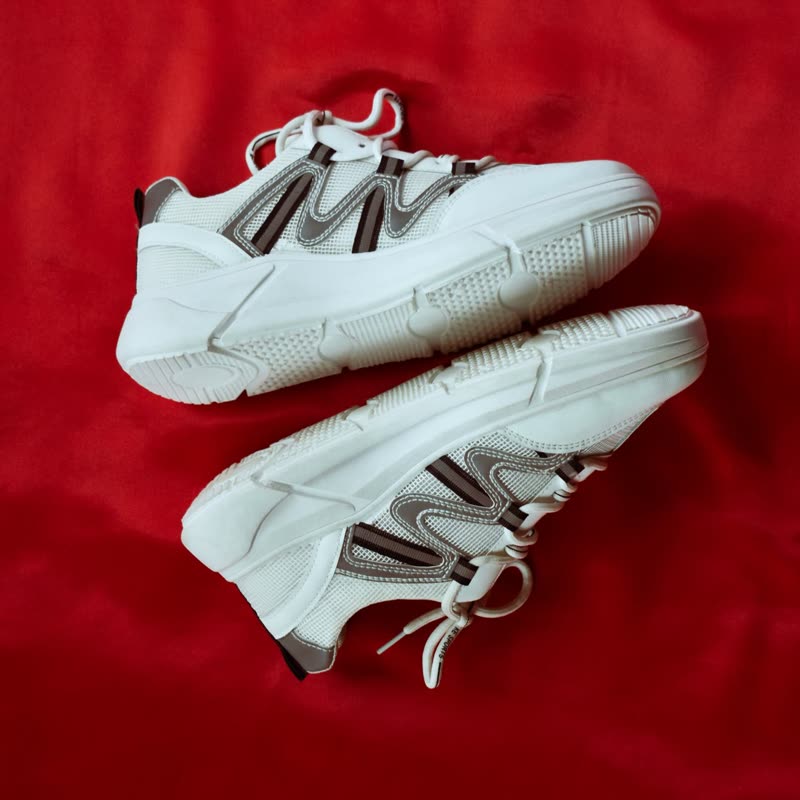

Red court low
€129
Drag the picture sideways and hold: you can stop in the middle of the move.
Each picture's own colours bend the pixels of the other half way through, so the two images distort each other, and the shape of the move is different for every pair of photos.
Because it reads the photos themselves, you get something new from each pair, and a strongly coloured photograph gets the most out of it.
Comes with Pro. Pro starts at $19 a year.
Put it on
- Colour ranges
- Trainers in six colourways, or nail polish: colour is literally what moves.
- Bold saturated studio shots
- Solid colour backdrops give it a lot to work with.
- Cosmetics and hair dye
- The transition is about colour change, and so is the product.
Keep it off
- Black-and-white photography
- With little colour difference, the warp hardly happens.
- Colour-critical buying
- Paint and fabric samples. People should see the true colour, not a smeared one, on the way through.
Settings
In the block the time of a move is a setting on every transition. Everything else on this list comes from gpu slider, which draws it.
Red court low €129
In the block, in three steps
- Add the Product Slider block to your page, and under Products choose one category.
- Set Layout to One at a time, then pick Chroma under Transition. It comes with Pro.
- Try it on your two most different colours and your two most similar. Decide with the similar ones, as they will look the least interesting.
Close relatives
In a sample shop
Blocks that can use it
Where it goes in a shop: on a hover image swap, in a related products row or in a slider on autoplay. Questions about browsers and motion are in the FAQ.
Chroma is part of Pro, and the free plugin has fade, distance, ripple, zoom, stretch and parallax to start with. Pro starts at $19 a year.
Get the free plugin