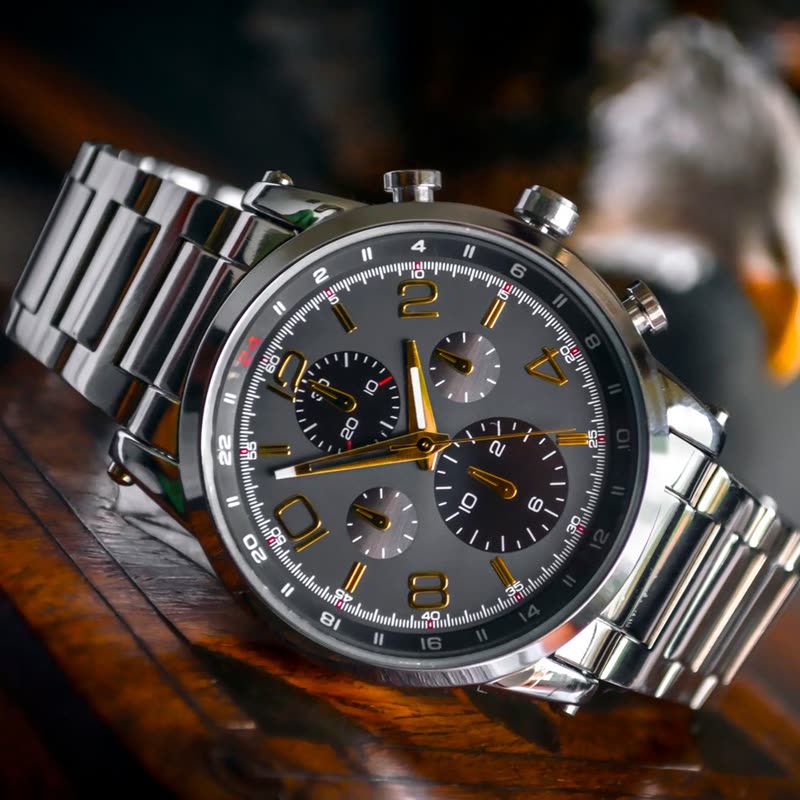
Steel chronograph€420
 Product Slider BlockFree downloadMenu
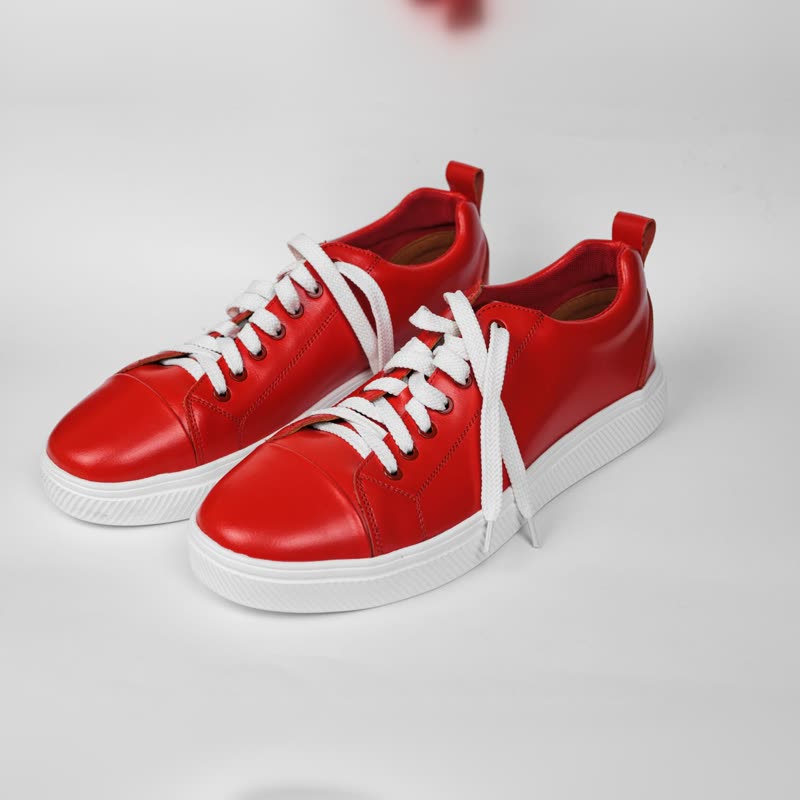
A lens, a spotlight, wet paint under the pointer. Pick one in the block's sidebar and set Size and Strength. Try the same panel below on a real card.
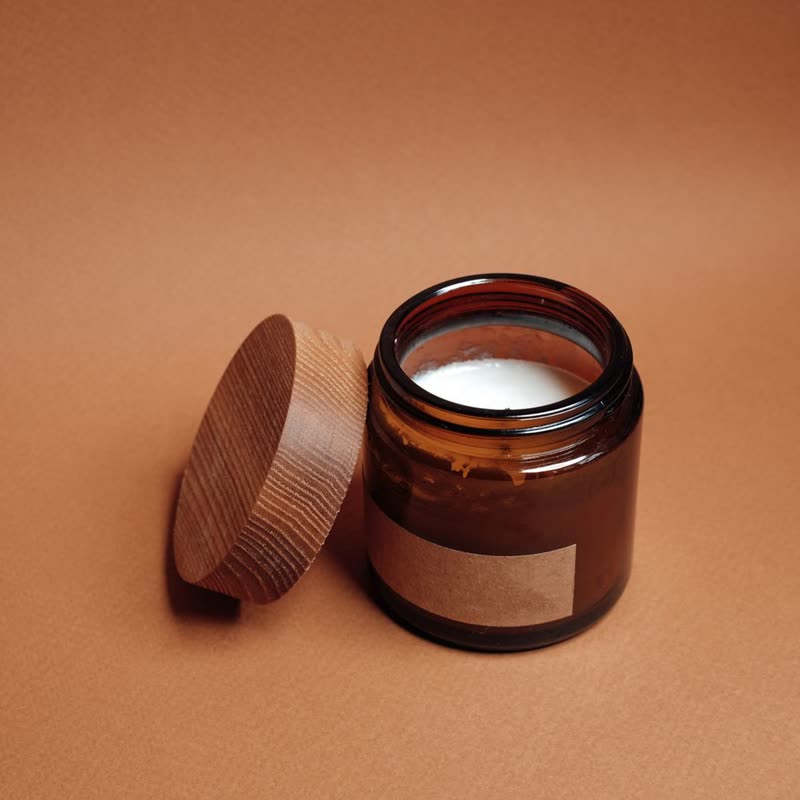

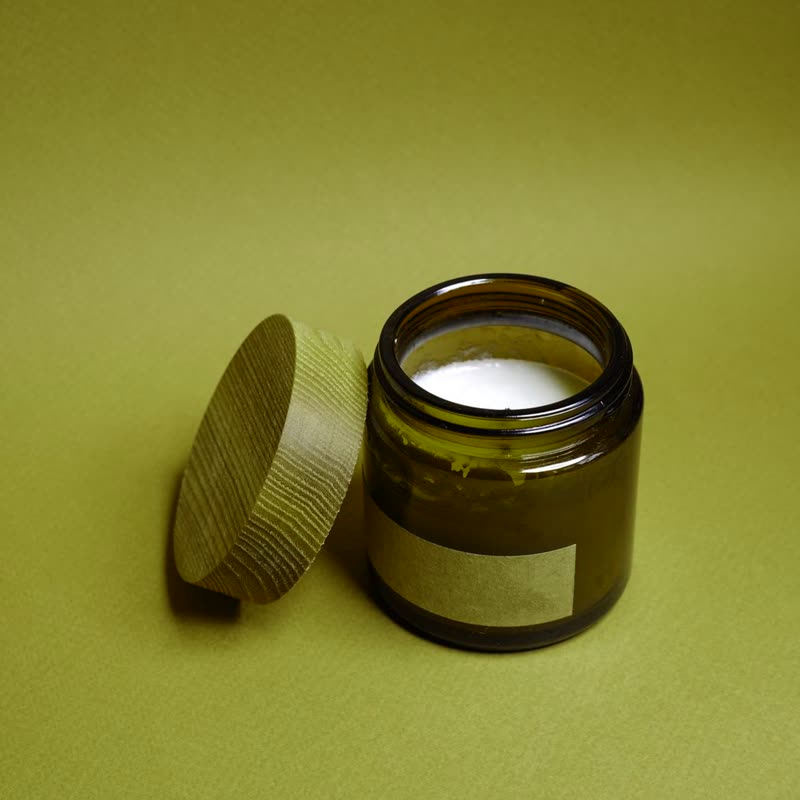
Amber jar candle
€26
Point at the picture. On a touch screen, press and drag.
Each one has a page with its own demo and the reasons to use it, or not to.



Everything on this site is a setting, not code. Each block's sidebar has a Pointer panel and a panel for where the name, price and button go. And three storewide switches in WooCommerce, Settings, Products put it on every list and product page, without touching a template.
All mouse effects come with Pro. Pro starts at $19 a year.
Get the free plugin