 Product Slider BlockFree downloadMenu
Parallax effect for WooCommerce product sliders
Fling the row. The harder you throw it, the more you see.
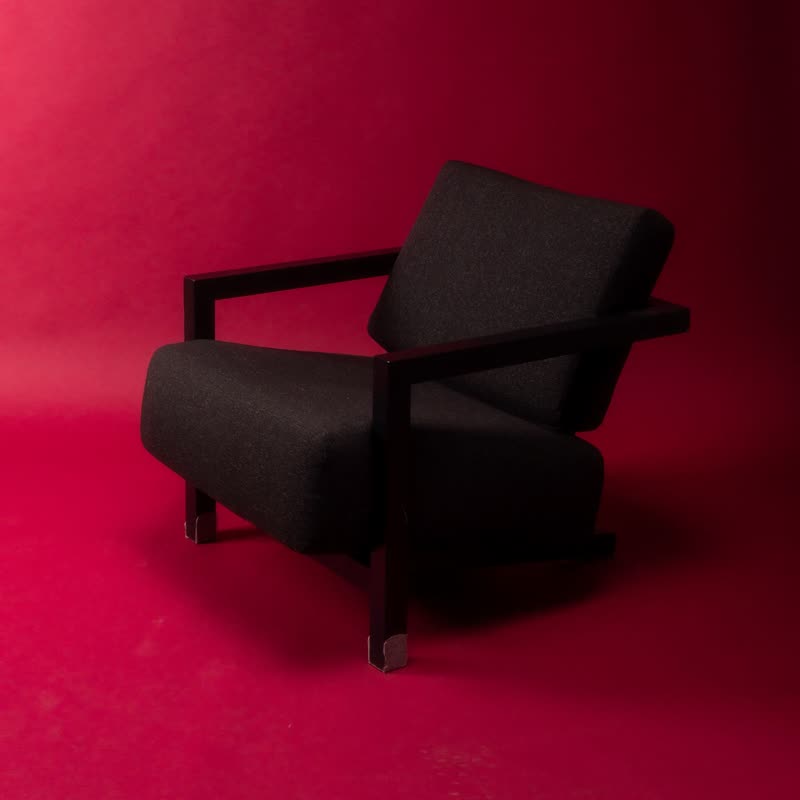
Block lounge chair€890
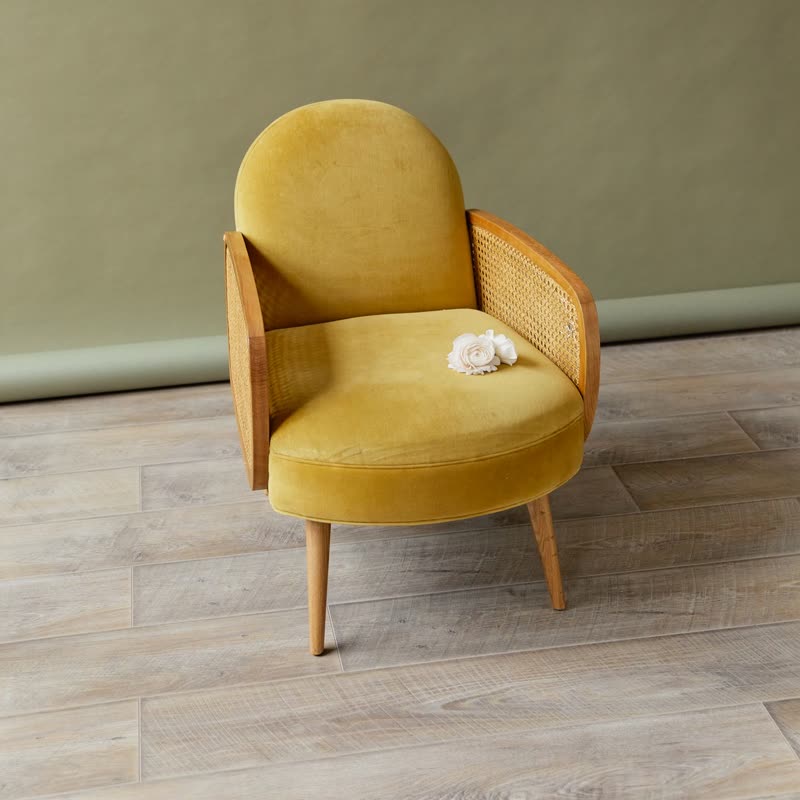
Mustard cane armchair€640
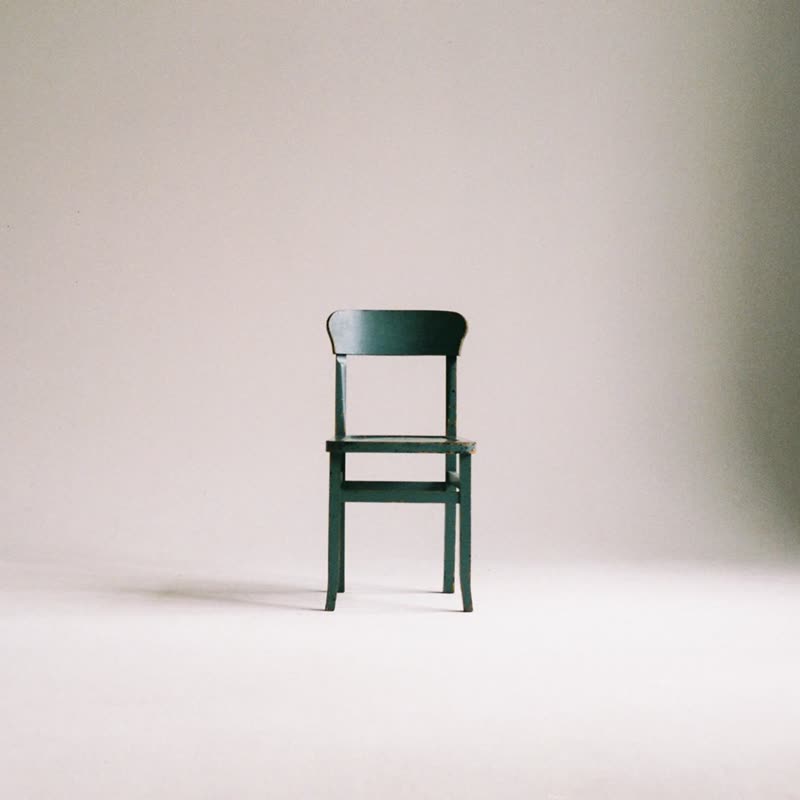
Bottle green side chair€210
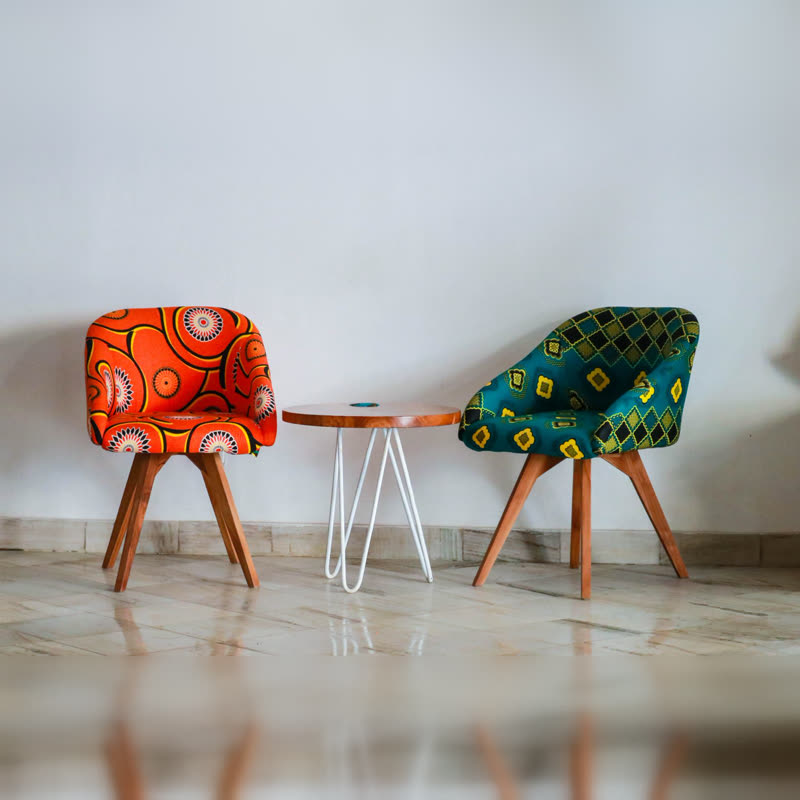
Print tub chair pair€780
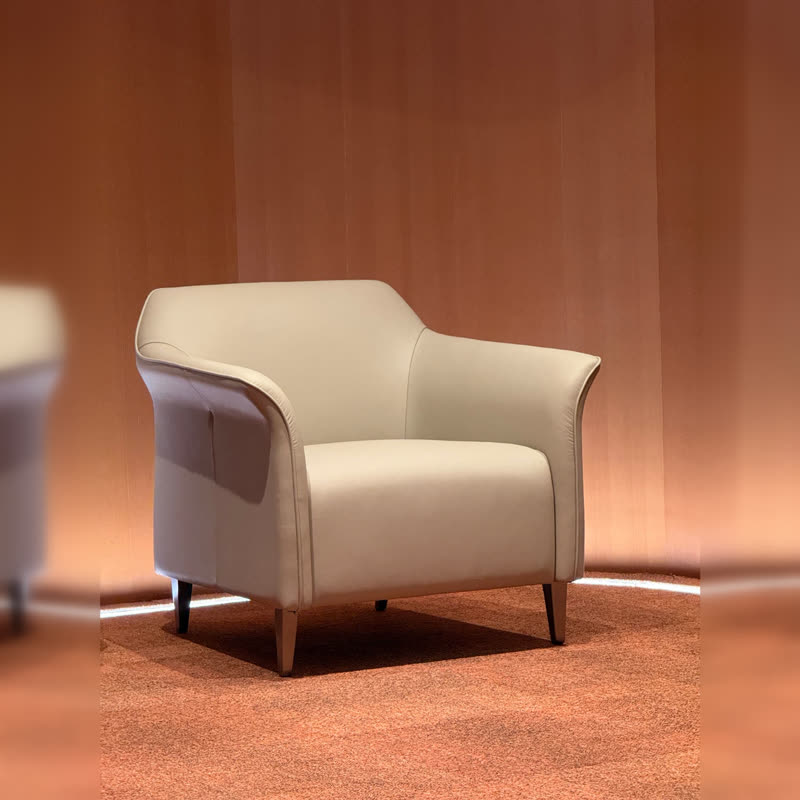
Sand wing armchair€1150
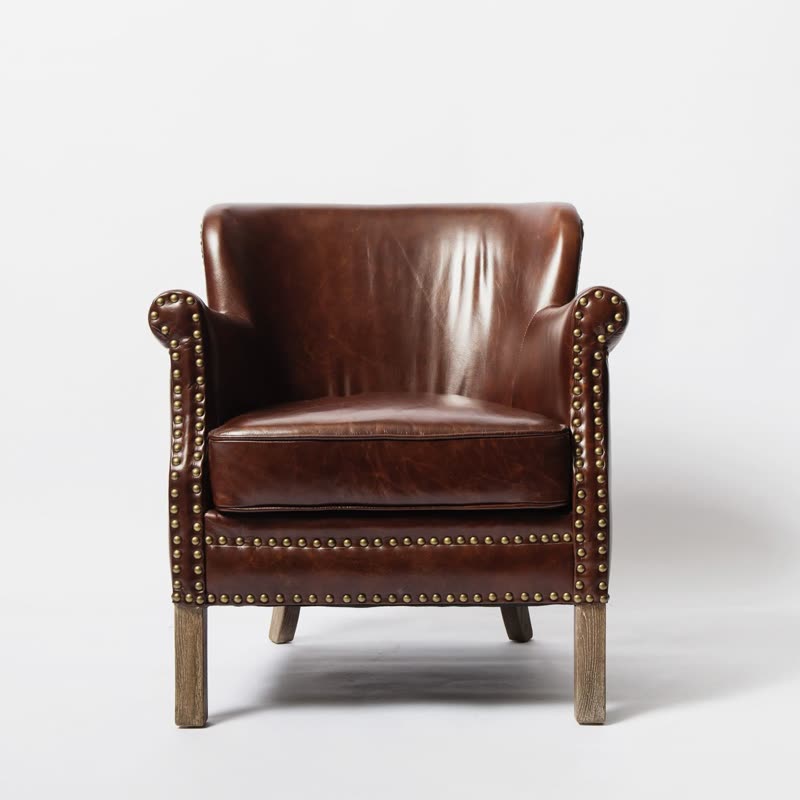
Studded club chair€1290
Each picture moves a little slower than the frame it sits in, the way distant things pass more slowly from a train window. The frames slide past, and the photos appear to lie further back.
It shifts with position, not just speed, so it shows at any pace and makes flat photos seem to have depth behind the page.
Free
Included in the free plugin.
Put it on
- Room scenes and landscapes
- Pictures with real depth get a real sense of looking through a window.
- Outdoor and travel gear
- A tent in a valley benefits from a valley that seems far off.
- Free sliders that want polish
- A quiet upgrade that makes people feel the page is well made, though they cannot say why.
Keep it off
- Tight crops
- It zooms in to have some picture left to move, so a product filling the frame loses its edges.
- Flat lay on white
- With nothing in the distance, the slip just looks like a loose image.
Settings
The names here are gpu slider's, which draws it. The defaults on the sliders are its defaults.
Block lounge chair€890
Mustard cane armchair€640
Bottle green side chair€210
Print tub chair pair€780
In the block, in three steps
- Add the Product Slider block to your page, and under Products choose hand-picked products.
- Leave Layout on Row, then pick Parallax under Effect.
- Check your tightest crop. If a handle or a shoe tip gets cut off, lower the zoom and the amount together.
Close relatives
In a sample shop
Blocks that can use it
Where it goes in a shop: on a hover image swap, in a related products row or in a slider on autoplay. Questions about browsers and motion are in the FAQ.
Parallax works in the free plugin.
Get the free plugin