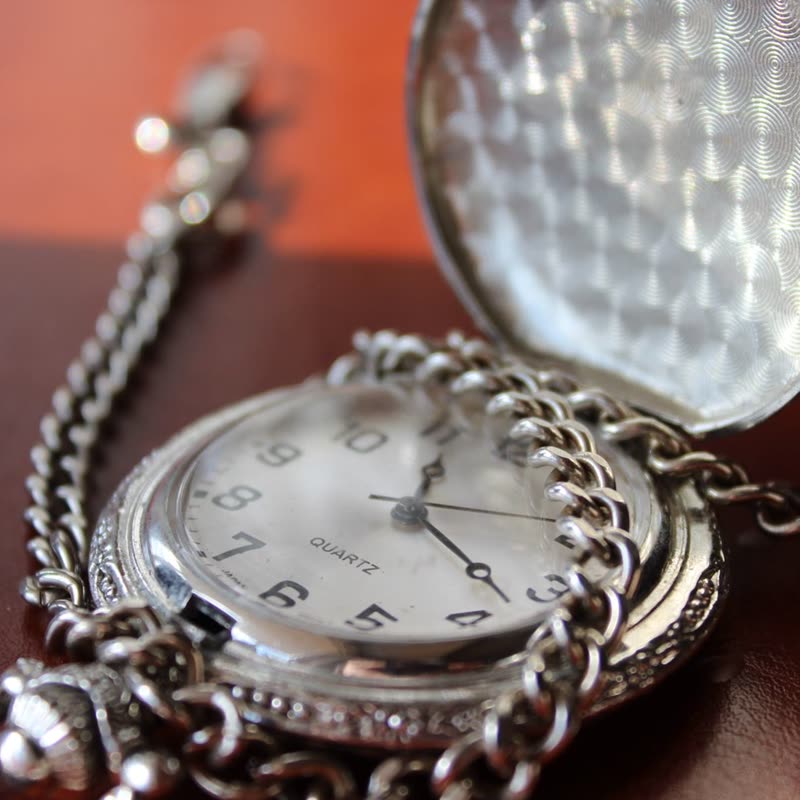
Silver pocket watch€124
 Product Slider BlockFree downloadMenu
As a row comes into view, each picture assembles from small parts, and it breaks up again when the page moves fast. There are nine ways to do it, and you can try every one above. Pro
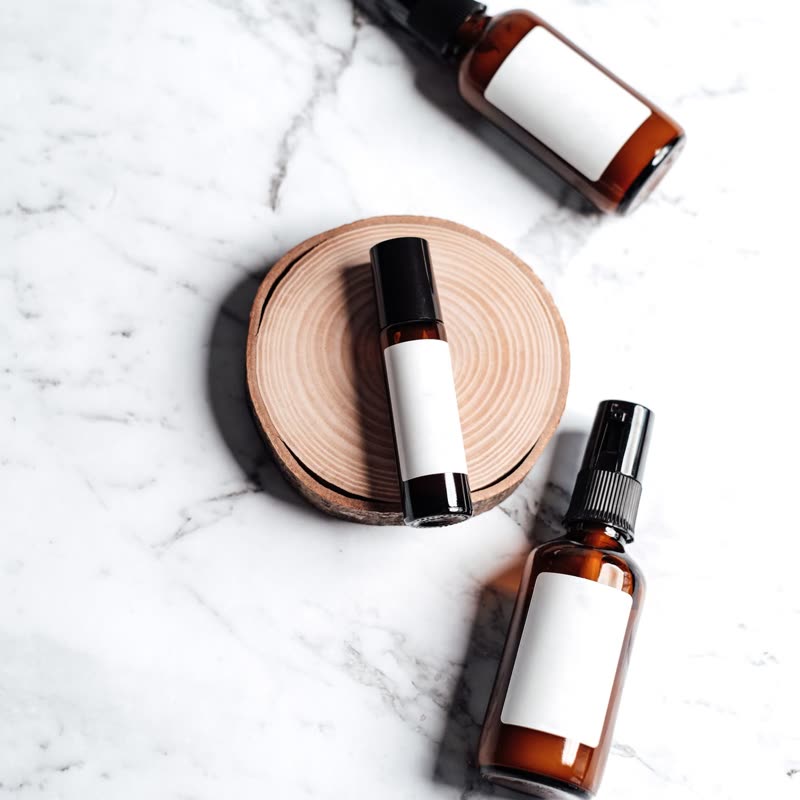
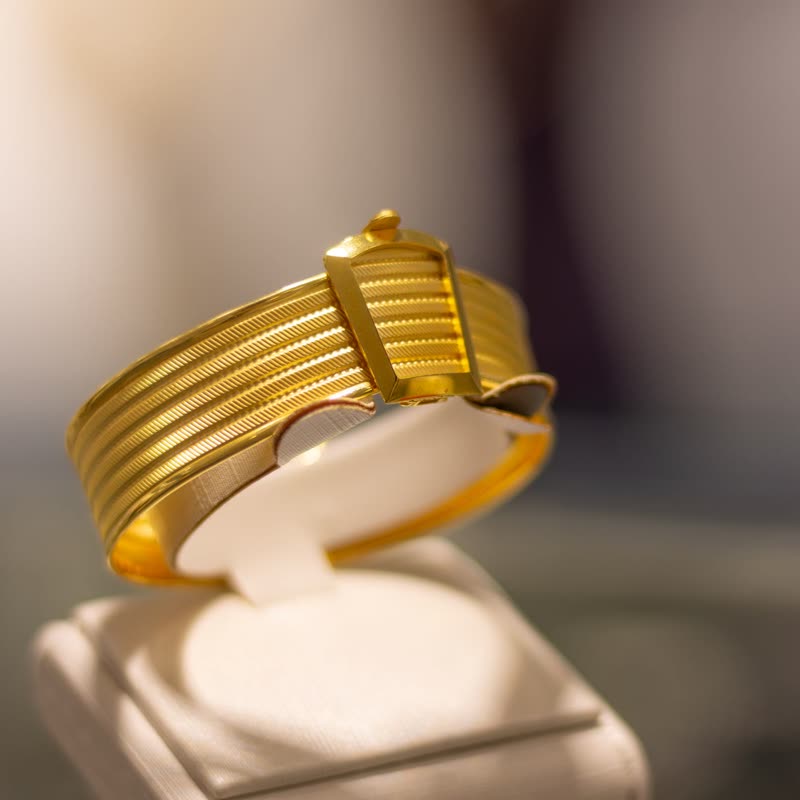
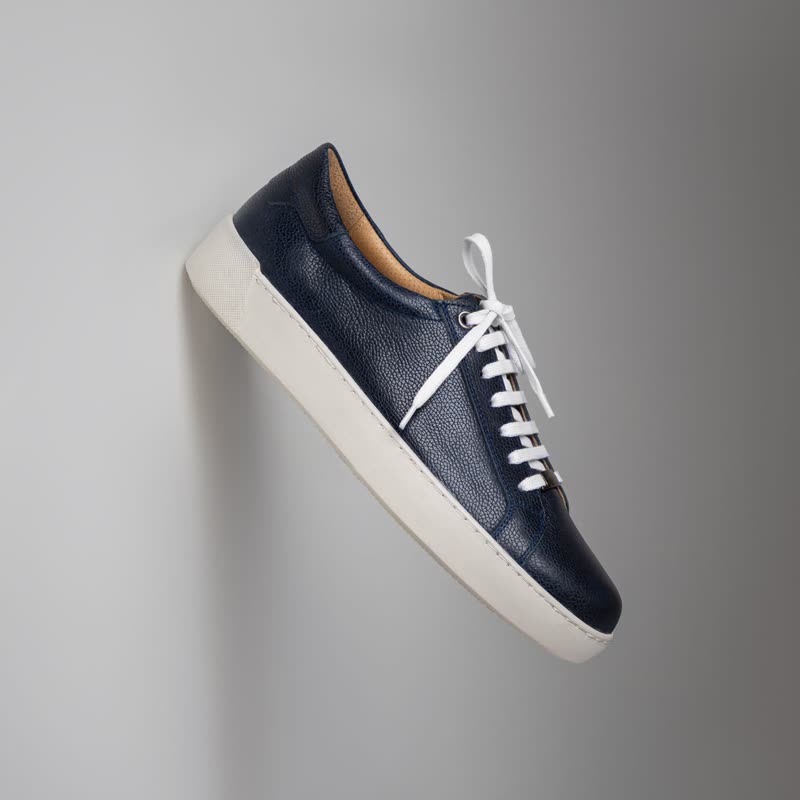
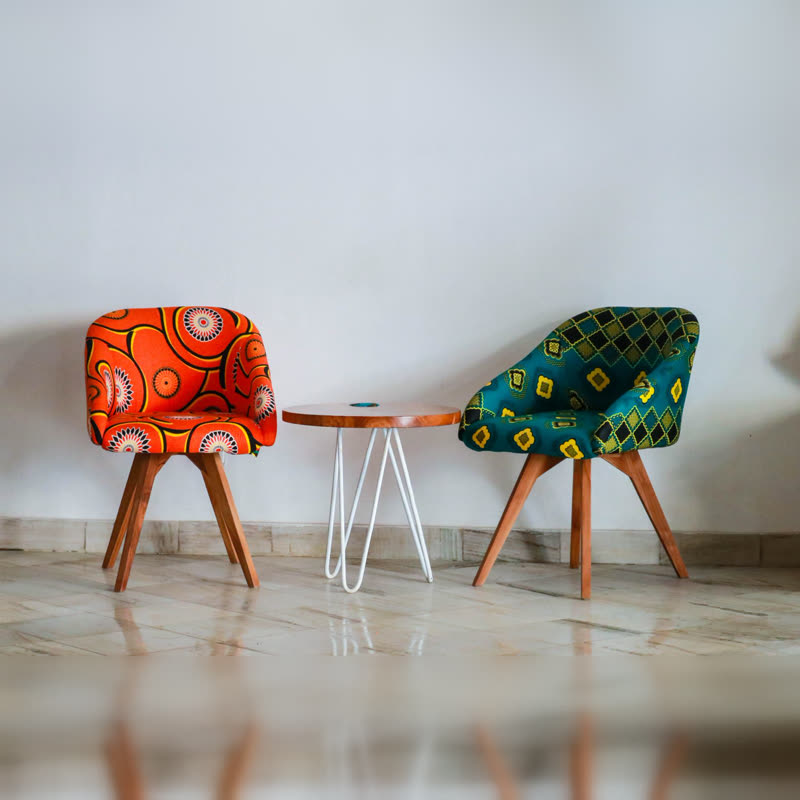
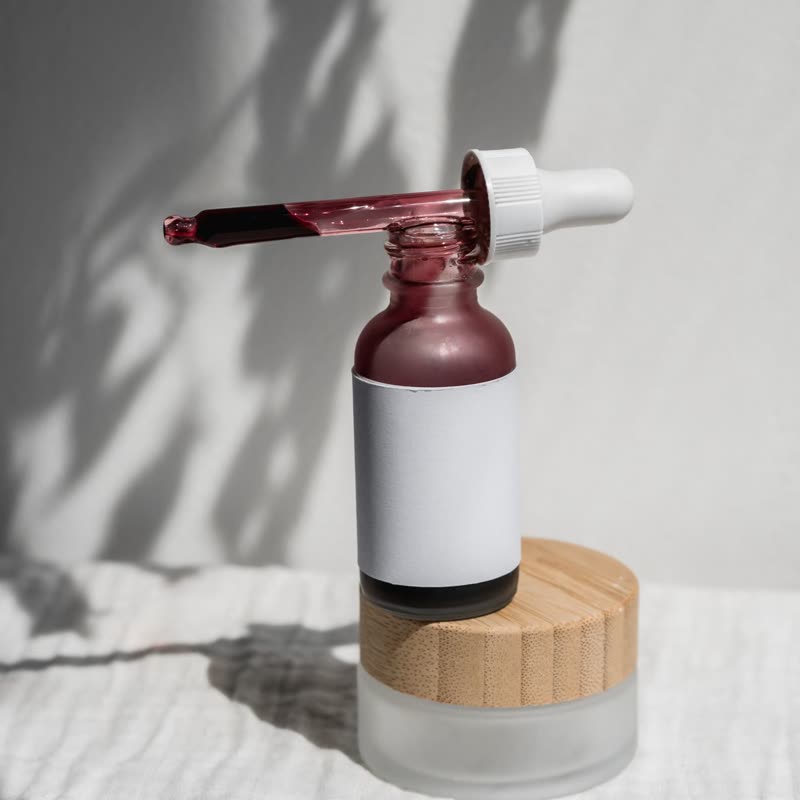
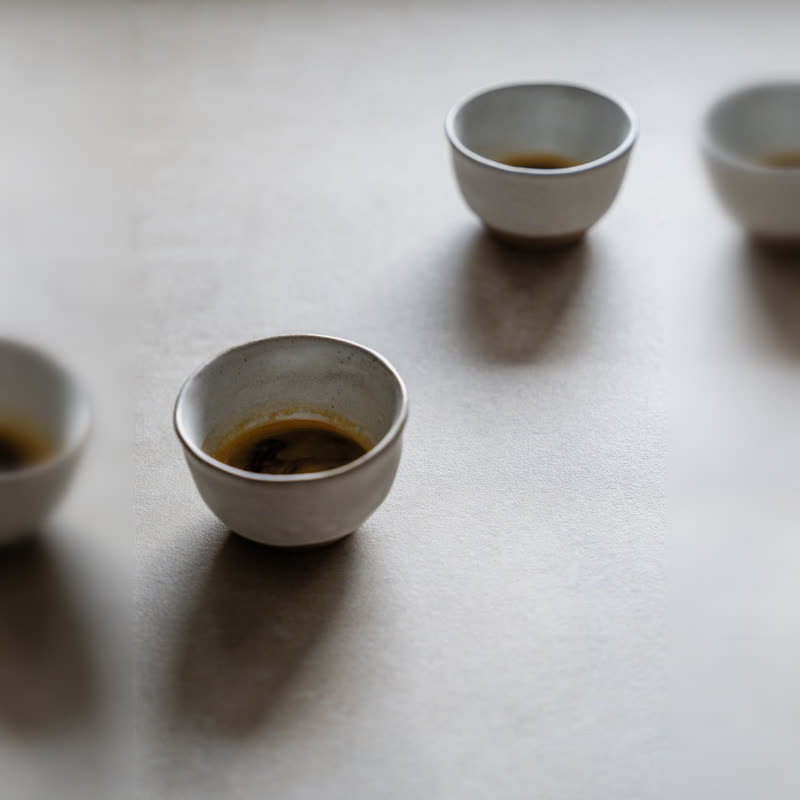
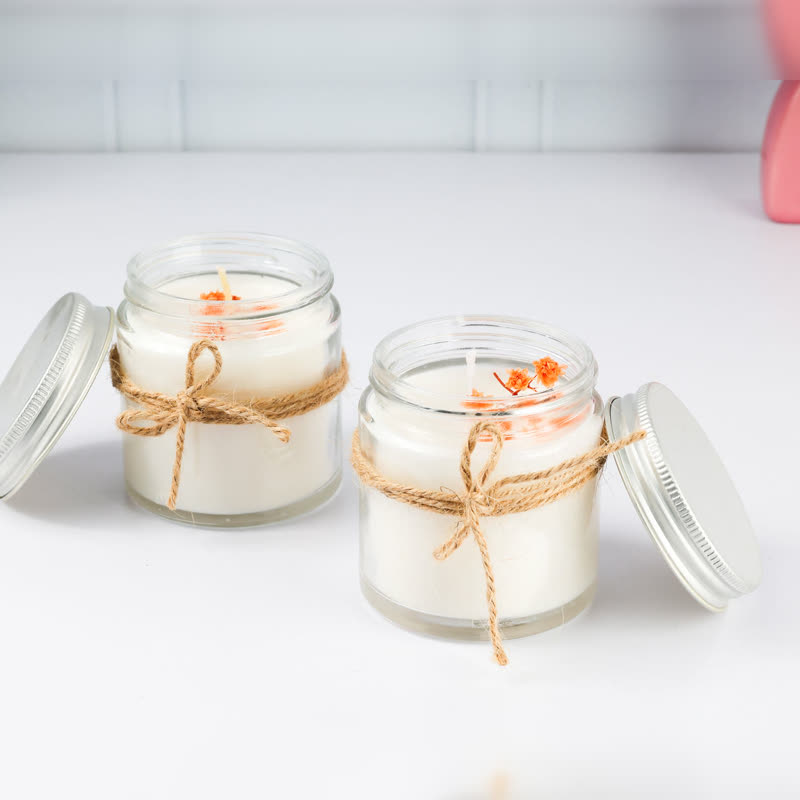
Pixels start coarse and get finer. Halftone begins as a print of dots. Slices slide into line. Shards fall into place like broken glass. Dither arrives as a one-bit pattern. Scan runs across as lines whose colours come apart. Glyphs are letters that give way to the picture. Weave comes in as threads, and Ink spreads from drops. Each part has its own time to arrive, mostly by chance and partly from the left and the top.
Halftone and Ink suit print, paper and art. Pixels and Scan fit electronics and sneakers. Weave belongs to textiles. Slices and Shards are loud, and are better on a launch than on a daily shop. Whatever you choose, once it is done the row is an ordinary row of products, on which the price and button have been readable and clickable all along.
The effect plays the moment the row is in view, so at the very top of a page it has finished before anyone looks. A row further down gets its full effect as someone scrolls to it. The details on each card do not wait for the picture, which is why a slow device does not delay anybody buying.
For visitors who asked for less motion the pictures are simply there from the start. Without WebGL or WebGPU, or without JavaScript, the row shows normal photos. The way is a sidebar setting, and it is stored with the block.
Yes. Set Layout to Resolve, then choose the way.
It only draws while parts are moving or while the row is near the screen. We have not measured it on your page, so check it on a slow phone, as with any effect.
Sample products throughout. Pro starts at $19 a year.
Get the free plugin