 Product Slider BlockFree downloadMenu
Weave transition for WooCommerce product sliders

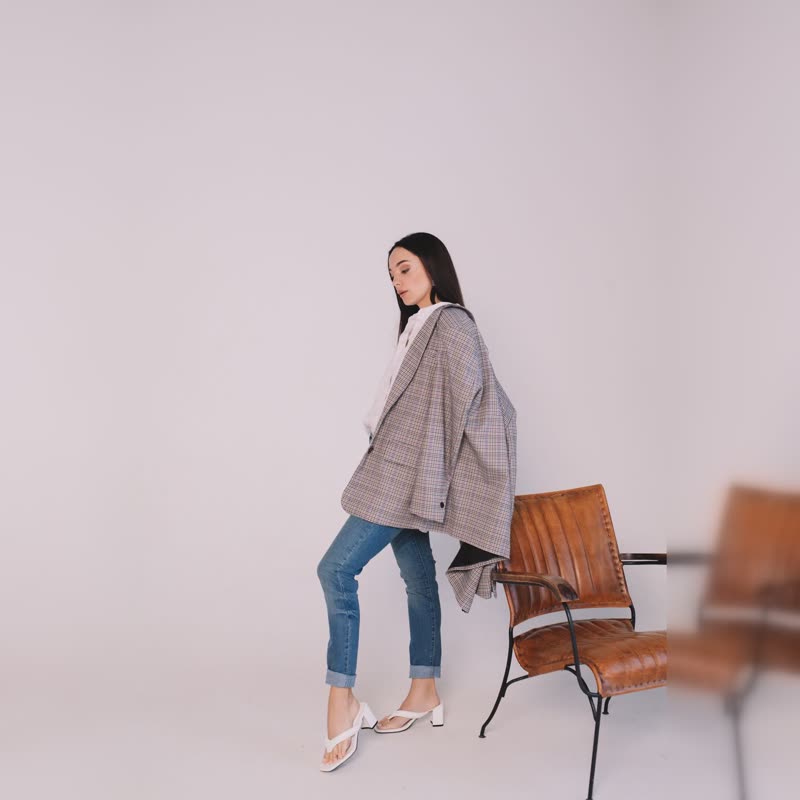

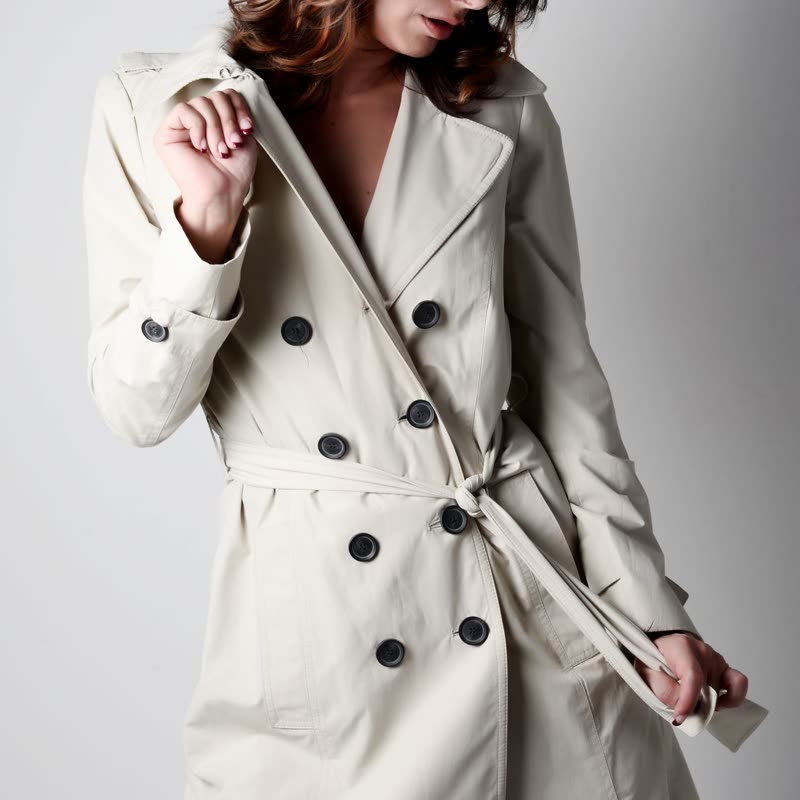


Oat wool coat
€340
Drag the picture sideways and hold: you can stop in the middle of the move.
The next picture is woven in over the current one: its threads come down from the top and across from either side, each at its own time, over and under each other, until they lie flat.
You can see the over-and-under, and that detail makes it read as cloth, not as stripes.
Comes with Pro. Pro starts at $19 a year.
Put it on
- Textiles, rugs, knitwear
- The move shows how the product was made.
- Basketry and rattan
- The same logic in a stiffer material, and it still reads.
- Slow, considered pages
- It takes time and repays looking. It belongs on a page with room around it.
Keep it off
- Anything digital
- A phone case woven out of threads says nothing true.
- Tiny thumbnails
- At small sizes the threads turn to noise. Lower the thread count, or use it in a bigger slot.
Settings
In the block the time of a move is a setting on every transition. Everything else on this list comes from gpu slider, which draws it.
Oat wool coat €340
In the block, in three steps
- Add the Product Slider block to your page, and under Products choose one category.
- Set Layout to One at a time, then pick Weave under Transition. It comes with Pro.
- Set the threads so you can count them at your slider's real width. If you cannot, it looks like a fade with a texture.
Close relatives
In a sample shop
Blocks that can use it
Where it goes in a shop: on a hover image swap, in a related products row or in a slider on autoplay. Questions about browsers and motion are in the FAQ.
Weave is part of Pro, and the free plugin has fade, distance, ripple, zoom, stretch and parallax to start with. Pro starts at $19 a year.
Get the free plugin