 Product Slider BlockFree downloadMenu
Product Stage, the whole gallery of a product page
Everything at the top of a single product page in one block: main image, thumbnails, colour swatches, price, stock line and the cart button, all changing together.
Pick a colour, then click the picture
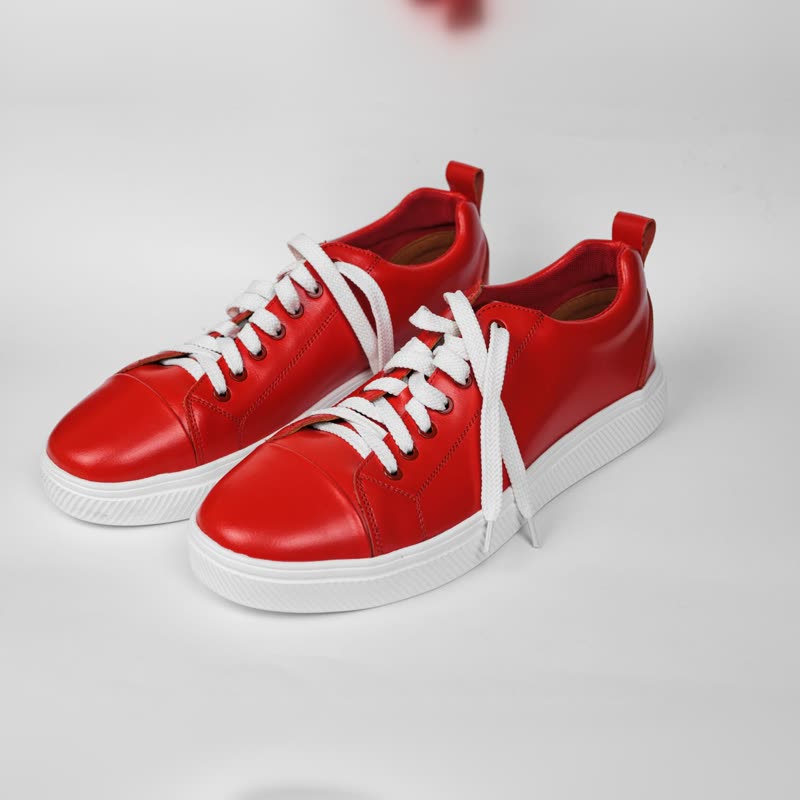
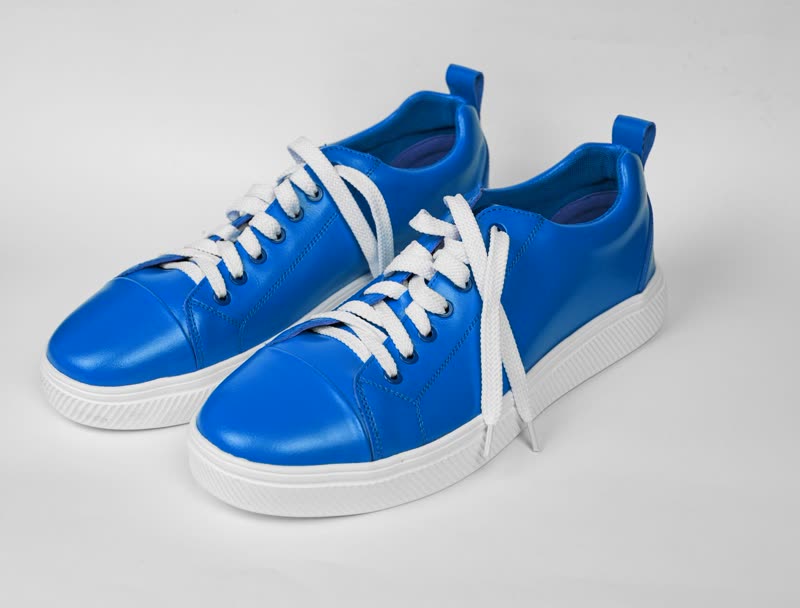
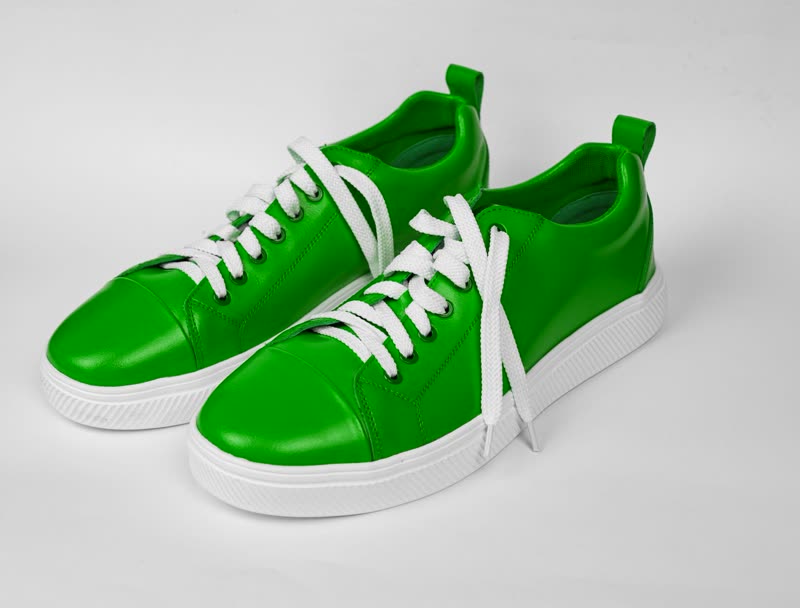
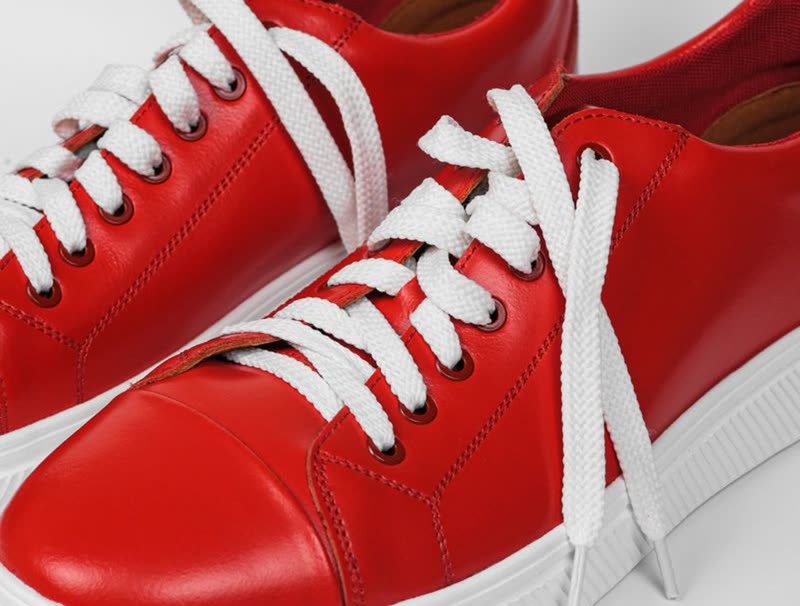
Red court low
€129
In stock
Soft leather upper, cushioned sole. Comes with a spare set of laces. Pick a colour and the picture, the price and the stock line change together.
What it does
- Main stack
- Drag it, use the arrow keys, or click a thumbnail. The image changes through the transition you chose.
- Swatches
- Picking a colour morphs the picture and updates the price and stock line, the way your variations are set up.
- Stock line
- Reads from the variation. An out-of-stock colour stays selectable, but it cannot be added to the cart.
- Lightbox
- A click makes the image grow out of its place to fill the screen. Escape takes it back.
- Zoom
- A lens under the pointer for close inspection. On a phone, the lightbox does this job.
- Add to cart
- Adds the chosen variation without loading a new page. The demo uses a sample cart.
Use it on single product pages when the pictures decide the sale: clothes, furniture, anything with colours. For a spare parts catalogue, the default gallery of your theme is plenty.
The block is free. Its Pro parts: more transitions, pointer effects. Pro starts at $19 a year.
Set it once, or per block
Everything on this site is a setting, not code. Each block's sidebar has a Pointer panel and a panel for where the name, price and button go. And three storewide switches in WooCommerce, Settings, Products put it on every list and product page, without touching a template.
Block sidebar, Pointer (Pro)
- Effect under the pointer
- 12 to choose from
- Size
- 0 to 100
- Strength
- 0 to 100
Block sidebar, Name, price and button
- Layout
- Ten, two of them free
- Show them
- Always, or when pointed at
WooCommerce, Settings, Products
- Lists of products
- Hover morph on all of them
- Product pages
- Product Stage in place of the gallery
- Transition
- Free: fade, distance, ripple, zoom. Pro adds more
- Pointer effect (Pro)
- One for the whole shop
Questions
Does it replace the WooCommerce gallery?
You place it in the single product template in place of the product image gallery, price and add to cart blocks. Your theme's other parts stay as they are.
How many images does it load at once?
The current image, then the ones next to it. gpu slider prepares neighbouring textures while the slider rests, and keeps the 16 pictures it drew last.
Is the zoom available on touch screens?
Touch screens have no pointer to carry a lens, so a tap opens the lightbox instead, and the image can be dragged there.
Can a colour have several images?
The demo uses one picture per colour. How many images per variation the block supports is settled with the release.
See it elsewhere
Transitions that suit it
Product Stage is in the free plugin.
Get the free plugin