 Product Slider BlockFree downloadMenu
Glitch transition for WooCommerce product sliders
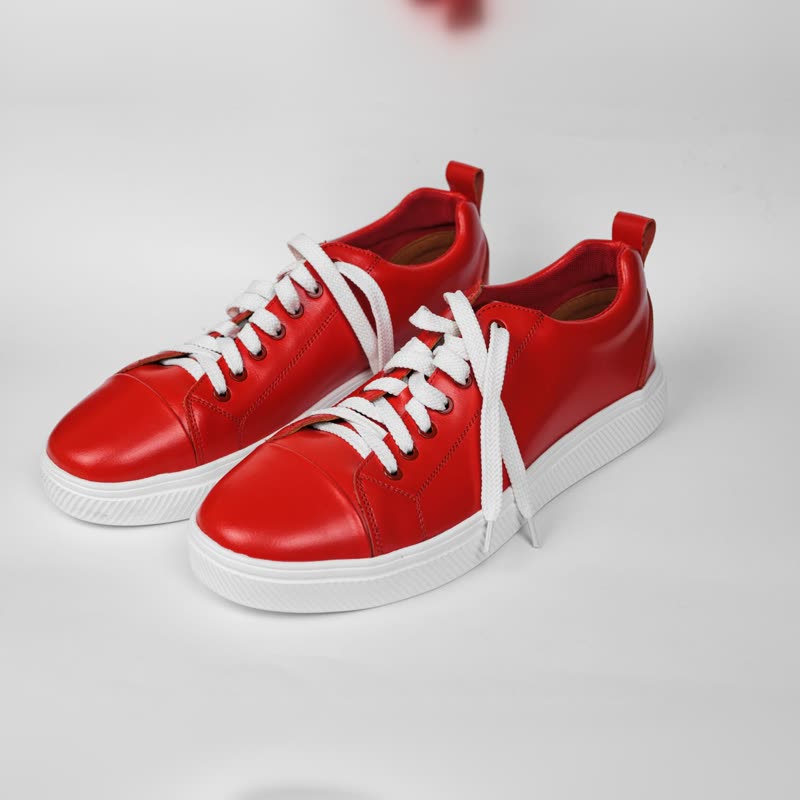
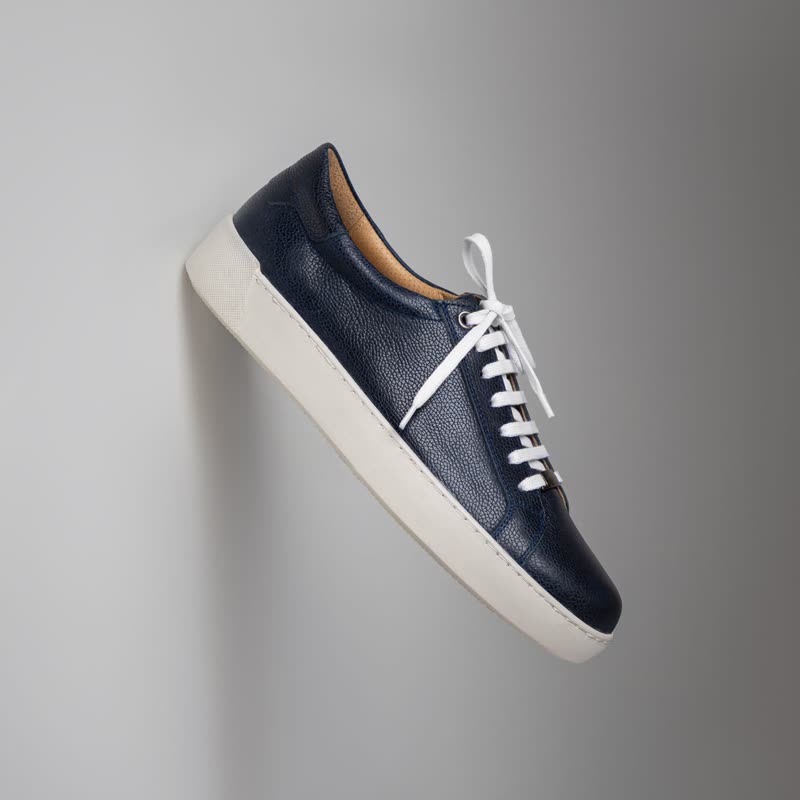

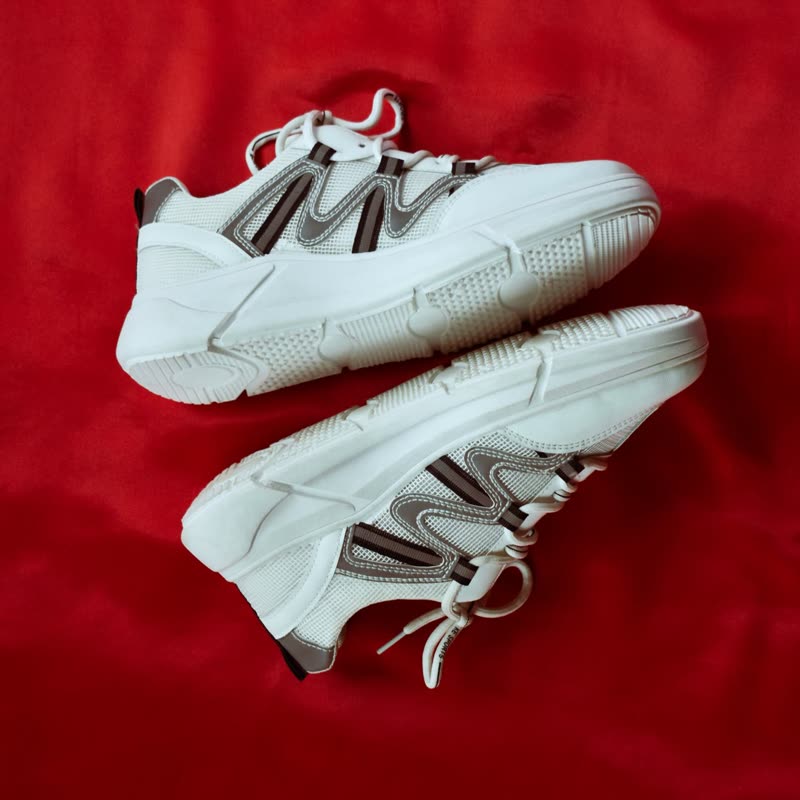
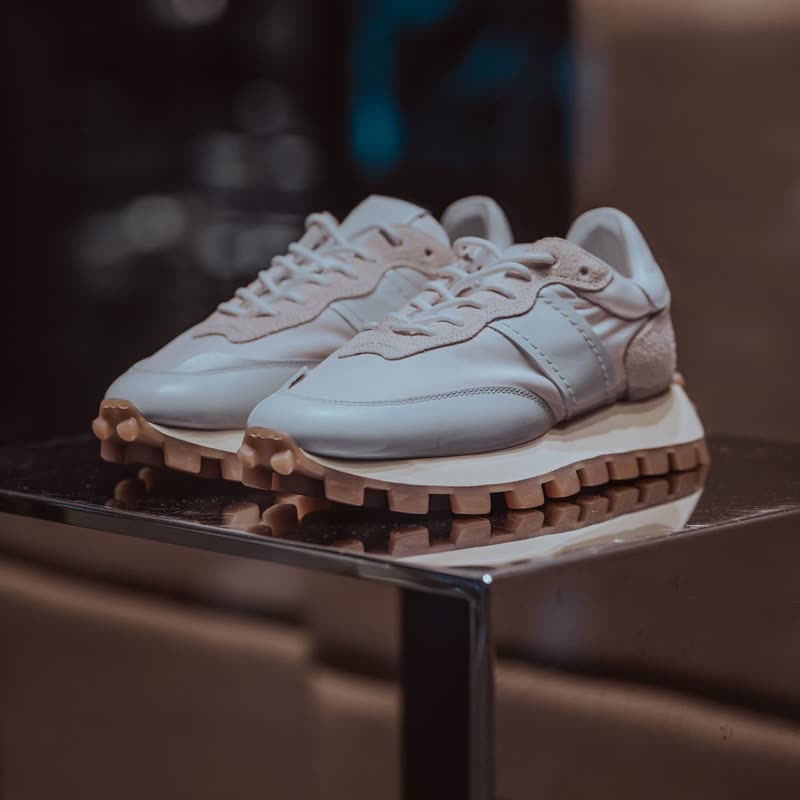
Red court low
€129
Drag the picture sideways and hold: you can stop in the middle of the move.
Scanlines tear, the colour channels slide apart, and blocks of the picture switch to the next product at random. It lasts well under a second and leaves no trace.
It looks like a fault on purpose, so it belongs to shops that are allowed to look a little broken.
Free
Included in the free plugin.
Put it on
- Sneaker and streetwear drops
- Loud, short and a bit rude, which is roughly what a drop page should feel like.
- Gaming gear and merch
- The visual language is already at home with that audience.
- Hard-edged studio shots
- High contrast makes the channel split look deliberate and sharp.
Keep it off
- Anything sold on trust or care
- Baby products, medical goods, fine jewellery. A picture that looks broken suggests a shop that might be.
- Visitors sensitive to flicker
- It flickers by design. Keep it off autoplay, and let a click trigger it instead.
Settings
In the block the time of a move is a setting on every transition. Everything else on this list comes from gpu slider, which draws it.
Red court low €129
In the block, in three steps
- Add the Product Slider block to your page, and under Products choose the newest products.
- Set Layout to One at a time, then pick Glitch under Transition.
- Turn autoplay off and watch it again. It should arrive when someone asks for it, not by itself every few seconds.
Close relatives
In a sample shop
Blocks that can use it
Where it goes in a shop: on a hover image swap, in a related products row or in a slider on autoplay. Questions about browsers and motion are in the FAQ.
Glitch works in the free plugin.
Get the free plugin