 Product Slider BlockFree downloadMenu
A related products slider on the product page
Place a Product Slider in your product template and set Products to Related. It shows that product's related products, in a row people can drag, swipe or move with arrows. Free
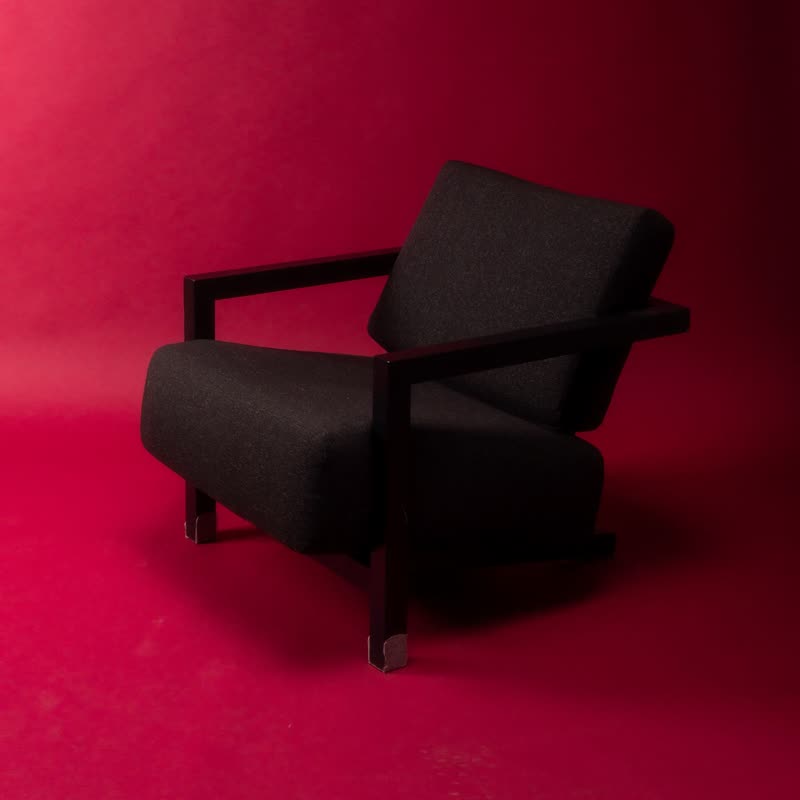
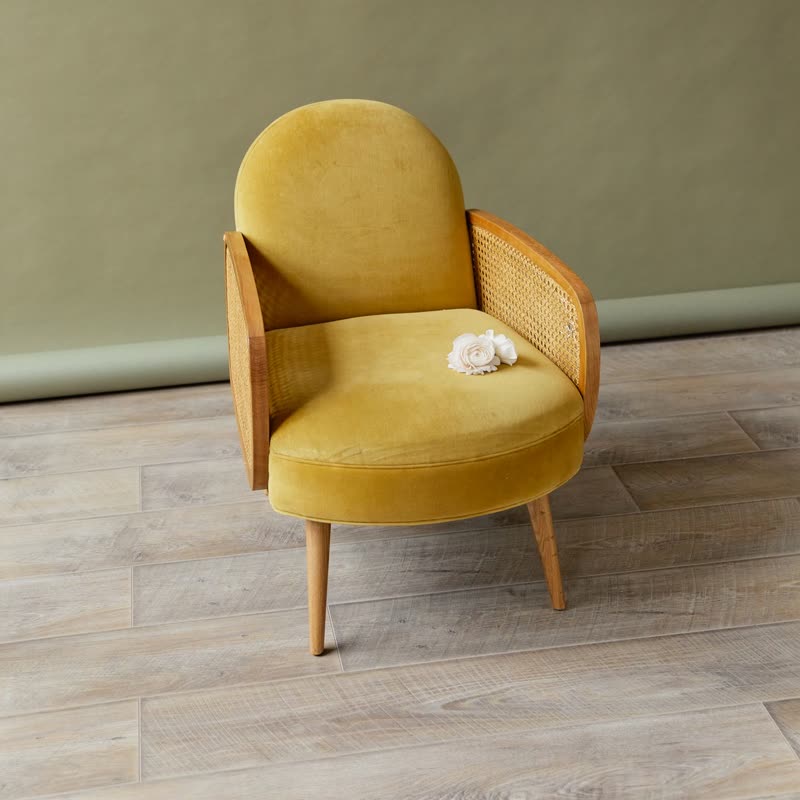

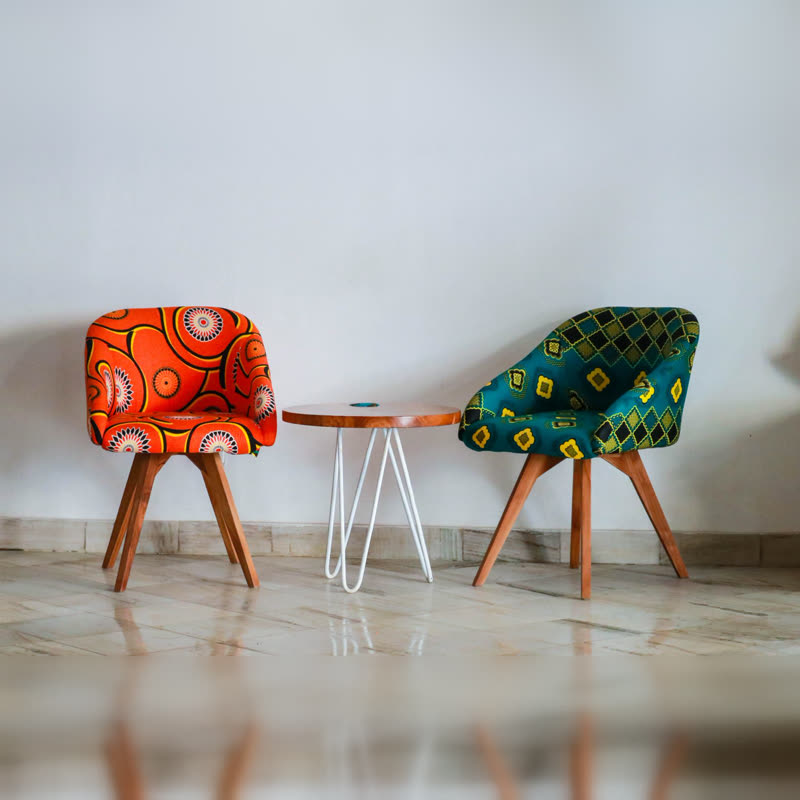
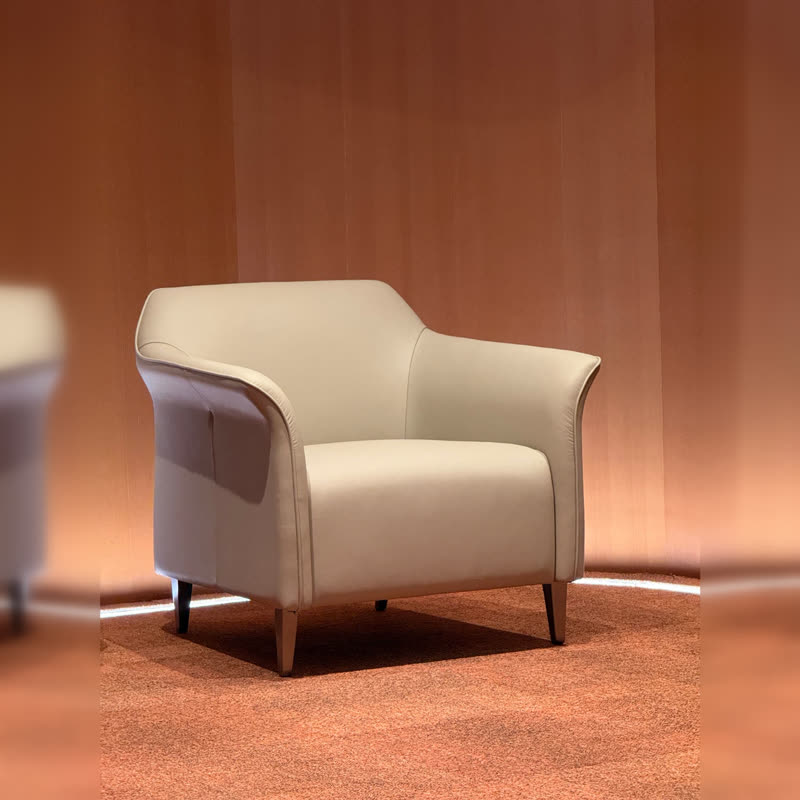
What "related" means here
It is WooCommerce's own related products logic, so products that share categories or tags with the current one. The block doesn't add any recommendation engine. If your related products look random, your categories and tags are probably too broad, and that is the first thing to fix.
Where to place it
In a block theme, open Appearance, Editor, Templates, Single Product, and replace the Related Products block with a Product Slider. Set the source. In a classic theme, there is no such template to edit, and you would add the block where the theme allows it. Our guide also shows the CSS-only way, for those who want no plugin at all.
Settings worth changing
Products in view per device: four on desktop and about one and a half on a phone, so that the cut-off card shows that there is more. Keep arrows on for mouse users. Turn off autoplay, as on a product page nobody asked for movement. Hide sold-out products, because an unavailable suggestion is a dead end. Use the Below layout for name and price: it is free, and people here are comparing.
It stays quiet if empty
A product with no related products shows nothing, and it leaves no empty heading in the page if the heading is part of the pattern. "Related", "Upsells" and "Cross-sells" only show products on a product page. On other pages, the editor shows a short message instead.
A bit of motion
With parallax or stretch, both free, the row responds to a drag without moving by itself. For a row people glance at while deciding on another product, this is about as much as you want.
Questions
Does it replace the theme's related products?
Only if you remove them from your template. Otherwise you will have both.
How many products does it load?
You set it, up to 50. For related products, eight to twelve is plenty.
Sample products throughout. Pro starts at $19 a year.
Get the free plugin