 Product Slider BlockFree downloadMenu
Product Slider, the block that puts products in motion
Pick products in the editor: on sale, best sellers, a category, or by hand. The visitor gets a slider to drag, with real prices and cart buttons on top, and any effect or transition from this site.
A row, with the stretch effect





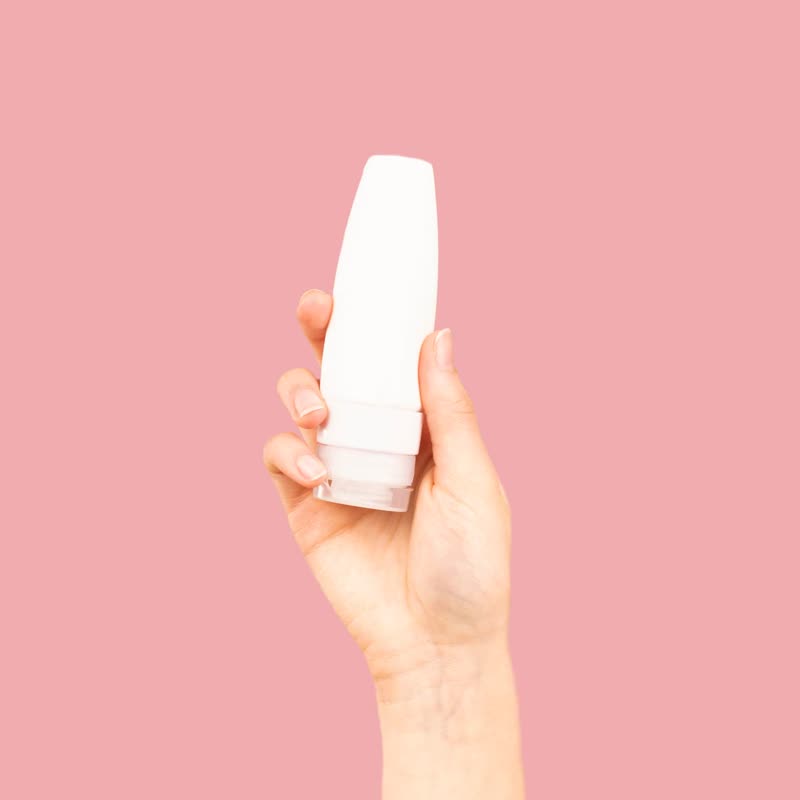
One at a time, with a transition






Amber jar candle
€26
A grid whose places change
What it does
- Sources
- All, featured, on sale, best sellers, top rated, newest, hand-picked, categories, tags, and on a product page related, upsells and cross-sells.
- Row
- Drag, arrows, dots, keys, loop and autoplay with a pause button. Products in view are set per device and follow the block's own width.
- One at a time (Pro)
- A stack with a transition from this site.
- Changing grid (Pro)
- The places stay put and each one turns into its next product, one after another.
- Ticker (Pro)
- It runs evenly and slows under the pointer.
- Add to cart
- Without a page load, also on cached pages. Without JavaScript it is a scrolling row with normal links.
- Sale countdown and stock bar (Pro)
- On the slide, with values from the product.
- Analytics (Pro)
- Views, clicks, add to carts, orders and revenue per slider and per product, in your WooCommerce admin.
Use it wherever you want a set of products to fit in one band: a home page, a landing page, the bottom of a product page. If a plain row with no autoplay is all you need, WooCommerce's own Product Collection block has a carousel layout since version 10.2.
The block is free. Its Pro parts: more transitions, pointer effects. Pro starts at $19 a year.
Set it once, or per block
Everything on this site is a setting, not code. Each block's sidebar has a Pointer panel and a panel for where the name, price and button go. And three storewide switches in WooCommerce, Settings, Products put it on every list and product page, without touching a template.
Block sidebar, Pointer (Pro)
- Effect under the pointer
- 12 to choose from
- Size
- 0 to 100
- Strength
- 0 to 100
Block sidebar, Name, price and button
- Layout
- Ten, two of them free
- Show them
- Always, or when pointed at
WooCommerce, Settings, Products
- Lists of products
- Hover morph on all of them
- Product pages
- Product Stage in place of the gallery
- Transition
- Free: fade, distance, ripple, zoom. Pro adds more
- Pointer effect (Pro)
- One for the whole shop
Questions
Do I need shortcodes?
No. It is a block, placed and set up in the editor like any other.
Does it work with block themes?
Yes, and it follows the theme's colours and fonts unless you change them.
How heavy is it?
gpu slider's docs list the core at 4.8 KB gzipped, an effect at 0.2 to 0.8 KB, and the canvas layer at 7.8 KB with WebGL 2 or 9.5 KB with WebGPU. A visitor loads one of the two layers.
What is in the free version?
All product sources, the row layout, and fade, ripple, zoom, stretch and parallax. Everything else is Pro.
See it elsewhere
In a sample shop
Product Slider is in the free plugin.
Get the free plugin