 Product Slider BlockFree downloadMenu
Stretch effect for WooCommerce product sliders
Fling the row. The harder you throw it, the more you see.
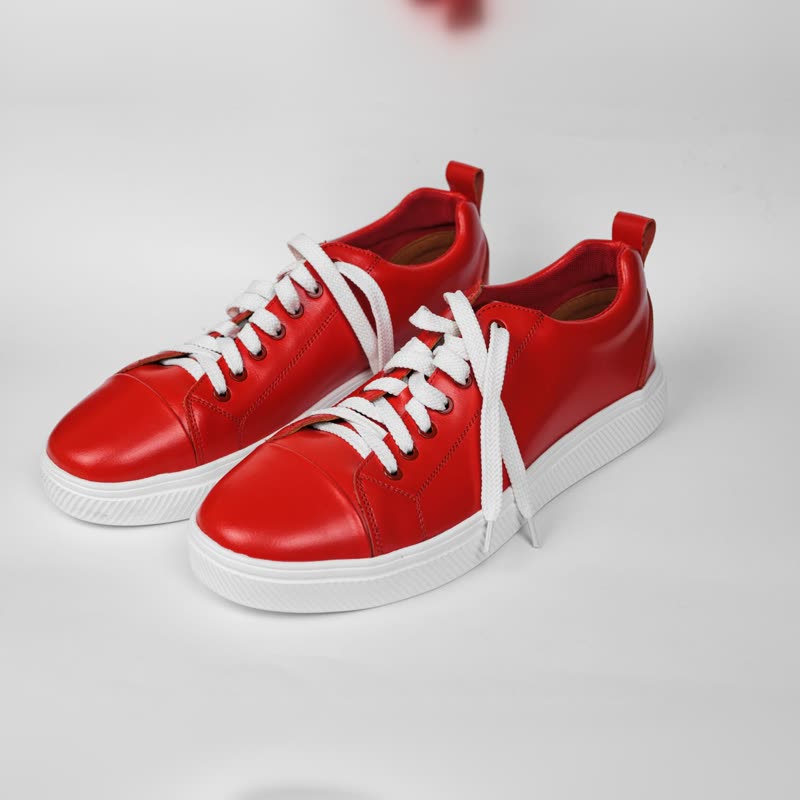
Red court low€129
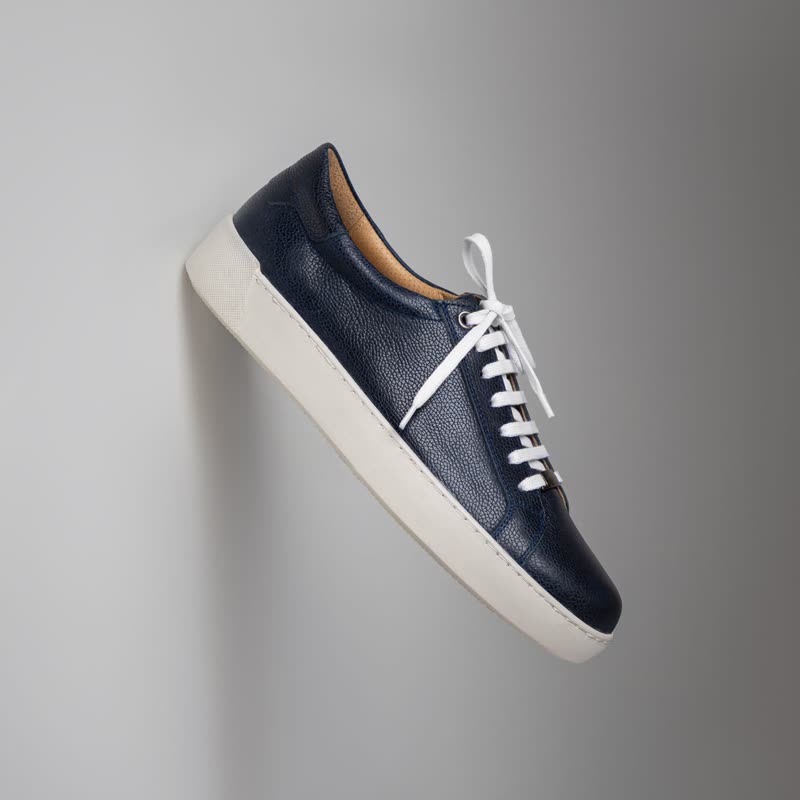
Navy pebble low€149
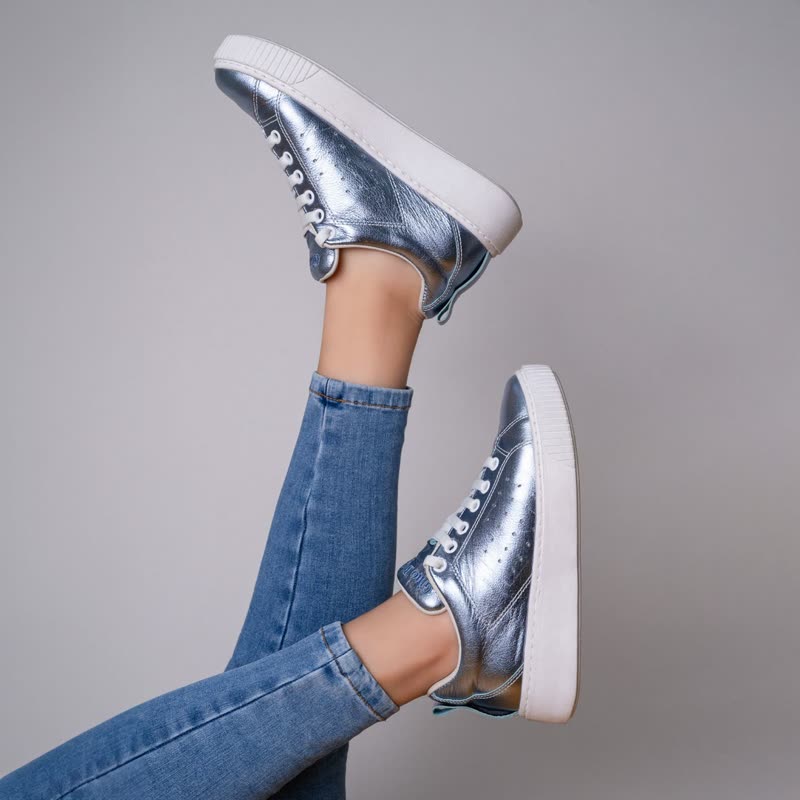
Silver foil low€139
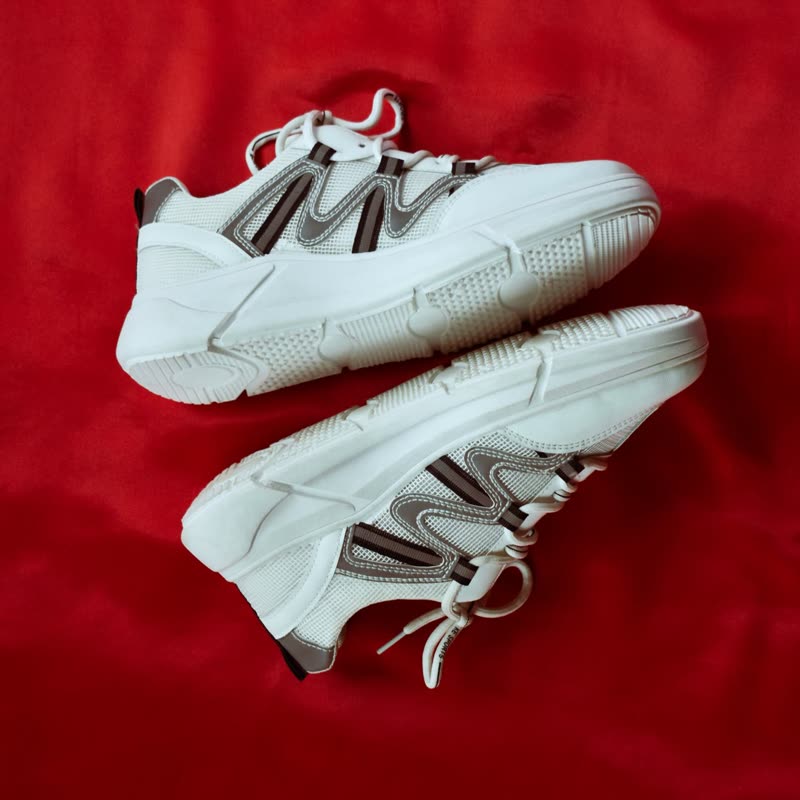
White chunk runner€135
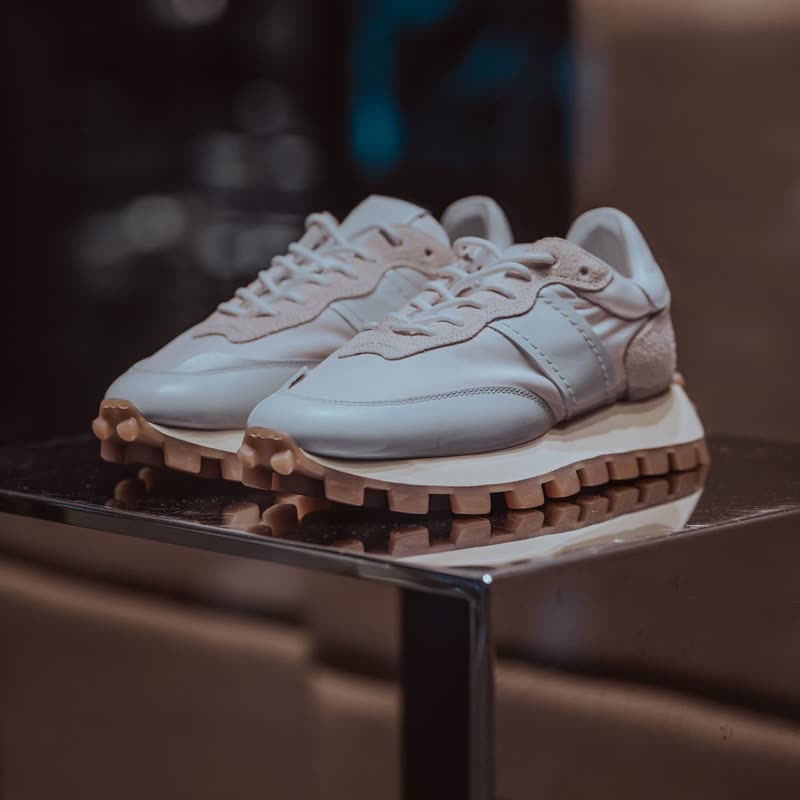
Pebble trainer€155

Steel chronograph€420
When the row moves, the middle of each picture hangs back and the ends lead, as if the photos were printed on elastic. When it stops, they spring back. At rest nothing is different from an ordinary row.
It rewards the hand, and it does so only when asked. Nobody who just wants to read a price ever sees it.
Free
Included in the free plugin.
Put it on
- Any row of products
- It costs nothing in clarity at rest, so there is very little it does not fit.
- Trainers and sportswear
- Elastic and fast, which is the promise of the product.
- Shops new to effects
- It is free, it is mild when unused, and it is a good first thing to try.
Keep it off
- Single-product layouts
- It needs several pictures passing to read. One slide per view just looks like a bowed picture.
- Rows that never move
- Three products with no drag and no arrows will never show it. You have added nothing.
Settings
The names here are gpu slider's, which draws it. The defaults on the sliders are its defaults.
Red court low€129
Navy pebble low€149
Silver foil low€139
White chunk runner€135
In the block, in three steps
- Add the Product Slider block to your page, and under Products choose best sellers.
- Leave Layout on Row, then pick Stretch under Effect.
- Fling the row hard, then gently. The difference between those two is the whole effect. If it barely changes, raise the amount.
Close relatives
In a sample shop
Blocks that can use it
Where it goes in a shop: on a hover image swap, in a related products row or in a slider on autoplay. Questions about browsers and motion are in the FAQ.
Stretch works in the free plugin.
Get the free plugin