 Product Slider BlockFree downloadMenu
Bend effect for WooCommerce product sliders
Fling the row. The harder you throw it, the more you see.
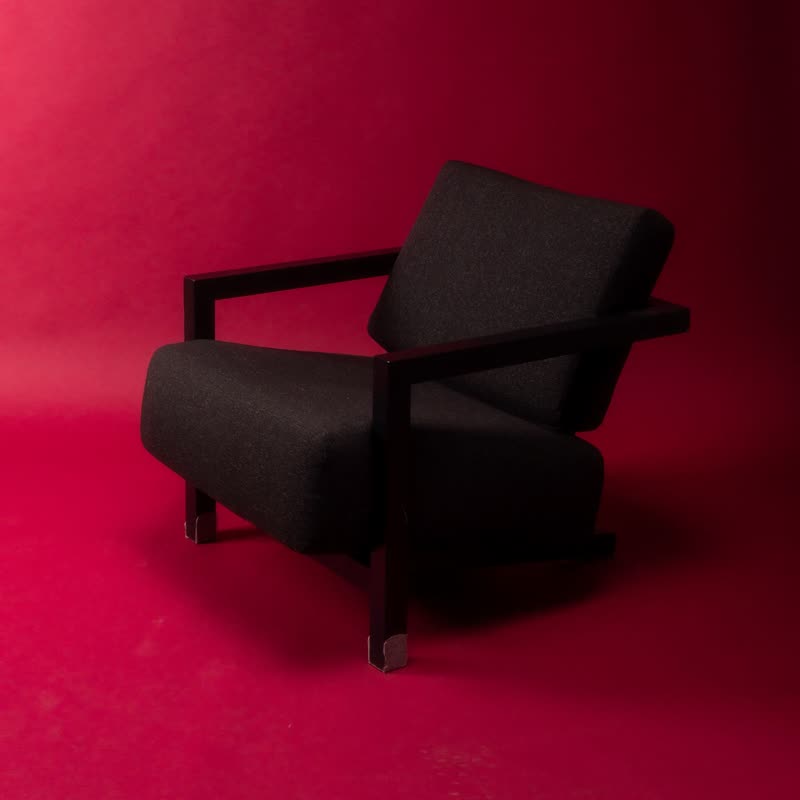
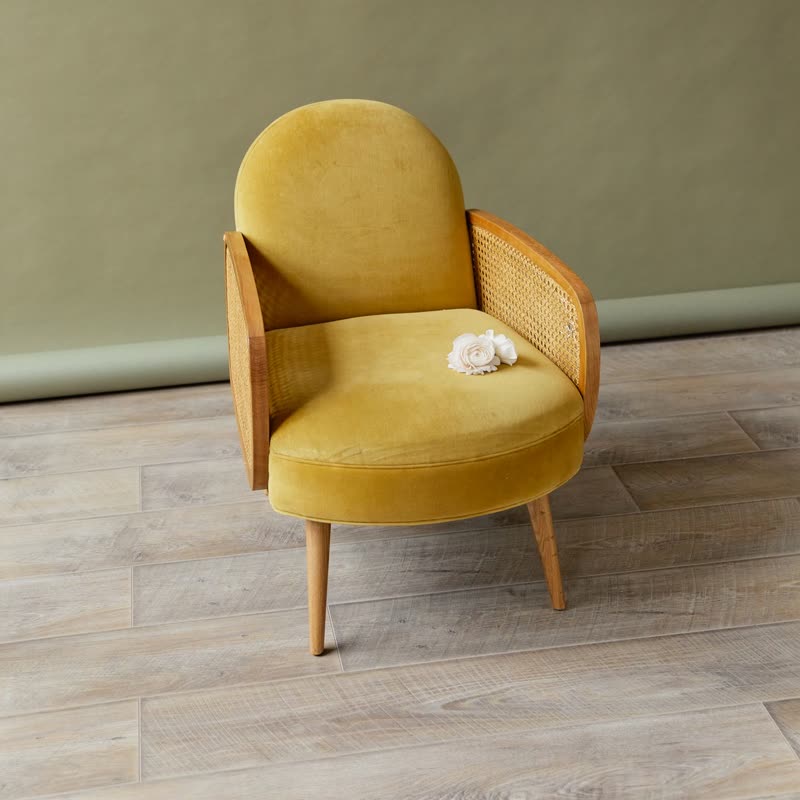
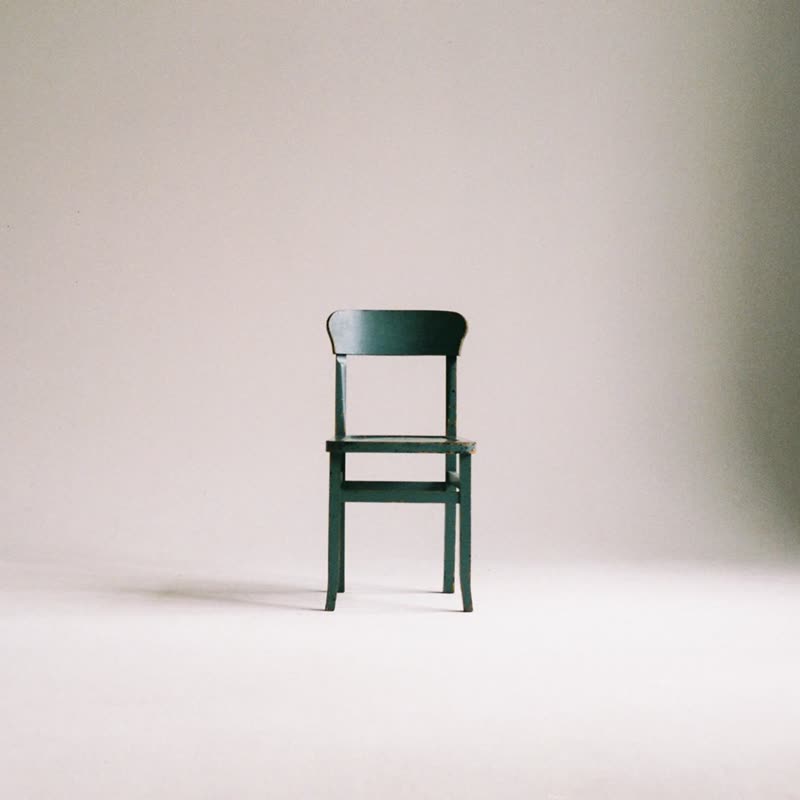
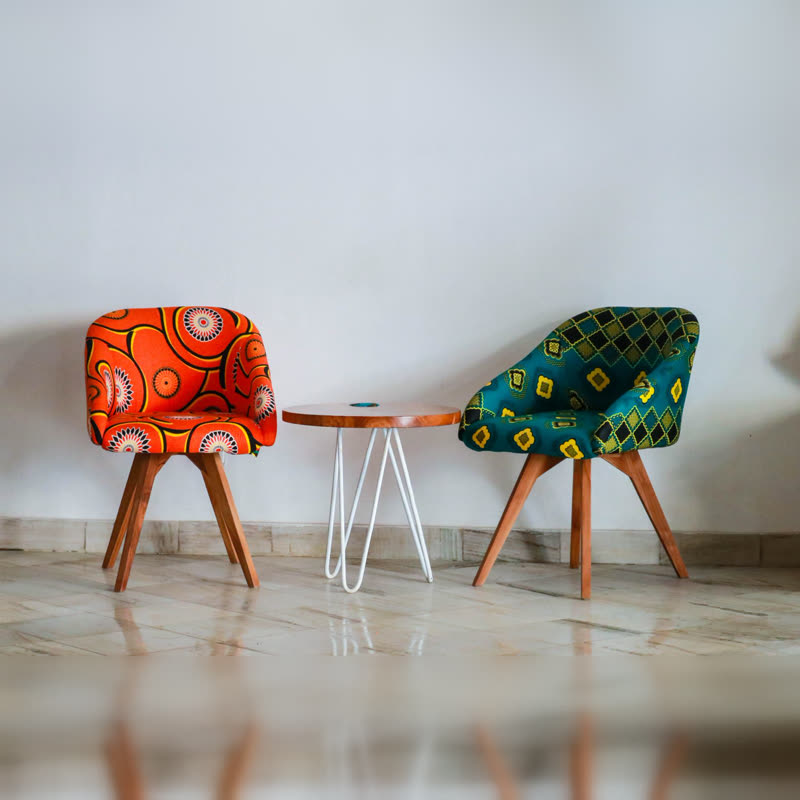
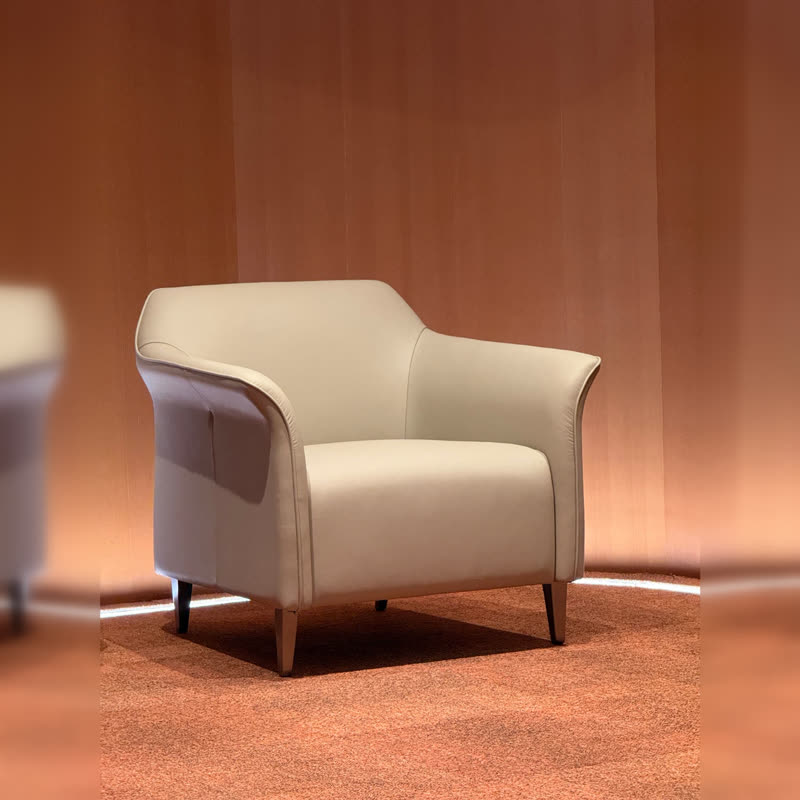
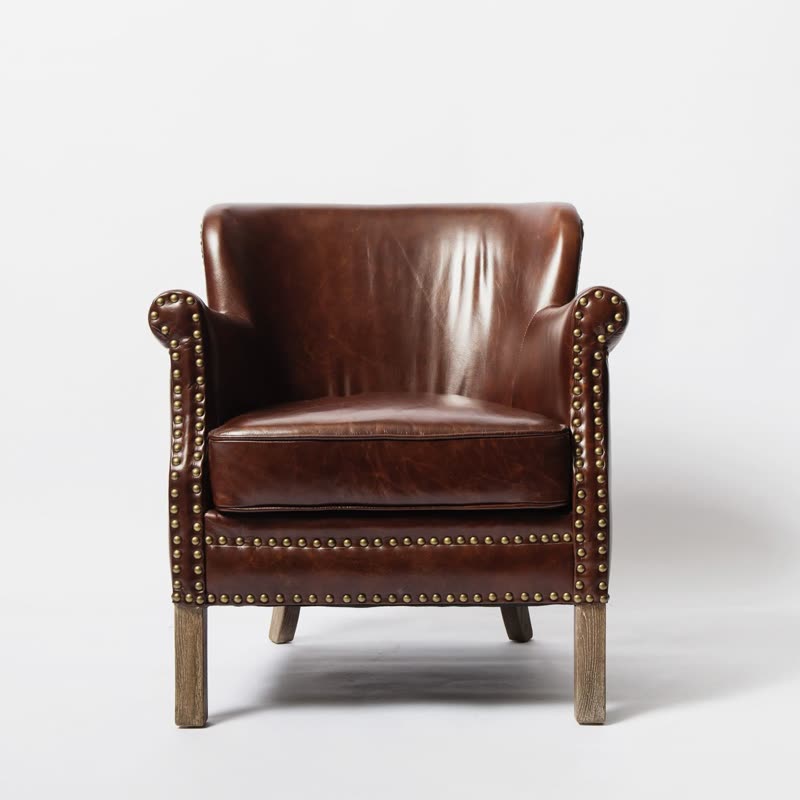
The row of slides is an arc: towards the sides of the view the slides go back in space. The faster the row moves, the deeper the arc gets, and it relaxes as it slows.
Unlike most effects here, this one shows at rest too, so the row has a shape even before anyone touches it. It looks like you are standing inside a curved gallery.
Comes with Pro. Pro starts at $19 a year.
Put it on
- Wide rows on large screens
- A curve needs width. On a big monitor it feels like architecture.
- Exhibitions of a few big items
- Sculptural lighting or chairs read well on a curved wall.
- Pages with a lot of space
- Give it a whole band with nothing competing.
Keep it off
- Phones with one slide in view
- One slide does not make an arc. You just get a slightly tilted image.
- Prices printed in the picture
- Text at the sides of the curve is foreshortened. HTML captions stay flat, so keep text out of the image.
Settings
The names here are gpu slider's, which draws it. The defaults on the sliders are its defaults.
In the block, in three steps
- Add the Product Slider block to your page, and under Products choose best sellers.
- Leave Layout on Row, then pick Bend under Effect. It comes with Pro.
- Use it with at least three slides in view. Then look at the outer slides: they should go back, not get hard to recognise.
Close relatives
Blocks that can use it
Where it goes in a shop: on a hover image swap, in a related products row or in a slider on autoplay. Questions about browsers and motion are in the FAQ.
Bend is part of Pro, and the free plugin has fade, distance, ripple, zoom, stretch and parallax to start with. Pro starts at $19 a year.
Get the free plugin