 Product Slider BlockFree downloadMenu


Dome effect for WooCommerce product sliders
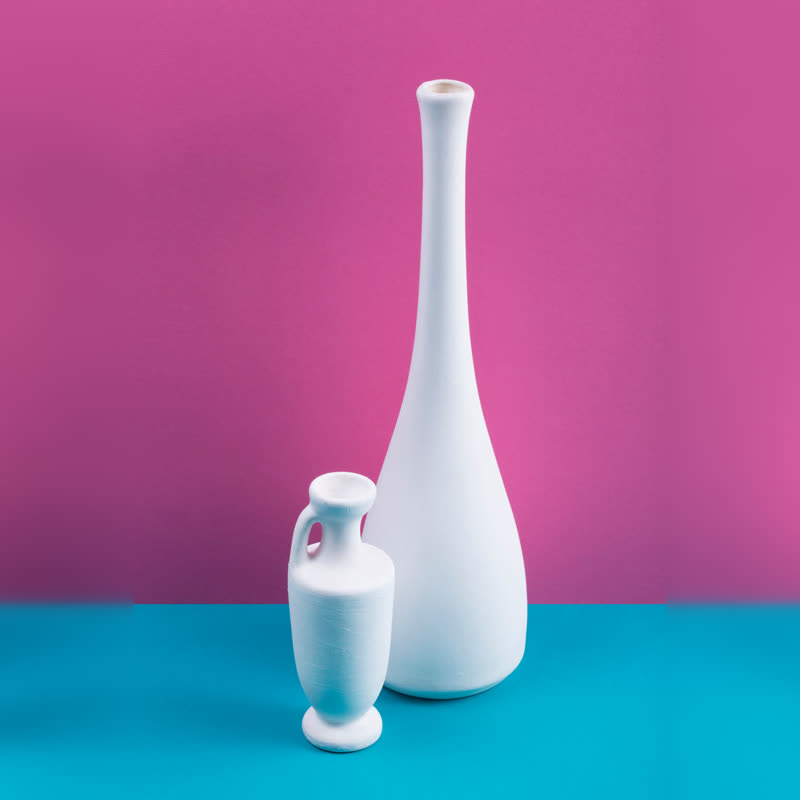
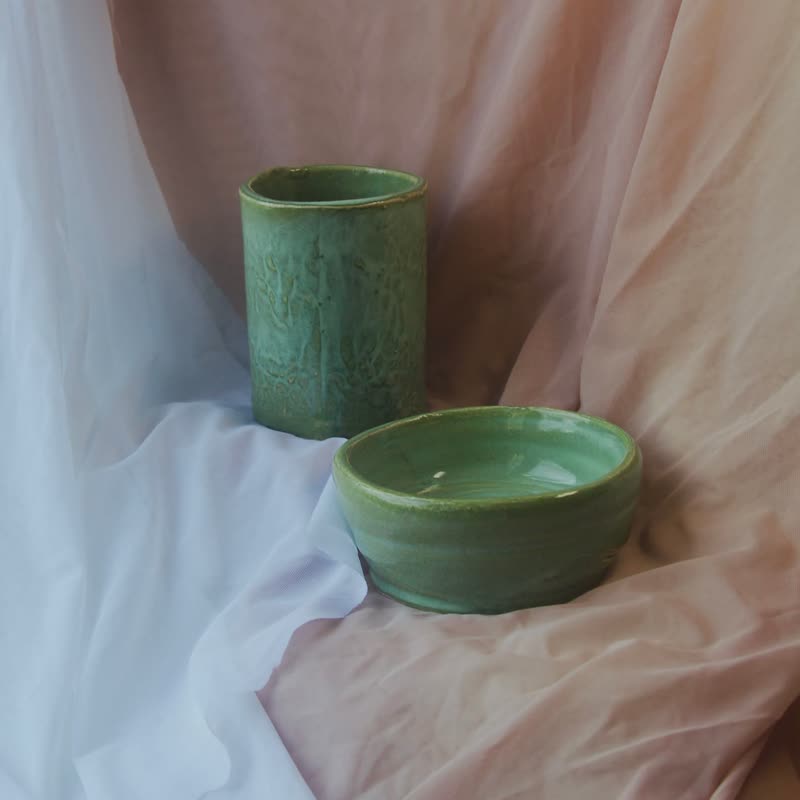
Long-neck vase duo
€88
Drag it, or click a slide at the side.
The row is seen as if on a dome. What is far from the middle is smaller and closer to it, and what lies beyond the edge is not seen, as behind a horizon.
It happens entirely in the plane, so nothing leaves the canvas and no padding is needed. Scattered objects seem to gather toward the centre.
Comes with Pro. Pro starts at $19 a year.
Put it on
- Rounded objects
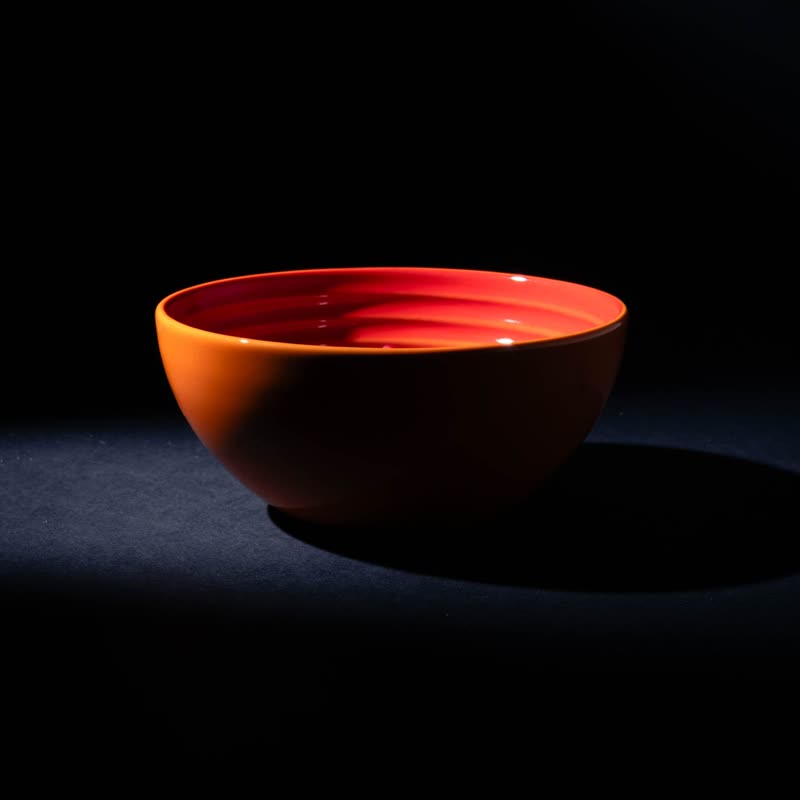
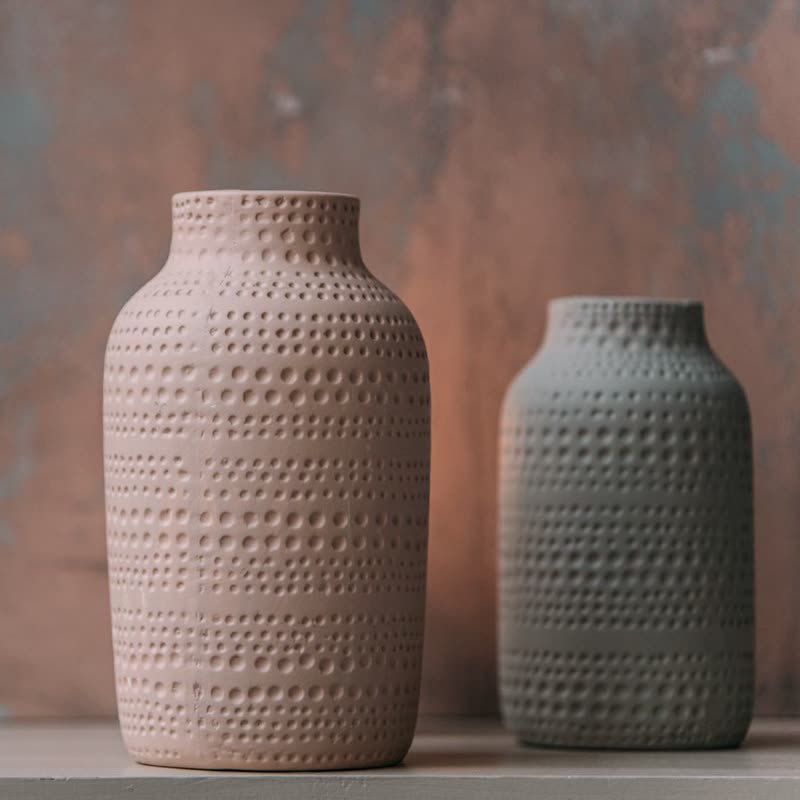
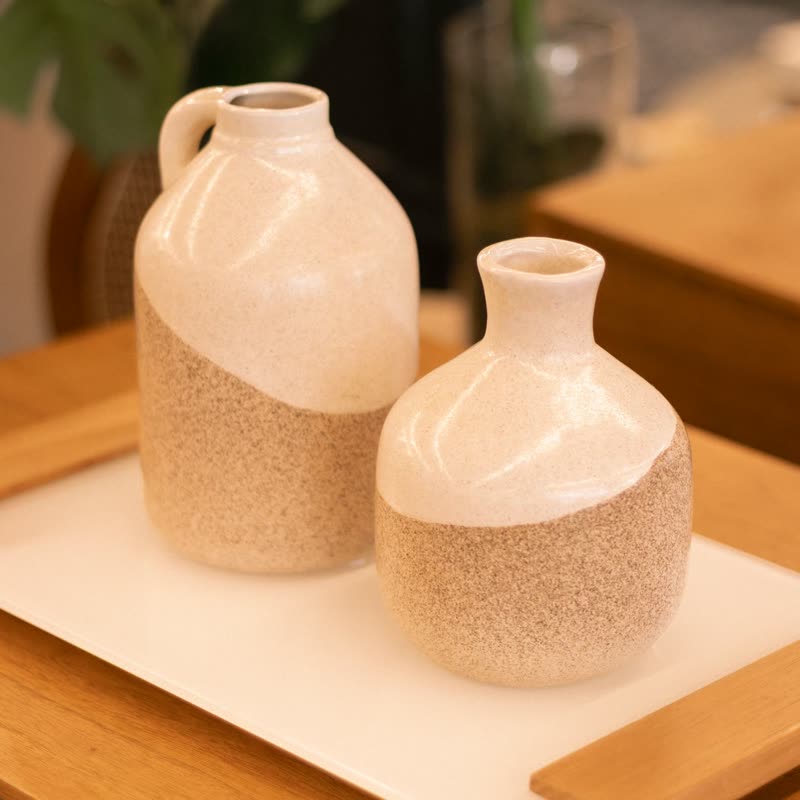
- Bowls and vases on a curved surface look like a little world.
- Wide rows with four or more in view
- The curvature needs several slides to show.
- Small products in a large band
- A shelf of tiny things gets the feeling of a globe.
Keep it off
- Reading outer slides
- They are small by design, so do not put anything at the edges you want read.
- Three slides or fewer
- There is nothing far from the middle, and hardly anything happens.
Settings
The names here are gpu slider's, which draws it. The defaults on the sliders are its defaults.
In the block, in three steps
- Add the Product Slider block to your page, and under Products choose best sellers.
- Pick Dome under Effect. The block centres the row for it. It comes with Pro.
- Compare the outer and middle slide. The outer one should be smaller, but still recognisable, or lower the amount.
Close relatives
Blocks that can use it
Where it goes in a shop: on a hover image swap, in a related products row or in a slider on autoplay. Questions about browsers and motion are in the FAQ.
Dome is part of Pro, and the free plugin has fade, distance, ripple, zoom, stretch and parallax to start with. Pro starts at $19 a year.
Get the free plugin