 Product Slider BlockFree downloadMenu
Zoom transition for WooCommerce product sliders
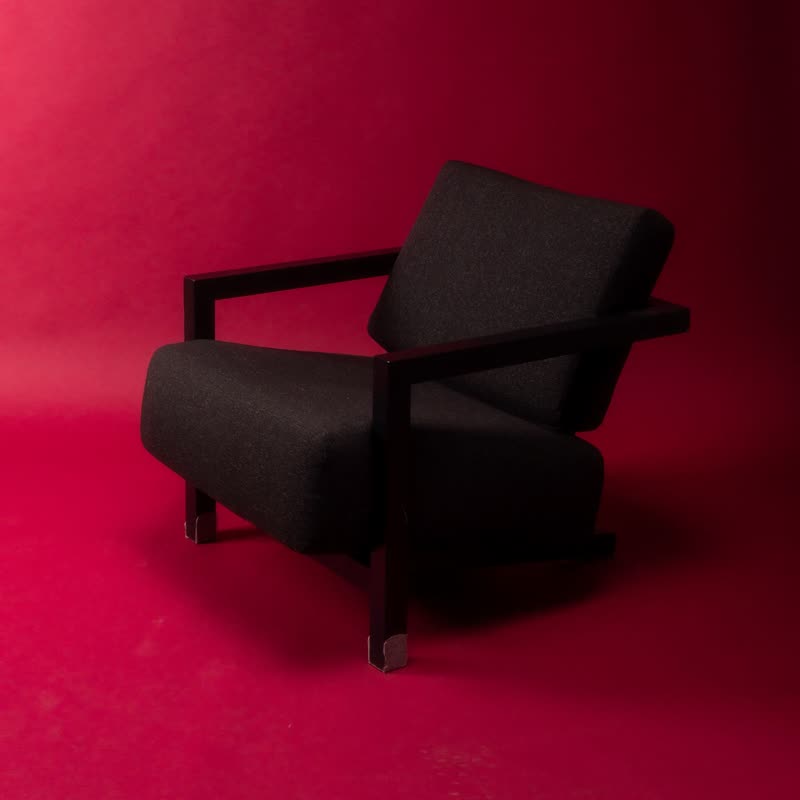
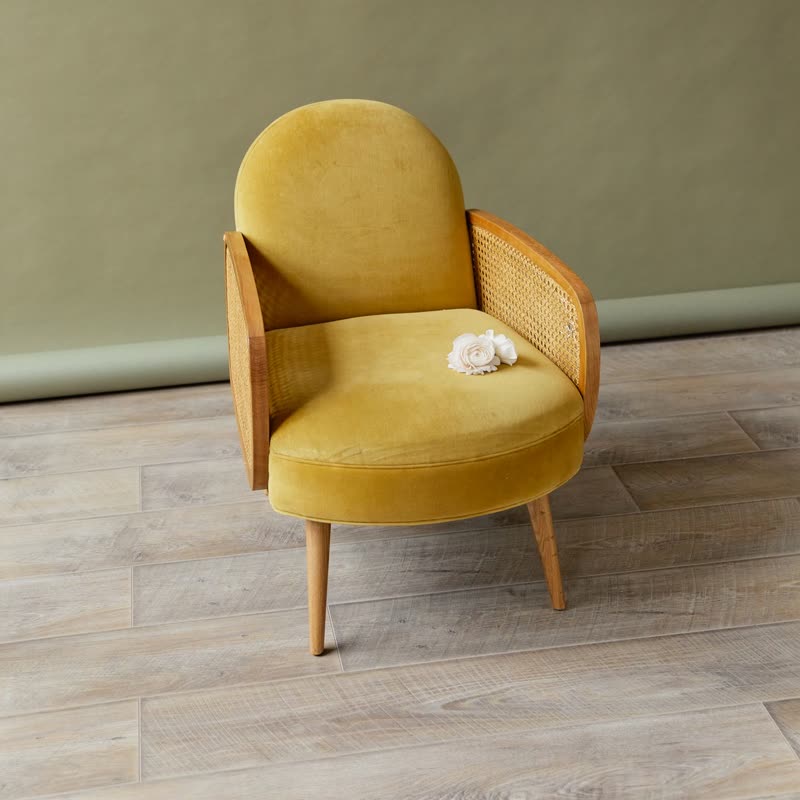
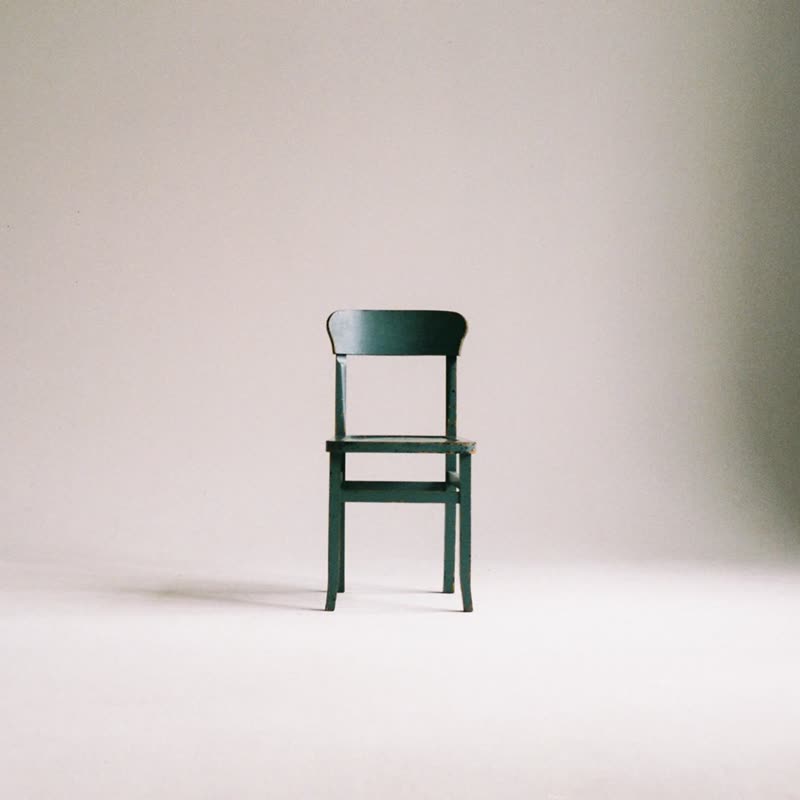
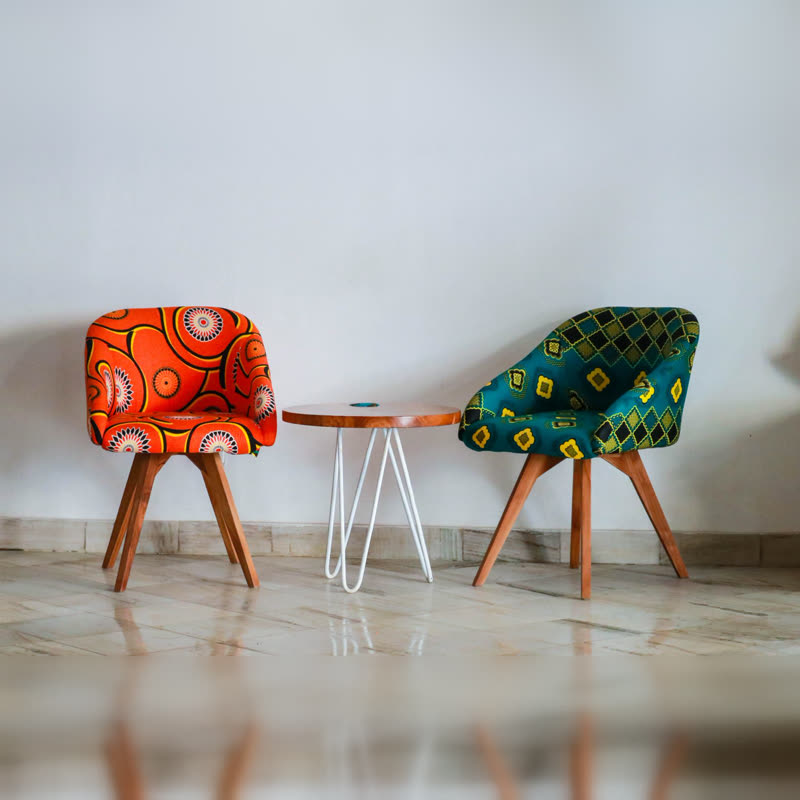
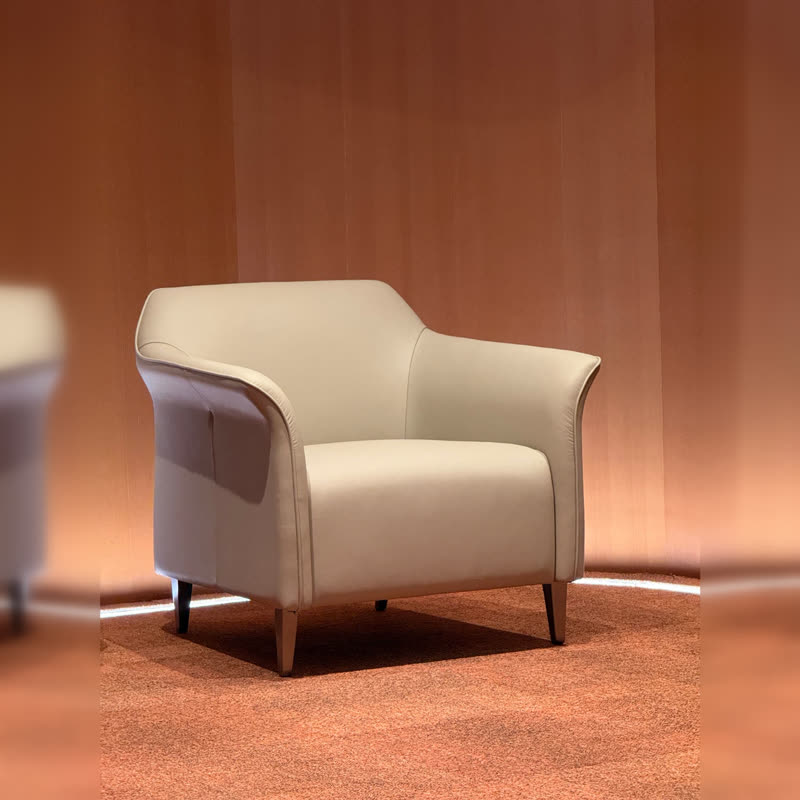
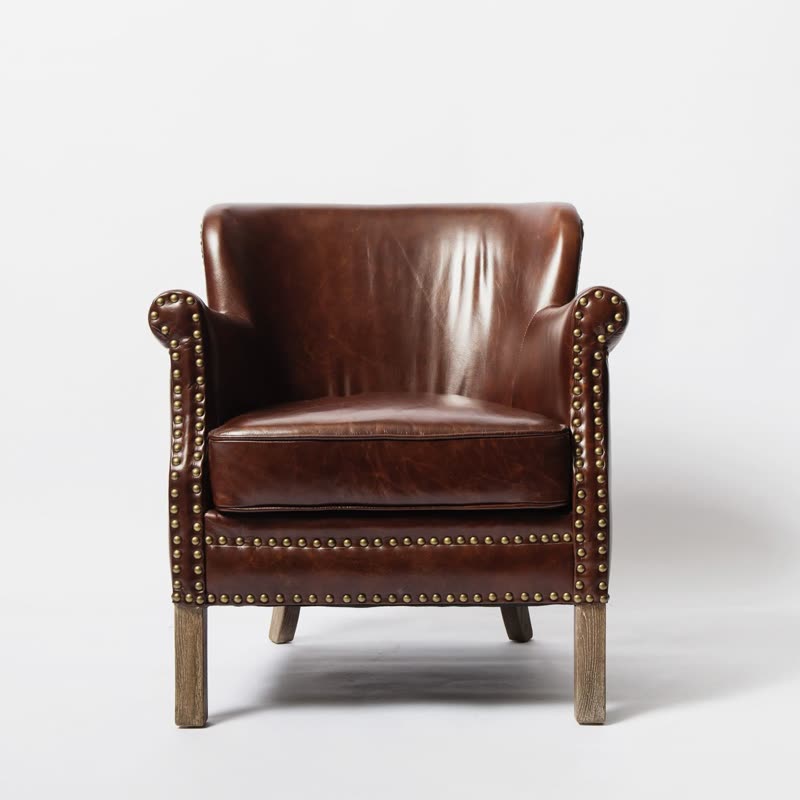
Block lounge chair
€890
Drag the picture sideways and hold: you can stop in the middle of the move.
The camera rushes into the picture with a radial blur and comes out of the next product. You pass through one object to reach the other.
It has direction and energy, so it answers a click firmly. And because the blur hides detail exactly where the swap happens, very different photos can follow each other.
Included in the free plugin.
Put it on
- Room scenes and large goods
- Going into a room feels natural. A sofa photo has depth to fly into.
- Sport and outdoor equipment
- Forward motion is the whole mood of the product.
- The free version with some punch
- It has real energy, for a transition in the free set.
Keep it off
- Autoplay in a big hero
- Being flown forward every four seconds while reading is tiring.
- Small accessories on plain paper
- You zoom into a pale background, which looks like the screen washed out.
Settings
In the block the time of a move is a setting on every transition. Everything else on this list comes from gpu slider, which draws it.
Block lounge chair €890
In the block, in three steps
- Add the Product Slider block to your page, and under Products choose best sellers.
- Set Layout to One at a time, then pick Zoom under Transition.
- Leave it on for a minute on a large monitor. If it wears you out, turn off autoplay and let it run on clicks only.
Close relatives
Blocks that can use it
Where it goes in a shop: on a hover image swap, in a related products row or in a slider on autoplay. Questions about browsers and motion are in the FAQ.
Zoom works in the free plugin.
Get the free plugin