 Product Slider BlockFree downloadMenu
Lens transition for WooCommerce product sliders


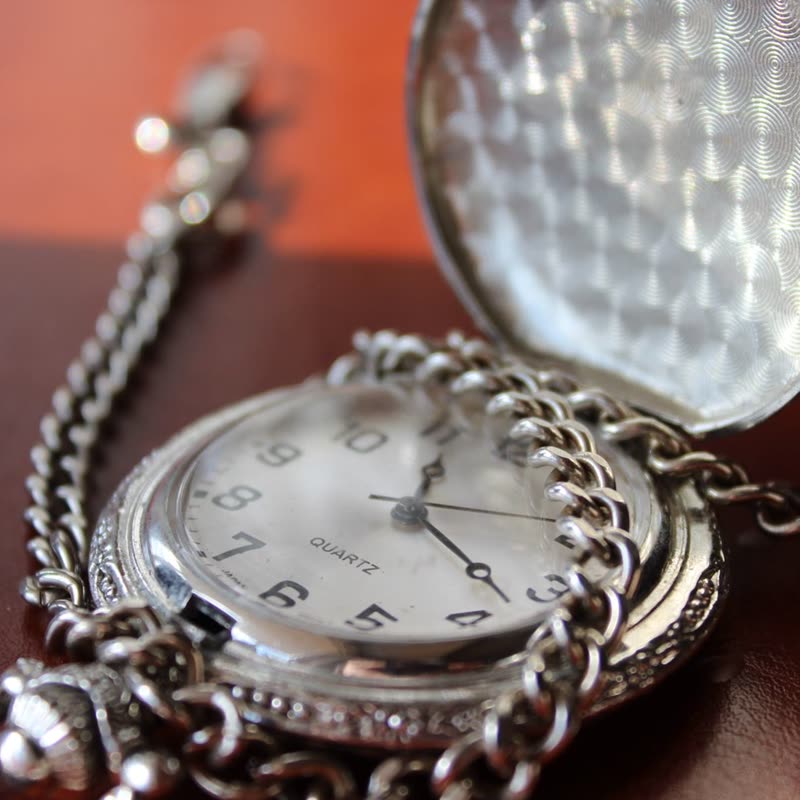


Steel chronograph
€420
Drag the picture sideways and hold: you can stop in the middle of the move.
The picture bulges as if pushed through a lens, picks up rainbow fringes at the rim, and settles into the next product. A short optical event rather than a wipe.
Fringes like these are what real glass does at its edge, so on products with glass of their own the effect looks like it belongs to the object.
Comes with Pro. Pro starts at $19 a year.
Put it on
- Watches and optics
- Crystal, sapphire, camera lenses, binoculars. A precise, quick bulge suits precise things.
- Round subjects on black
- The bulge follows the shape, and the rainbow rim shows up best on dark.
- Small numbers of expensive items
- Six watches, each given one clean, brief moment.
Keep it off
- Flat graphic images
- Posters and flat lay patterns just look warped, because there is no depth to refract.
- Clothing
- A bulging torso is not a flattering way to arrive.
Settings
In the block the time of a move is a setting on every transition. Everything else on this list comes from gpu slider, which draws it.
Steel chronograph €420
In the block, in three steps
- Add the Product Slider block to your page, and under Products choose hand-picked products.
- Set Layout to One at a time, then pick Lens under Transition. It comes with Pro.
- Look at the rim on your darkest photo. If you do not see colour fringes in the move, the background is too bright for this one.
Close relatives
In a sample shop
Blocks that can use it
Where it goes in a shop: on a hover image swap, in a related products row or in a slider on autoplay. Questions about browsers and motion are in the FAQ.
Lens is part of Pro, and the free plugin has fade, distance, ripple, zoom, stretch and parallax to start with. Pro starts at $19 a year.
Get the free plugin