 Product Slider BlockFree downloadMenu
Loupe effect for WooCommerce product sliders
Move your pointer over the picture, or drag a finger across it. Change its size on a product card.


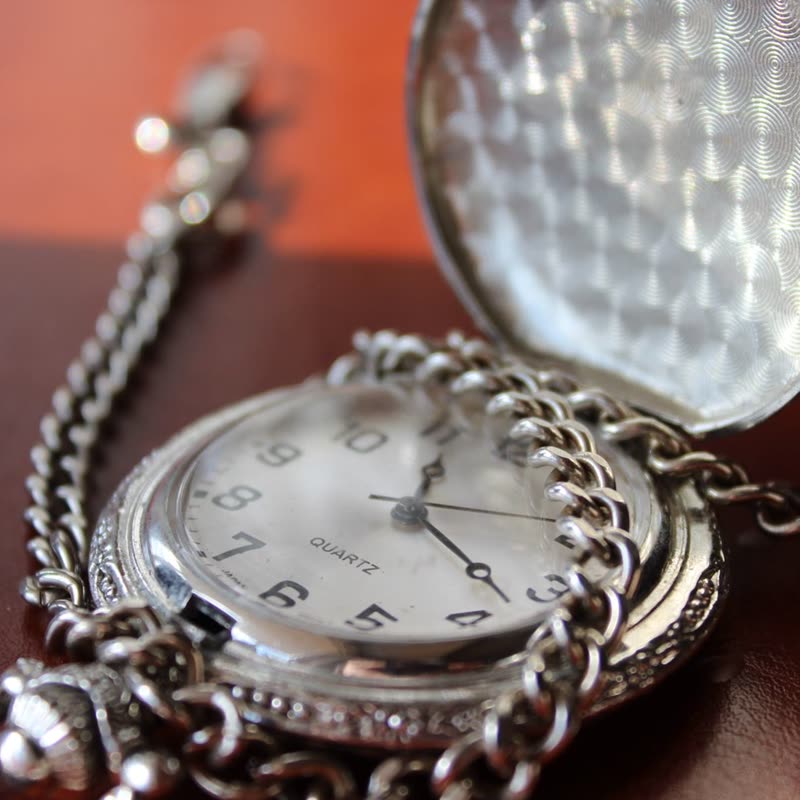

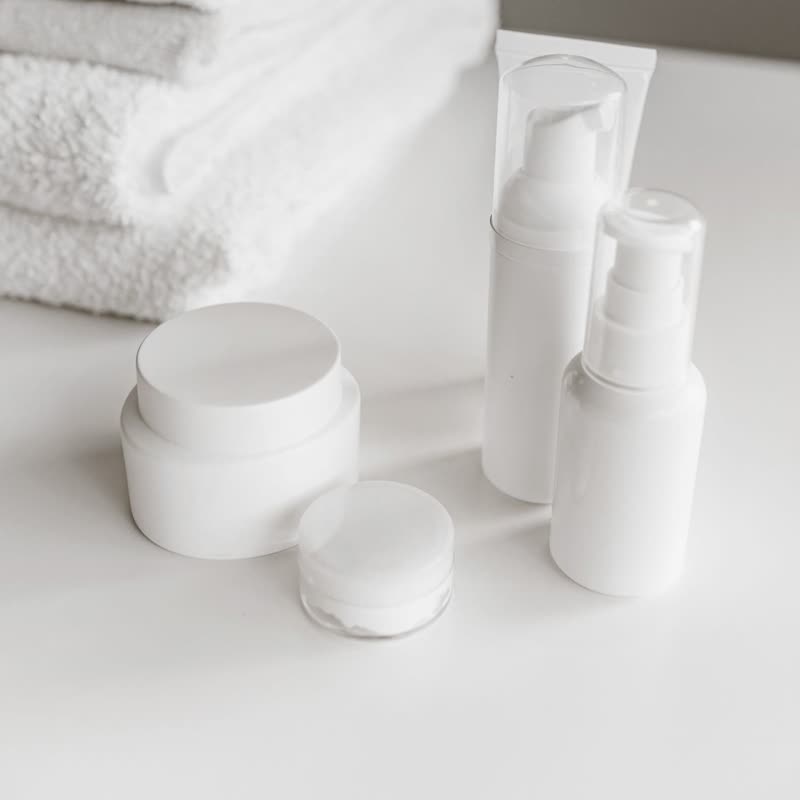
A loupe with a rim of glass is carried over the whole slider. It magnifies gaps and borders just as it does the pictures, because it is laid over everything after the slides have been drawn.
That difference from magnify is what makes it feel like a tool: it is a separate object floating above the row, and it can pass from one product straight onto the next.
Comes with Pro. Pro starts at $19 a year.
Put it on
- Watch and jewellery makers
- A watchmaker's loupe is the correct metaphor, and it's been the same one for a long time.
- Coins, stamps, collectables
- Close inspection across several items in a row.
- Technical detail shots
- Circuit boards and machined parts. The rim says you are looking closely.
Keep it off
- Very small rows
- A 90 px loupe on an 80 px thumb is just a bigger thumb.
- Soft lifestyle photos
- Inspecting a blurry bokeh is unrewarding. Use it where the sharpness is there.
Settings
In the block, the Pointer panel has two sliders, Size and Strength, from 0 to 100, with 50 at these defaults.
In the block, in three steps
- Add the Product Slider block to your page, and under Products choose hand-picked products.
- Open the Pointer panel in the sidebar, and pick Loupe as the effect. It comes with Pro.
- Slide the loupe across a gap between two products. It should carry straight over, rim and all.
Close relatives
On a product card
Blocks that can use it
Where it goes in a shop: on a hover image swap, in a related products row or in a slider on autoplay. Questions about browsers and motion are in the FAQ.
Loupe is part of Pro, and the free plugin has fade, distance, ripple, zoom, stretch and parallax to start with. Pro starts at $19 a year.
Get the free plugin