 Product Slider BlockFree downloadMenu
Spotlight effect for WooCommerce product sliders
Move your pointer over the picture, or drag a finger across it. Change its size on a product card.
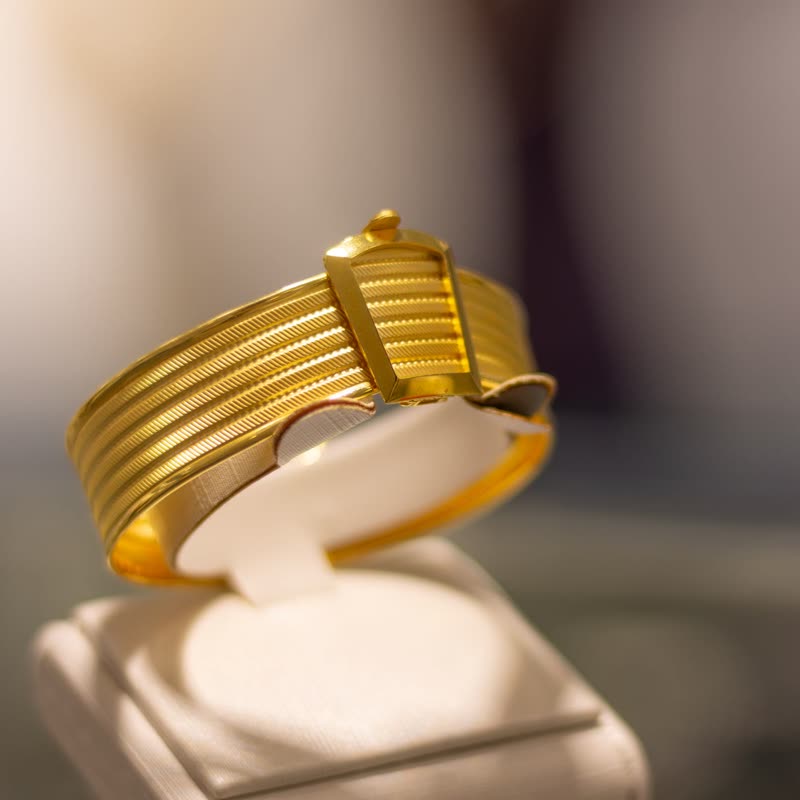

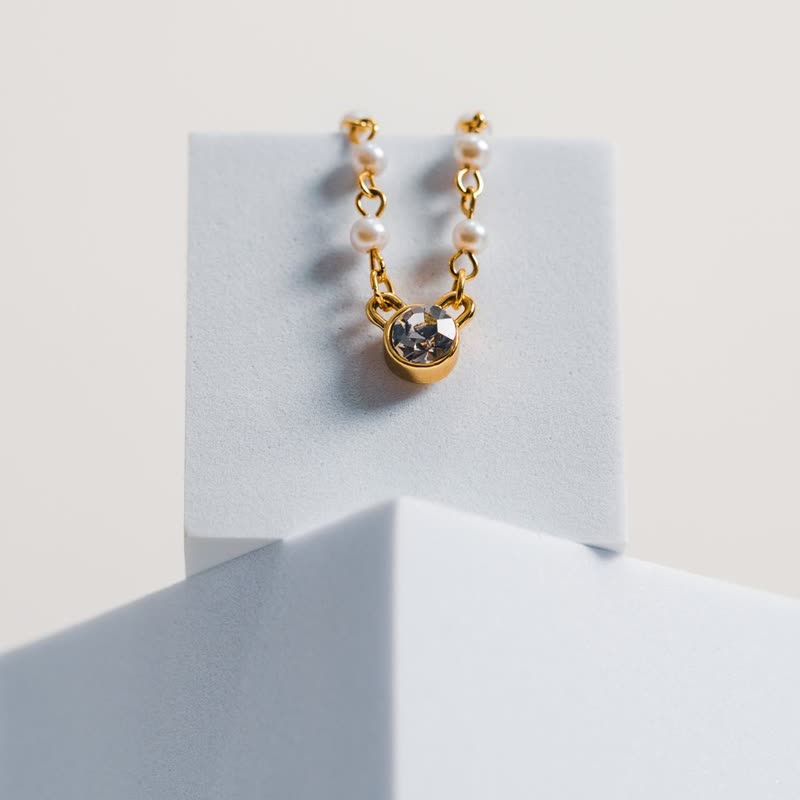
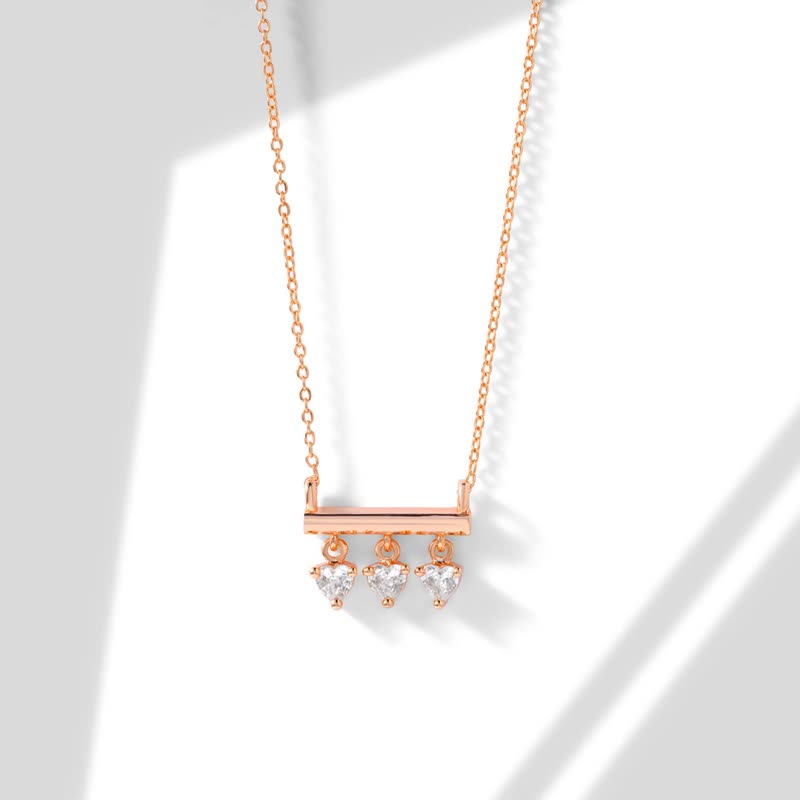
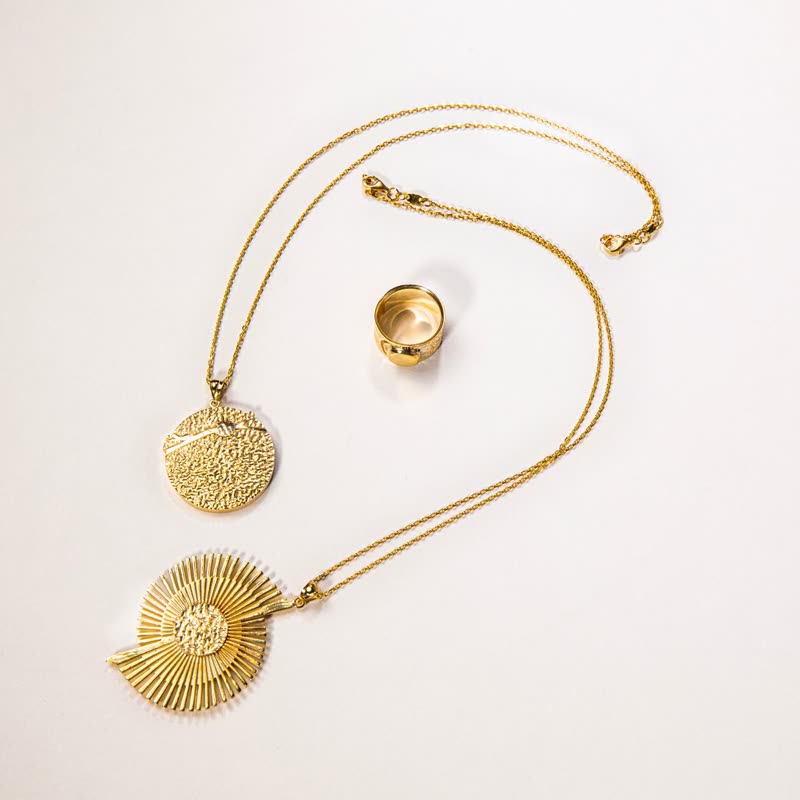
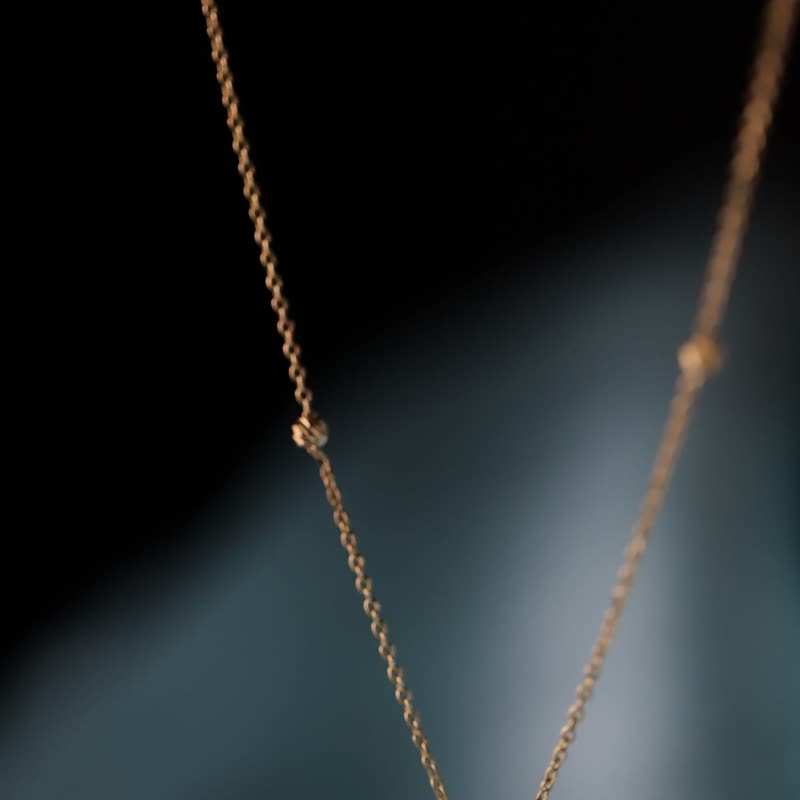
The picture dims, except around the pointer, as if someone in a dark room is carrying a torch. Moving away lets the light back up.
It does not change a single pixel of the product where you are looking. It only takes away attention from everything else.
Comes with Pro. Pro starts at $19 a year.
Put it on
- Jewellery cases and vitrines
- A dark shop, a lit piece: this is literally how such things are shown.
- Candles and lamps
- Light is the product, and now you hold it.
- Rows of many items
- Dimming the neighbours helps someone concentrate on one.
Keep it off
- Dark photos on a dark page
- Dimmed black is still black, so the effect has nothing to do. Lift the photos first.
- Comparing two products
- It makes you look at one thing, which is the wrong help for comparing.
Settings
In the block, the Pointer panel has two sliders, Size and Strength, from 0 to 100, with 50 at these defaults.
In the block, in three steps
- Add the Product Slider block to your page, and under Products choose hand-picked products.
- Open the Pointer panel in the sidebar, and pick Spotlight as the effect. It comes with Pro.
- Hover away and back. The page should look fully lit again when nobody is pointing at it.
Close relatives
On a product card
Blocks that can use it
Where it goes in a shop: on a hover image swap, in a related products row or in a slider on autoplay. Questions about browsers and motion are in the FAQ.
Spotlight is part of Pro, and the free plugin has fade, distance, ripple, zoom, stretch and parallax to start with. Pro starts at $19 a year.
Get the free plugin