 Product Slider BlockFree downloadMenu
Spotlight hover effect for WooCommerce product cards
Everything dims a little as the pointer arrives, and a pool of light follows the hand. No pixel of the product changes where you are looking.
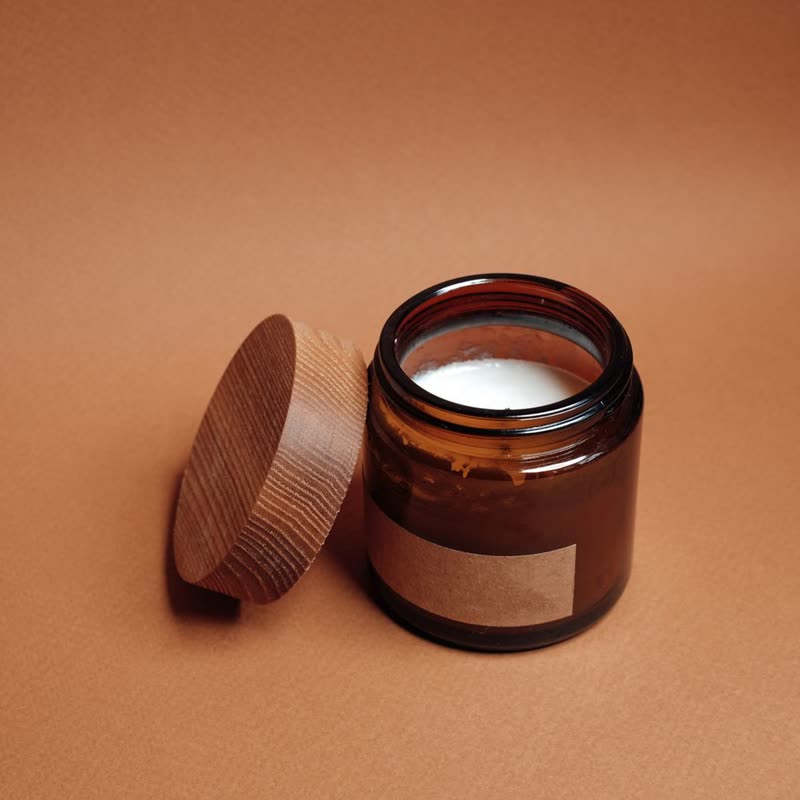
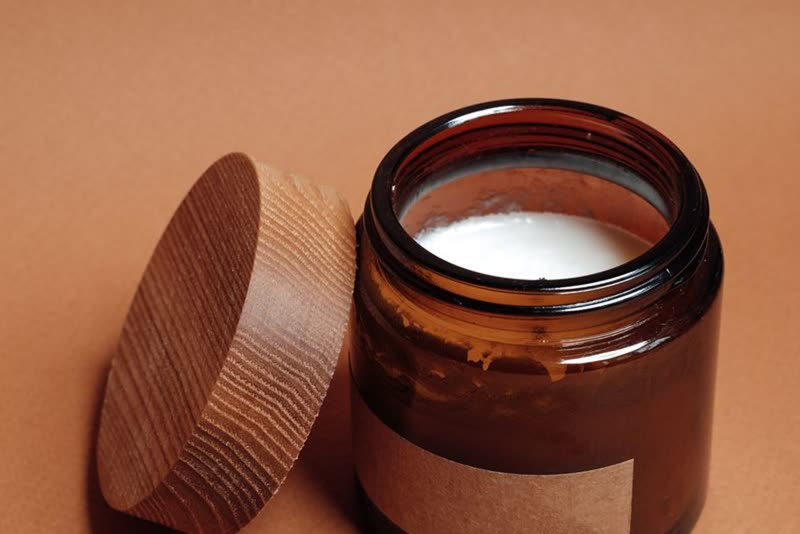
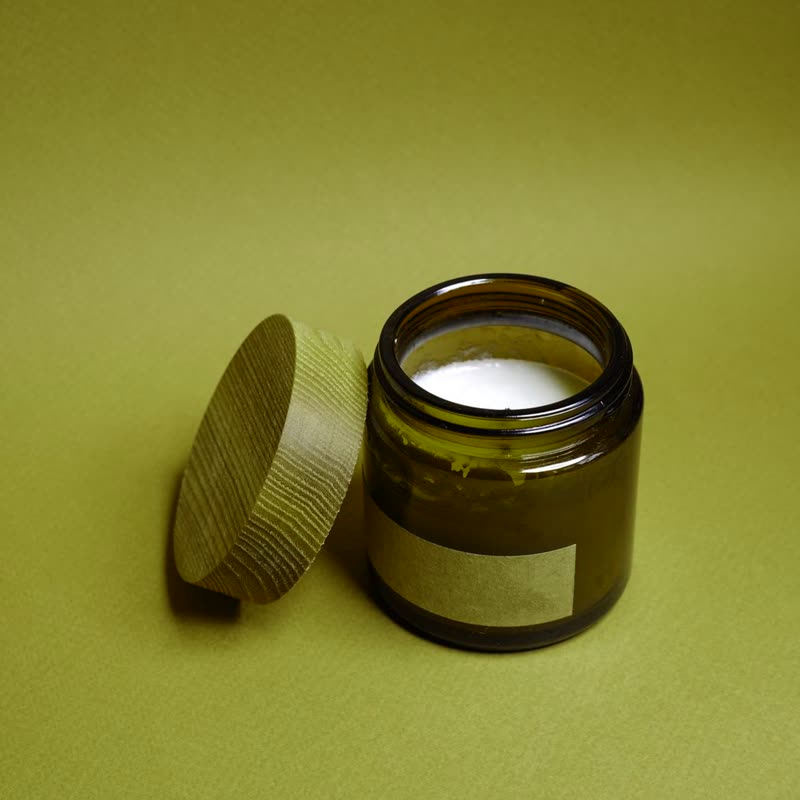
Amber jar candle
€26
Point at the picture. On a touch screen, press and drag.
It works on the first look, when someone is browsing. It takes nothing away from the product, adds a sense of being in a room, and is gone the moment they leave. It helps most on dark pages.
What the sliders do
- Size
- The size of the pool of light. Keep it wide on cards, as a narrow one hides the price of the room around it.
- Strength
- How dark the rest goes. At 50 it is a mild dim, and near 100 it is close to a black room, which only makes sense on a dark design.
Where we started
The values we started this page on: Size 60, Strength 70.
Questions
Does it darken the whole page?
Only the slider it is on. Everything else stays as it is.
Can it hurt legibility?
Text is HTML on top of the canvas and is not dimmed. Text printed in the image will be.
More on it
Mouse effects come with Pro. Pro starts at $19 a year. The free plugin has hover morph and the storewide switches.
Get the free plugin