 Product Slider BlockFree downloadMenu
Pixelate on hover effect for WooCommerce products
A patch of chunky pixels follows the pointer, and the rest of the photograph stays sharp. Keep it for playful shops, as it hides detail where people look.
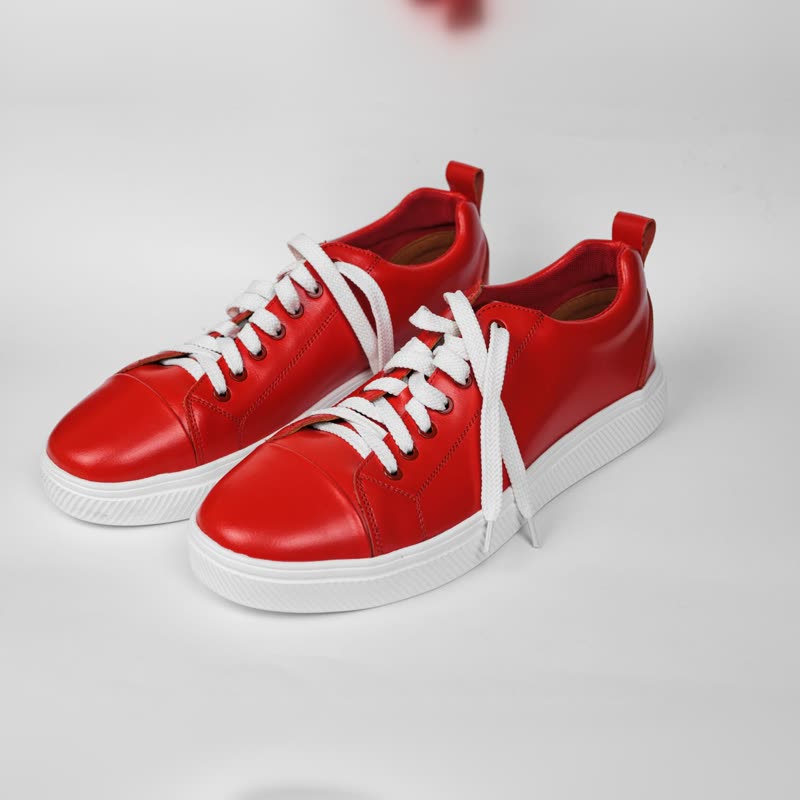
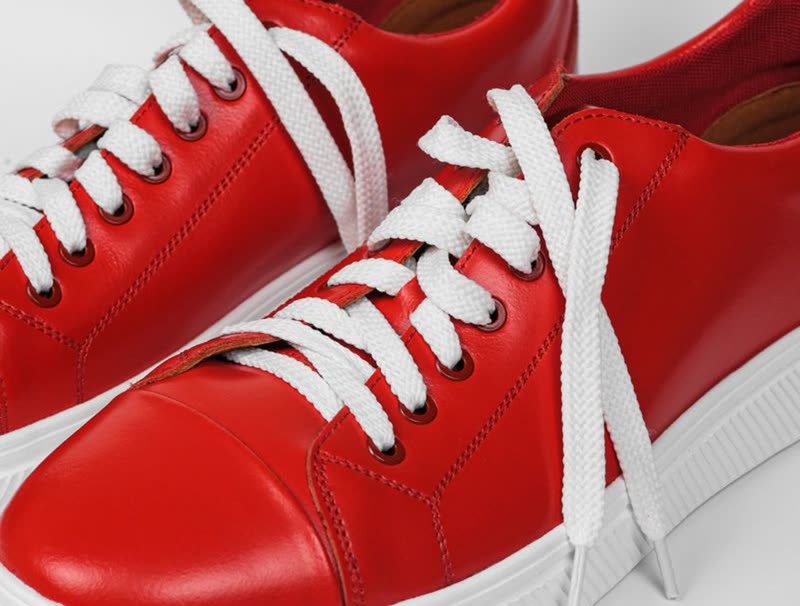
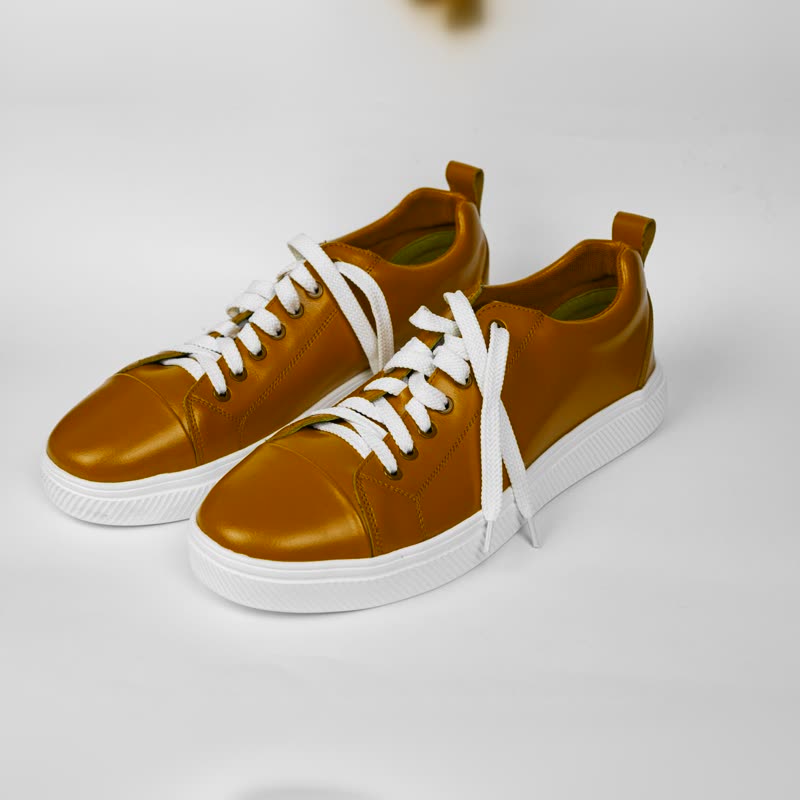
Red court low
€129
Point at the picture. On a touch screen, press and drag.
This is a tease rather than a sales tool, because it hides what it points at. Use it on a launch page where the product is not out yet, or on a loud streetwear page where a joke helps.
What the sliders do
- Size
- How wide the patch is. If it is smaller than the product, people can still see what they are looking at around it.
- Strength
- How coarse the pixels are. In the block, more strength means fewer, larger pixels.
Where we started
The values we started this page on: Size 50, Strength 70.
Questions
Does this hide the product?
Under the pointer, yes, and that is the point of it. If you need people to inspect the product, use a lens.
Which products should avoid this?
Anything worn on the body, because a censor block has its own meaning there.
More on it
Mouse effects come with Pro. Pro starts at $19 a year. The free plugin has hover morph and the storewide switches.
Get the free plugin