 Product Slider BlockFree downloadMenu
Pixels effect for WooCommerce product sliders
Move your pointer over the picture, or drag a finger across it. Change its size on a product card.
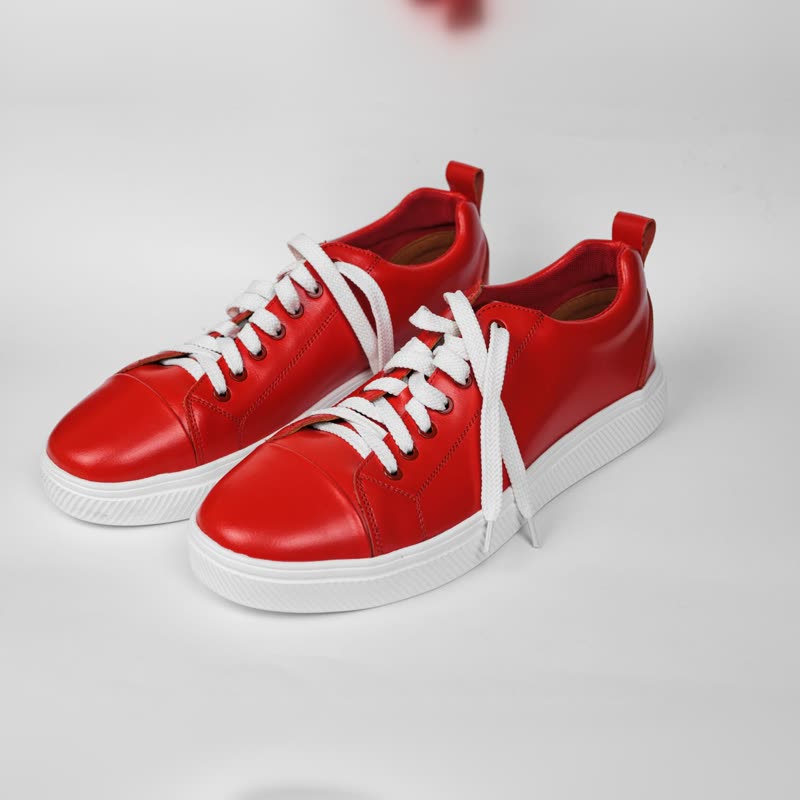
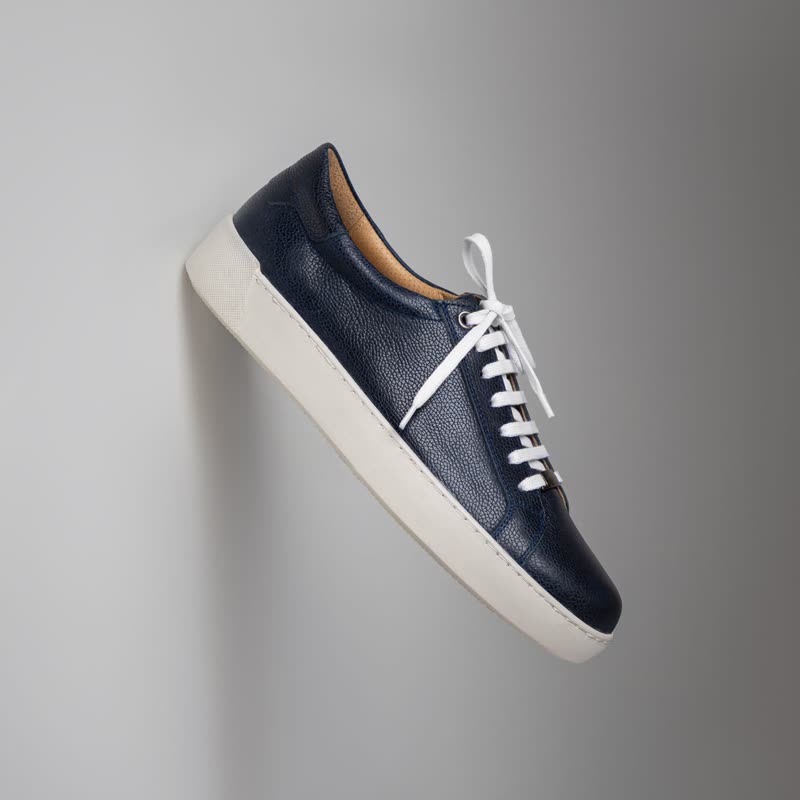
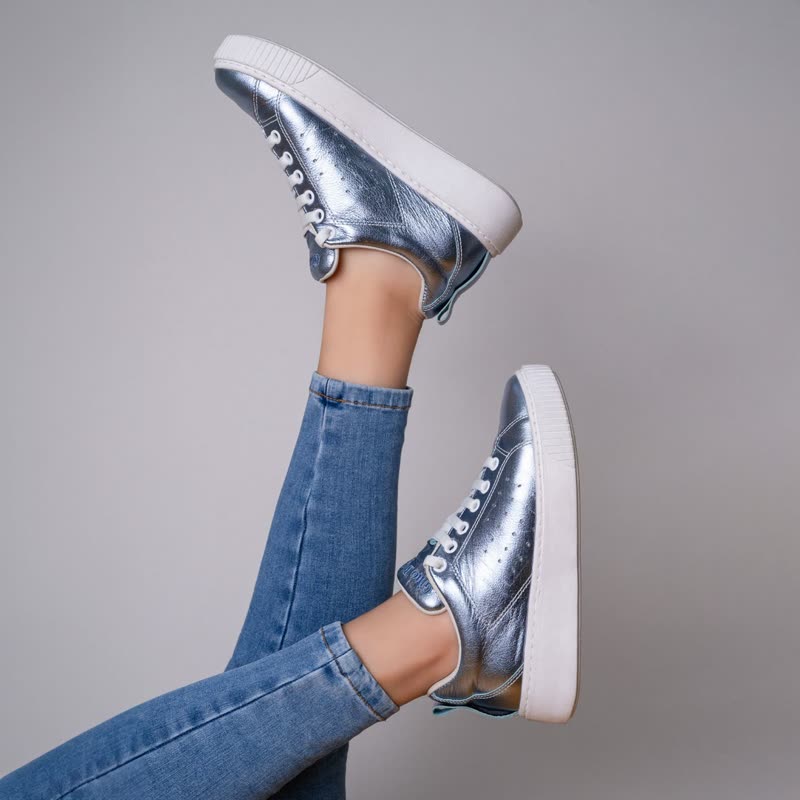
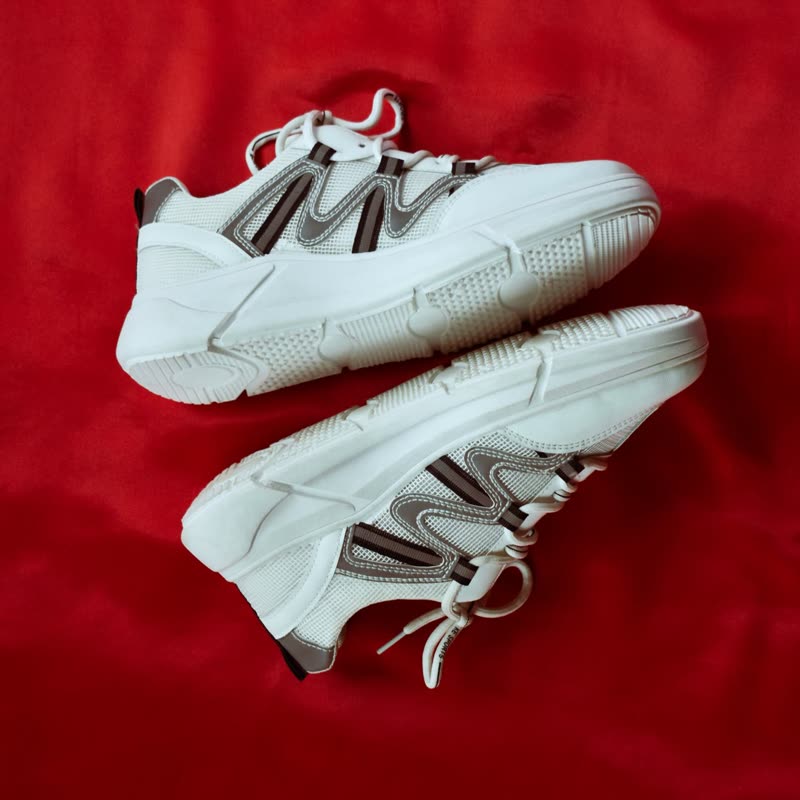
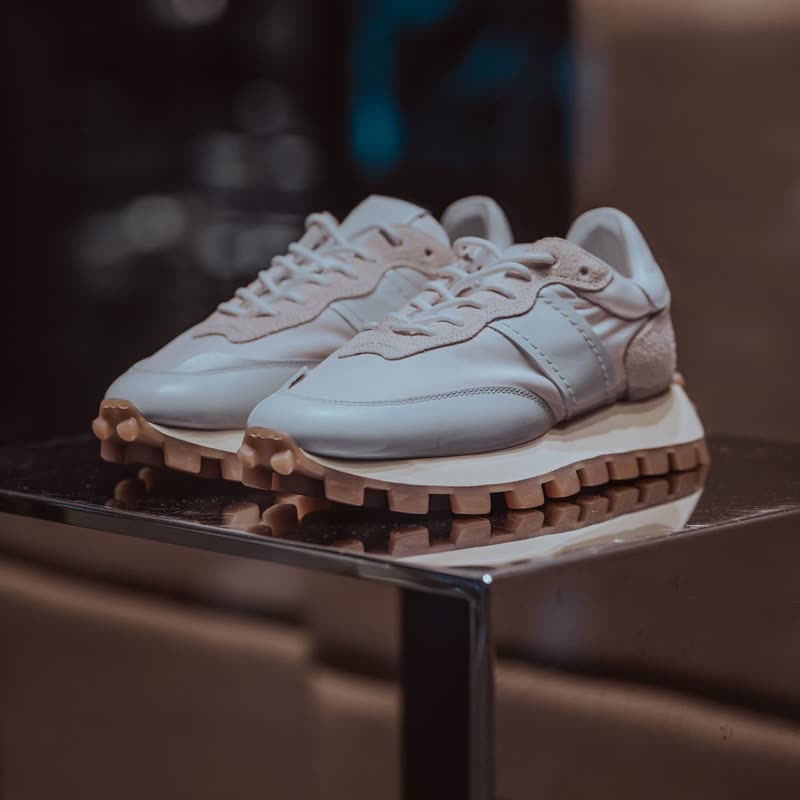
Coarse pixels appear around the pointer, like a censor bar you can steer. The rest of the photograph stays sharp.
It is a bit of a joke, as it hides what you point at, the opposite of what product photos are for. It works where that joke is welcome.
Comes with Pro. Pro starts at $19 a year.
Put it on
- Streetwear and pop-culture goods
- Pixelated censoring is a familiar gag and it is funny on a T-shirt.
- Teasers before a launch
- Hide the thing on purpose. It is a tease that the visitor controls.
- Pixel art products
- It simply belongs there.
Keep it off
- Almost any serious catalogue
- It covers the product you are trying to sell. That is hard to justify.
- Underwear and swimwear
- A censor block over a person is not the message you wanted.
Settings
In the block, the Pointer panel has two sliders, Size and Strength, from 0 to 100, with 50 at these defaults.
In the block, in three steps
- Add the Product Slider block to your page, and under Products choose the newest products.
- Open the Pointer panel in the sidebar, and pick Pixels as the effect. It comes with Pro.
- Ask whether hiding the product under the pointer is a joke your customers will get. If there is any doubt, pick magnify.
Close relatives
On a product card
Blocks that can use it
Where it goes in a shop: on a hover image swap, in a related products row or in a slider on autoplay. Questions about browsers and motion are in the FAQ.
Pixels is part of Pro, and the free plugin has fade, distance, ripple, zoom, stretch and parallax to start with. Pro starts at $19 a year.
Get the free plugin