 Product Slider BlockFree downloadMenu
Cells effect for WooCommerce product sliders
Move your pointer over the picture, or drag a finger across it. Change its size on a product card.


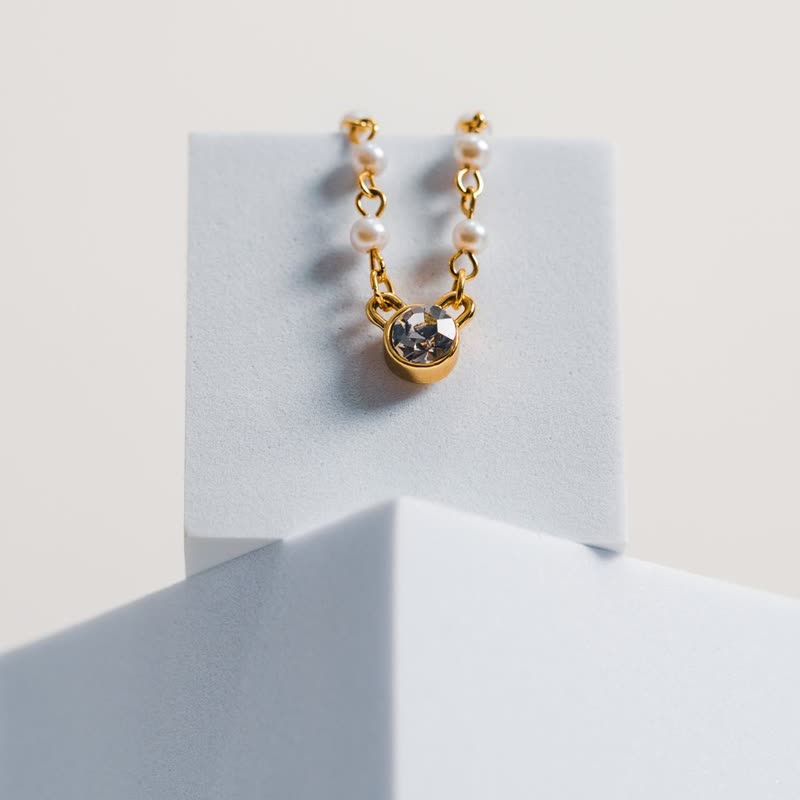
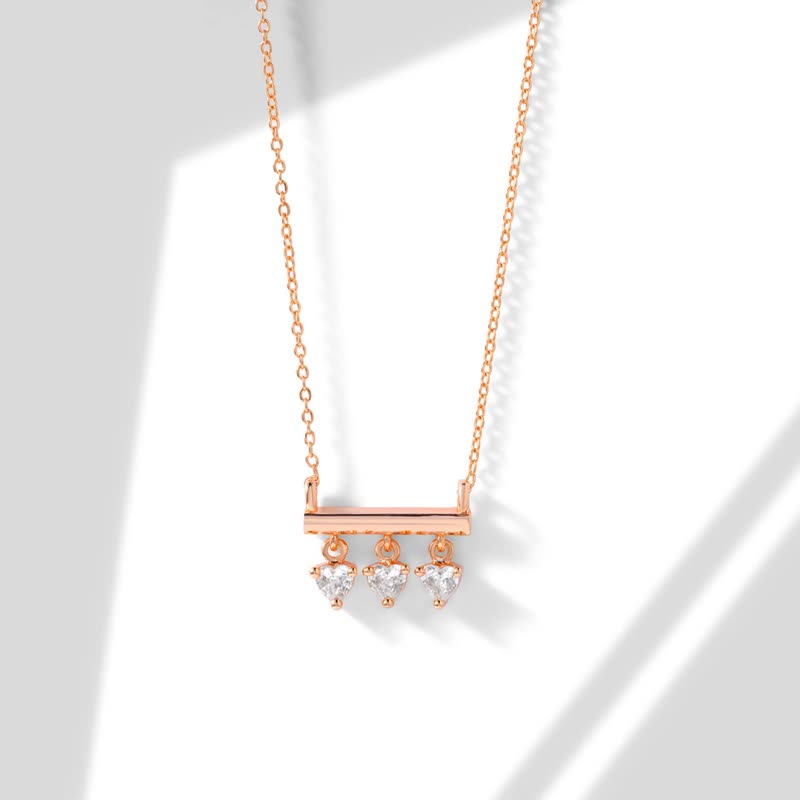
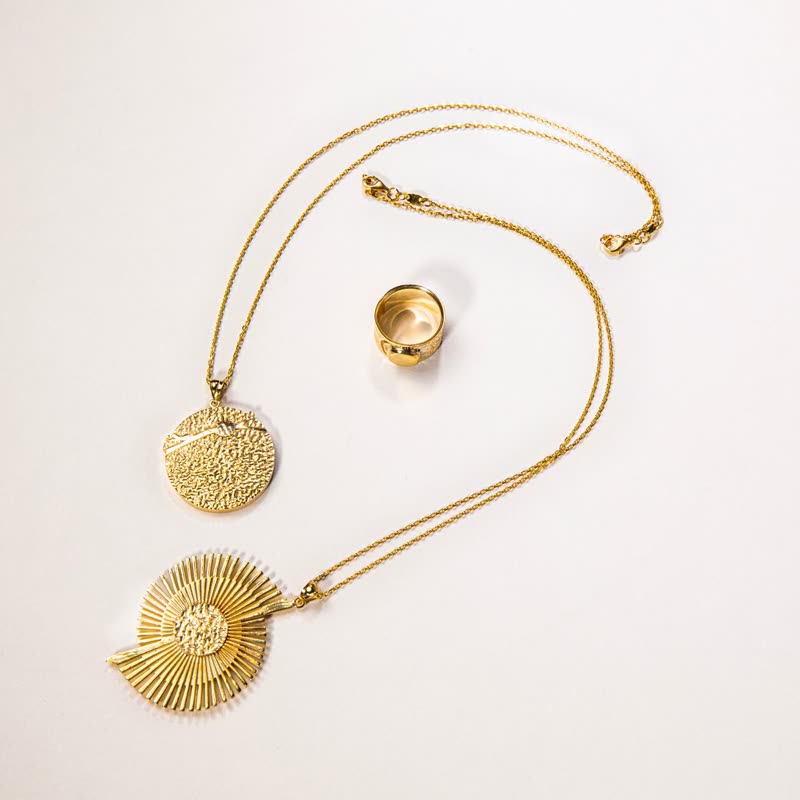

Squares appear in the wake of the pointer, each one showing its own part of the picture a bit closer: a trail of small lenses. The quicker the hand, the further they reach. Where the pointer rests, they fade.
It looks like a sparkle made of pieces of the picture itself, which is why it suits things with a lot of small detail.
Comes with Pro. Pro starts at $19 a year.
Put it on
- Sequins, gems, mosaics
- The trail glitters with parts of the product and adds no fake sparkle.
- Graphic prints
- The fragments make new compositions as you go.
- Pages for people with time
- It invites playing, and it is best when the visitor is not in a hurry.
Keep it off
- Precise product checks
- You cannot inspect through it. Use magnify for that job.
- Faces
- Rectangular chunks moving across a face are hard to like.
Settings
In the block, the Pointer panel has two sliders, Size and Strength, from 0 to 100, with 50 at these defaults.
In the block, in three steps
- Add the Product Slider block to your page, and under Products choose best sellers.
- Open the Pointer panel in the sidebar, and pick Cells as the effect. It comes with Pro.
- Move slowly, then fast. A slow pointer should barely show cells. If it does, lower the reach.
Close relatives
On a product card
Blocks that can use it
Where it goes in a shop: on a hover image swap, in a related products row or in a slider on autoplay. Questions about browsers and motion are in the FAQ.
Cells is part of Pro, and the free plugin has fade, distance, ripple, zoom, stretch and parallax to start with. Pro starts at $19 a year.
Get the free plugin