 Product Slider BlockFree downloadMenu
Mosaic transition for WooCommerce product sliders
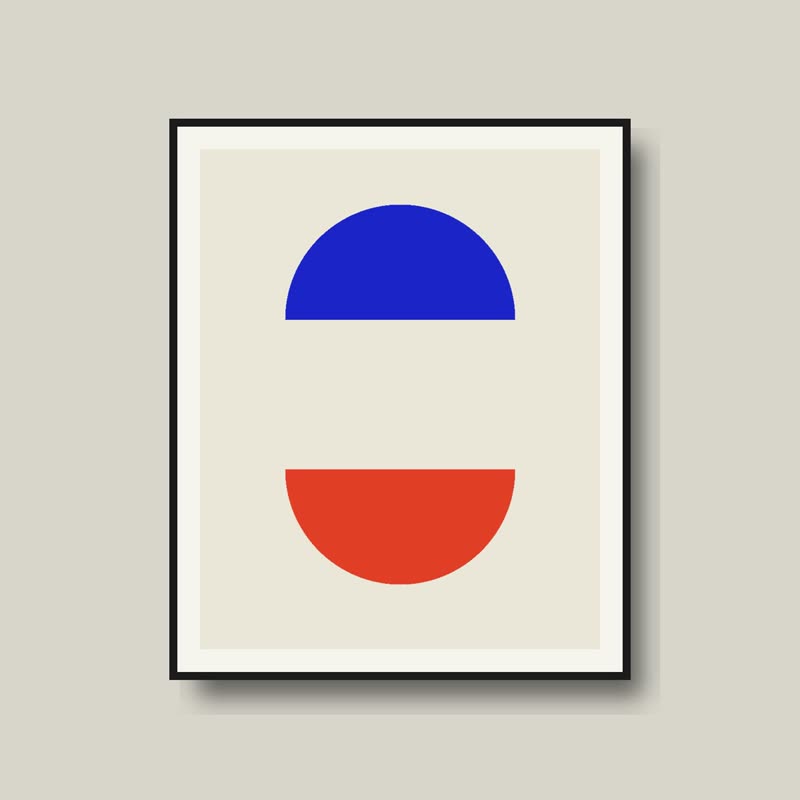
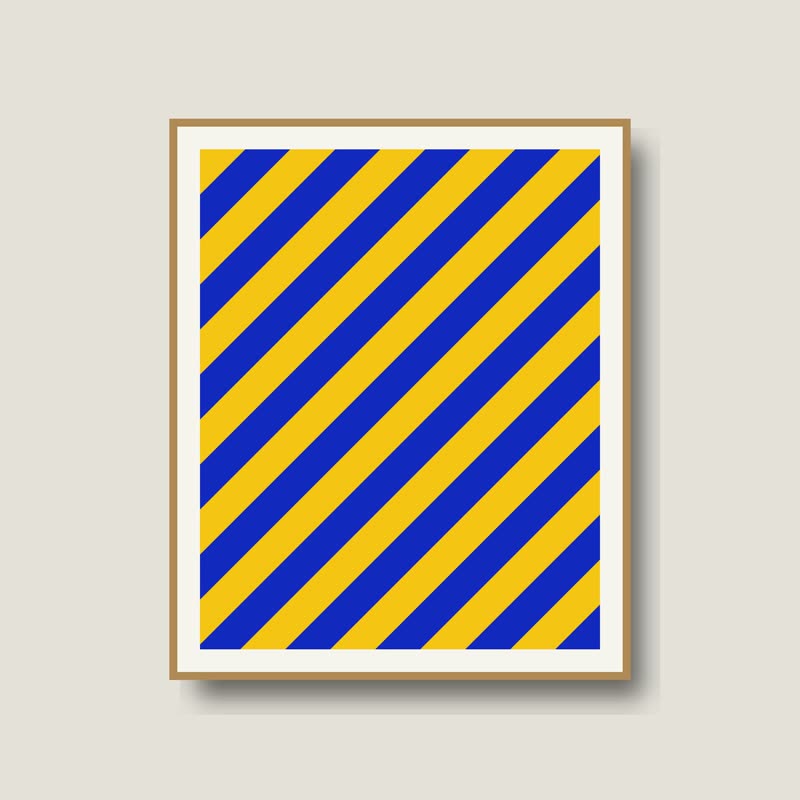
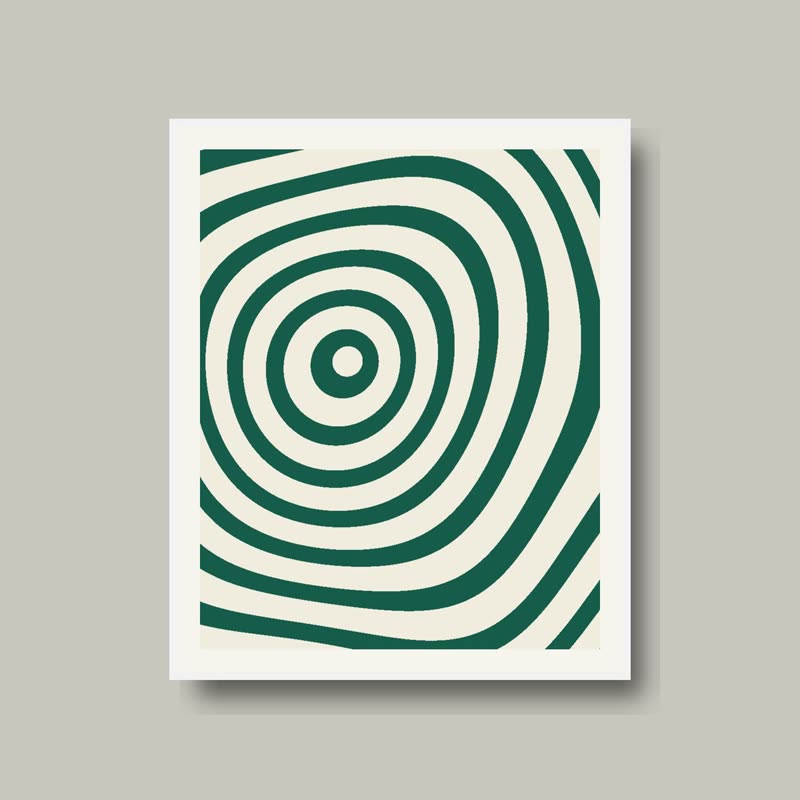
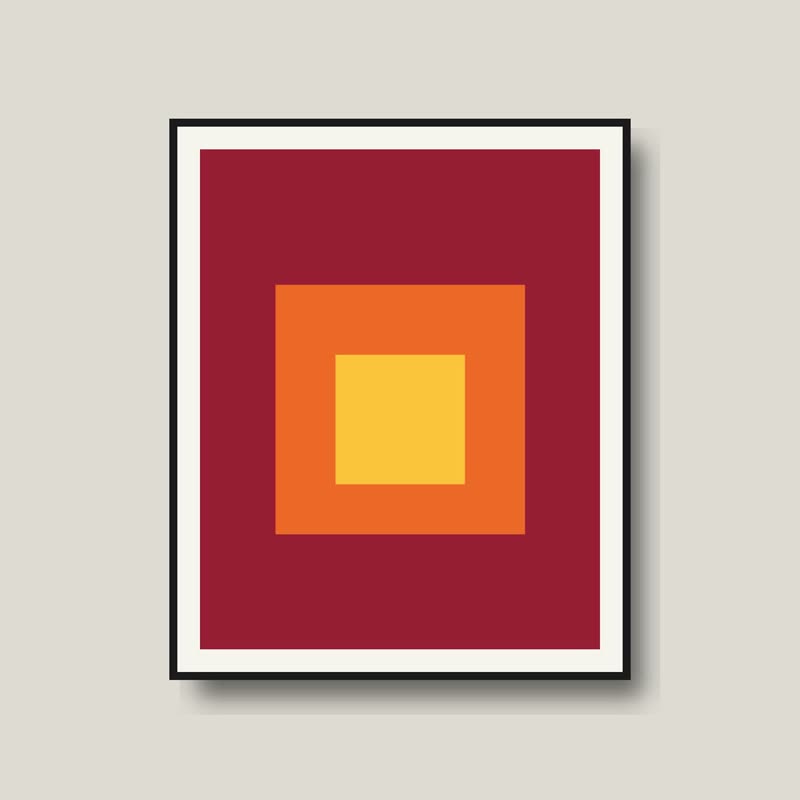
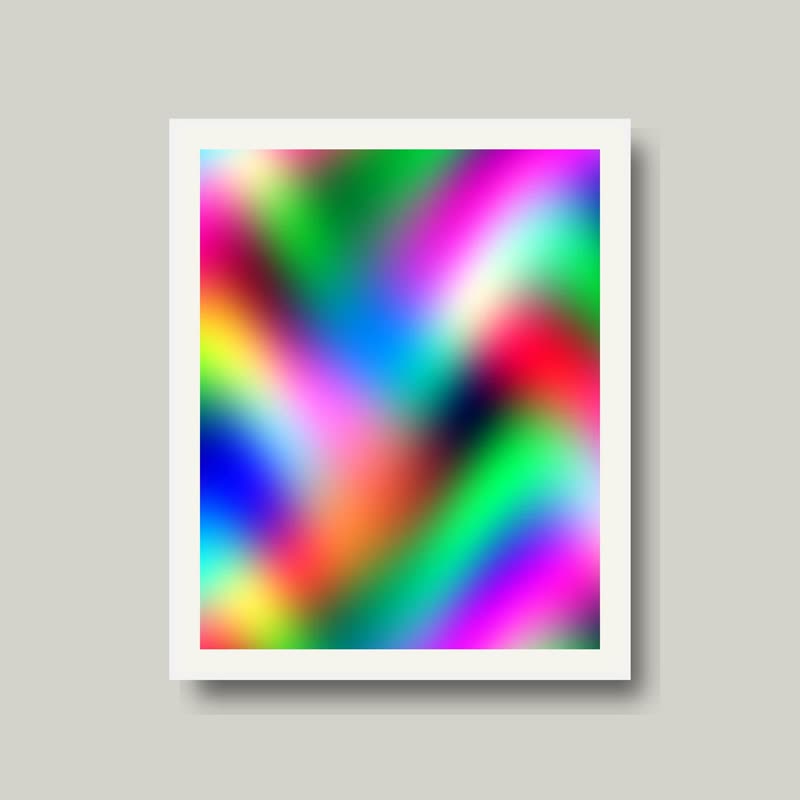
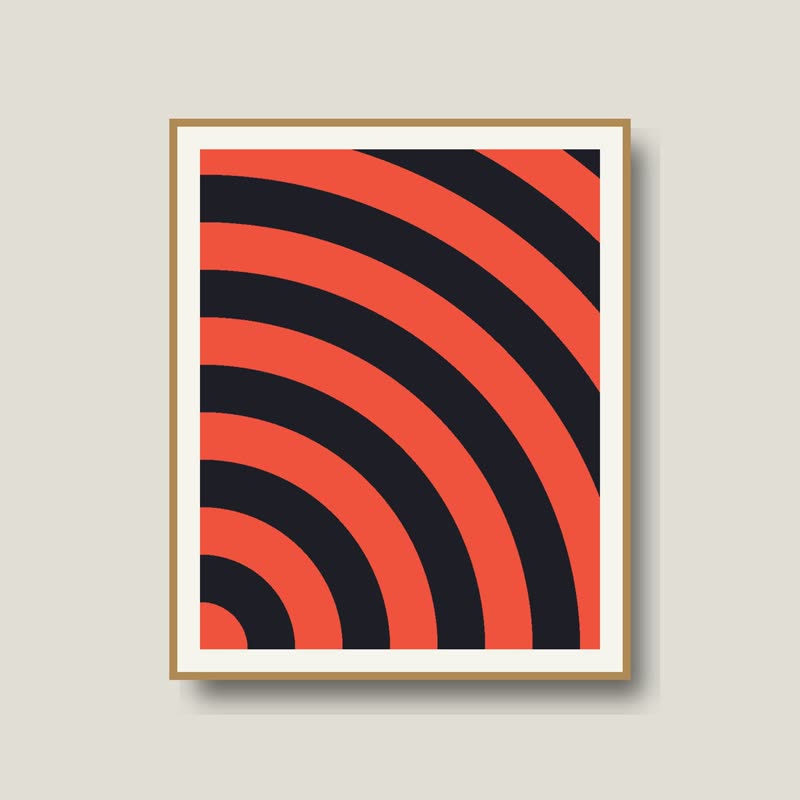
Two half moons
€58
Drag the picture sideways and hold: you can stop in the middle of the move.
The picture breaks into tiles. Each tile shrinks at its own moment and comes back as a part of the next product, until the wall has been re-laid.
The grid stays visible for a while, which gives it a made, assembled quality rather than an effect-like one.
Comes with Pro. Pro starts at $19 a year.
Put it on
- Art prints and poster shops
- A wall being rehung piece by piece. It also shows that these are sheets of something.
- Tiles, terrazzo, quilts
- Anything assembled from parts gets a transition that is assembled from parts.
- A grid layout
- In a changing grid each place re-tiles on its own, and the whole page looks alive without being loud.
Keep it off
- Very small images
- Tiles in a 200 px place are too fine to see, so it reads as noise.
- One product in many colours
- Similar pictures make the tiling invisible. Save it for sets that really differ.
Settings
In the block the time of a move is a setting on every transition. Everything else on this list comes from gpu slider, which draws it.
Two half moons €58
In the block, in three steps
- Add the Product Slider block to your page, and under Products choose hand-picked products.
- Set Layout to One at a time, then pick Mosaic under Transition. It comes with Pro.
- Look at it inside your real page width. You should be able to count the tiles. If you cannot, the picture is too small.
Close relatives
In a sample shop
Blocks that can use it
Where it goes in a shop: on a hover image swap, in a related products row or in a slider on autoplay. Questions about browsers and motion are in the FAQ.
Mosaic is part of Pro, and the free plugin has fade, distance, ripple, zoom, stretch and parallax to start with. Pro starts at $19 a year.
Get the free plugin