 Product Slider BlockFree downloadMenu
Blocks transition for WooCommerce product sliders
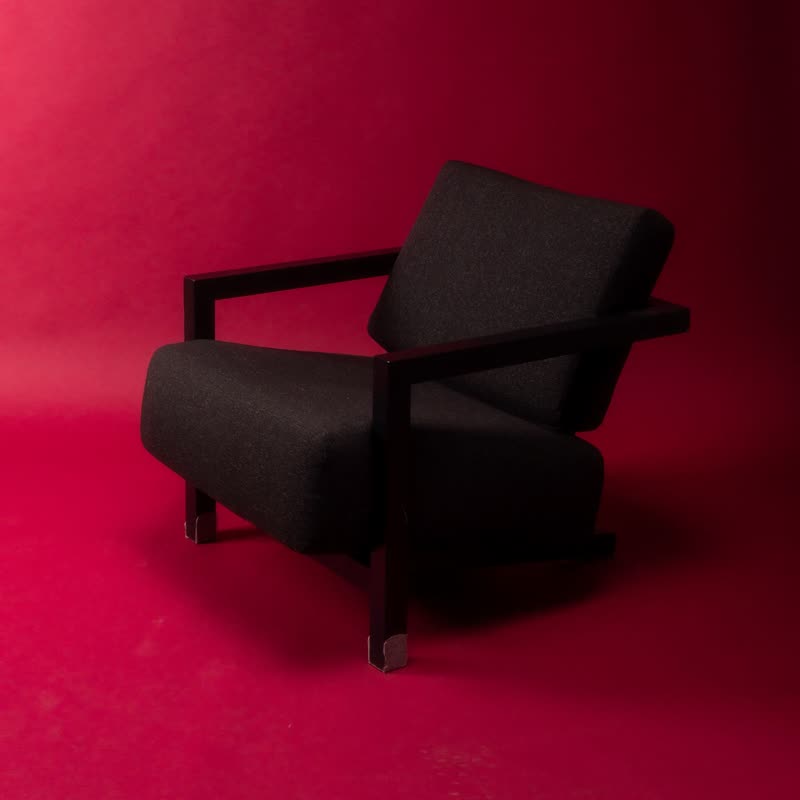
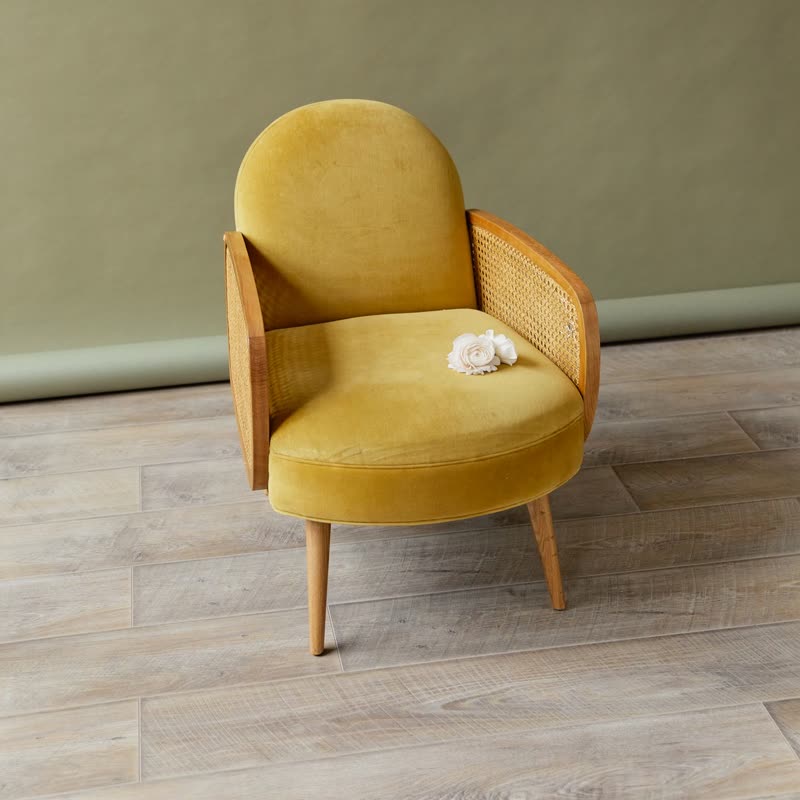
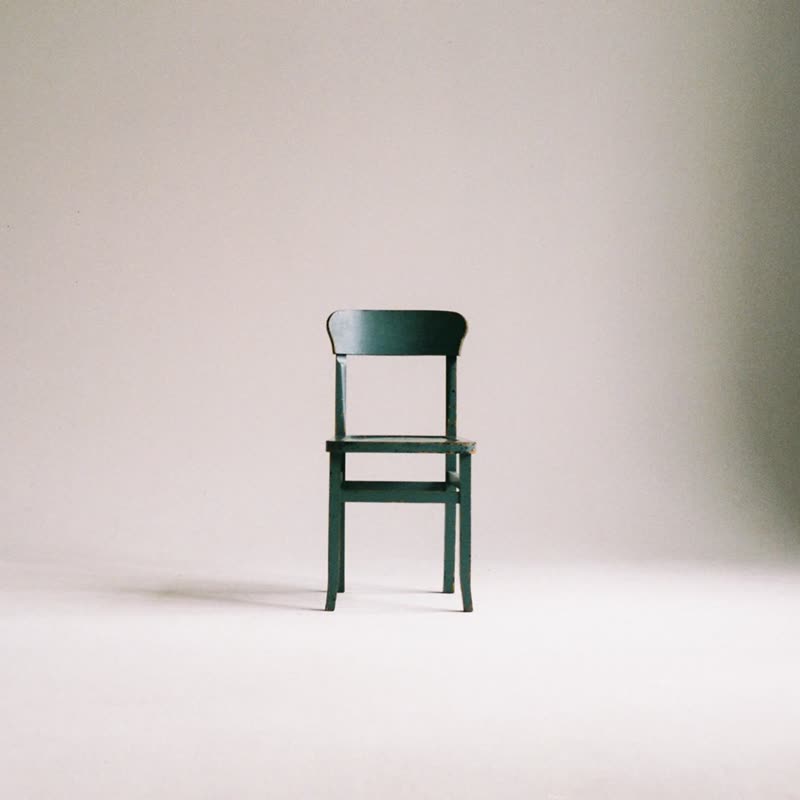
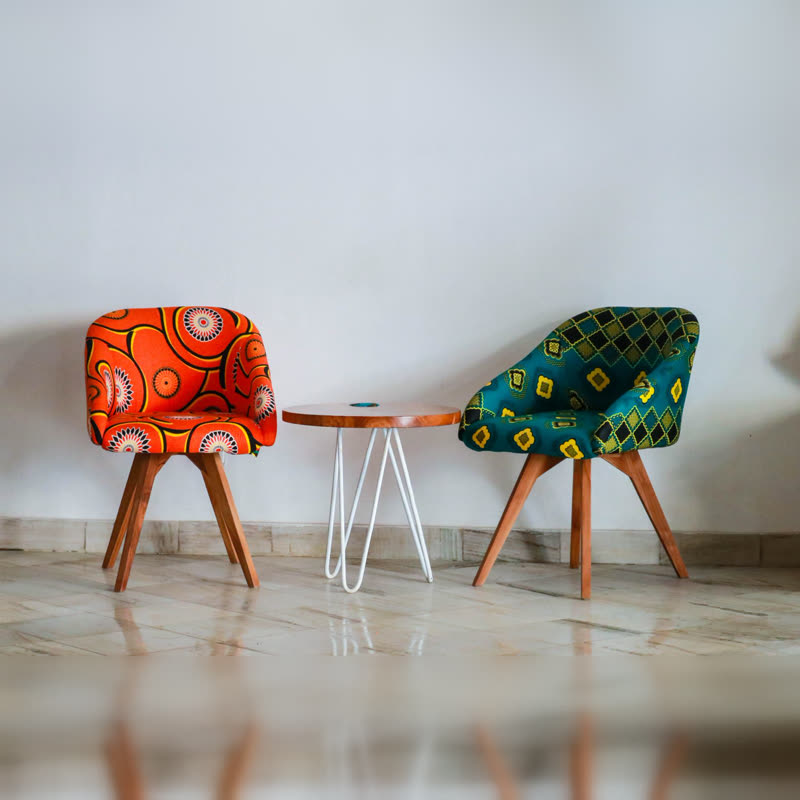
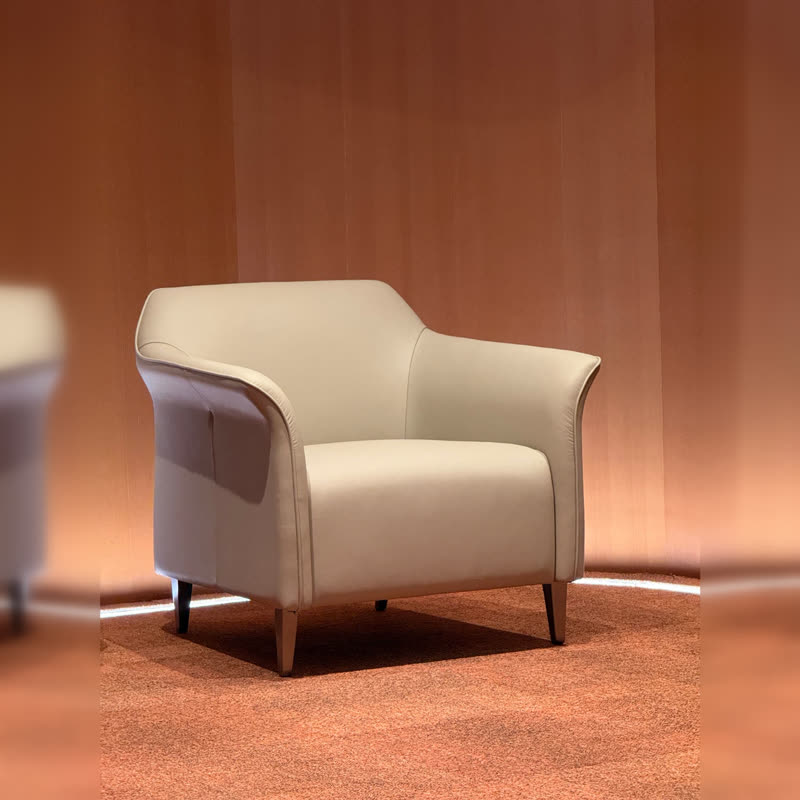
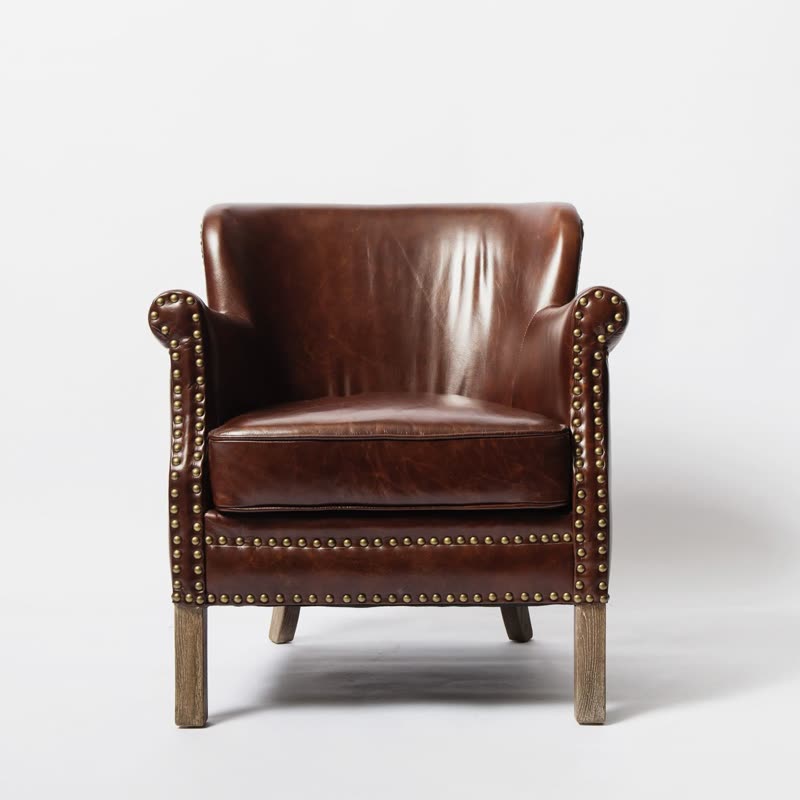
Block lounge chair
€890
Drag the picture sideways and hold: you can stop in the middle of the move.
Square blocks switch to the next picture in random order, with no animation on the block itself. It is the plainest of the grid-based moves: on, off, done.
It looks like a departure board or a wall of switches, and it has a dry, mechanical quality some shops can use.
Comes with Pro. Pro starts at $19 a year.
Put it on
- Modular and flat-pack goods
- Shelving systems, storage cubes: the transition has the same logic as the product.
- Stationery and office supplies
- It is orderly, it is tidy, and it stays out of the way.
- Flat-colour photography
- Two colour fields meeting in squares looks sharp and graphic.
Keep it off
- Soft goods
- Blankets and knitwear look wrong behind hard squares.
- Dark pictures in a dark room
- The little squares flicker when contrast is high. Slow the move down if you see it.
Settings
In the block the time of a move is a setting on every transition. Everything else on this list comes from gpu slider, which draws it.
Block lounge chair €890
In the block, in three steps
- Add the Product Slider block to your page, and under Products choose the newest products.
- Set Layout to One at a time, then pick Blocks under Transition. It comes with Pro.
- Try two products with very different colours. You want to see a crisp checkerboard for a moment, not a blur.
Close relatives
Blocks that can use it
Where it goes in a shop: on a hover image swap, in a related products row or in a slider on autoplay. Questions about browsers and motion are in the FAQ.
Blocks is part of Pro, and the free plugin has fade, distance, ripple, zoom, stretch and parallax to start with. Pro starts at $19 a year.
Get the free plugin