 Product Slider BlockFree downloadMenu
Pixelate transition for WooCommerce product sliders
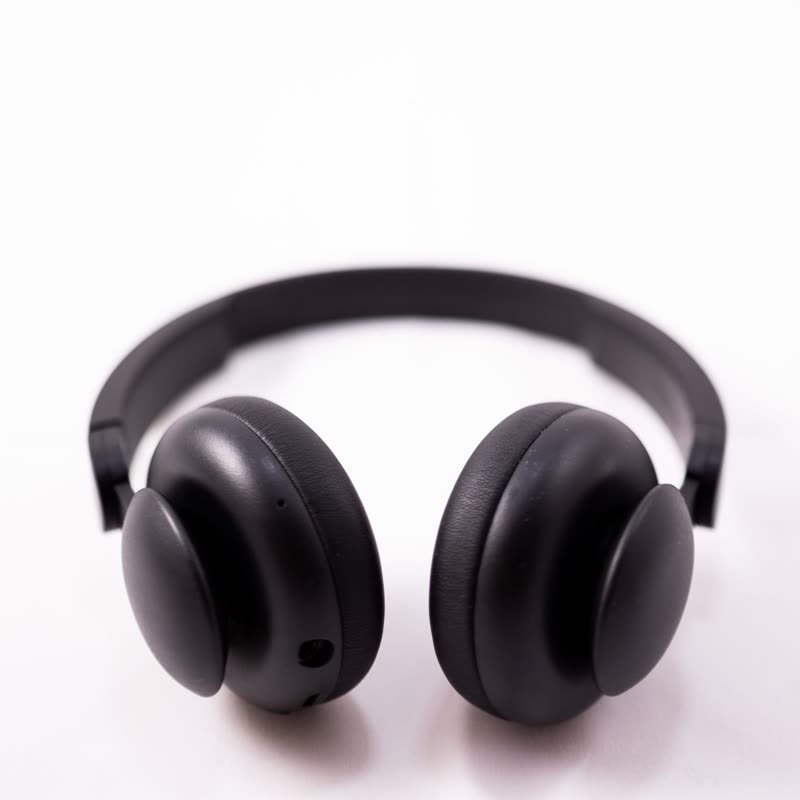
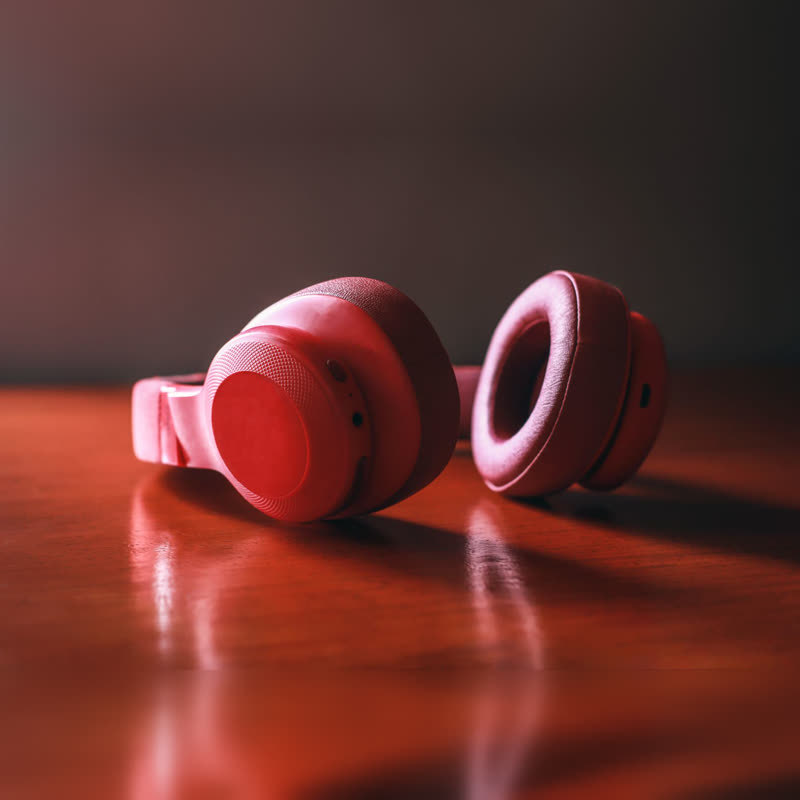



Soft-shell headphones
€219
Drag the picture sideways and hold: you can stop in the middle of the move.
The picture breaks into large square pixels, the pixels change to the next product, and they sharpen back down to a full image. Simple, and it hides the moment of the swap well.
Because the middle of the move is mostly colour, two very different photos pass through each other without a muddy overlap.
Comes with Pro. Pro starts at $19 a year.
Put it on
- Retro electronics and consoles
- It speaks the language of old screens without needing a costume.
- Very mixed photo sets
- Different backgrounds and lighting meet at a stage where neither is recognisable.
- Toys and board games
- Blocky fits and the mood can stay cheerful.
Keep it off
- Fine detail you are charging for
- Lace, engraving and weave are the first things to vanish, and for a moment the photo looks low-resolution.
- Luxury positioning
- Pixels remind people of bad images. Few expensive things want that reminder.
Settings
In the block the time of a move is a setting on every transition. Everything else on this list comes from gpu slider, which draws it.
Soft-shell headphones €219
In the block, in three steps
- Add the Product Slider block to your page, and under Products choose best sellers.
- Set Layout to One at a time, then pick Pixelate under Transition. It comes with Pro.
- Check it with your sharpest product photo. The return to full detail should feel like a reward.
Close relatives
Blocks that can use it
Where it goes in a shop: on a hover image swap, in a related products row or in a slider on autoplay. Questions about browsers and motion are in the FAQ.
Pixelate is part of Pro, and the free plugin has fade, distance, ripple, zoom, stretch and parallax to start with. Pro starts at $19 a year.
Get the free plugin