 Product Slider BlockFree downloadMenu
Glyphs transition for WooCommerce product sliders

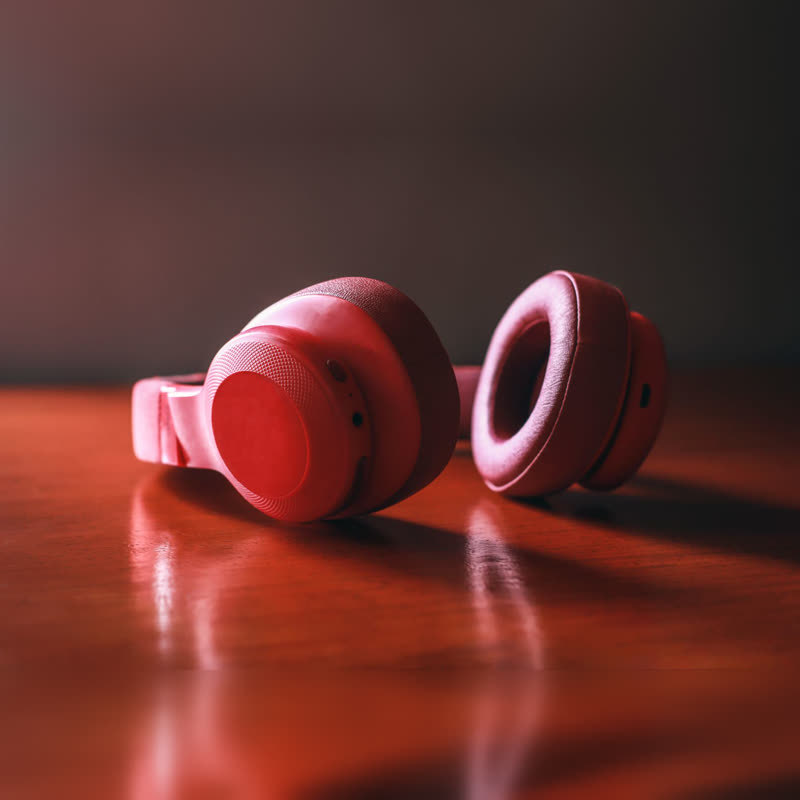



Soft-shell headphones
€219
Drag the picture sideways and hold: you can stop in the middle of the move.
The picture turns into characters, ASCII art of itself, that scramble and settle as the next product. Each cell has its own time, running a little from the left, and they glint on the way.
The characters are drawn from shapes, not a font, so nothing extra is downloaded and they stay crisp at any size.
Comes with Pro. Pro starts at $19 a year.
Put it on
- Tech and developer merch
- People who have seen a terminal will smile.
- Editorial shops
- Letters forming products. Good for bookshops and type-led brands.
- A changing grid
- Each place re-rendering itself in characters looks good on a whole wall.
Keep it off
- Warm handmade brands
- Character grids are cold. They will fight with a pottery wheel.
- Small places on a phone
- Below a certain size the characters are too fine to read. Lower the rows.
Settings
In the block the time of a move is a setting on every transition. Everything else on this list comes from gpu slider, which draws it.
Soft-shell headphones €219
In the block, in three steps
- Add the Product Slider block to your page, and under Products choose best sellers.
- Set Layout to One at a time, then pick Glyphs under Transition. It comes with Pro.
- Change the rows setting while watching: lower numbers give you big readable characters, higher numbers keep more of the photo.
Close relatives
Blocks that can use it
Where it goes in a shop: on a hover image swap, in a related products row or in a slider on autoplay. Questions about browsers and motion are in the FAQ.
Glyphs is part of Pro, and the free plugin has fade, distance, ripple, zoom, stretch and parallax to start with. Pro starts at $19 a year.
Get the free plugin