 Product Slider BlockFree downloadMenu
ASCII effect for WooCommerce product sliders
Move your pointer over the picture, or drag a finger across it. Change its size on a product card.
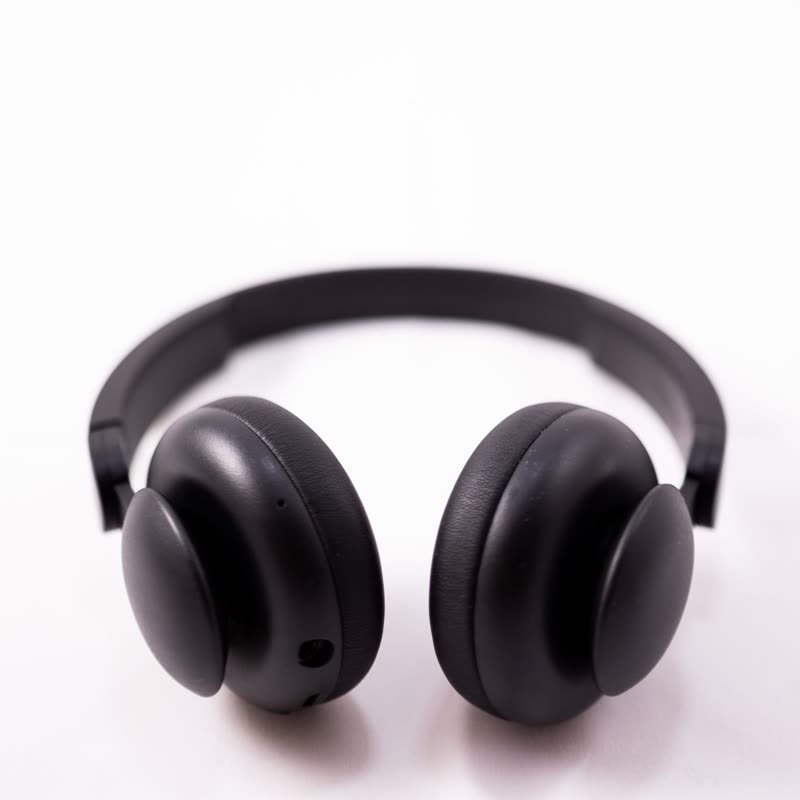




Around the pointer the picture becomes ASCII art: characters as light as the image is at that place. They are made of shapes, not a font, and the rest of the photo stays a photo.
People hold the pointer still to read it, and then move it to see what else turns into text. That is a long time to spend looking at a product.
Comes with Pro. Pro starts at $19 a year.
Put it on
- Mechanical keyboards, dev tools
- It is an inside joke with the exact right audience.
- Posters and print shops with a tech lean
- It sits well next to generative art.
- Dark photos
- Light characters on dark are how a terminal looks.
Keep it off
- Traditional gift shops
- It looks like a page has been hacked.
- Pale photos
- Light images come out as dense dark characters, which is less legible and less fun.
Settings
In the block, the Pointer panel has two sliders, Size and Strength, from 0 to 100, with 50 at these defaults.
In the block, in three steps
- Add the Product Slider block to your page, and under Products choose best sellers.
- Open the Pointer panel in the sidebar, and pick ASCII as the effect. It comes with Pro.
- See how many rows you need for it to look like the object. Lower is more graphic; higher keeps it recognisable.
Close relatives
On a product card
Blocks that can use it
Where it goes in a shop: on a hover image swap, in a related products row or in a slider on autoplay. Questions about browsers and motion are in the FAQ.
ASCII is part of Pro, and the free plugin has fade, distance, ripple, zoom, stretch and parallax to start with. Pro starts at $19 a year.
Get the free plugin