 Product Slider BlockFree downloadMenu
Product Index, a list of names whose picture follows the pointer
It looks like a typographic list. Move along it, and a picture opens at the pointer and changes from name to name through a transition. Touch screens get a small picture on each row. Pro
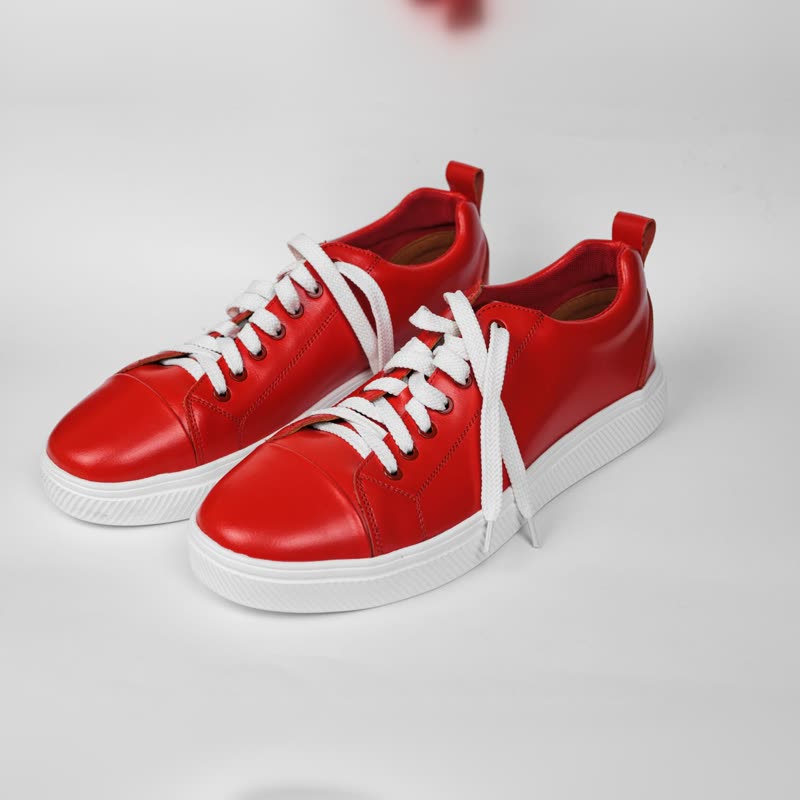 Red court low€129
 Navy pebble low€149
 Silver foil low€139
 White chunk runner€135
 Pebble trainer€155
 Long-neck vase duo€88
 Ember bowl€34
 Dimple vase pair€96
How it behaves
Every row holds the name, the price and a button. As the pointer enters the list, one picture fades in beside it and follows with a slight lag. Moving to another row changes the picture through the transition you chose, distance or any other. The picture stays to the side of the pointer, and clear of the prices and buttons, so it never covers what someone is about to click.
What it suits
A short curated range where the names carry some weight: a small brand's collection, a list of prints, the ten watches of a season. It reads like the index of a magazine, and it works as a change of pace after sections full of pictures. It does not suit a large catalogue, because a list of forty names takes a long time to read, and nobody sees a picture without pointing.
Settings
The product source as in the Product Slider, how many products (the default is 8), whether sold-out products are hidden, and the transition with its duration. It has no setting for the size of the type: names take your theme's heading styles, which you can change in the block's typography settings like any other block.
Without a pointer
A phone has no pointer to follow, so the floating picture is off, and each row shows its own small square picture instead. Search engines and people without JavaScript get the same list, with the same images. Nothing important depends on the hover.
Questions
Is it free?
No, it is part of Pro.
Can visitors add to the cart from the list?
Yes. Every row has its button, and it goes through your own shop and updates the mini cart.
Sample products throughout. Pro starts at $19 a year.
Get the free plugin