 Product Slider BlockFree downloadMenu
Fade transition for WooCommerce product sliders
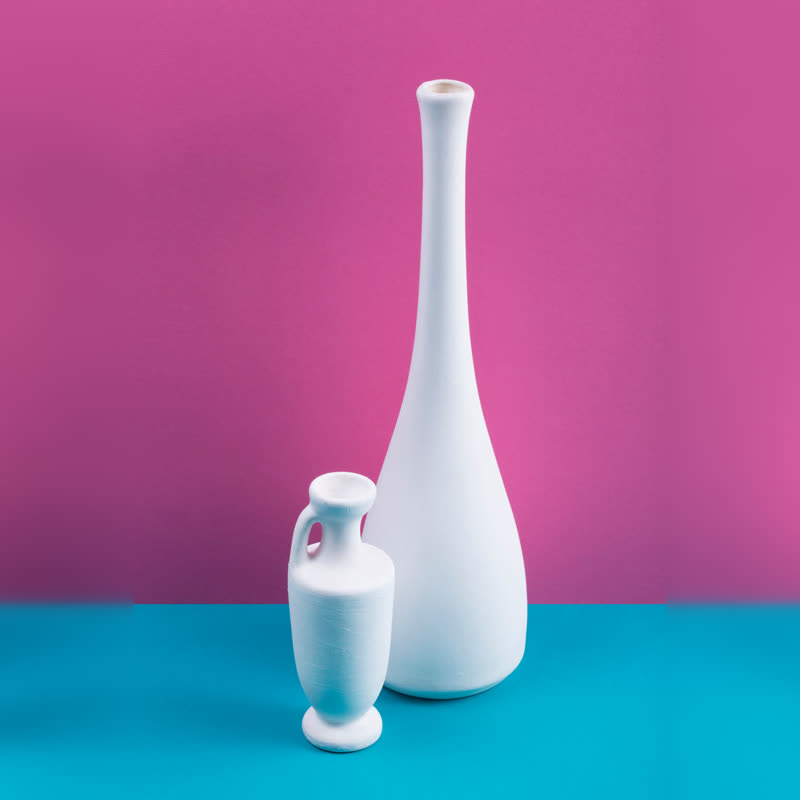
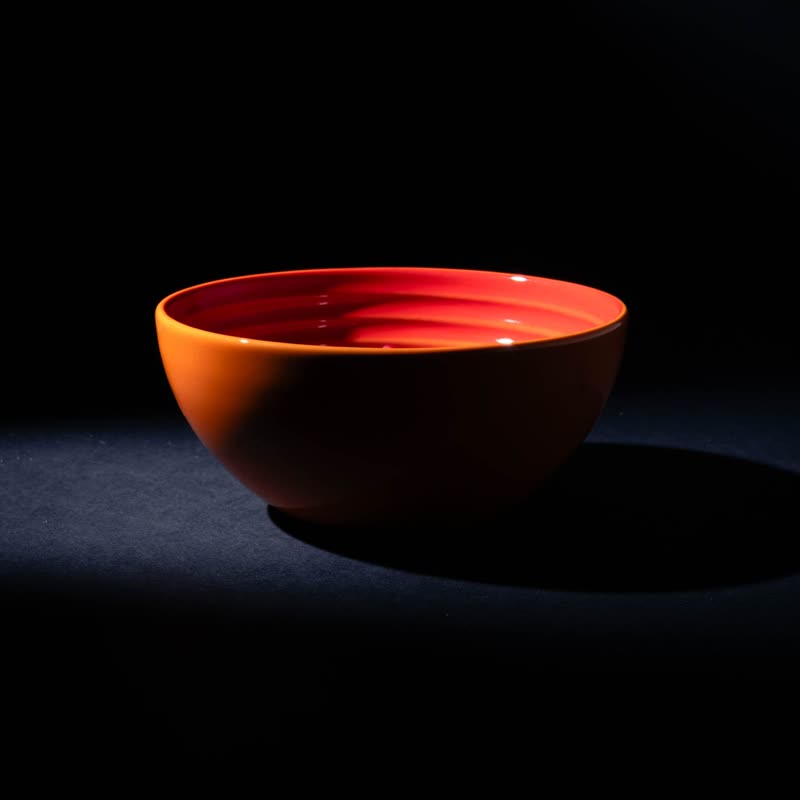

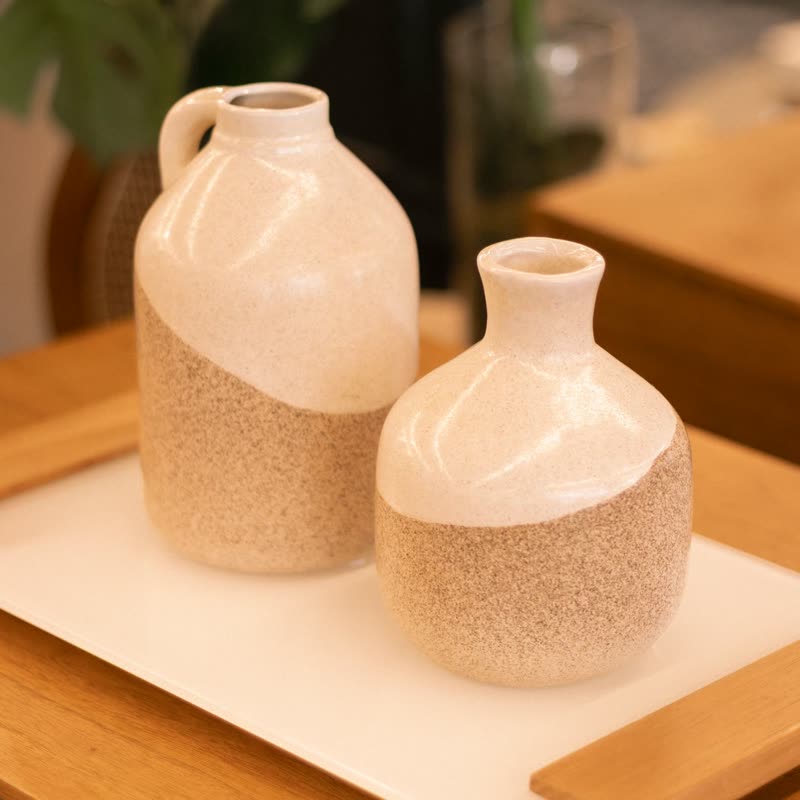
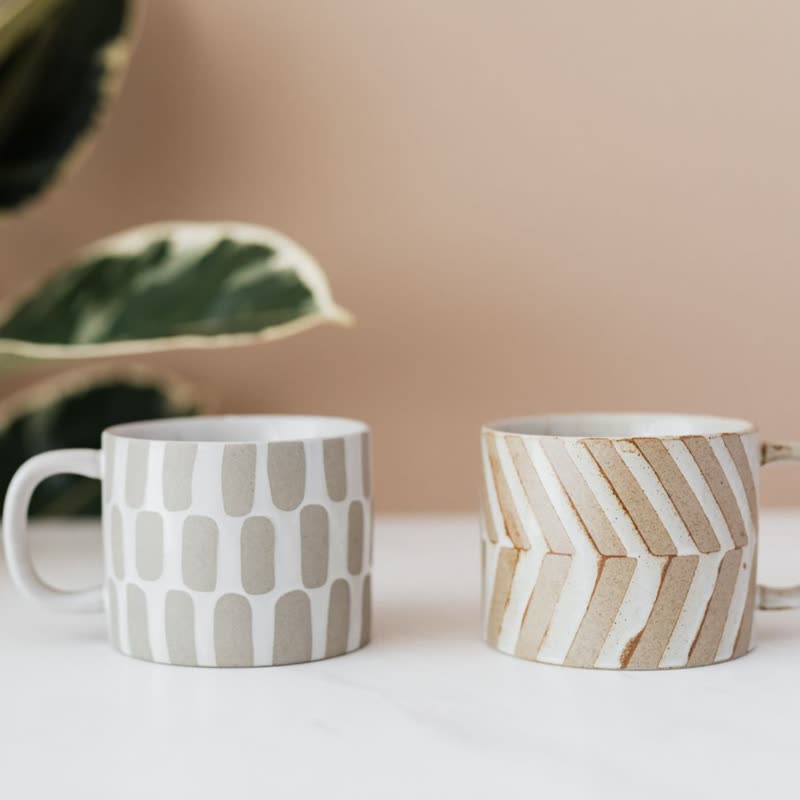
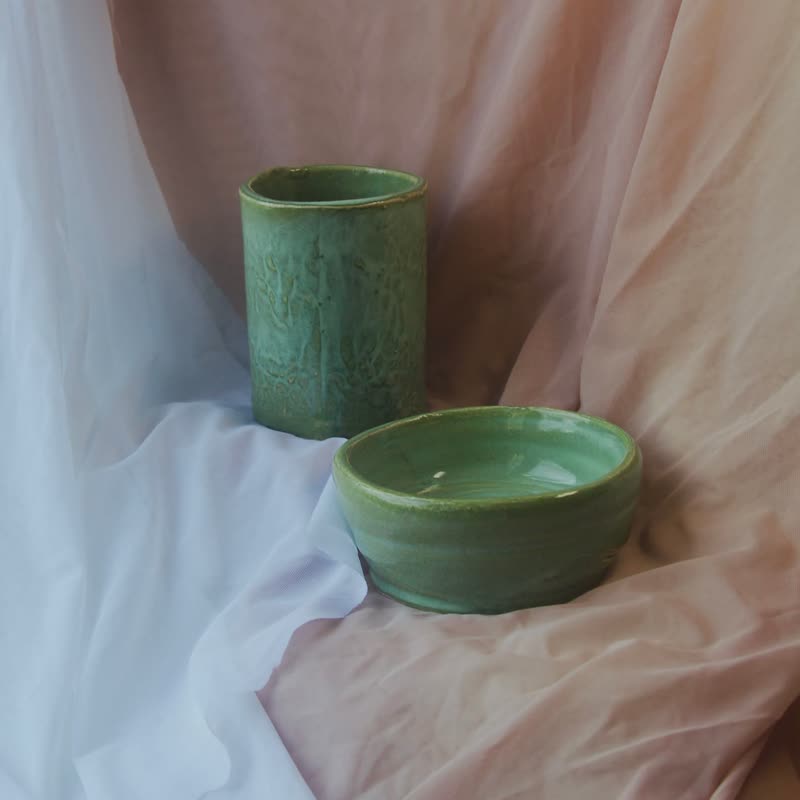
Long-neck vase duo
€88
Drag the picture sideways and hold: you can stop in the middle of the move.
The next picture appears through the current one, and nothing else happens. It is what a stack does when no transition is named, drawn by the canvas where one is available and by plain CSS where it is not.
It sounds like the choice for people who could not decide. Often it is the correct choice: the eye goes to the product, because the move itself offers nothing to look at.
Included in the free plugin.
Put it on
- Catalogue photos on one background
- When every shot has the same backdrop, only the product appears to change, which reads as a clean swap.
- A shop with a strong brand of its own
- A fade adds no flavour, so it never argues with your typography or your photography.
- Sliders that autoplay above text
- People reading next to it are not pulled away by a big movement in the corner of their eye.
Keep it off
- A page meant to show off
- Nobody remembers a fade. If the slider is the reason to visit, take something with a shape.
- Photos with very different brightness
- Black to white through grey looks muddy for a moment. Ripple or push hides that middle.
Settings
In the block the time of a move is a setting on every transition. Everything else on this list comes from gpu slider, which draws it.
Long-neck vase duo €88
In the block, in three steps
- Add the Product Slider block to your page, and under Products choose hand-picked products.
- Set Layout to One at a time, then pick Fade under Transition. Fade is also what you get when no other transition is set.
- Open it on the slowest phone you own. A fade should look the same there, and it is the honest baseline to compare any other effect against.
Close relatives
In a sample shop
Blocks that can use it
Where it goes in a shop: on a hover image swap, in a related products row or in a slider on autoplay. Questions about browsers and motion are in the FAQ.
Fade works in the free plugin.
Get the free plugin