 Product Slider BlockFree downloadMenu
Push transition for WooCommerce product sliders
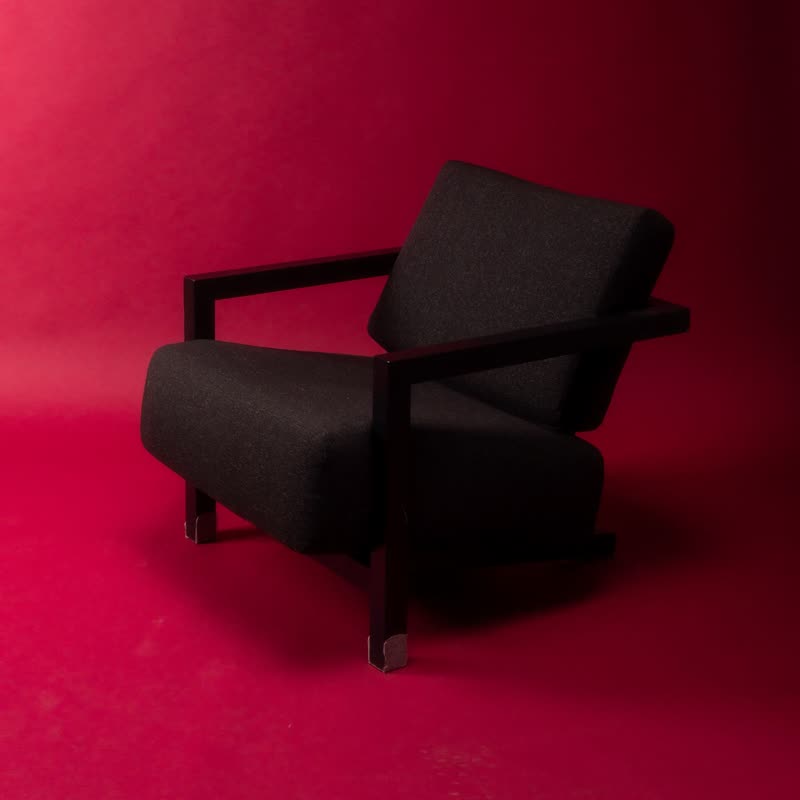
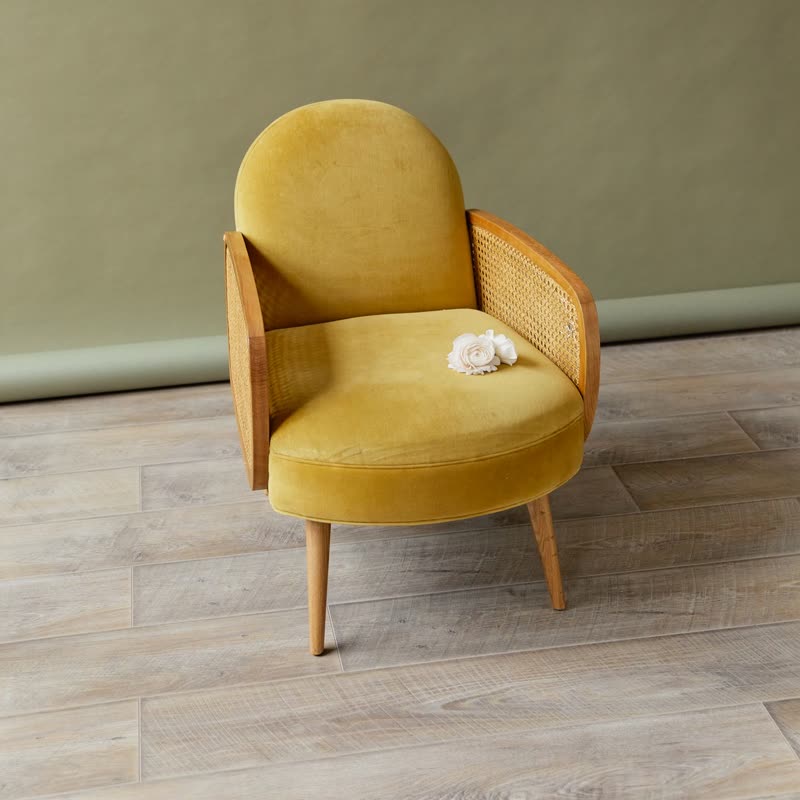
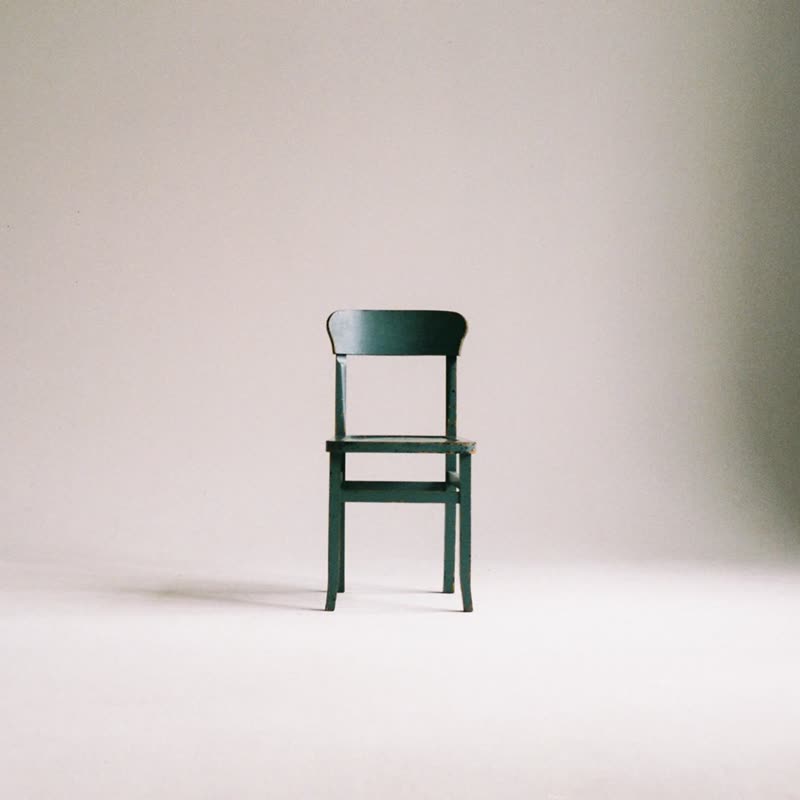
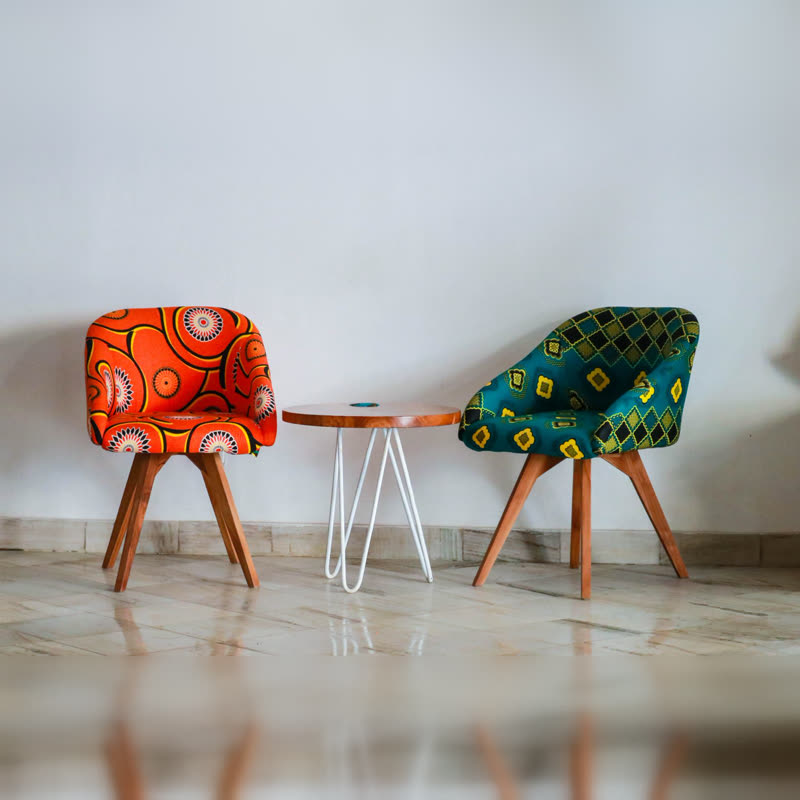
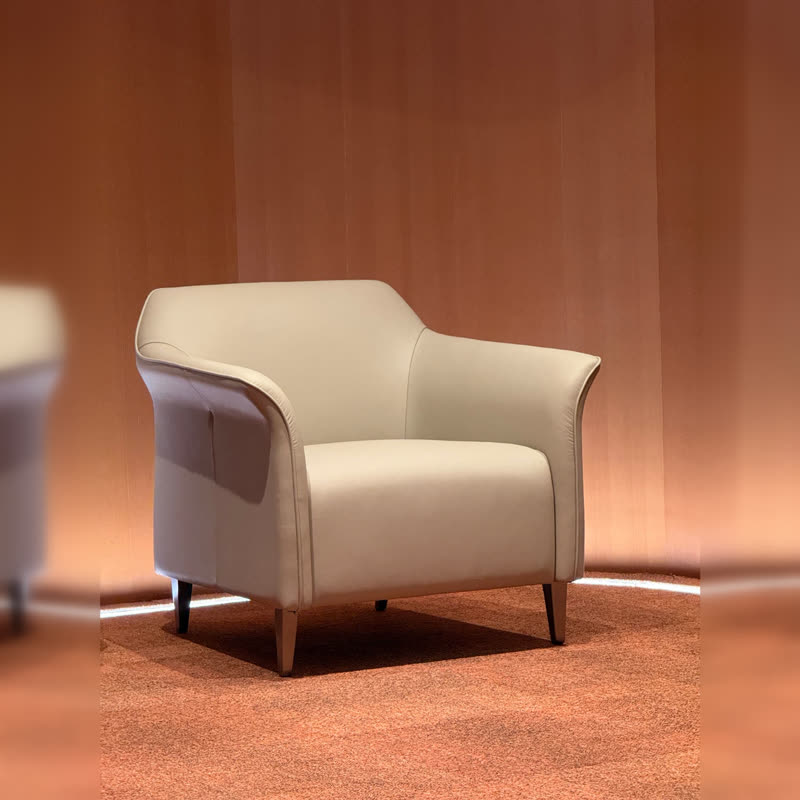
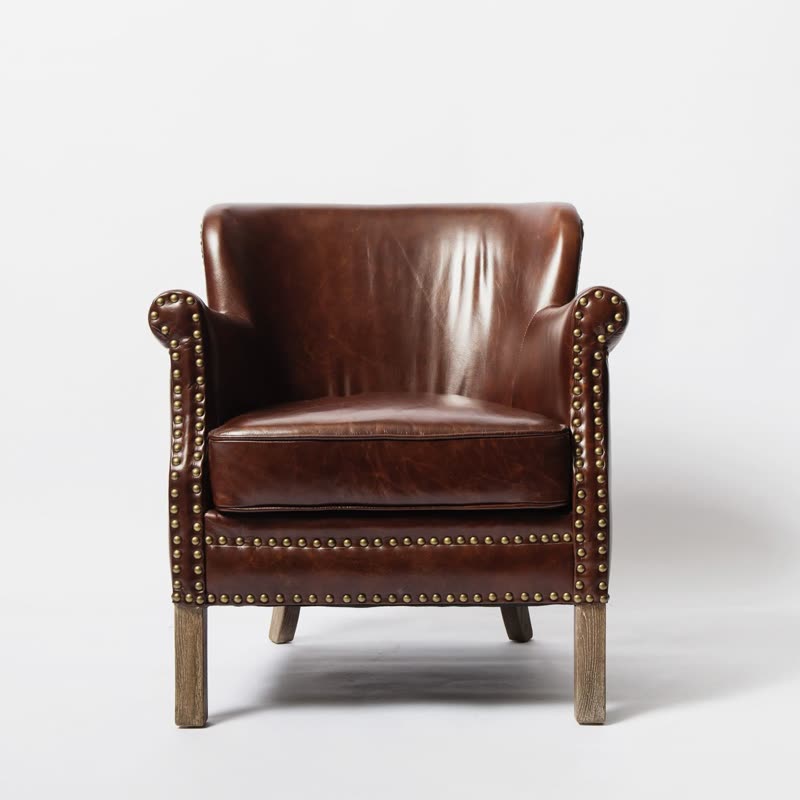
Block lounge chair
€890
Drag the picture sideways and hold: you can stop in the middle of the move.
Both pictures draw back a little, the next one shoves the current one aside with a small gap between them, and it comes forward. It is the classic slide, with a camera that takes one step back.
It explains itself: there is a row of things, and you moved along it.
Comes with Pro. Pro starts at $19 a year.
Put it on
- Sets and collections
- Dining chairs, plates, ranges with an order to them. People understand they are moving along a line.
- Larger catalogues
- It is unfussy enough to be clicked twenty times.
- Audiences that dislike tricks
- Trade buyers, older shoppers and hardware customers all recognise this at once.
Keep it off
- A page that wants drama
- Competent, but no one will mention it to a friend.
- Very wide heroes
- At full width the distance travelled is huge, and the step back gets noticeable. Shorten the time.
Settings
In the block the time of a move is a setting on every transition. Everything else on this list comes from gpu slider, which draws it.
Block lounge chair €890
In the block, in three steps
- Add the Product Slider block to your page, and under Products choose hand-picked products.
- Set Layout to One at a time, then pick Push under Transition. It comes with Pro.
- Click next ten times in a row. It should still not annoy you. That is its entire job.
Close relatives
In a sample shop
Blocks that can use it
Where it goes in a shop: on a hover image swap, in a related products row or in a slider on autoplay. Questions about browsers and motion are in the FAQ.
Push is part of Pro, and the free plugin has fade, distance, ripple, zoom, stretch and parallax to start with. Pro starts at $19 a year.
Get the free plugin