 Product Slider BlockFree downloadMenu
Ripple transition for WooCommerce product sliders




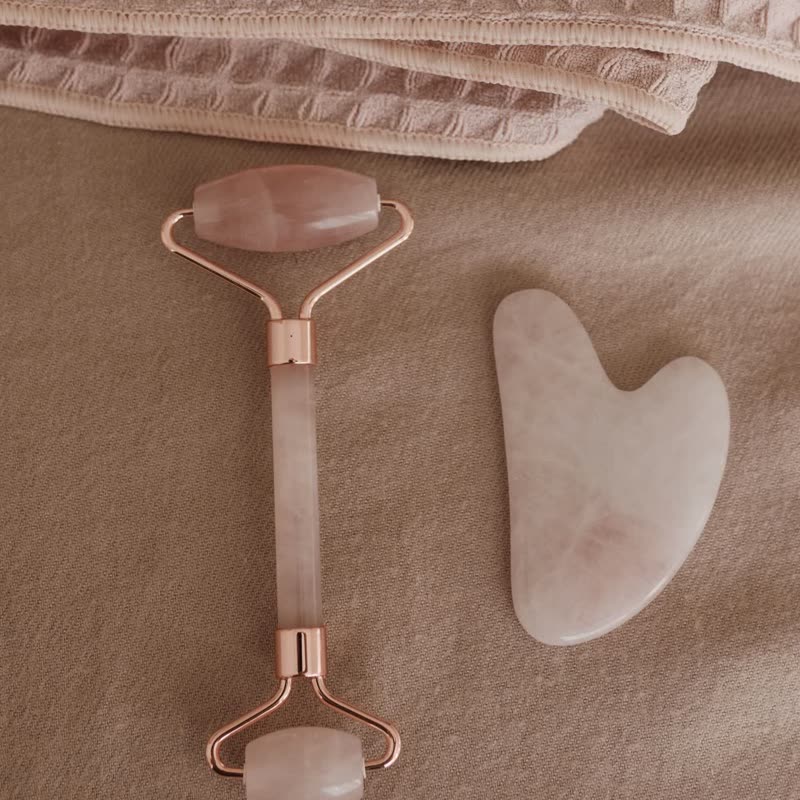
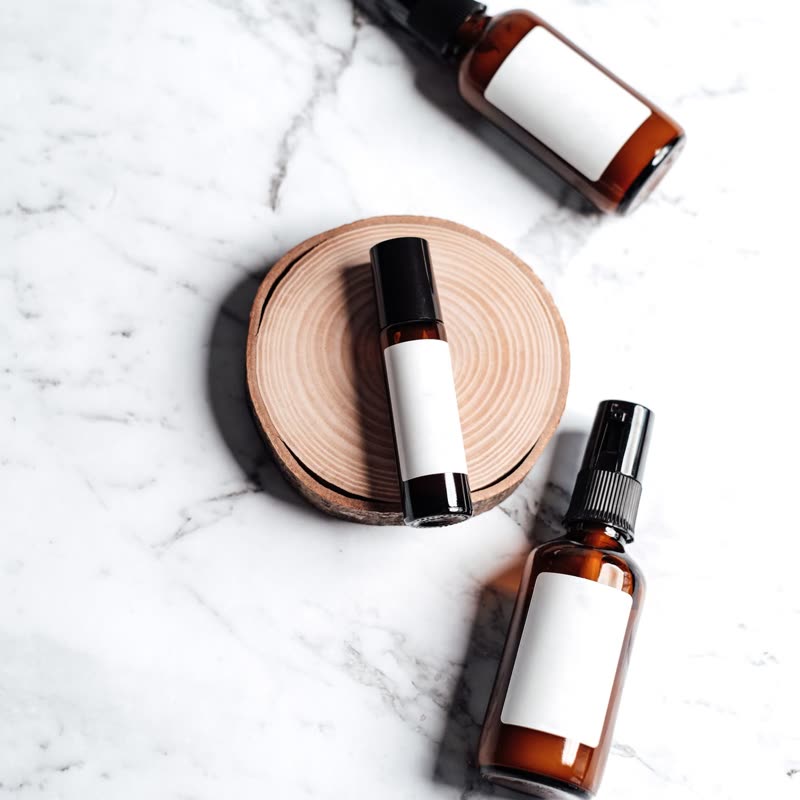
Cloud care set
€64
Drag the picture sideways and hold: you can stop in the middle of the move.
A ring grows from the middle of the picture and the surface behind it trembles like water that has just been touched. The next product is what lies under the ring.
It starts from the centre, so a product placed in the middle of the frame is the last thing to be disturbed and the first thing you see again.
Included in the free plugin.
Put it on
- Water and bath products
- The move means something here: soaps, oils, bath salts, anything that ends up in a basin.
- Centred pack shots
- A bottle standing in the middle of the frame stays calm while its surroundings give way.
- Shops starting out on the free version
- Of the free transitions this one has character, and it stays gentle at any speed.
Keep it off
- Tools and hardware
- Drill bits do not ripple. The metaphor works against anything sold on being rigid.
- Photos with the subject at the edge
- The ring reaches the edges last, so an off-centre product wobbles while the empty middle has already settled.
Settings
In the block the time of a move is a setting on every transition. Everything else on this list comes from gpu slider, which draws it.
Cloud care set €64
In the block, in three steps
- Add the Product Slider block to your page, and under Products choose one category.
- Set Layout to One at a time, then pick Ripple under Transition.
- Look at where the product sits in each photo. If it is not near the middle, use the focus point setting of your images or choose fade.
Close relatives
In a sample shop
Blocks that can use it
Where it goes in a shop: on a hover image swap, in a related products row or in a slider on autoplay. Questions about browsers and motion are in the FAQ.
Ripple works in the free plugin.
Get the free plugin