 Product Slider BlockFree downloadMenu
Waves effect for WooCommerce product sliders
Move your pointer over the picture, or drag a finger across it. Change its size on a product card.




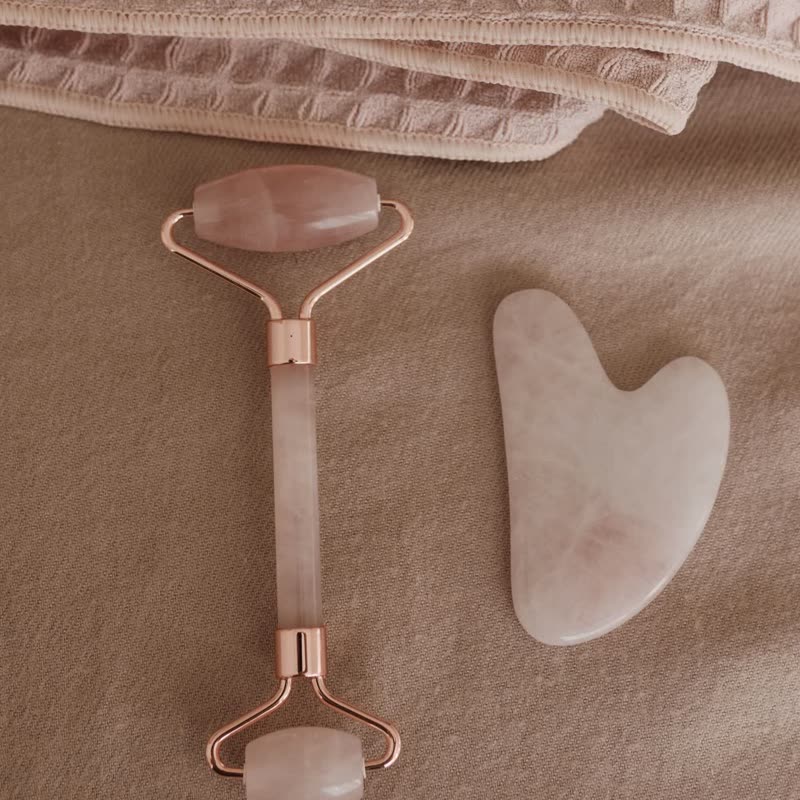
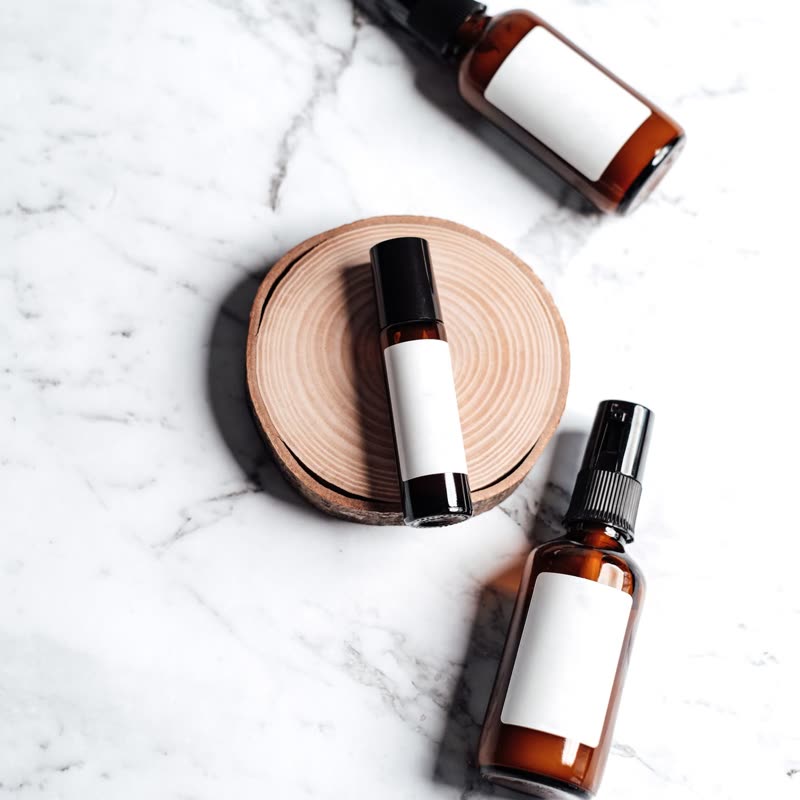
Rings run outward from the pointer as long as it is over the slider, as on a pond with something dipping in it. They die away when the pointer leaves.
It moves by itself while the pointer is there, so a hand at rest still gets a response. It is ideal for pages meant to slow people down.
Comes with Pro. Pro starts at $19 a year.
Put it on
- Spa, bath and wellness
- Water, plainly, and without being literal about any single product.
- Pools and hot tubs
- Those can take a larger amount than most.
- Sound products
- Rings from a point are also how you would draw sound. It also works for speakers.
Keep it off
- Reading small type in the image
- Text in the photo wavers.
- Busy product walls
- Twelve thumbnails with rings is restless. Use it for one big picture.
Settings
In the block, the Pointer panel has two sliders, Size and Strength, from 0 to 100, with 50 at these defaults.
In the block, in three steps
- Add the Product Slider block to your page, and under Products choose one category.
- Open the Pointer panel in the sidebar, and pick Waves as the effect. It comes with Pro.
- Leave your hand still on the picture for ten seconds. If that feels calming, the settings are right. If it feels seasick, lower the amount.
Close relatives
In a sample shop
On a product card
Blocks that can use it
Where it goes in a shop: on a hover image swap, in a related products row or in a slider on autoplay. Questions about browsers and motion are in the FAQ.
Waves is part of Pro, and the free plugin has fade, distance, ripple, zoom, stretch and parallax to start with. Pro starts at $19 a year.
Get the free plugin