 Product Slider BlockFree downloadMenu
Smear effect for WooCommerce product sliders
Move your pointer over the picture, or drag a finger across it. Change its size on a product card.
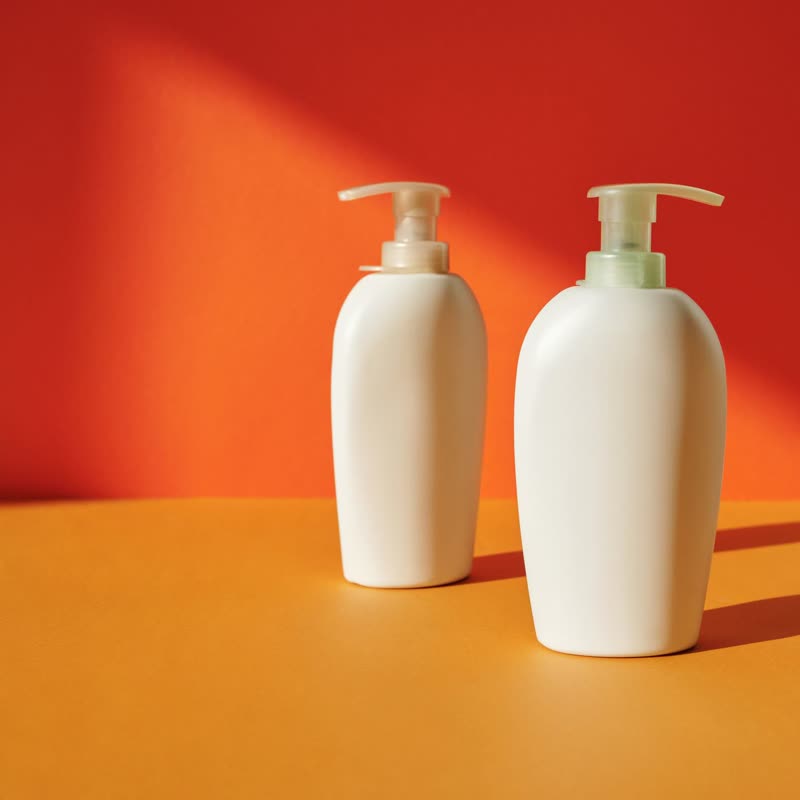
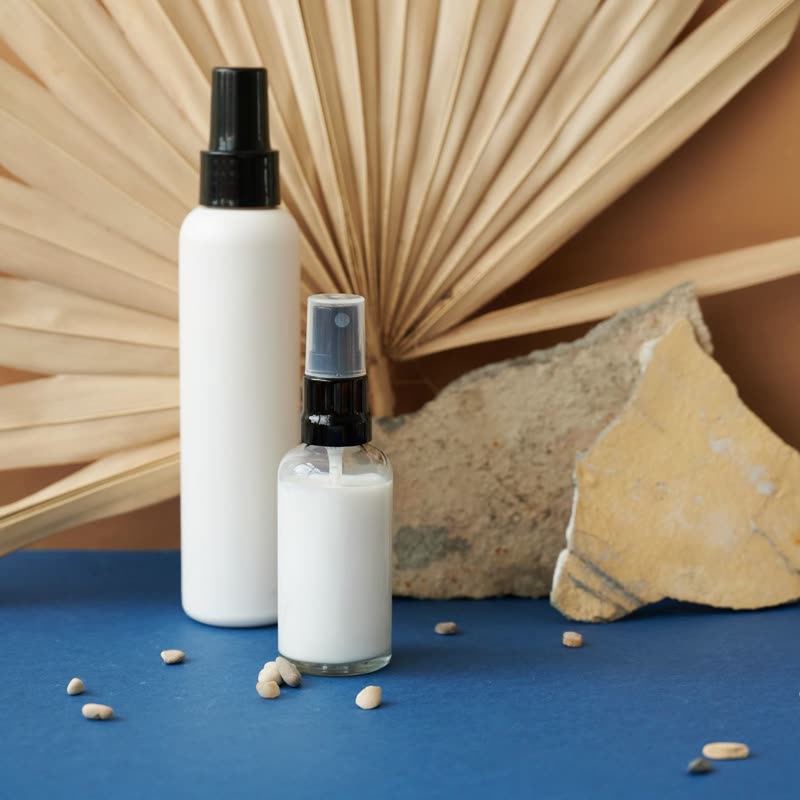
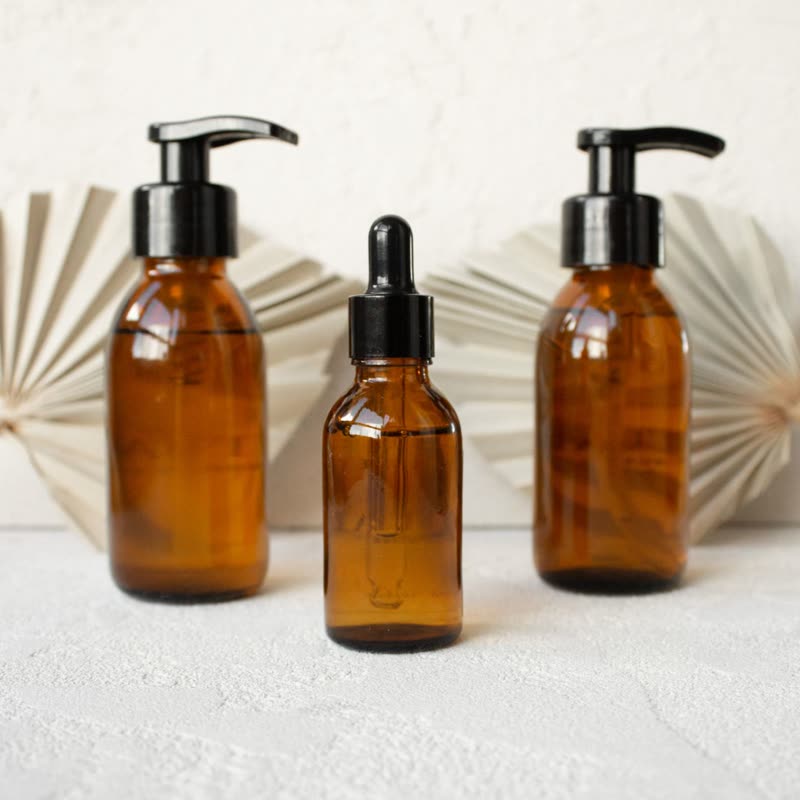
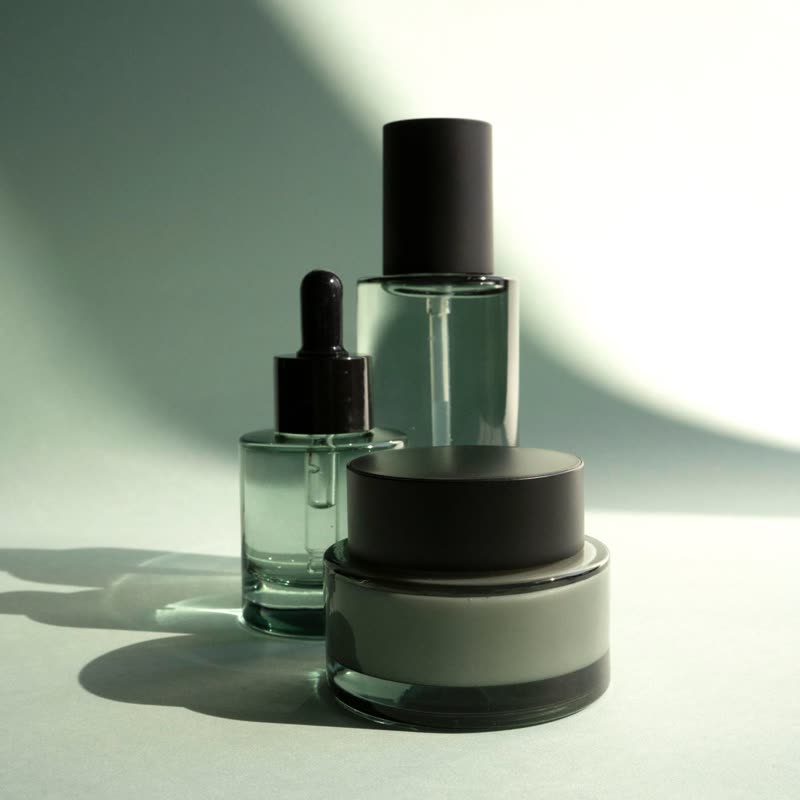
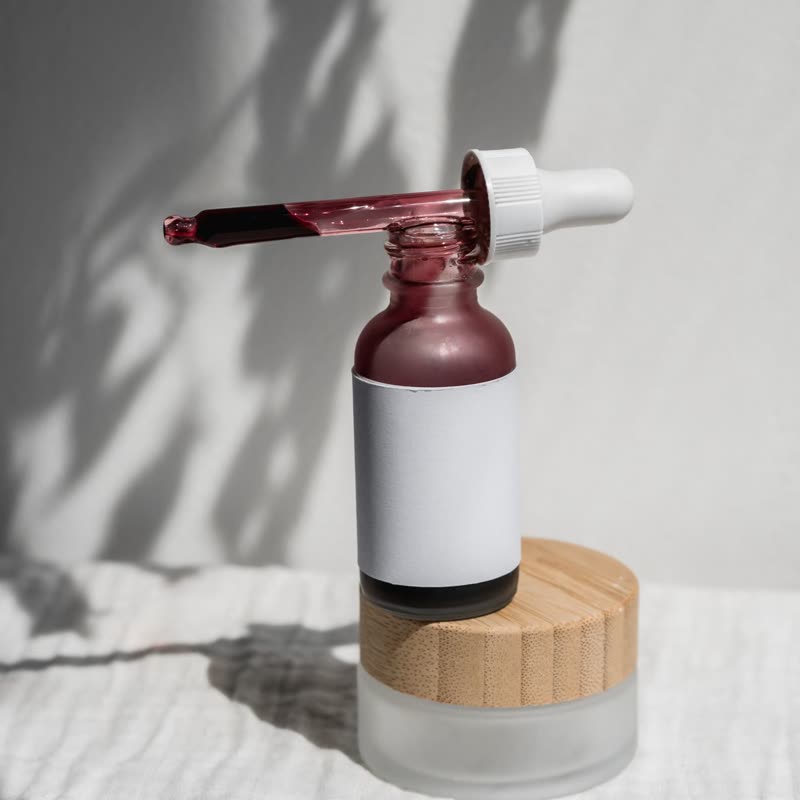
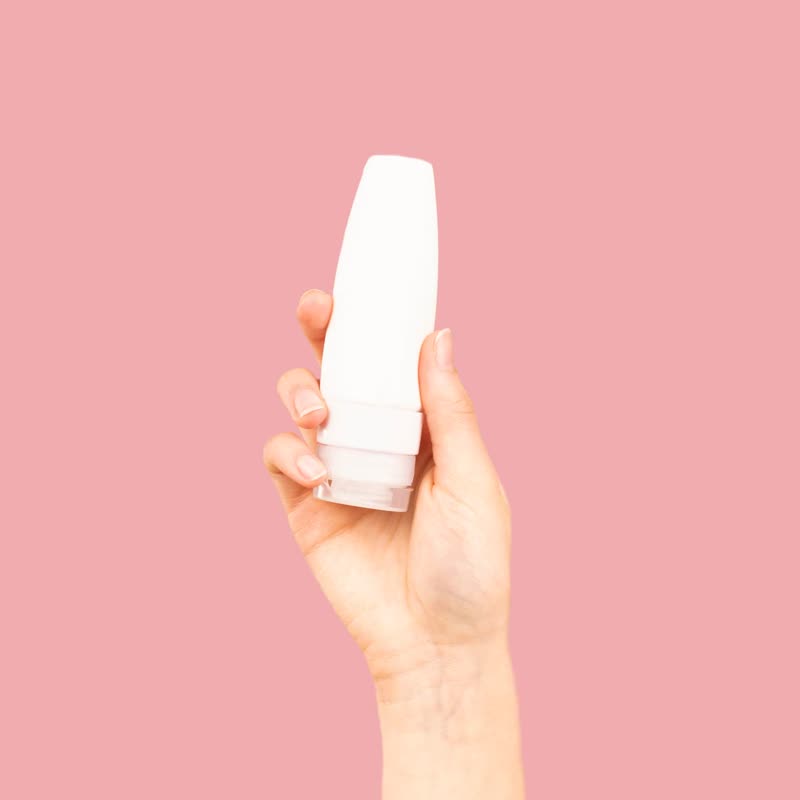
The pointer drags the picture along, like a finger through wet paint: the faster, the further. It then slowly recovers, and at rest the photo is untouched.
You can literally wipe at a tube of cream. It is one of the few effects that imitates the way the product is used.
Comes with Pro. Pro starts at $19 a year.
Put it on
- Creams, paints, lipstick
- Things that smear. The gesture and the product are the same.
- Art supplies
- Buttery oil paint is exactly this fantasy.
- Food: butter, jam
- Spreadable things have an honest claim on this one.
Keep it off
- Paper-stiff products
- Smearing a hardback has no story behind it.
- Pages with a lot of scrolling over the picture
- Passing over it on the way somewhere smudges it each time. Put it on a calmer part of the page.
Settings
In the block, the Pointer panel has two sliders, Size and Strength, from 0 to 100, with 50 at these defaults.
In the block, in three steps
- Add the Product Slider block to your page, and under Products choose one category.
- Open the Pointer panel in the sidebar, and pick Smear as the effect. It comes with Pro.
- Swipe quickly across it. The picture should stretch and recover within about a second.
Close relatives
In a sample shop
On a product card
Blocks that can use it
Where it goes in a shop: on a hover image swap, in a related products row or in a slider on autoplay. Questions about browsers and motion are in the FAQ.
Smear is part of Pro, and the free plugin has fade, distance, ripple, zoom, stretch and parallax to start with. Pro starts at $19 a year.
Get the free plugin