 Product Slider BlockFree downloadMenu
Shift effect for WooCommerce product sliders
Move your pointer over the picture, or drag a finger across it. Change its size on a product card.



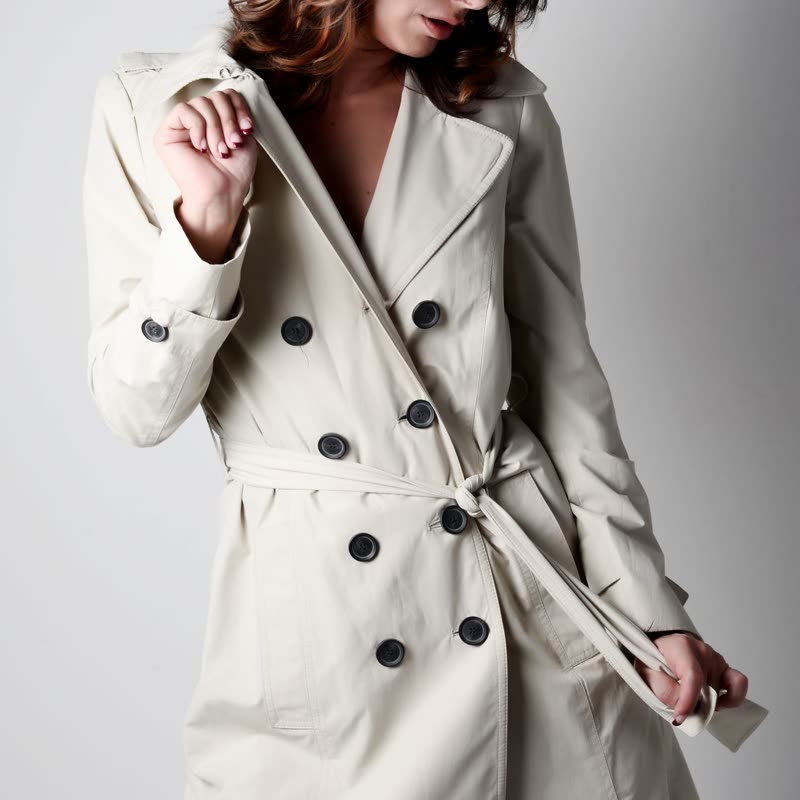


The colours come apart around the pointer along its path. A fast move leaves a trail of misregistered colour, while a still pointer does nothing at all.
Think of a riso print with the plates slipped. It is a nice quiet print-shop reference, and it never hides the object.
Comes with Pro. Pro starts at $19 a year.
Put it on
- Print-led fashion
- Screen-printed tees and zines, where misregistration is already part of the charm.
- Black and white campaign photos
- The only colour on the page comes from your hand.
- Agency or designer merch
- People in that world will know the reference.
Keep it off
- Colour-true buying
- It only happens during movement, but do not use it where a colour promise matters.
- Low-contrast photos
- With no edges to catch, it shows as faint fuzz.
Settings
In the block, the Pointer panel has two sliders, Size and Strength, from 0 to 100, with 50 at these defaults.
In the block, in three steps
- Add the Product Slider block to your page, and under Products choose the newest products.
- Open the Pointer panel in the sidebar, and pick Shift as the effect. It comes with Pro.
- Move across a sharp black line in your photo. You want a clean red and blue fringe.
Close relatives
On a product card
Blocks that can use it
Where it goes in a shop: on a hover image swap, in a related products row or in a slider on autoplay. Questions about browsers and motion are in the FAQ.
Shift is part of Pro, and the free plugin has fade, distance, ripple, zoom, stretch and parallax to start with. Pro starts at $19 a year.
Get the free plugin