 Product Slider BlockFree downloadMenu
Displace transition for WooCommerce product sliders
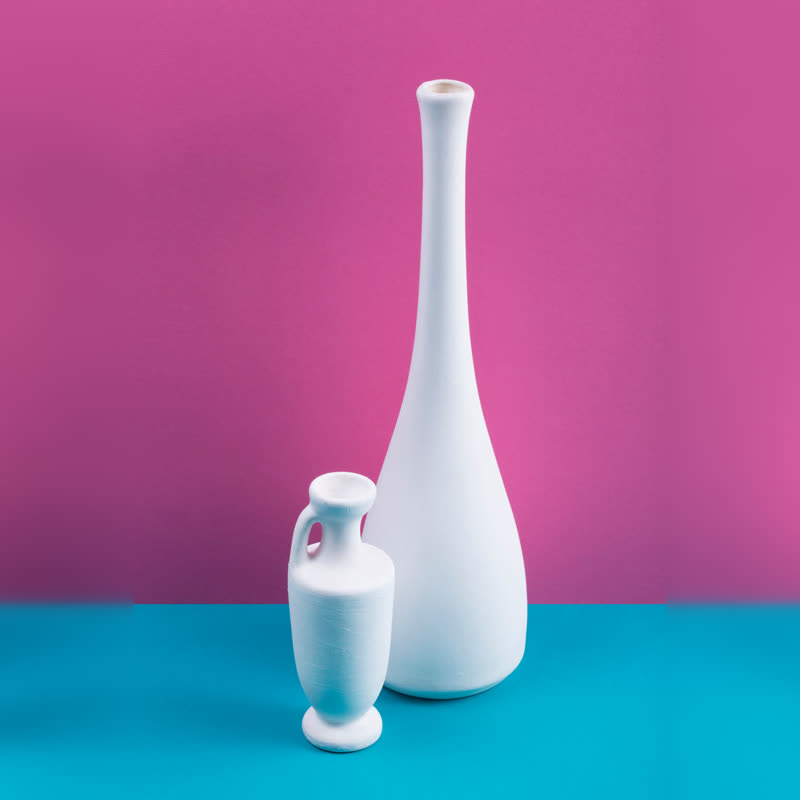
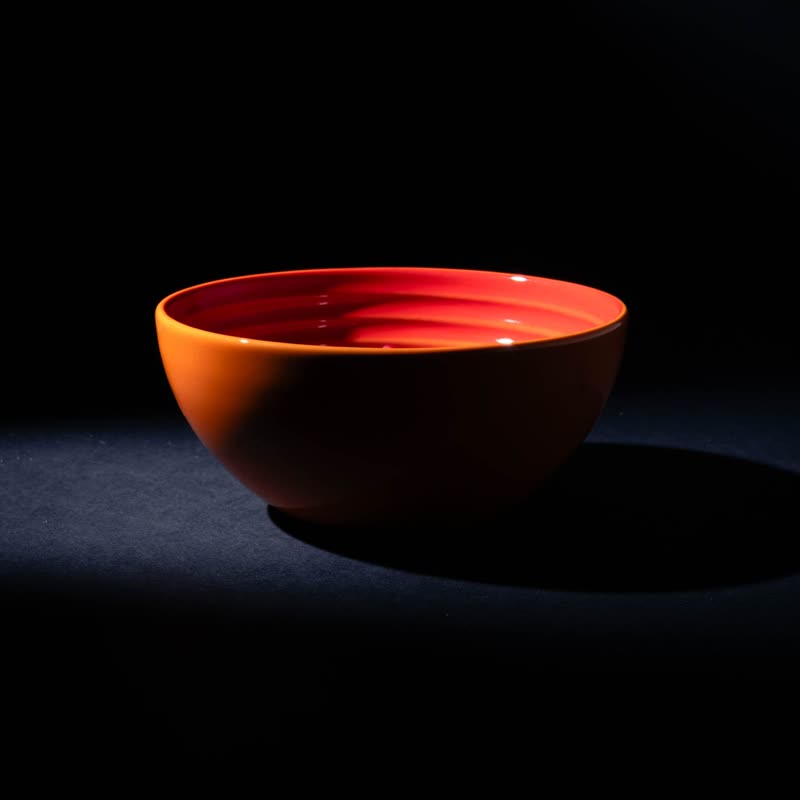
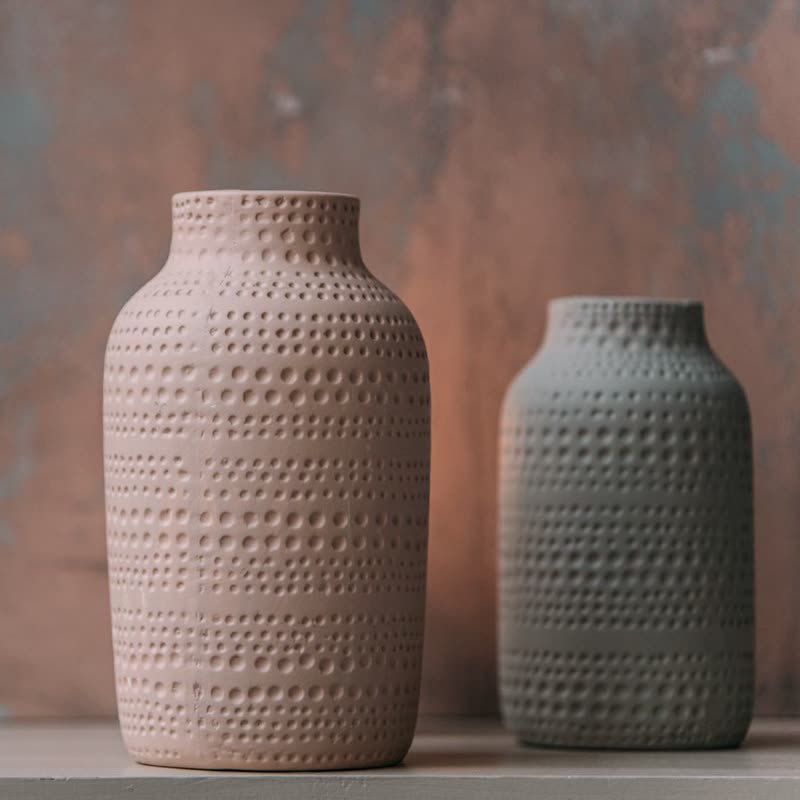
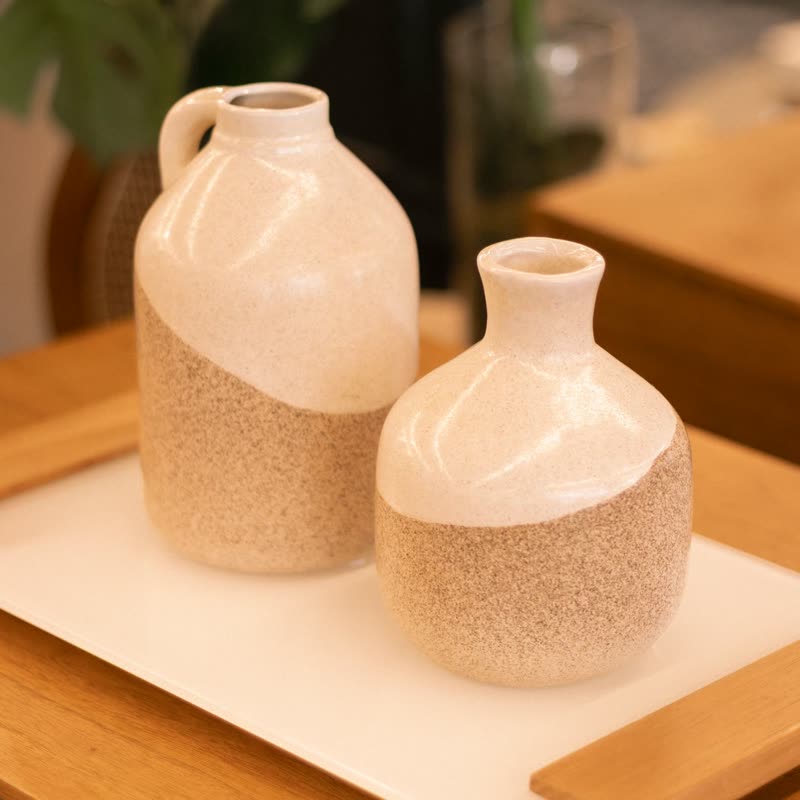
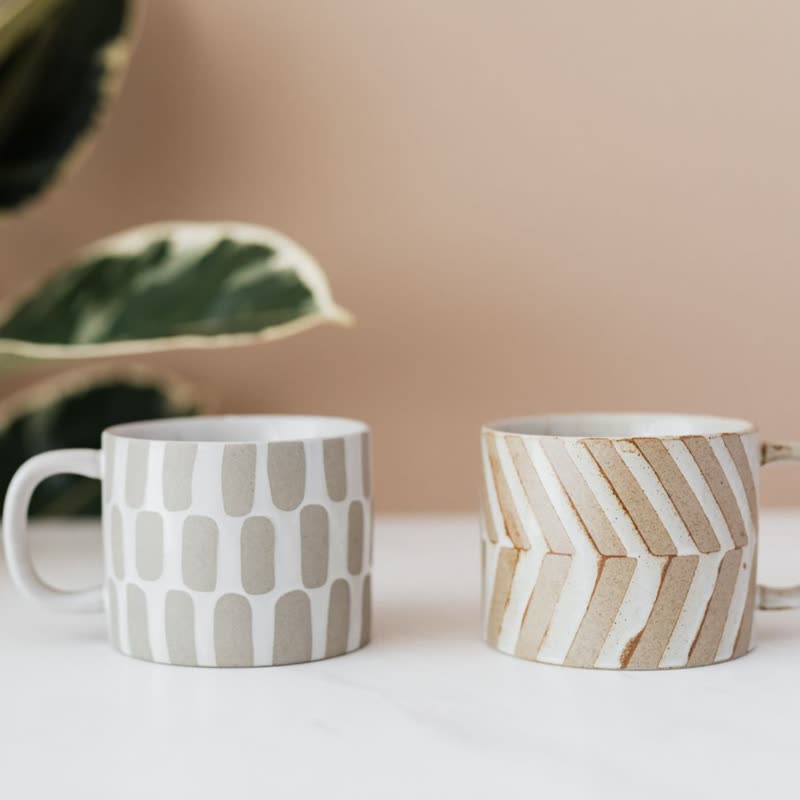
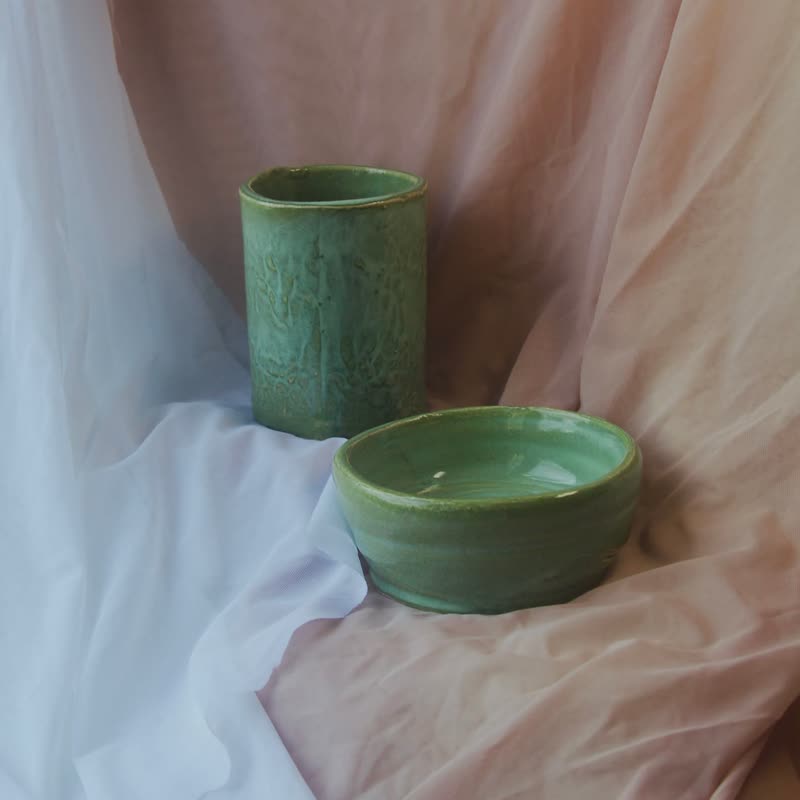
Long-neck vase duo
€88
Drag the picture sideways and hold: you can stop in the middle of the move.
A cloudy map pushes both pictures apart in two directions while they crossfade. Surfaces seem to give way, like a thumb pressing into wet clay.
It is a fade with a body. The outline of the object softens and shifts, but you never lose track of it, so it stays quiet enough for everyday use.
Comes with Pro. Pro starts at $19 a year.
Put it on
- Ceramics, soap, wax
- Soft materials that took their shape from hands. The move suggests that shape was once negotiable.
- Natural textures
- Stone, linen and bark hide the displacement and make it feel tactile.
- Sets photographed on one surface
- Things seem to rise out of the same table.
Keep it off
- Precise engineered parts
- A bolt that goes soft undermines the claim that it holds.
- Pictures with fine text
- Ingredients and labels go wobbly on the way through.
Settings
In the block the time of a move is a setting on every transition. Everything else on this list comes from gpu slider, which draws it.
Long-neck vase duo €88
In the block, in three steps
- Add the Product Slider block to your page, and under Products choose one category.
- Set Layout to One at a time, then pick Displace under Transition. It comes with Pro.
- Watch the outline of the product, not the middle. It should bend and recover, never tear.
Close relatives
In a sample shop
Blocks that can use it
Where it goes in a shop: on a hover image swap, in a related products row or in a slider on autoplay. Questions about browsers and motion are in the FAQ.
Displace is part of Pro, and the free plugin has fade, distance, ripple, zoom, stretch and parallax to start with. Pro starts at $19 a year.
Get the free plugin