 Product Slider BlockFree downloadMenu
Warp transition for WooCommerce product sliders
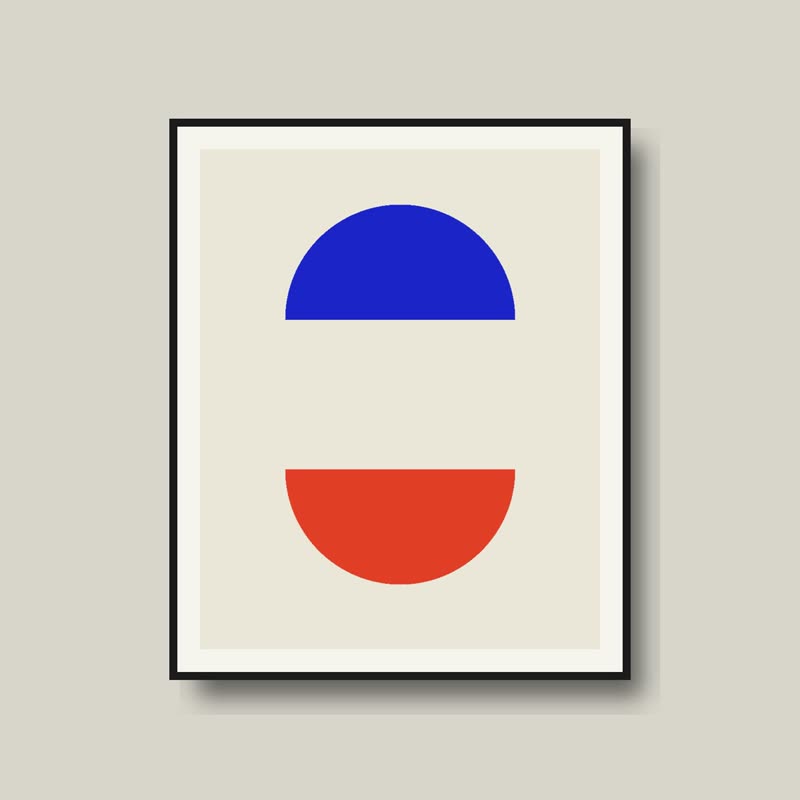
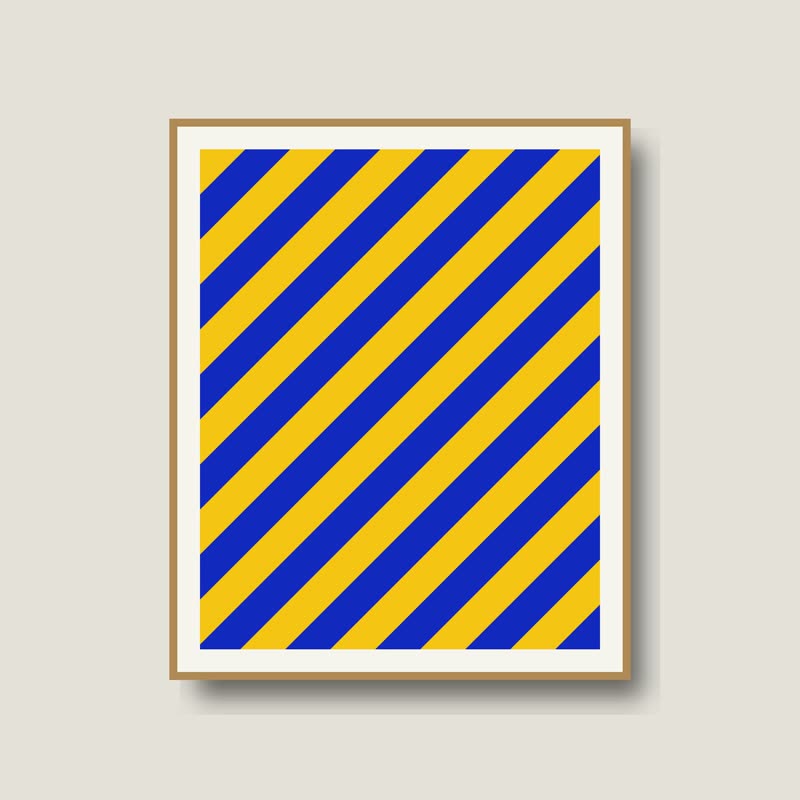
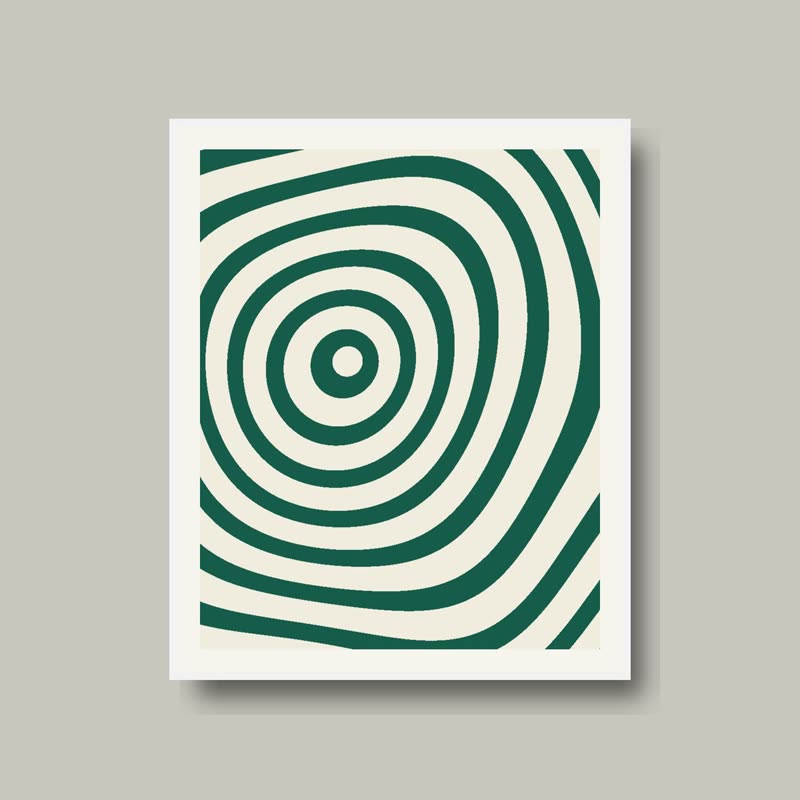
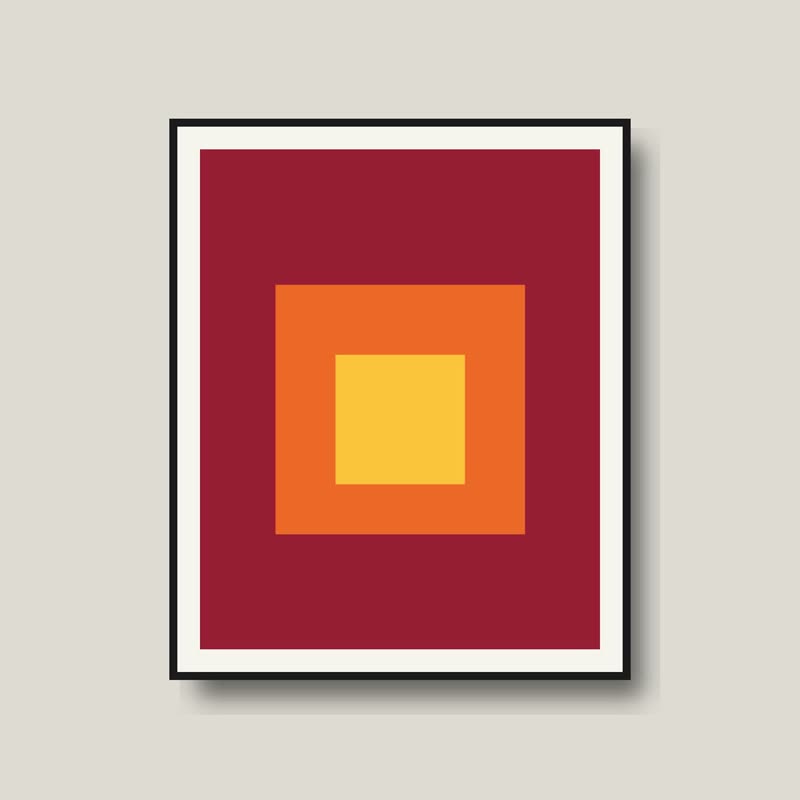
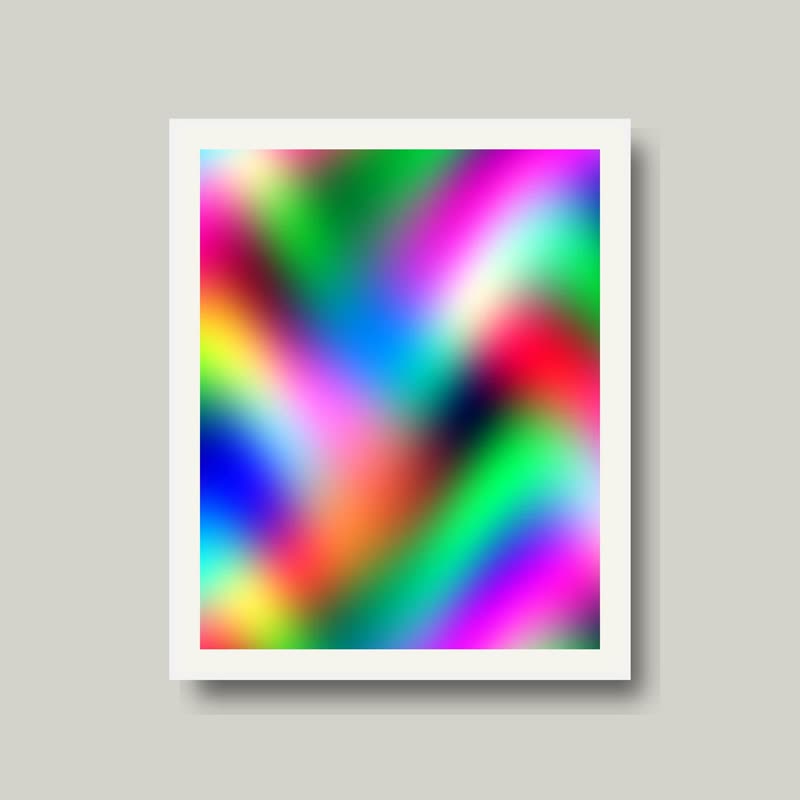
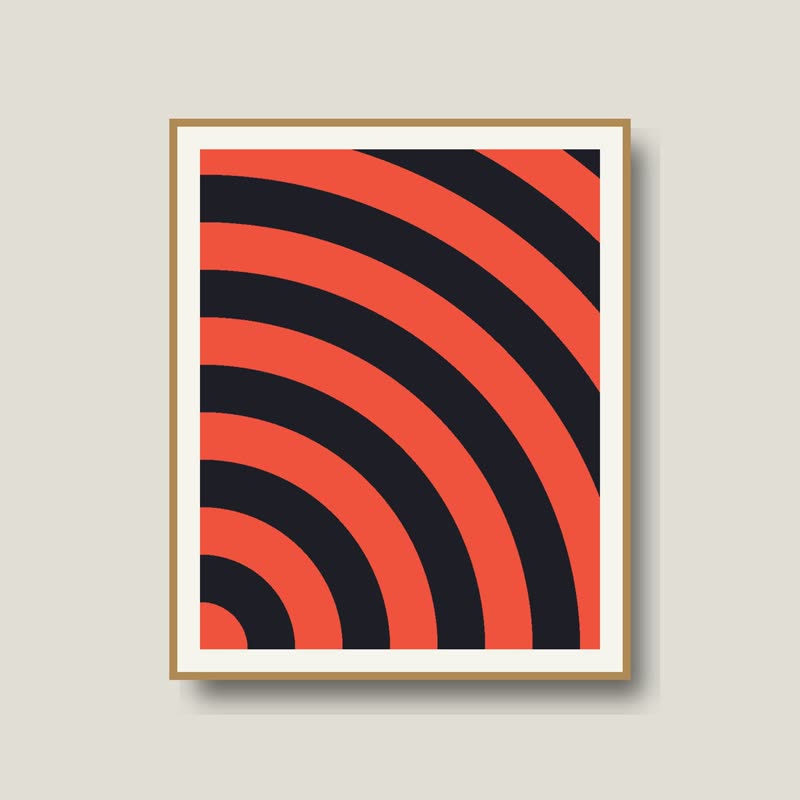
Two half moons
€58
Drag the picture sideways and hold: you can stop in the middle of the move.
Both pictures are marbled by swirled, warped noise and flow one way along it. The outgoing one is carried off, and the next comes in behind it, the switch following the veins of the marble.
It looks like endpapers in an old book or oil on a puddle, and it treats the photo like paint.
Comes with Pro. Pro starts at $19 a year.
Put it on
- Art prints and illustration
- Paint moving through paint. It treats the picture as a picture.
- Marbled and veined materials
- Stone trays, resin homeware and handmade paper.
- Rich, saturated colour
- The veins need colour to carry. Bright work swirls beautifully.
Keep it off
- Faces and portraits
- A model's face going through marble is unsettling in the wrong way.
- Pale monochrome pictures
- With little colour the marble disappears and it looks like a soft smudge.
Settings
In the block the time of a move is a setting on every transition. Everything else on this list comes from gpu slider, which draws it.
Two half moons €58
In the block, in three steps
- Add the Product Slider block to your page, and under Products choose hand-picked products.
- Set Layout to One at a time, then pick Warp under Transition. It comes with Pro.
- Pause on a frame in the middle of the move, by dragging it and holding. Is the half-way picture something you would be happy to print? It should be.
Close relatives
In a sample shop
Blocks that can use it
Where it goes in a shop: on a hover image swap, in a related products row or in a slider on autoplay. Questions about browsers and motion are in the FAQ.
Warp is part of Pro, and the free plugin has fade, distance, ripple, zoom, stretch and parallax to start with. Pro starts at $19 a year.
Get the free plugin