 Product Slider BlockFree downloadMenu
Swirl transition for WooCommerce product sliders
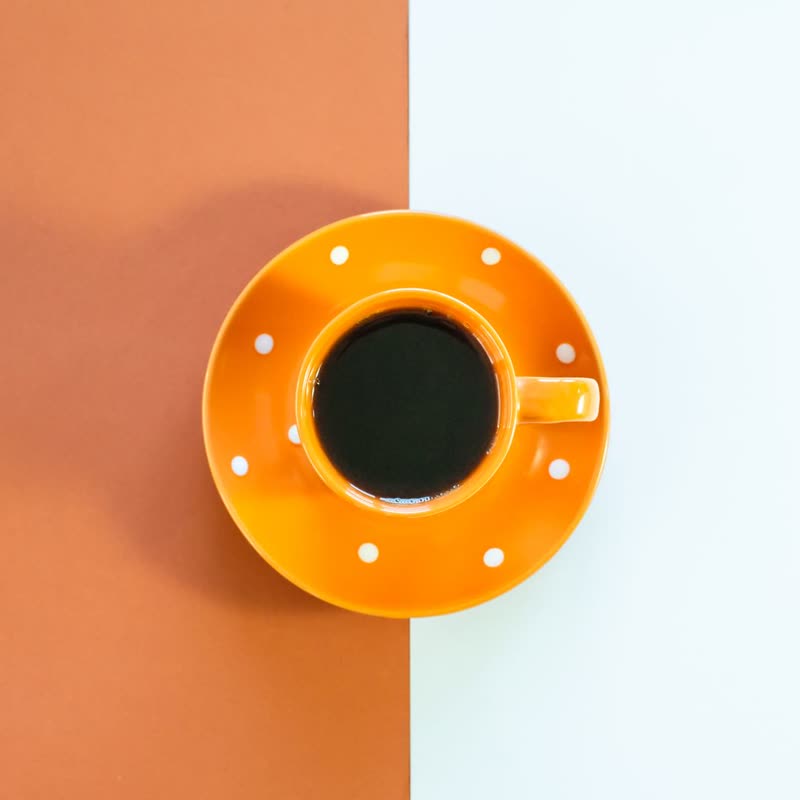
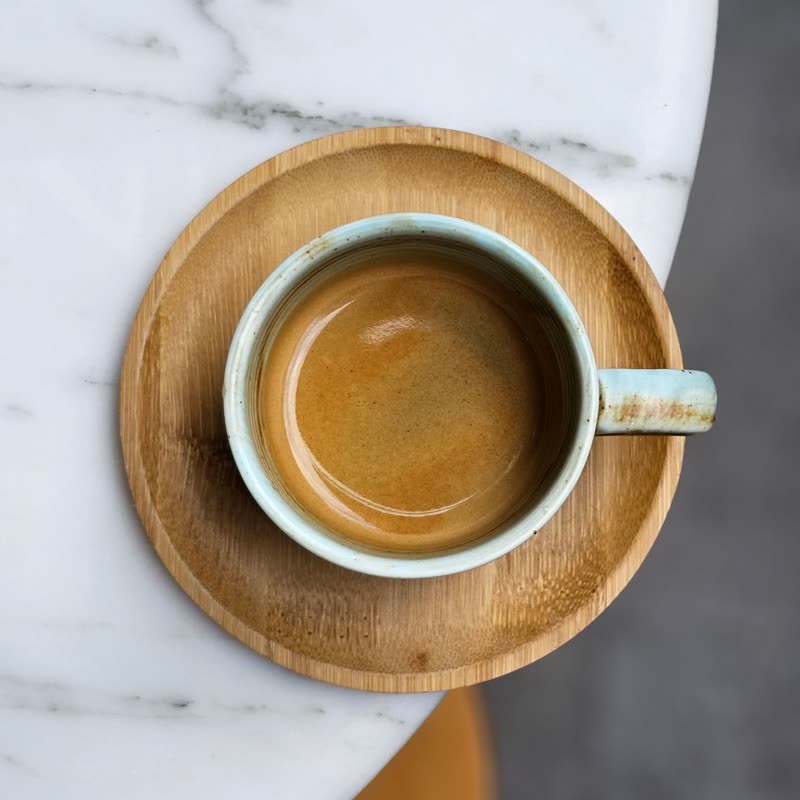
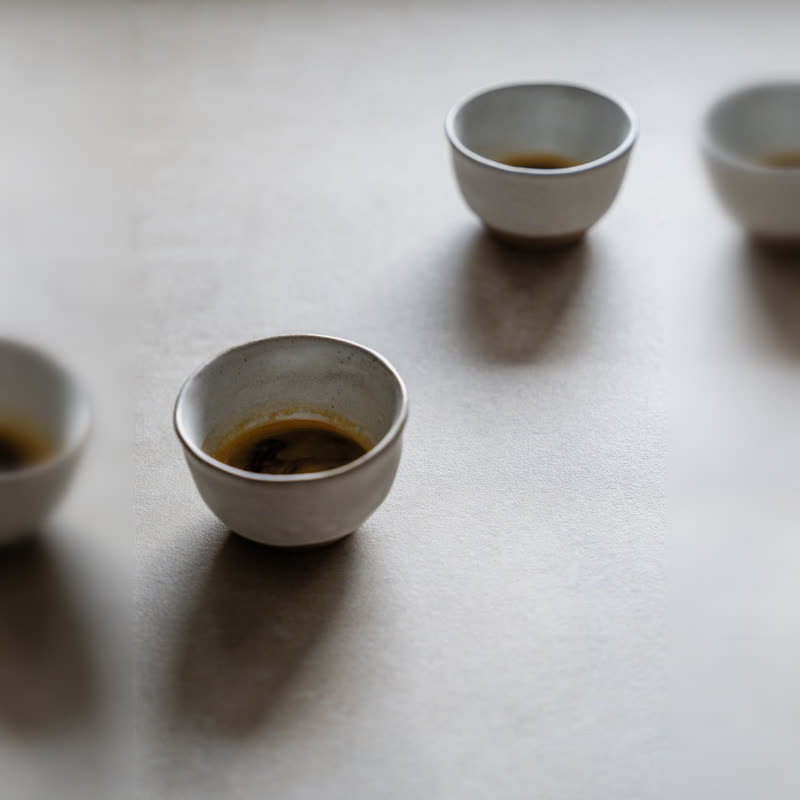
Orange dot cup and saucer
€24
Drag the picture sideways and hold: you can stop in the middle of the move.
A vortex twists the picture away and the next one twists in, turning the same way throughout. It never winds back, so it reads as one continuous stir.
The middle of the frame moves little while the outer parts travel far, so a centred product stays recognisable a long way into the turn.
Comes with Pro. Pro starts at $19 a year.
Put it on
- Coffee, tea and syrups
- Anything you stir. A spoon through a cup is the picture in everyone's head.
- Round products
- Plates, vinyl, watch faces and pizza stones look right turning around their own centre.
- Playful sweet brands
- It has some circus in it, and ice cream can use that.
Keep it off
- Long horizontal products
- A sofa photographed end to end gets wrung like a towel.
- People prone to motion sickness
- A spinning full-screen picture is one of the stronger triggers. Keep this one away from huge heroes.
Settings
In the block the time of a move is a setting on every transition. Everything else on this list comes from gpu slider, which draws it.
Orange dot cup and saucer €24
In the block, in three steps
- Add the Product Slider block to your page, and under Products choose one category.
- Set Layout to One at a time, then pick Swirl under Transition. It comes with Pro.
- Try it with reduced motion turned on in your system settings: the slider should move without the spin, which is what those visitors asked for.
Close relatives
In a sample shop
Blocks that can use it
Where it goes in a shop: on a hover image swap, in a related products row or in a slider on autoplay. Questions about browsers and motion are in the FAQ.
Swirl is part of Pro, and the free plugin has fade, distance, ripple, zoom, stretch and parallax to start with. Pro starts at $19 a year.
Get the free plugin