 Product Slider BlockFree downloadMenu
Datamosh transition for WooCommerce product sliders
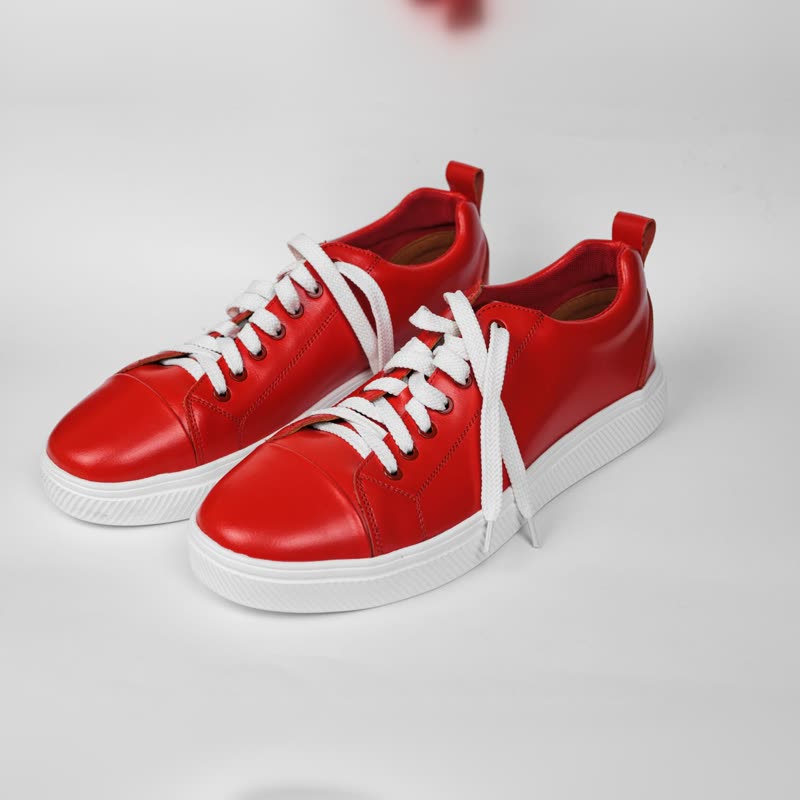
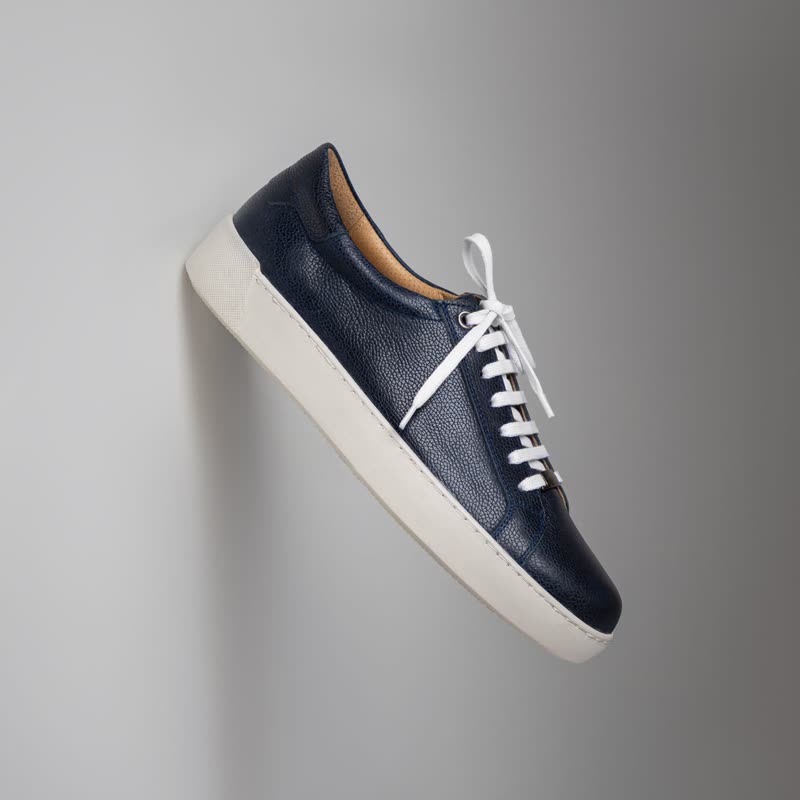



Red court low
€129
Drag the picture sideways and hold: you can stop in the middle of the move.
Blocks of the picture jump by random amounts, pushed by the brightness of the photo, and flip to the next product at random. It looks like a damaged video file finding its way.
It has more of a hand-made ugliness than glitch does. Bright parts jump furthest, so it does different things to every photo.
Comes with Pro. Pro starts at $19 a year.
Put it on
- Music merch and record labels
- Datamoshing is a known look in music video, and this audience reads it as taste.
- Limited drops with a narrow audience
- Niche enough to feel like an in-joke.
- High contrast shots
- Bright shapes on dark give it plenty to throw about.
Keep it off
- Mainstream gift shops
- Most people will assume the page is broken and refresh.
- Flicker-sensitive visitors
- Combining random jumps and autoplay is unkind. Trigger on click only.
Settings
In the block the time of a move is a setting on every transition. Everything else on this list comes from gpu slider, which draws it.
Red court low €129
In the block, in three steps
- Add the Product Slider block to your page, and under Products choose the newest products.
- Set Layout to One at a time, then pick Datamosh under Transition. It comes with Pro.
- Show it to someone outside your niche. If they think it is broken, decide whether you mind.
Close relatives
In a sample shop
Blocks that can use it
Where it goes in a shop: on a hover image swap, in a related products row or in a slider on autoplay. Questions about browsers and motion are in the FAQ.
Datamosh is part of Pro, and the free plugin has fade, distance, ripple, zoom, stretch and parallax to start with. Pro starts at $19 a year.
Get the free plugin