 Product Slider BlockFree downloadMenu
Magnify hover effect for WooCommerce product images
The image bulges where the pointer is, and only there. No side panel and no zoom box. Someone looking at a dial looks at the dial.


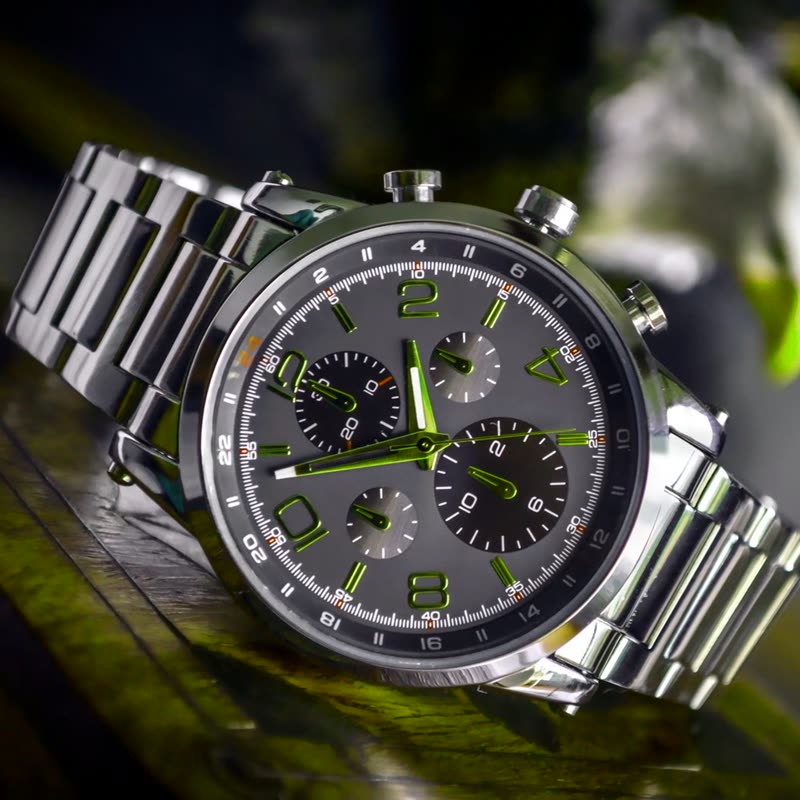
Steel chronograph
€420
Automatic movement, sapphire crystal, water resistant to 50 metres.
Point at the picture. On a touch screen, press and drag.
This is for the moment after interest: a shopper has found the product and is now checking the details. Put it on the product page before the shop page, as a lens on a tiny card has nothing to magnify.
What the sliders do
- Size
- How wide the lens is. Around 30 suits a fine detail, and anything past 80 turns it into a bulge of the whole picture.
- Strength
- How much it enlarges. Past 80 the middle of the lens starts to look like a fish-eye, so start at the default and go up in small steps.
Where we started
The values we started this page on: Size 40, Strength 60.
Questions
How is this different from a classic image zoom?
A classic zoom opens a second window beside the picture, or swaps in a large crop. A lens bends the picture in place, so the eye does not have to move.
Do my photos need to be large?
The lens enlarges what is there. Supply images at twice the size they are shown, or details will look soft.
More on it
Mouse effects come with Pro. Pro starts at $19 a year. The free plugin has hover morph and the storewide switches.
Get the free plugin