 Product Slider BlockFree downloadMenu
Loupe hover effect for WooCommerce product galleries
This one has a visible rim: a round glass, carried across the picture. For a rimless zoom, use the lens. It is drawn over everything, so it passes over gaps and borders without a hiccup.
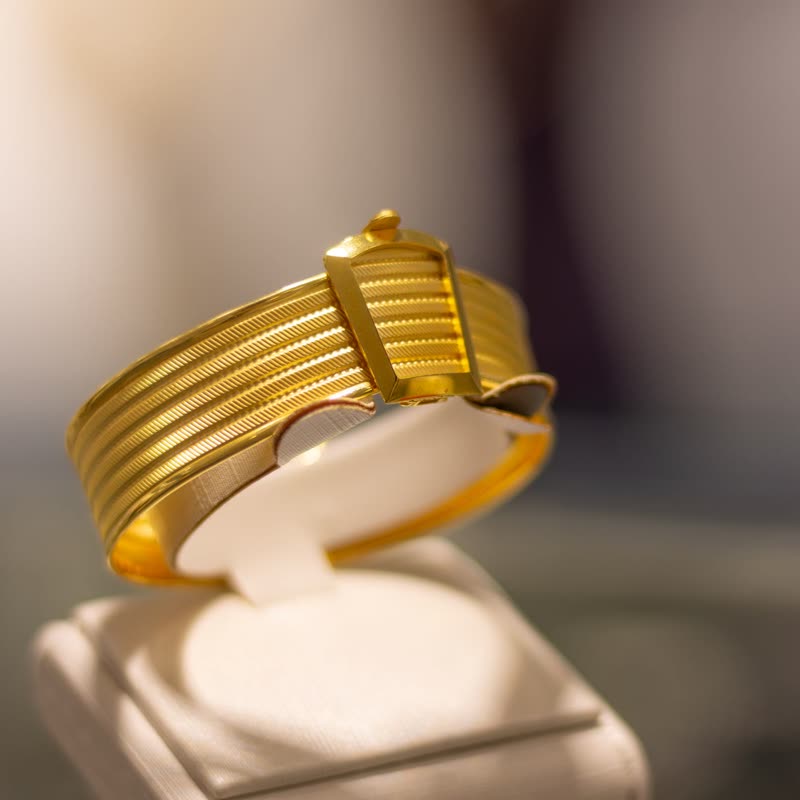
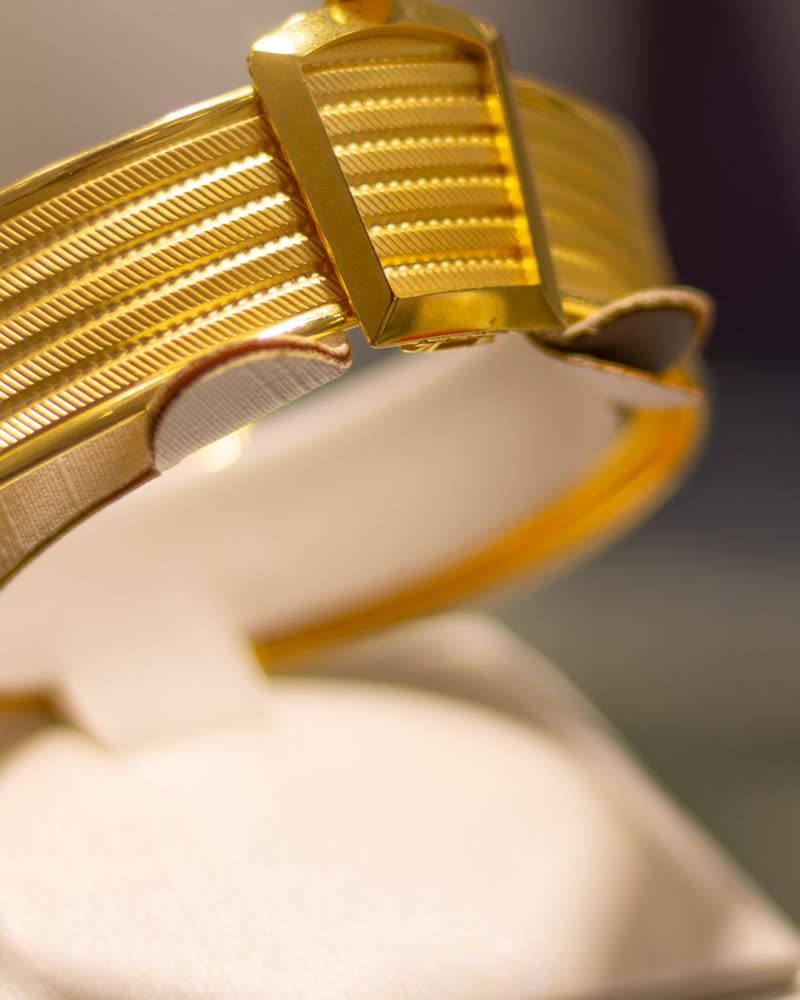
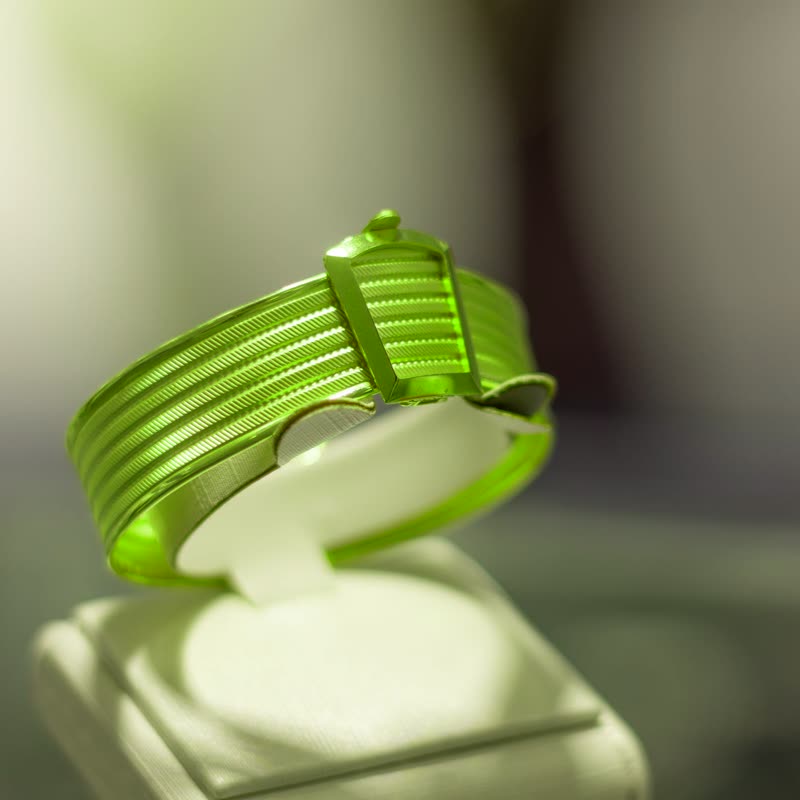
Ribbed gold cuff
€680
Recycled metal, finished by hand. Comes in a small linen pouch.
Point at the picture. On a touch screen, press and drag.
Use it where inspecting is the point, and where there are several things side by side. On a product gallery it moves straight from the main picture to the next.
What the sliders do
- Size
- The radius of the glass. At 50 it is 90 pixels across its radius, which suits most galleries. Lower it on small images, or the loupe covers the picture.
- Strength
- How much it enlarges through the glass. A jeweller's glass is strong, so higher values feel right on sharp photos.
Where we started
The values we started this page on: Size 55, Strength 70.
Questions
Does the loupe work with several products in view?
Yes. It is drawn after all slides, over the whole canvas, so it moves freely across a row.
Can I use it on the shop grid?
You can, but it wants large pictures. In a grid of small cards a lens or a hover morph does more.
More on it
Mouse effects come with Pro. Pro starts at $19 a year. The free plugin has hover morph and the storewide switches.
Get the free plugin