 Product Slider BlockFree downloadMenu
Reveal effect for WooCommerce product sliders
Move your pointer over the picture, or drag a finger across it. Change its size on a product card.
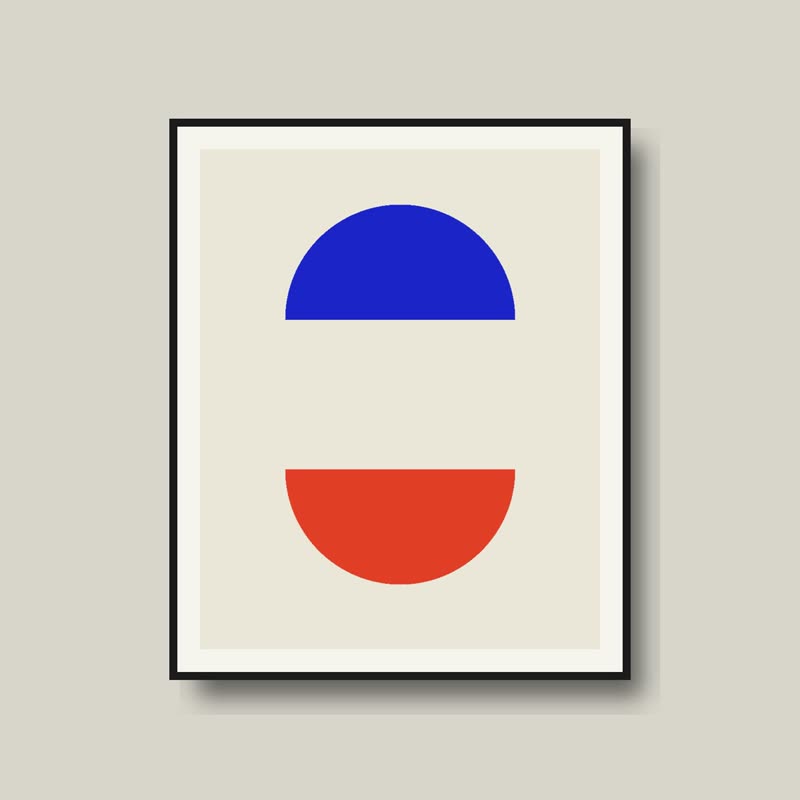
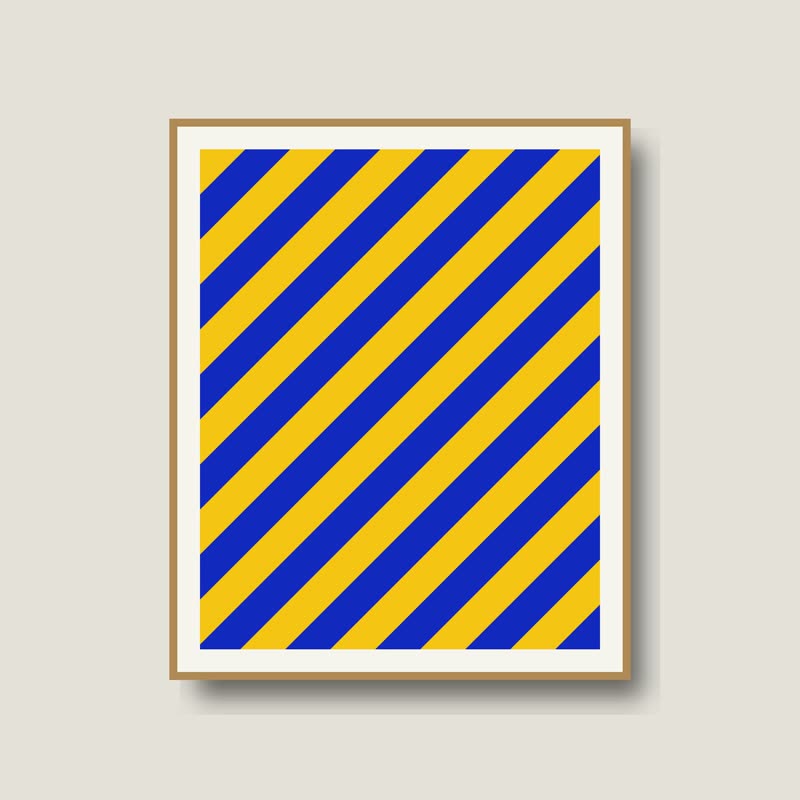
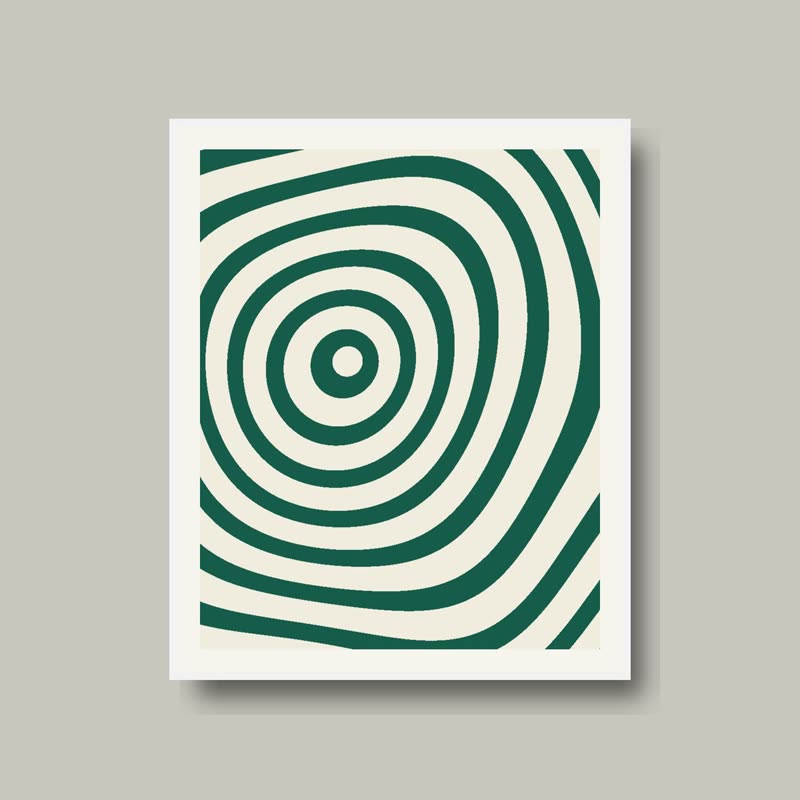
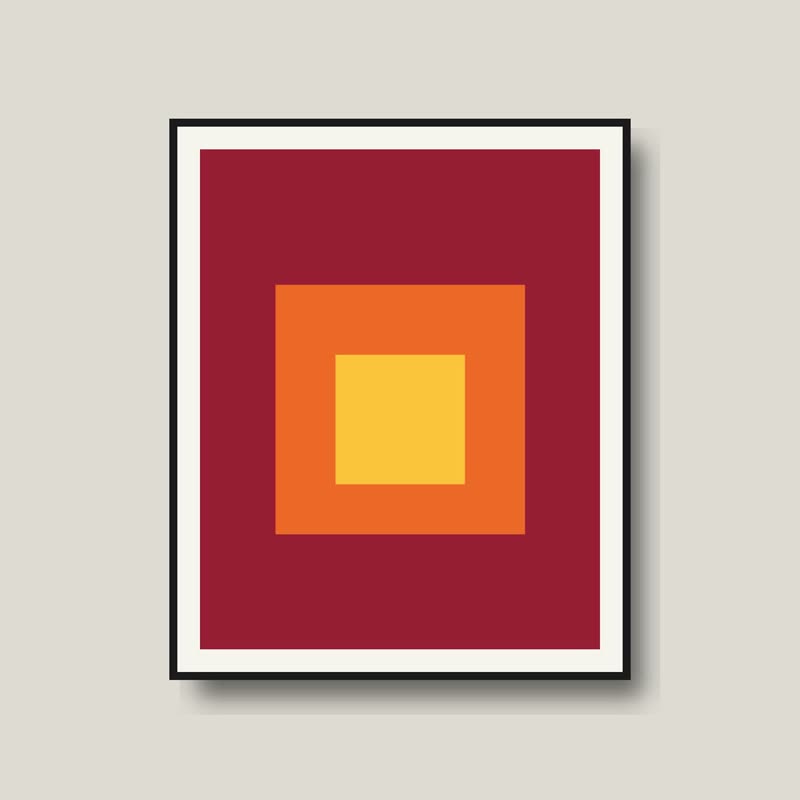
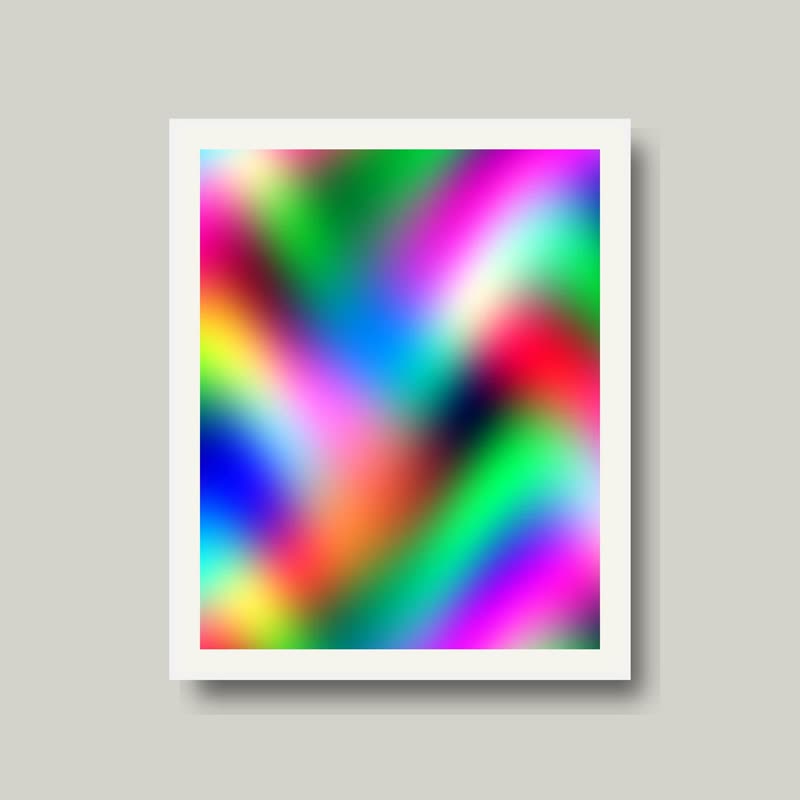
While the pointer is over the slider, the pictures lose their colours, except around the pointer. Colour follows the hand through an otherwise grey image.
At rest, everything has full colour. It is only while someone is touching that the rest drains, which makes colour feel like something they are doing.
Comes with Pro. Pro starts at $19 a year.
Put it on
- Colour-led prints and paint
- Colour is what you are selling, so make people notice it.
- Knitwear in rich dyes
- Bringing a saturated wool out of grey is a small pleasure.
- Vintage and archival shops
- From a black and white photo into a colour one is a story people recognise.
Keep it off
- Products that are already monochrome
- Grey to grey is no effect at all.
- Very small pictures
- The pool of colour fills the picture and there is no grey left to see.
Settings
In the block, the Pointer panel has two sliders, Size and Strength, from 0 to 100, with 50 at these defaults.
In the block, in three steps
- Add the Product Slider block to your page, and under Products choose one category.
- Open the Pointer panel in the sidebar, and pick Reveal as the effect. It comes with Pro.
- Try your most colourful photo first, then your least. Keep it only if both work.
Close relatives
In a sample shop
On a product card
Blocks that can use it
Where it goes in a shop: on a hover image swap, in a related products row or in a slider on autoplay. Questions about browsers and motion are in the FAQ.
Reveal is part of Pro, and the free plugin has fade, distance, ripple, zoom, stretch and parallax to start with. Pro starts at $19 a year.
Get the free plugin