 Product Slider BlockFree downloadMenu
Burn transition for WooCommerce product sliders
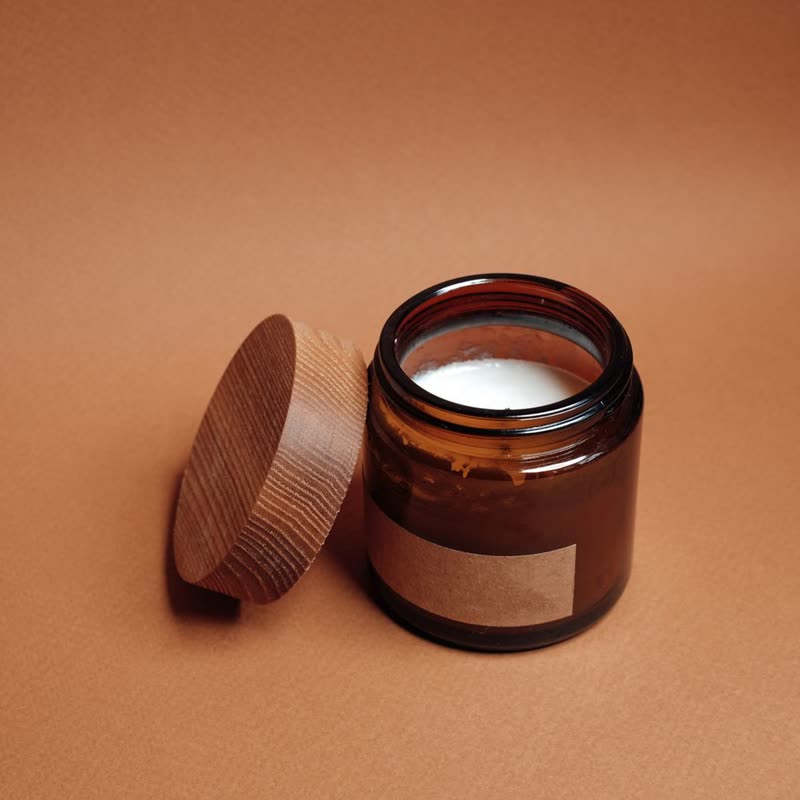
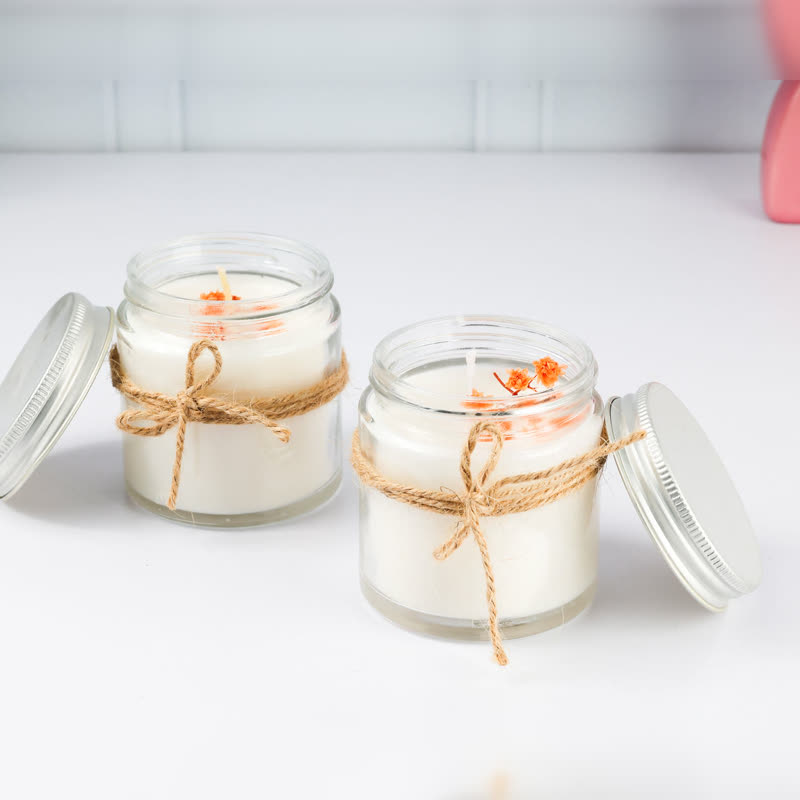
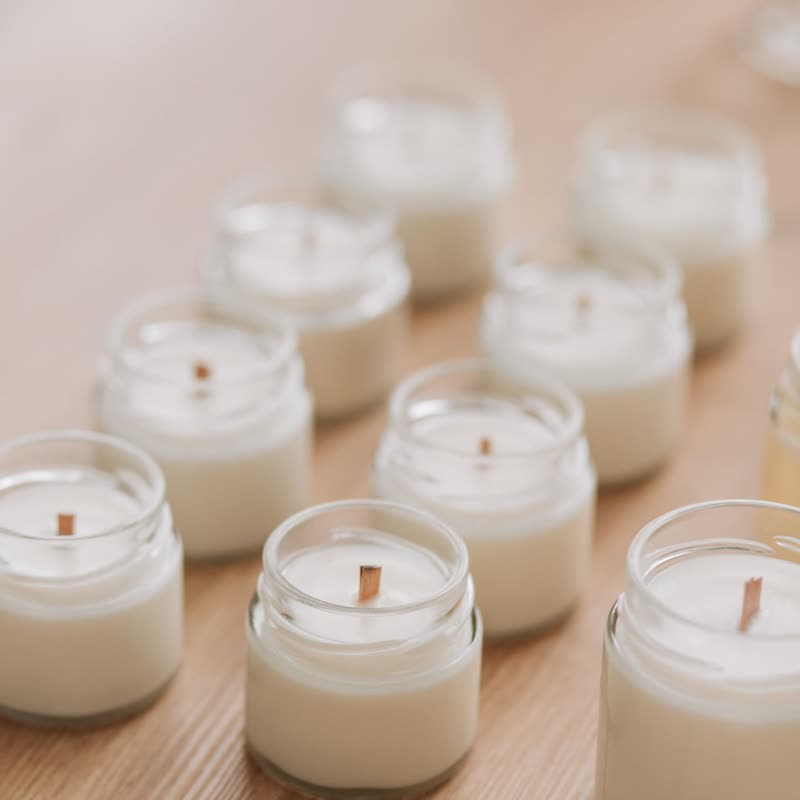

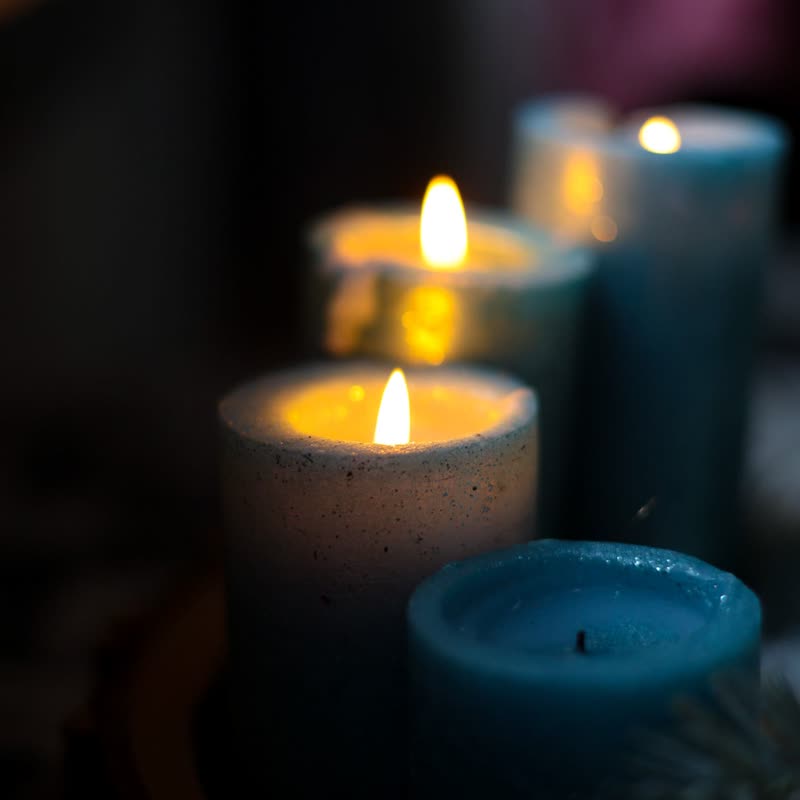
Amber jar candle
€26
Drag the picture sideways and hold: you can stop in the middle of the move.
The picture burns away along an uneven front with a glowing edge, and the next product is what is left behind it. The front wanders, so no two passes feel identical.
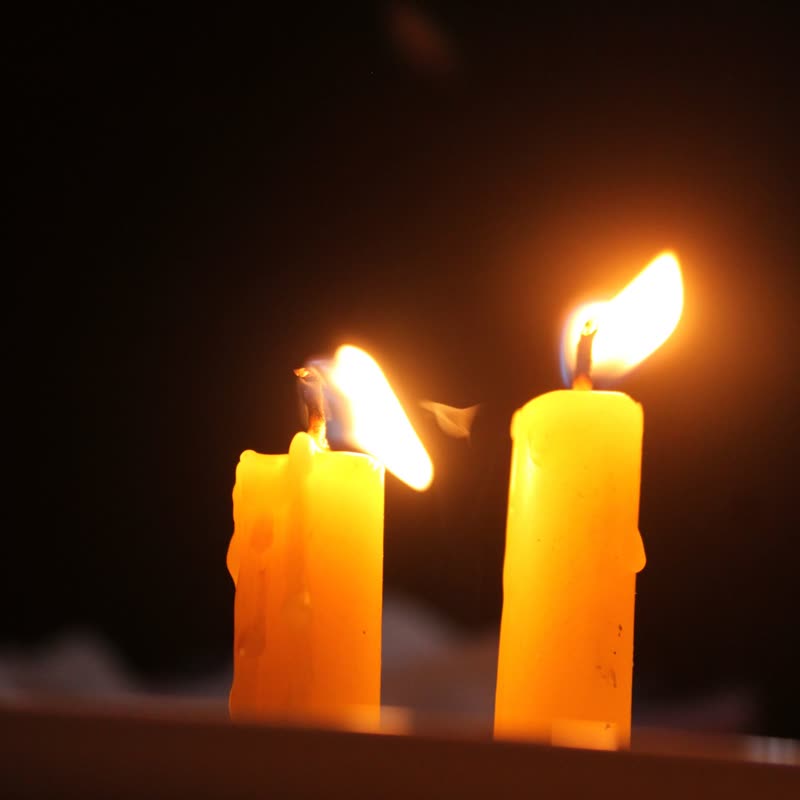
The glow is the part people notice, and it reads best when the photo around it is dark.
Comes with Pro. Pro starts at $19 a year.
Put it on
- Candles, incense, matches
- The obvious one, and it is obvious because it works. The product is about flame.
- Barbecue, chilli, whisky, coffee
- Anything with smoke or heat in its story can carry a little theatre.
- Dark, moody photography
- An ember on black looks expensive. The same ember on white looks like a scorched page.
Keep it off
- Paper-white catalogues
- The glowing edge has nothing to glow against, and the effect reads as dirt.
- Flammable or safety-sensitive goods
- Children's nightwear, fuel cans, fire blankets. Think about what the picture implies.
Settings
In the block the time of a move is a setting on every transition. Everything else on this list comes from gpu slider, which draws it.
Amber jar candle €26
In the block, in three steps
- Add the Product Slider block to your page, and under Products choose one category.
- Set Layout to One at a time, then pick Burn under Transition. It comes with Pro.
- Compare your darkest and lightest photo. If the light one looks stained in the middle of the move, choose a darker set for this slider.
Close relatives
Blocks that can use it
Where it goes in a shop: on a hover image swap, in a related products row or in a slider on autoplay. Questions about browsers and motion are in the FAQ.
Burn is part of Pro, and the free plugin has fade, distance, ripple, zoom, stretch and parallax to start with. Pro starts at $19 a year.
Get the free plugin