 Product Slider BlockFree downloadMenu
Wind transition for WooCommerce product sliders

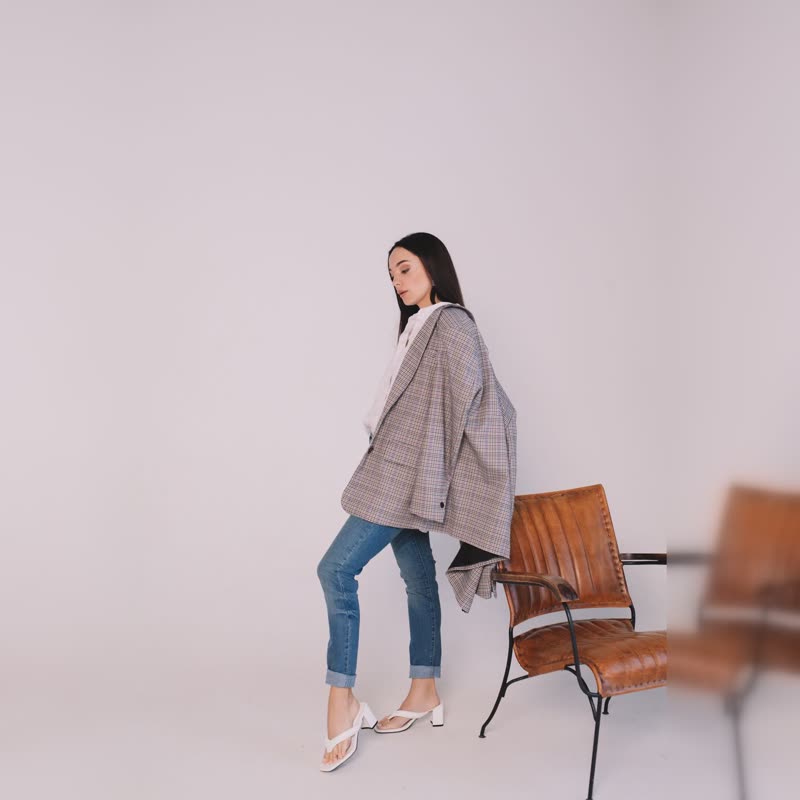

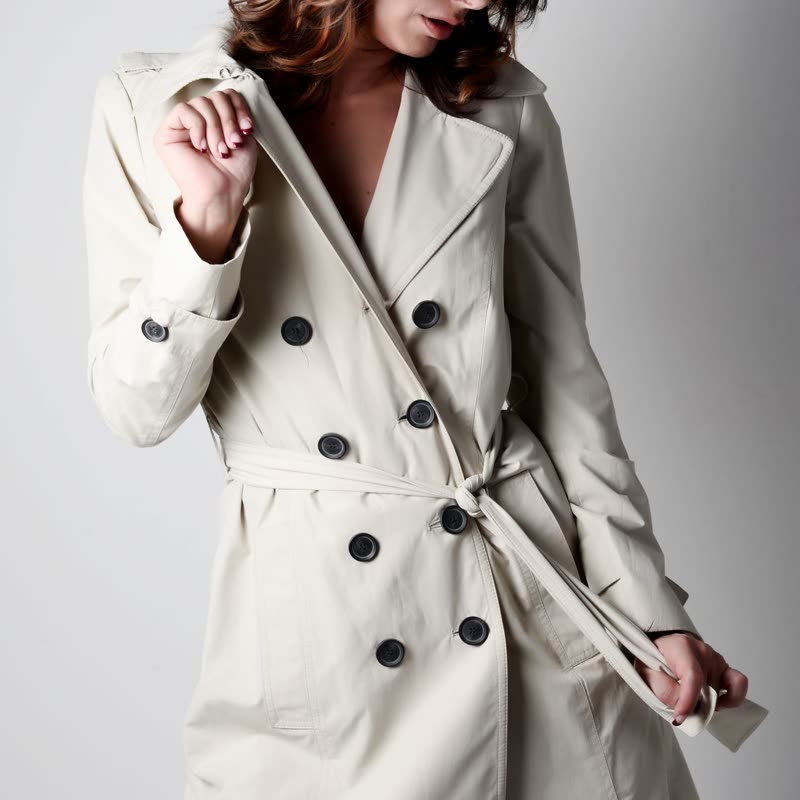


Oat wool coat
€340
Drag the picture sideways and hold: you can stop in the middle of the move.
The picture blows away to the right in streaky rows, each with its own gust, and the next product is underneath. It has a clear direction and a clean end.
The rows leave at different speeds, so the picture seems to have fibres in it. On soft goods that detail sells it.
Comes with Pro. Pro starts at $19 a year.
Put it on
- Scarves, linen, summer dresses
- Fabric in a breeze is an image everyone already has.
- Kites and sails, outdoor gear
- Fine, the wind is literal here, and nobody minds.
- Wide photos
- Long rows give the streaks room to run.
Keep it off
- Heavy and solid goods
- A cast iron pan blown away like dust looks silly.
- Dense catalogue grids
- Many small places all streaking to the right at once gets restless.
Settings
In the block the time of a move is a setting on every transition. Everything else on this list comes from gpu slider, which draws it.
Oat wool coat €340
In the block, in three steps
- Add the Product Slider block to your page, and under Products choose one category.
- Set Layout to One at a time, then pick Wind under Transition. It comes with Pro.
- See it on a wide layout, then on a phone. If the streaks are lost on the phone, use fade there through a second slider.
Close relatives
In a sample shop
Blocks that can use it
Where it goes in a shop: on a hover image swap, in a related products row or in a slider on autoplay. Questions about browsers and motion are in the FAQ.
Wind is part of Pro, and the free plugin has fade, distance, ripple, zoom, stretch and parallax to start with. Pro starts at $19 a year.
Get the free plugin