 Product Slider BlockFree downloadMenu
Thick glass effect for WooCommerce product sliders
Fling the row. The harder you throw it, the more you see.
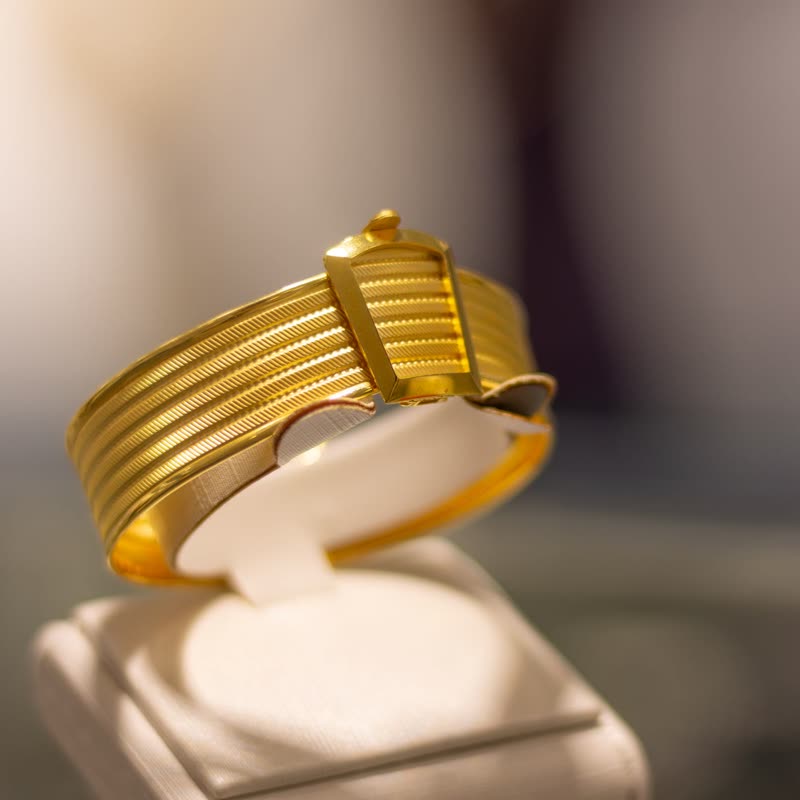

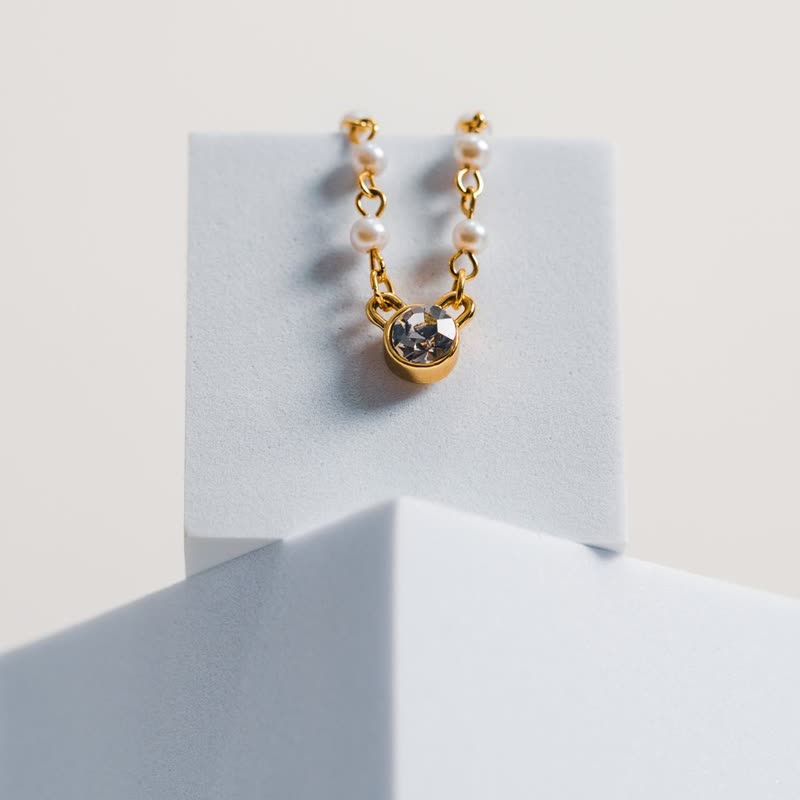
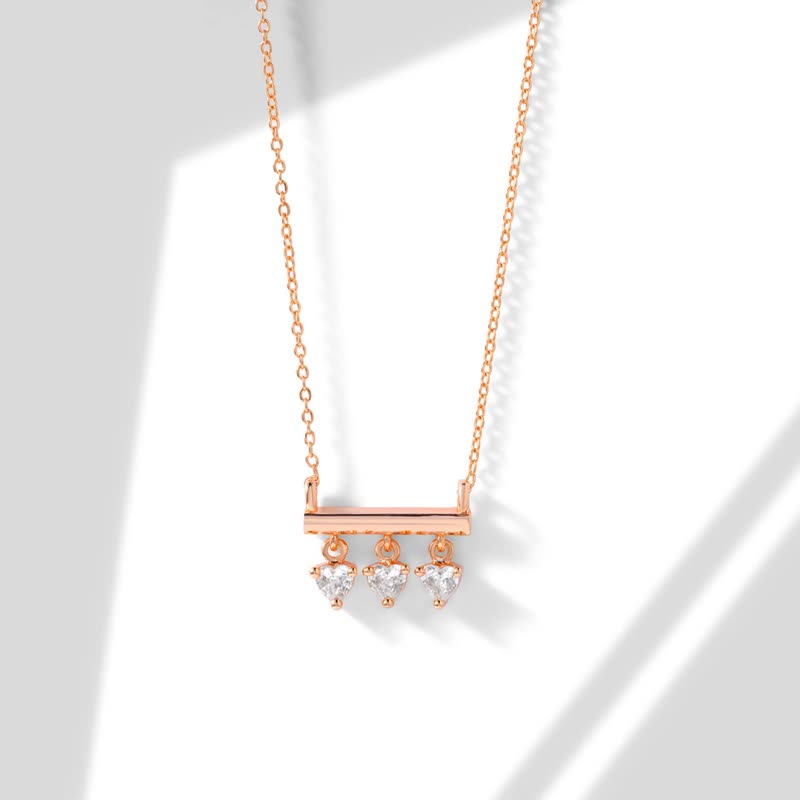
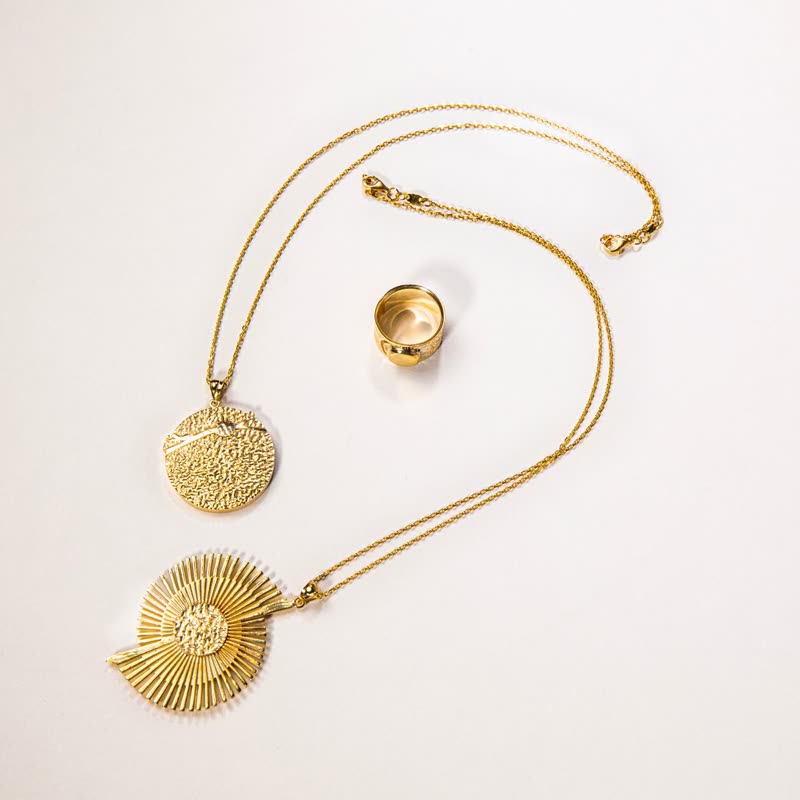
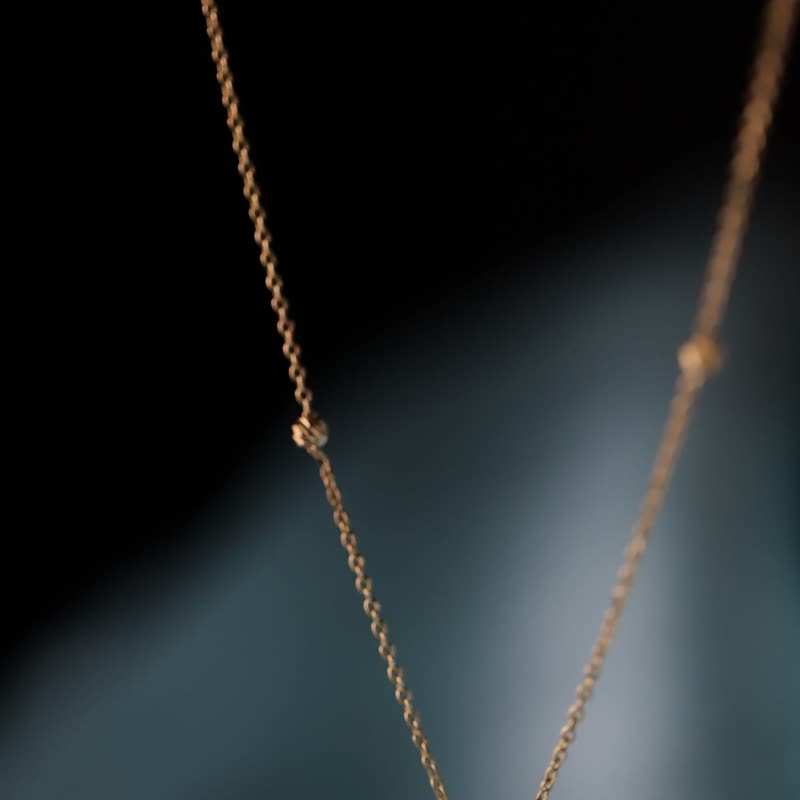
Each slide is a slab of thick glass with a rounded bevel. The flat magnifies a little, the image refracts through the bevel with its colours parting at the rim, a light at top left catches the edge, and a gloss streak moves when the glass does.
It shows at rest, and it turns every product photo into a small object you might pick up. It also has more going on than the other effects, which is why it is worth saving for good photos.
Comes with Pro. Pro starts at $19 a year.
Put it on
- Jewellery and small luxury
- The bevel makes each piece look like it is in a display case.
- Fragrance, spirits
- Glass on glass. The product and the frame are made of the same thing.
- Round corners
- It follows the card shape, and a generous radius gives the glass its pebble look.
Keep it off
- Busy or rustic brands
- A gloss over burlap looks like a laminated menu.
- Very small cards
- The bevel takes a fixed width. On a 120 px thumb there is more bevel than picture.
Settings
The names here are gpu slider's, which draws it. The defaults on the sliders are its defaults.
In the block, in three steps
- Add the Product Slider block to your page, and under Products choose hand-picked products.
- Leave Layout on Row, then pick Thick glass under Effect. It comes with Pro.
- Look closely at the rim on your actual cards. If the bevel eats too much of the picture, lower the edge setting.
Close relatives
In a sample shop
Blocks that can use it
Where it goes in a shop: on a hover image swap, in a related products row or in a slider on autoplay. Questions about browsers and motion are in the FAQ.
Thick glass is part of Pro, and the free plugin has fade, distance, ripple, zoom, stretch and parallax to start with. Pro starts at $19 a year.
Get the free plugin