 Product Slider BlockFree downloadMenu
Reeded glass effect for WooCommerce product sliders
Move your pointer over the picture, or drag a finger across it. Change its size on a product card.

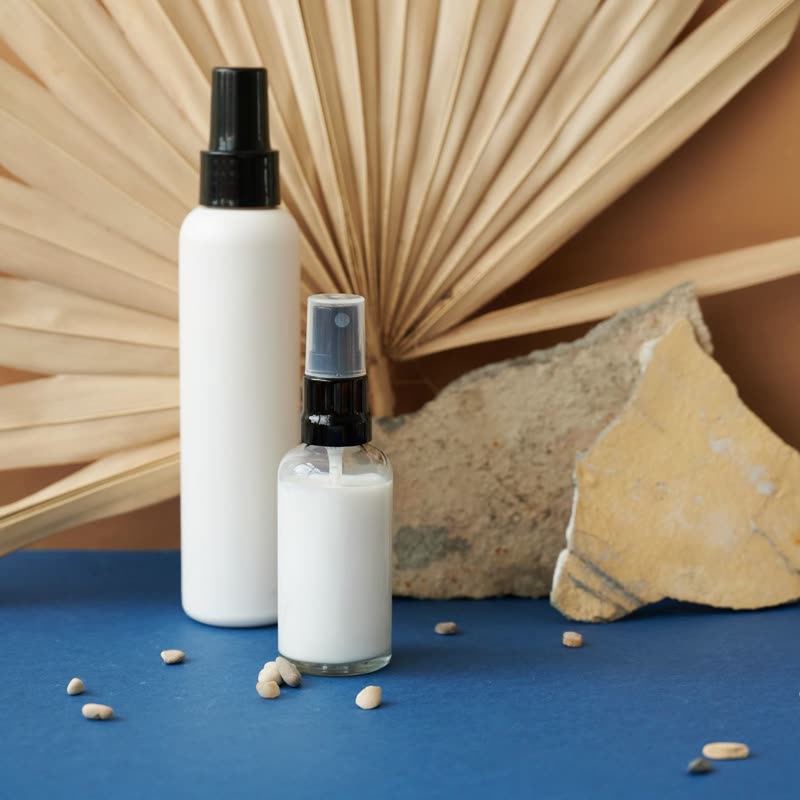
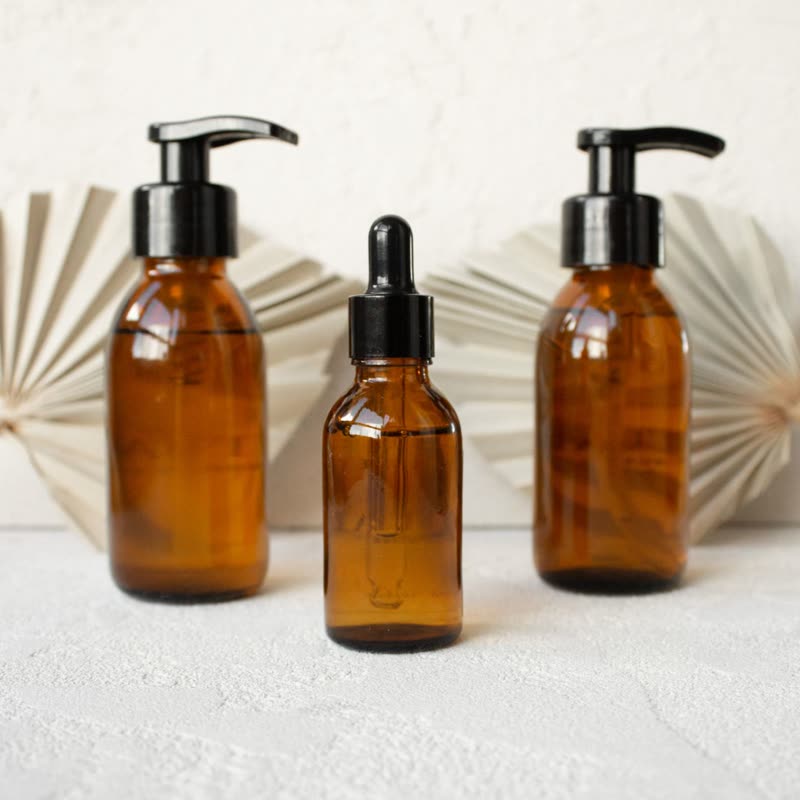
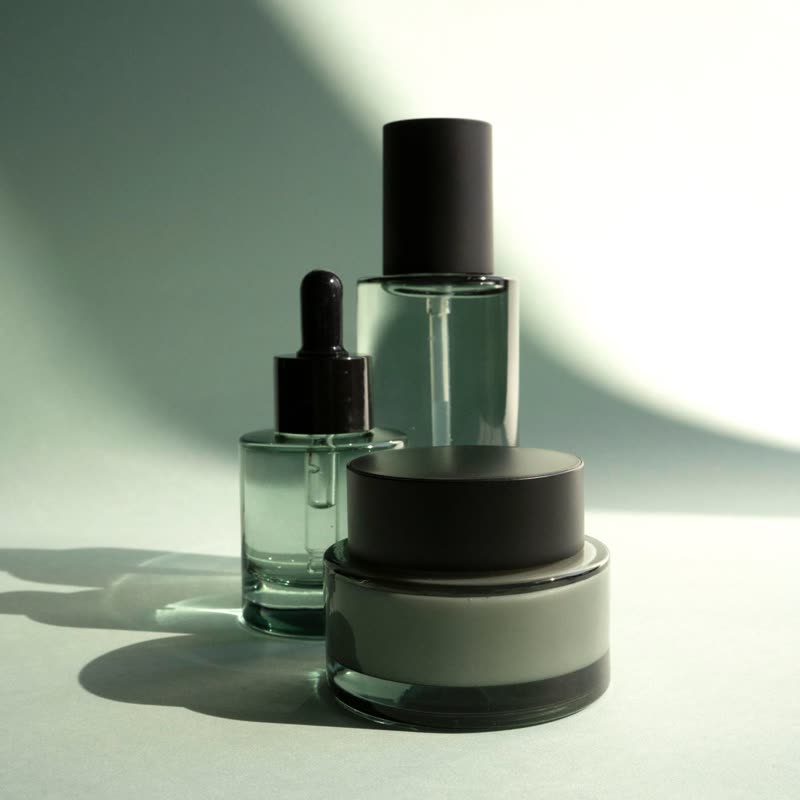
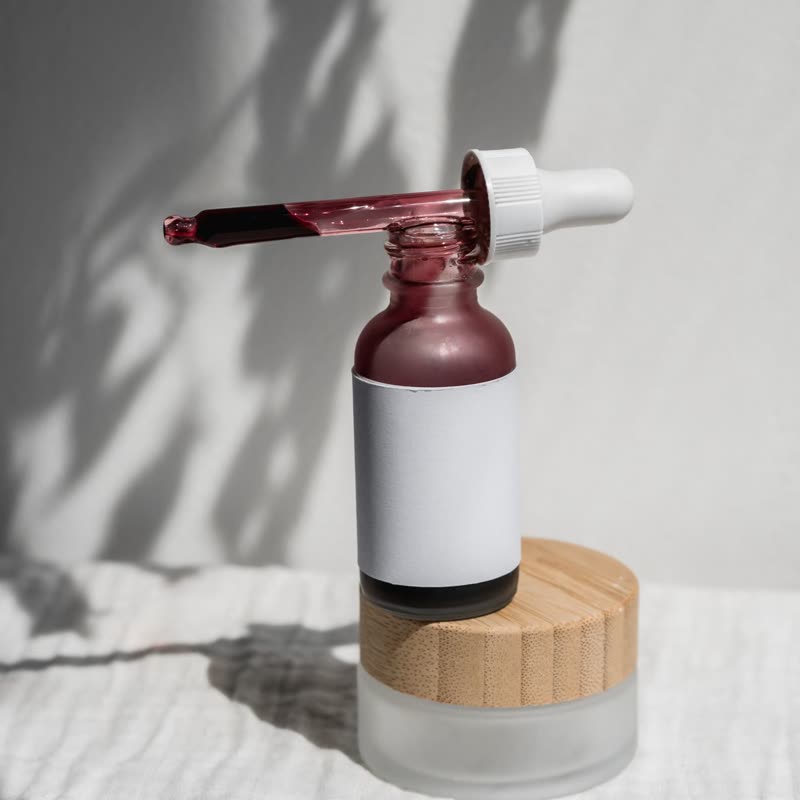
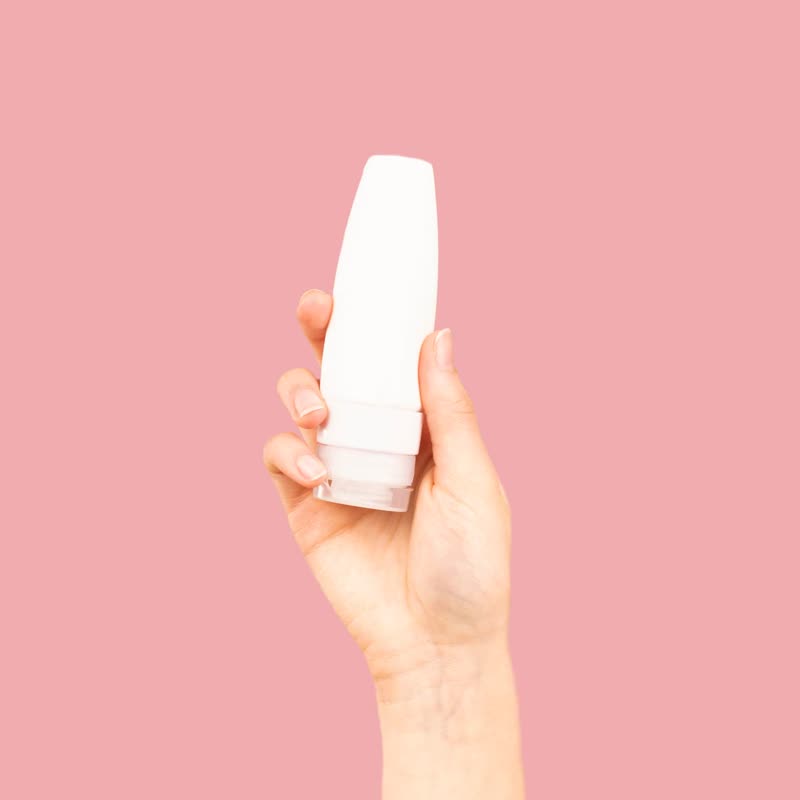
A pane of fluted glass follows the pointer. Inside it, the picture is split into narrow ribs that each show a slightly displaced slice, and outside it nothing is touched.
The transition of the same family is a one-time event, whereas this one is held in the hand, so you can wipe it across a jar and watch the label break up and return.
Comes with Pro. Pro starts at $19 a year.
Put it on
- Bottles and cosmetics jars
- Most of them have ribbed glass somewhere.
- Architectural and interior goods
- Designers already love reeded glass, and they will spot it.
- Simple single objects
- One clean shape looks excellent through ribs.
Keep it off
- Reading the label
- If someone hovers to read the small print, they get ribs on it.
- Busy patterns
- Stripes across a print gives a headache quickly.
Settings
In the block, the Pointer panel has two sliders, Size and Strength, from 0 to 100, with 50 at these defaults.
In the block, in three steps
- Add the Product Slider block to your page, and under Products choose one category.
- Open the Pointer panel in the sidebar, and pick Reeded glass as the effect. It comes with Pro.
- Watch where people would naturally hover. If that is the label, choose magnify instead.
Close relatives
On a product card
Blocks that can use it
Where it goes in a shop: on a hover image swap, in a related products row or in a slider on autoplay. Questions about browsers and motion are in the FAQ.
Reeded glass is part of Pro, and the free plugin has fade, distance, ripple, zoom, stretch and parallax to start with. Pro starts at $19 a year.
Get the free plugin