 Product Slider BlockFree downloadMenu
Tilt effect for WooCommerce product sliders
Move your pointer over the picture, or drag a finger across it. Change its size on a product card.
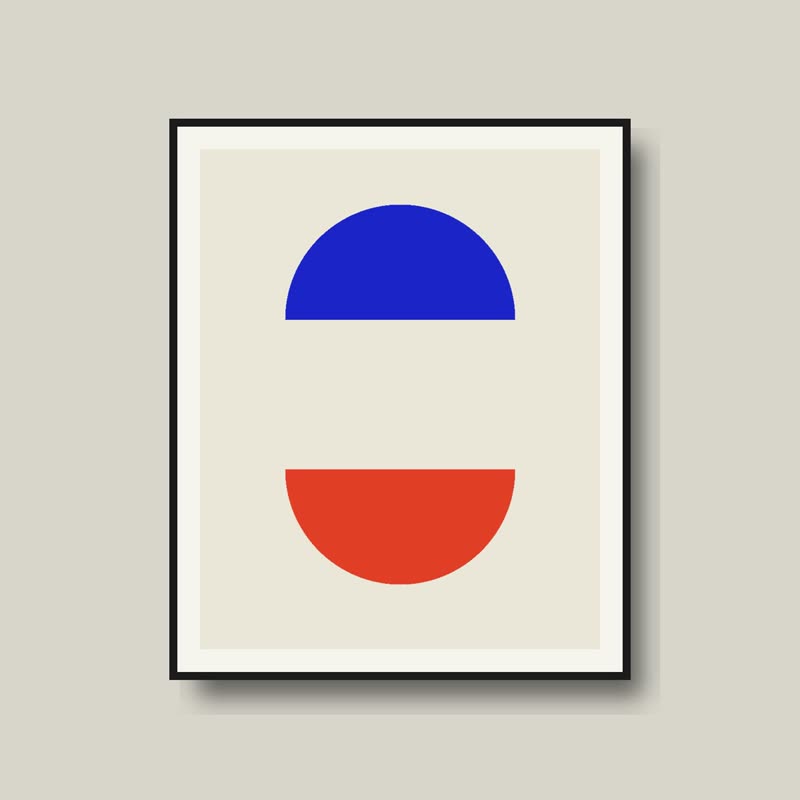
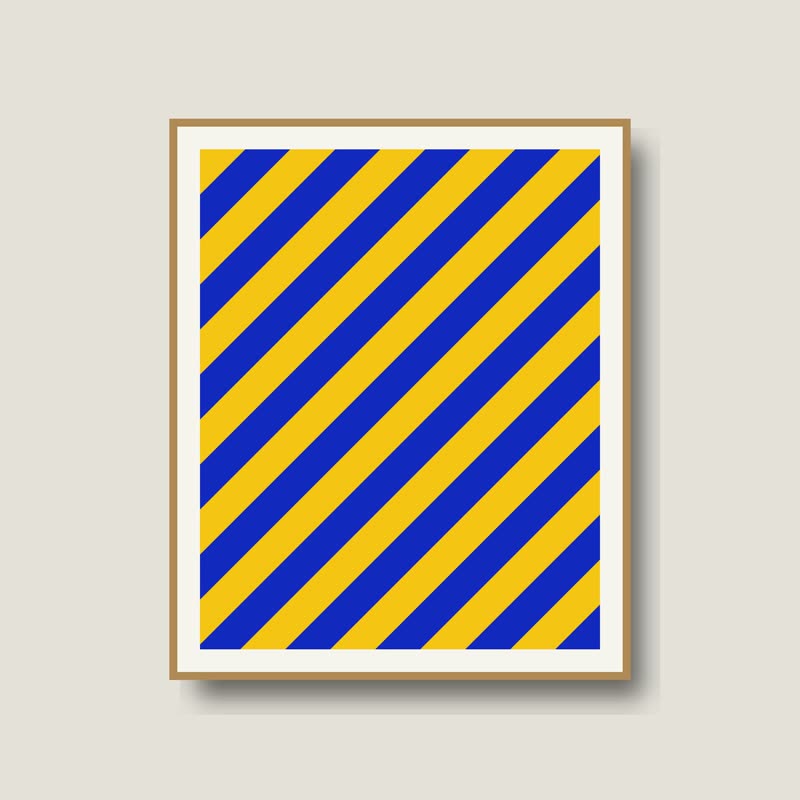
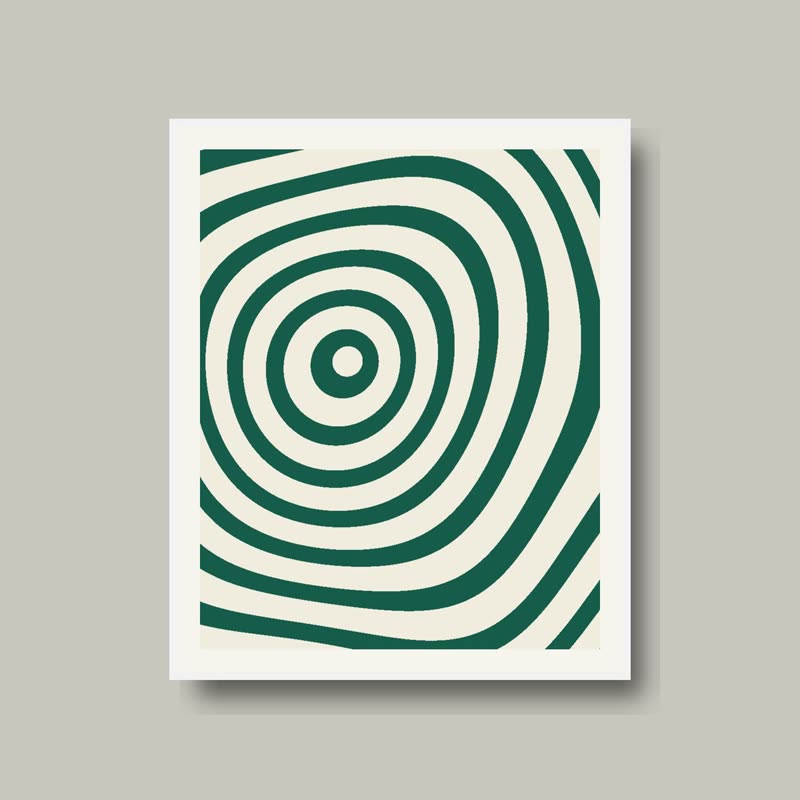
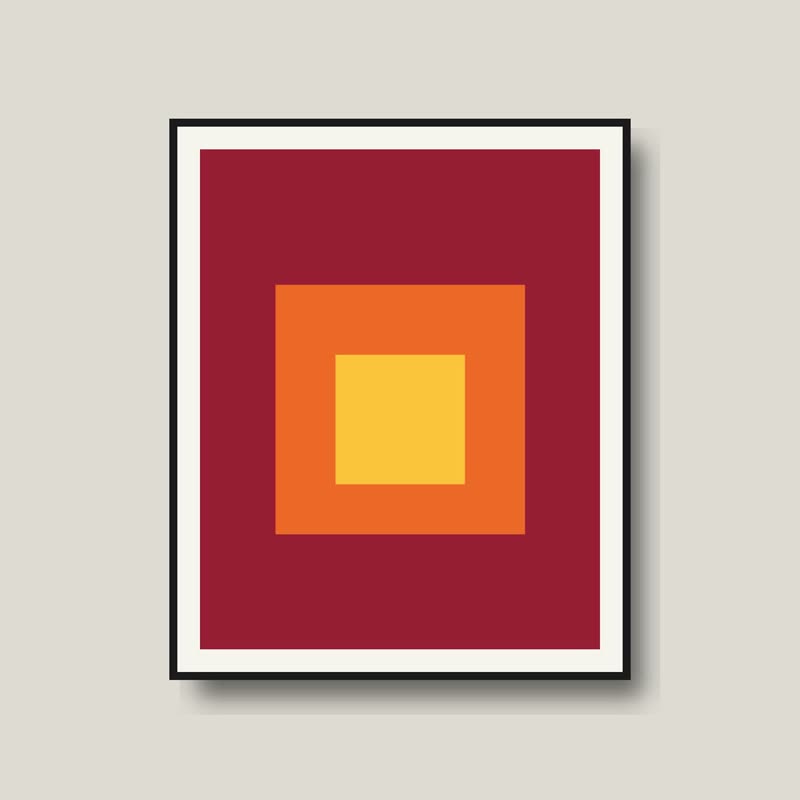
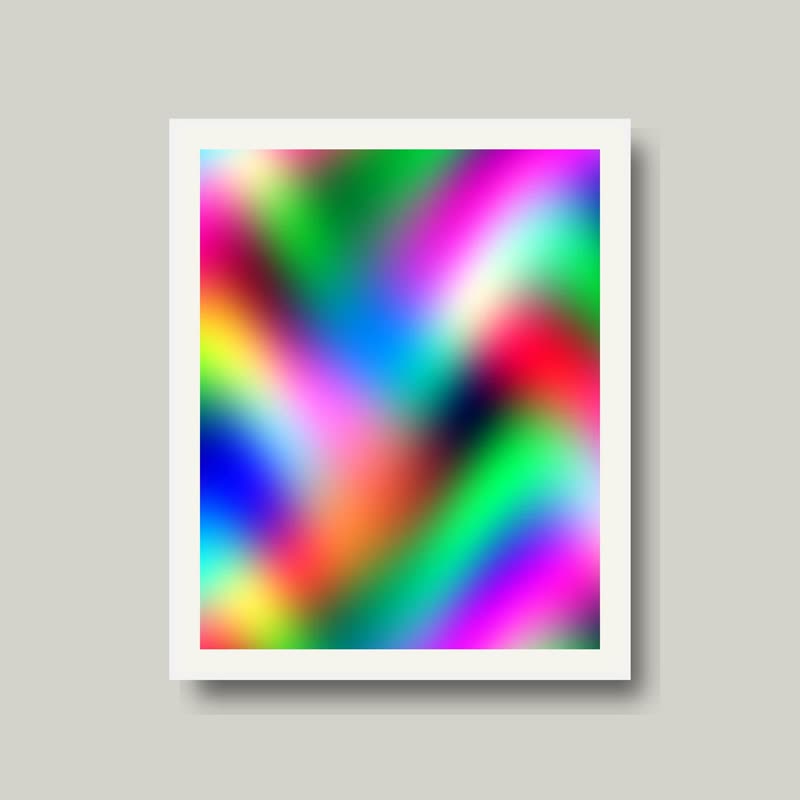
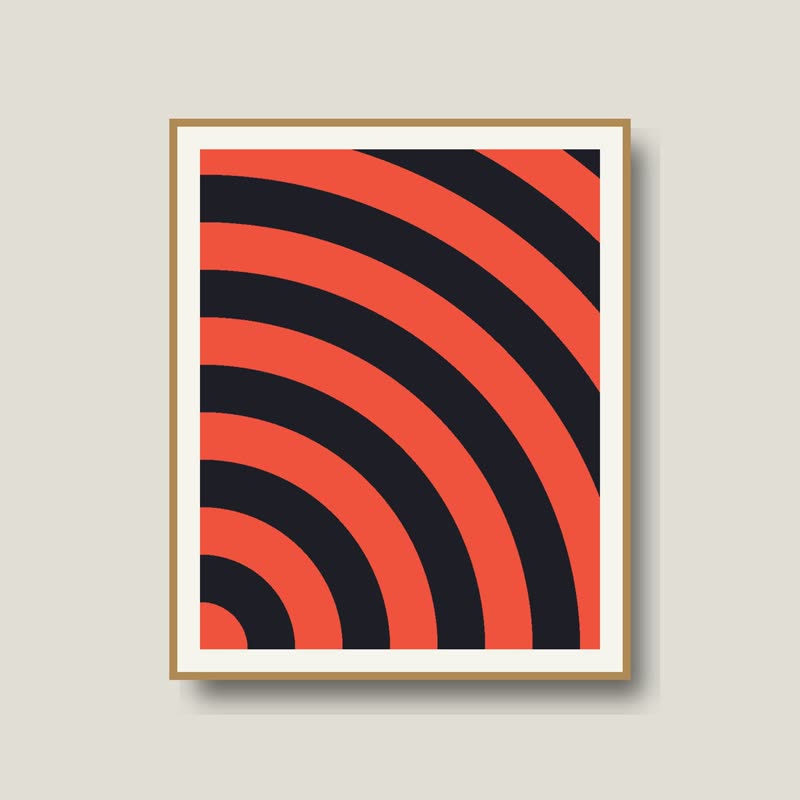
The slide under the pointer leans towards it, like a card pressed where the finger is. Moving the pointer changes the lean smoothly, and leaving lets it fall flat again.
It is a small move and among the most physical here, because the whole card takes part. It turns a photo into an object with a weight.
Comes with Pro. Pro starts at $19 a year.
Put it on
- Prints and cards
- They are flat things you would pick up and tilt to look at.
- Vinyl, books, collectibles
- Anything with a cover. Collectors like holding things to the light.
- Rows with gaps
- A bit of space lets the corner rise without overlapping a neighbour.
Keep it off
- Edge-to-edge image walls
- With no gaps the tilted corners crash into each other.
- Room scenes
- A living room leaning towards your hand looks wrong in the stomach.
Settings
In the block, the Pointer panel has two sliders, Size and Strength, from 0 to 100, with 50 at these defaults.
In the block, in three steps
- Add the Product Slider block to your page, and under Products choose hand-picked products.
- Open the Pointer panel in the sidebar, and pick Tilt as the effect. It comes with Pro.
- Keep the angle lower than you think. You should feel the lean, and not quite see it.
Close relatives
In a sample shop
On a product card
Blocks that can use it
Where it goes in a shop: on a hover image swap, in a related products row or in a slider on autoplay. Questions about browsers and motion are in the FAQ.
Tilt is part of Pro, and the free plugin has fade, distance, ripple, zoom, stretch and parallax to start with. Pro starts at $19 a year.
Get the free plugin