 Product Slider BlockFree downloadMenu





Fan effect for WooCommerce product sliders
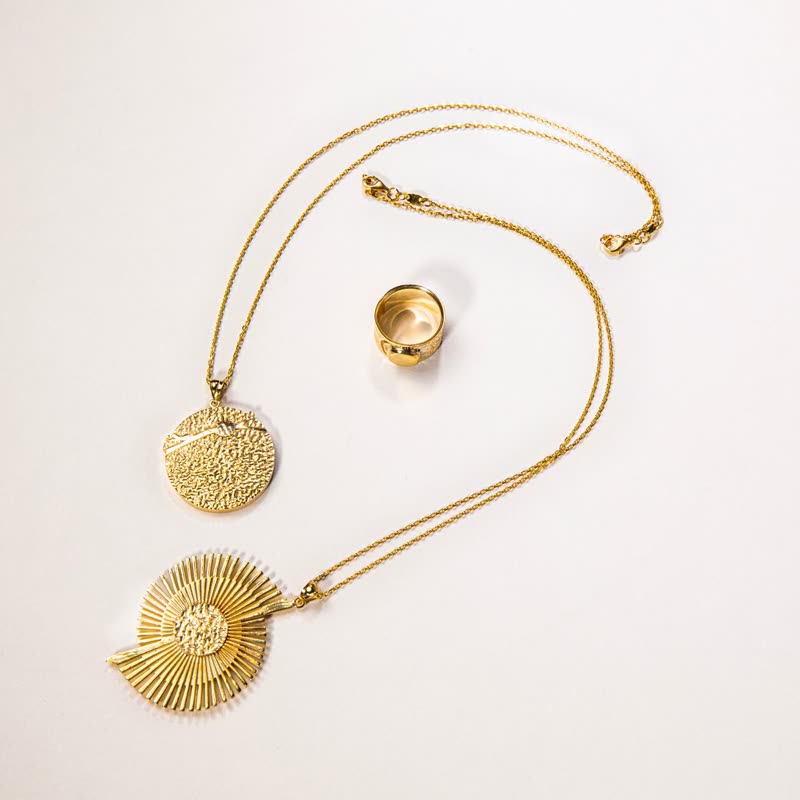
Ribbed gold cuff
€680
Drag it, or click a slide at the side.
The slides form a hand of cards, turned around a point below them. Drag and the hand rotates. With a small angle it is a gentle arc, and with a large one it becomes a wheel.
It is charming, and the one in front is always clear. It wants a stage of its own, since its corners reach far past the slider.
Comes with Pro. Pro starts at $19 a year.
Put it on
- Sets of small, similar things
- Ring boxes, paint cards, tea tins.
- Cards and tarot
- Yes, literally. Also gift cards, and any deck of anything.
- Hero sections with room below
- The arc has a lovely shape if nothing competes with it.
Keep it off
- Wide photos
- Landscape crops in a fan overlap too much. Use tall crops.
- Tightly stacked page sections
- The corners swing out, so allow the band more height than you first planned.
Settings
The names here are gpu slider's, which draws it. The defaults on the sliders are its defaults.
Ribbed gold cuff €680
In the block, in three steps
- Add the Product Slider block to your page, and under Products choose hand-picked products.
- Pick Fan under Effect. The block centres the row for it. It comes with Pro.
- Give it a tall crop and a wide band, then look at the outer cards: their corners should not be cut by the band.
Close relatives
In a sample shop
Blocks that can use it
Where it goes in a shop: on a hover image swap, in a related products row or in a slider on autoplay. Questions about browsers and motion are in the FAQ.
Fan is part of Pro, and the free plugin has fade, distance, ripple, zoom, stretch and parallax to start with. Pro starts at $19 a year.
Get the free plugin